Account & Order History
The customer account dashboard on a DabDash store — viewing past orders, order details with items and fees, and delivery status tracking.
Overview
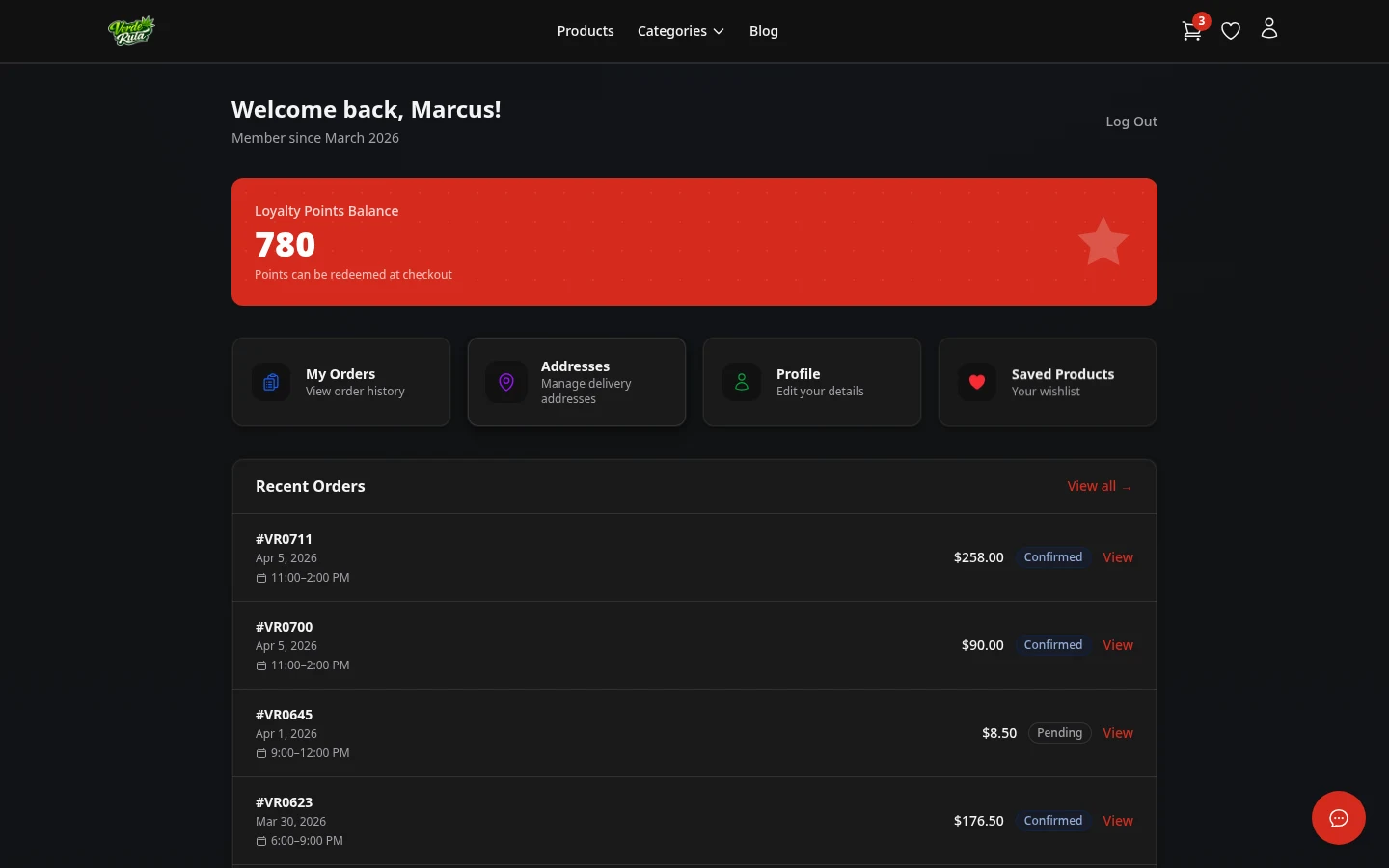
The account dashboard is the home page for logged-in customers. It shows shortcuts to orders, addresses, profile, and loyalty.
The Dashboard
The dashboard shows the customer's name, loyalty balance, and quick links to every section — including Saved Products (your wishlist). Recent orders may also appear here.
Order History
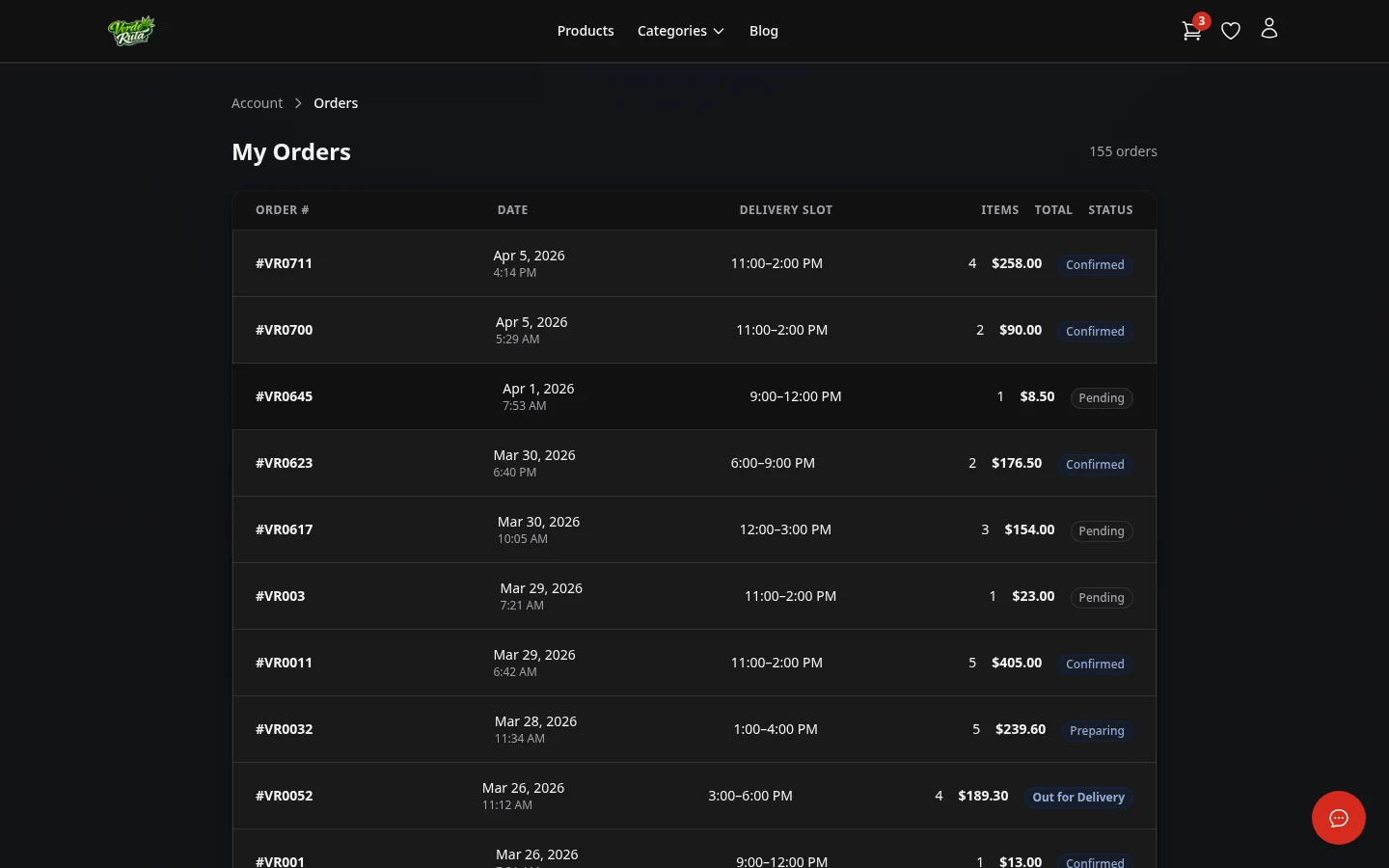
This is a list of all past orders. Each row shows the order number, date, delivery time, status, number of items, and total.
Clicking any order opens the detail page.
Order Detail
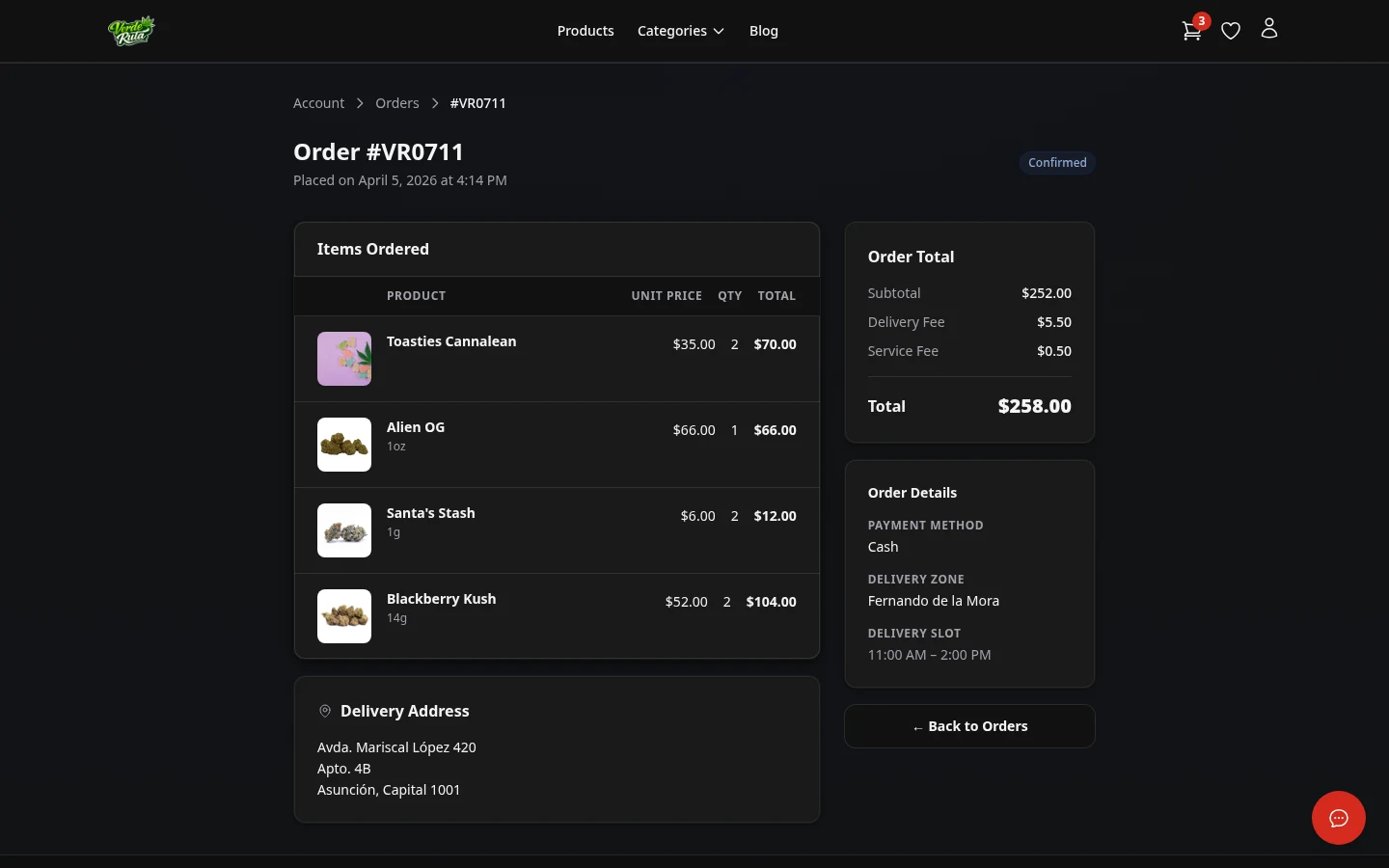
The full breakdown of a single order. Every item is listed with its quantity and price. Any discounts that were applied show up here too, along with the delivery fee and the delivery address.
The current status is shown at the top: Pending, Confirmed, Preparing, Out for Delivery, Delivered, or Completed.
Frequently Asked Questions
Can customers see past orders on a DabDash store?
Yes. Logged-in customers can see all past orders with status, date, and total. Clicking any order opens the full detail with every item, discount, delivery fee, and the delivery address.
What order statuses are shown on a DabDash store?
Orders show their current status: Pending, Confirmed, Preparing, Out for Delivery, or Delivered. The status updates as the store processes the order.
What does the account dashboard show on a DabDash store?
The dashboard shows the customer's name, loyalty points balance, and quick links to orders, addresses, profile, and loyalty. It is the home page for logged-in customers.