Profile & Saved Addresses
Managing personal details and saved delivery addresses on a DabDash store. Default addresses auto-detect delivery zones for faster checkout.
Overview
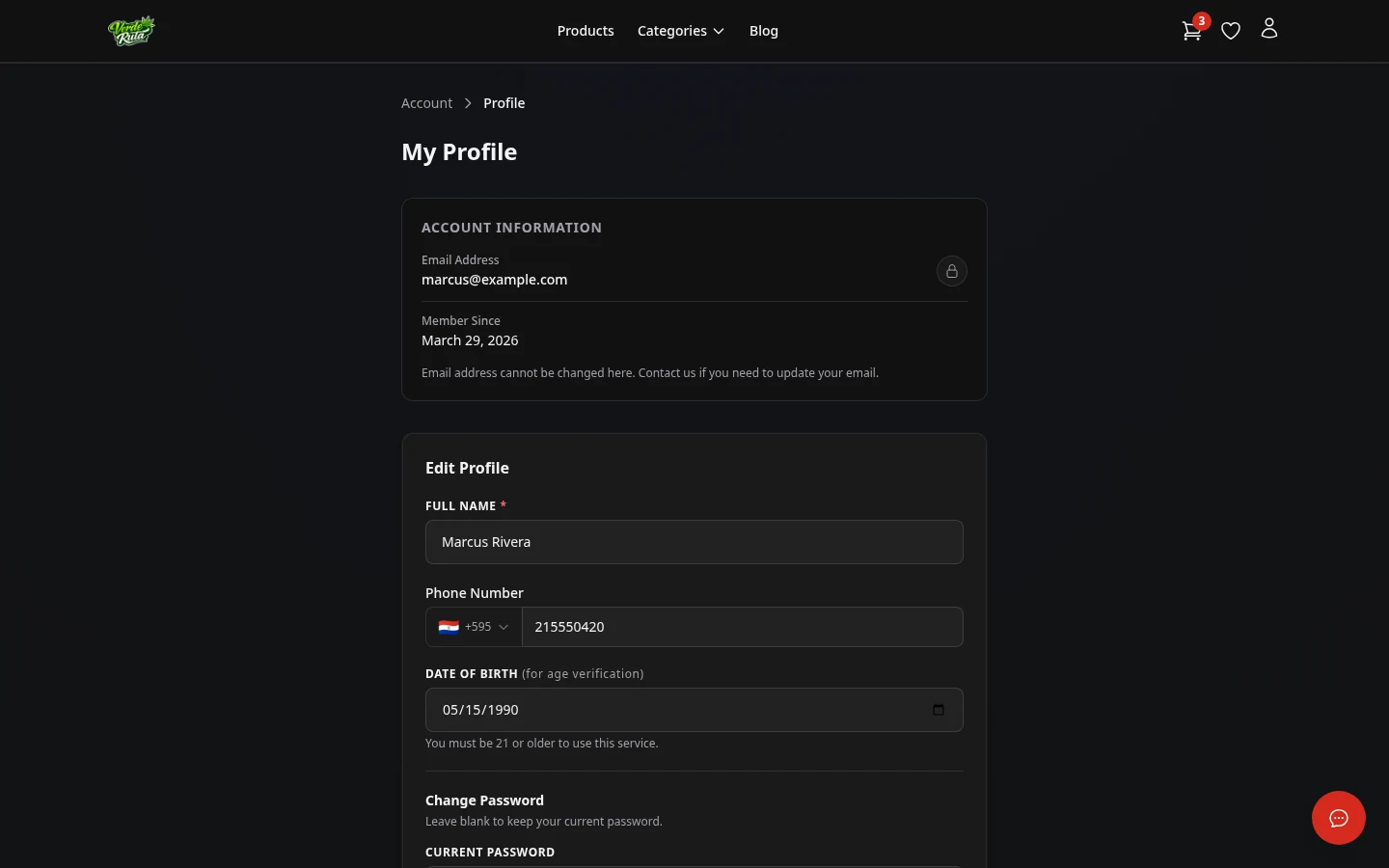
These two pages let logged-in customers update their personal details and manage saved delivery addresses.
Profile
The profile page shows the name, email, phone number, and date of birth. Clicking "Edit Profile" opens the form to update these fields.
At the bottom there is a password change section. Entering the current password and a new password updates the login credentials.
Saved Addresses
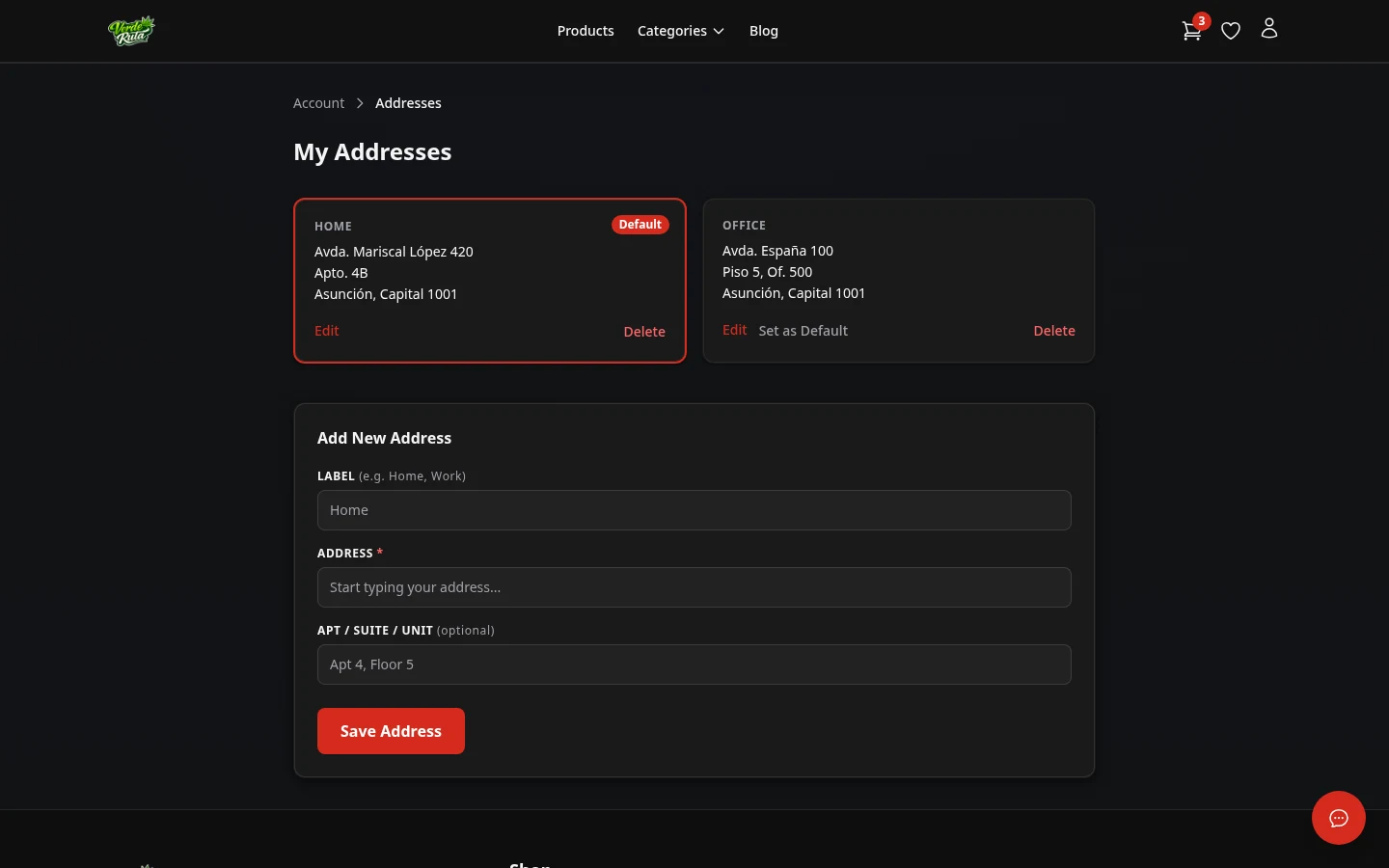
A list of saved delivery addresses. Each address can be edited or deleted. One address can be set as the default — this is the one that auto-fills at checkout.
Why Save an Address
Saved addresses speed up future orders. The default address is used to auto-detect the delivery zone and fees, so returning customers skip the address entry step on the cart page entirely.
Multiple addresses can be saved for different delivery locations. Only one can be the default at a time.
Frequently Asked Questions
Why save an address on a DabDash store?
Saved addresses speed up checkout. The default address is used to auto-detect the delivery zone and fees, so returning customers skip the address entry step entirely.
Can customers save multiple addresses on a DabDash store?
Yes. Multiple addresses can be saved with labels like Home or Office. One address is set as the default, which is used for automatic zone detection at checkout.
What profile details can be updated on a DabDash store?
The profile page allows updating name, phone number, and date of birth. There is also a password change section. The email address shown is read-only for security.