Dashboard Guide
Learn how to manage every aspect of your DabDash store.
Getting Started
View all →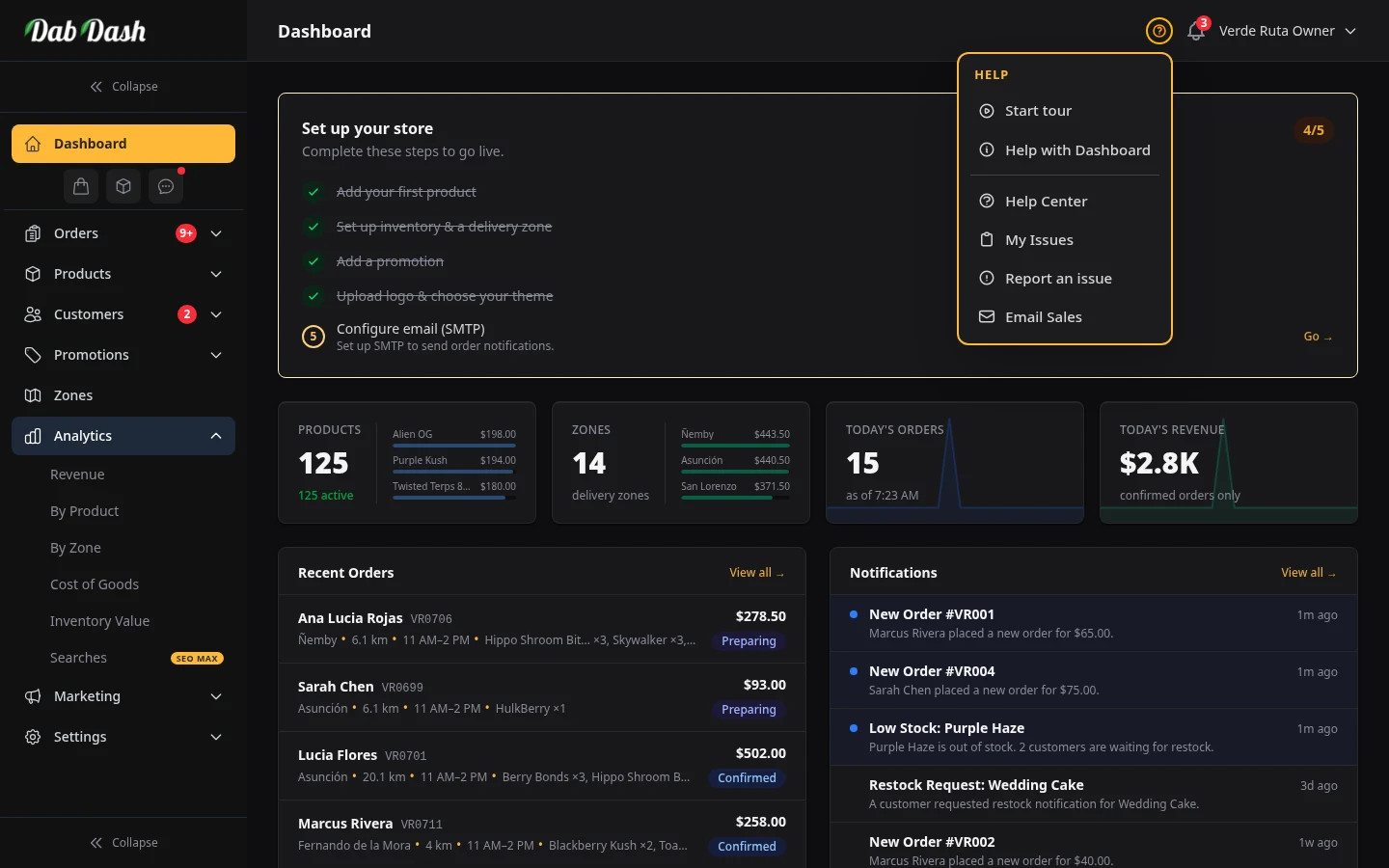
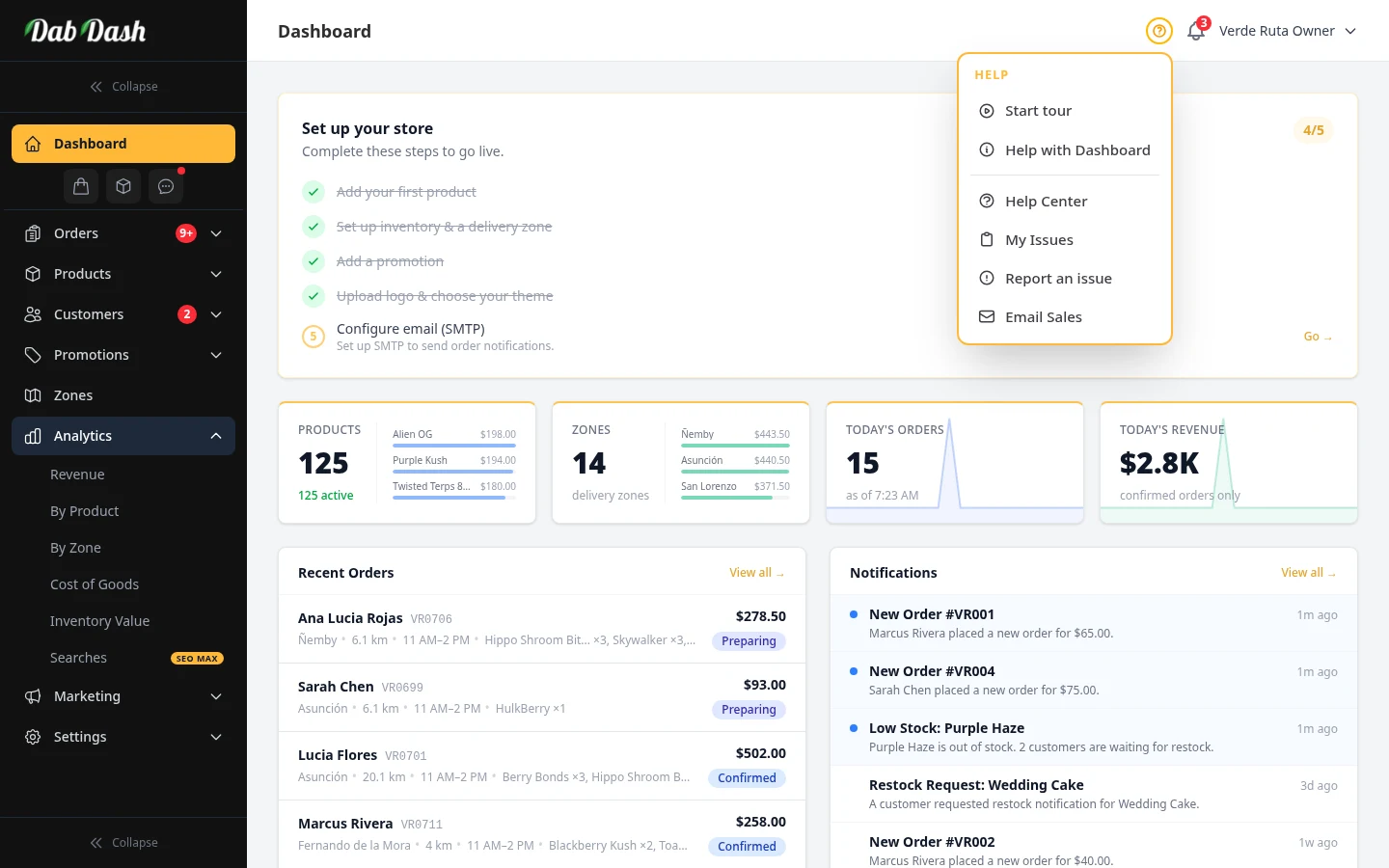
Dashboard Overview
Understanding your dashboard metrics, revenue charts, and recent orders at a glance.
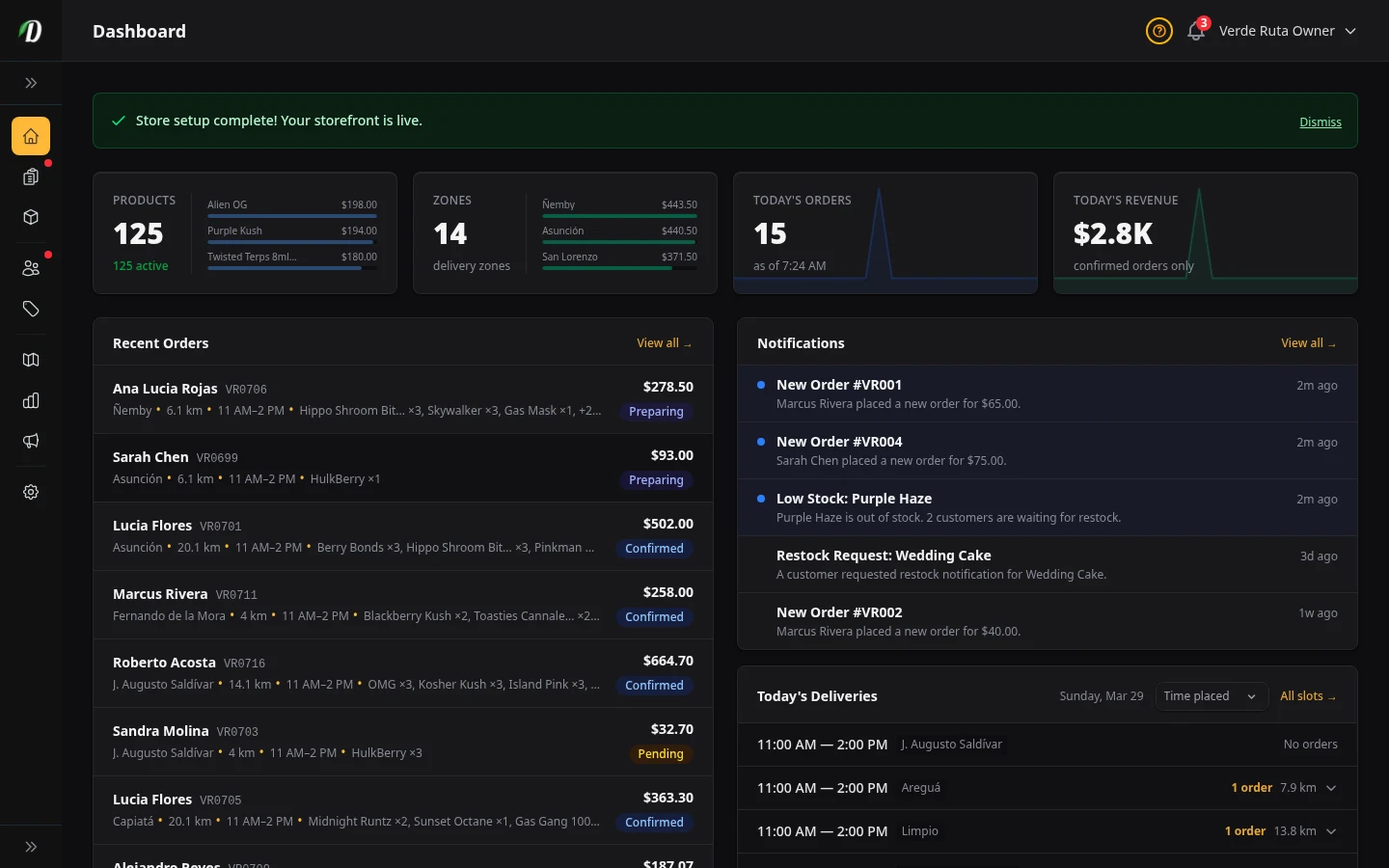
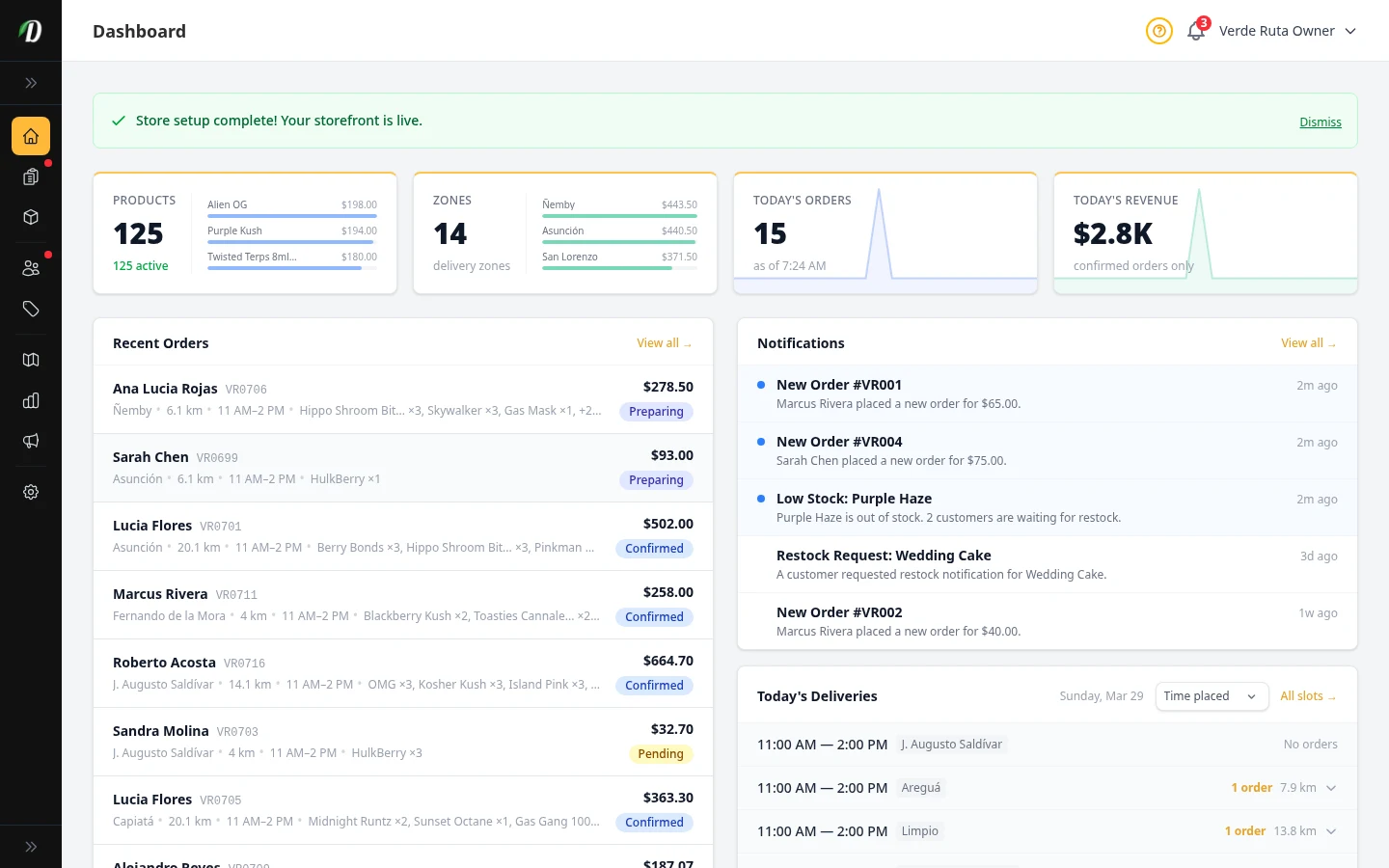
Guided Setup
The first-time setup wizard walks you through your shop address, delivery area, and example data so your store is ready in minutes.
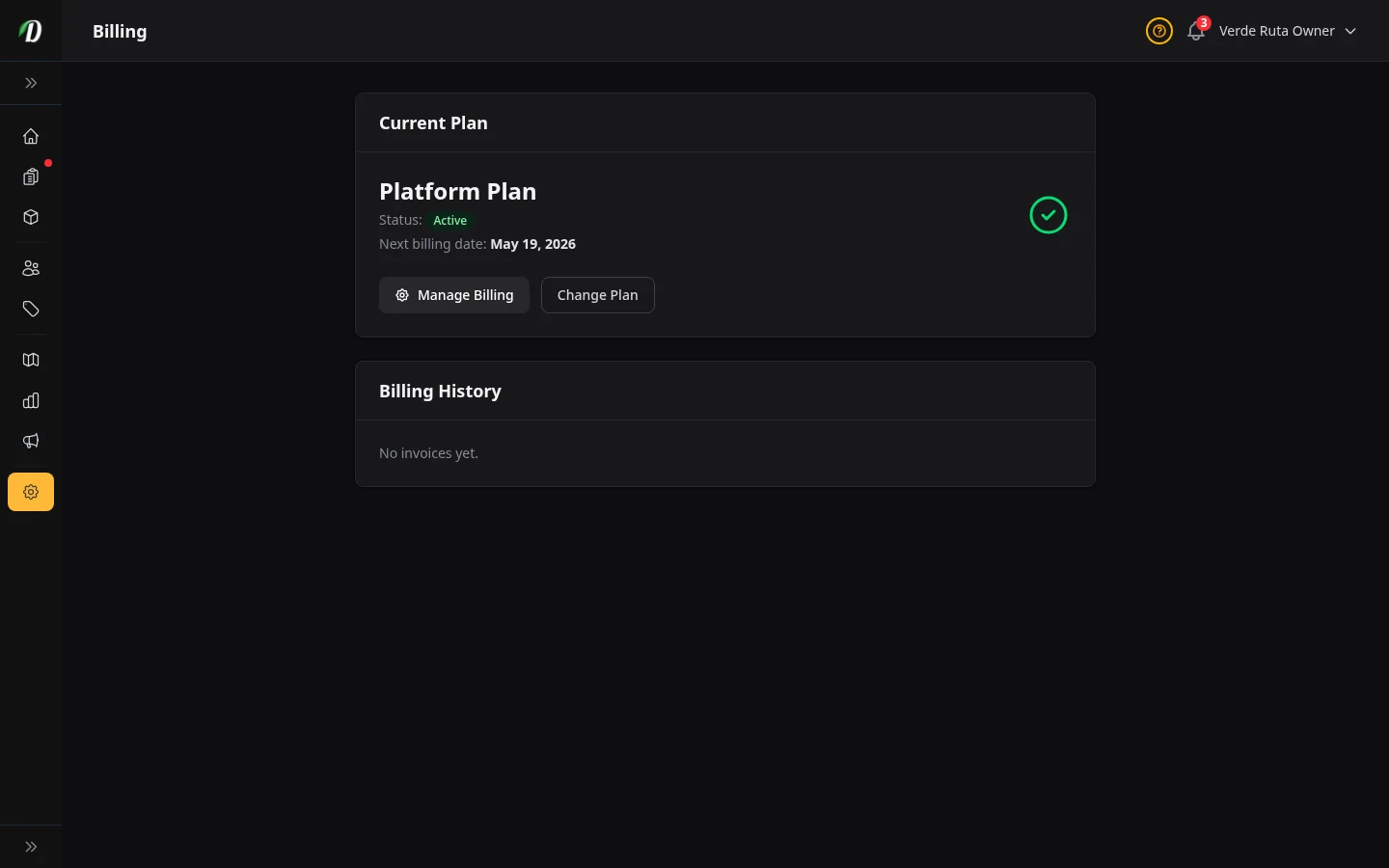
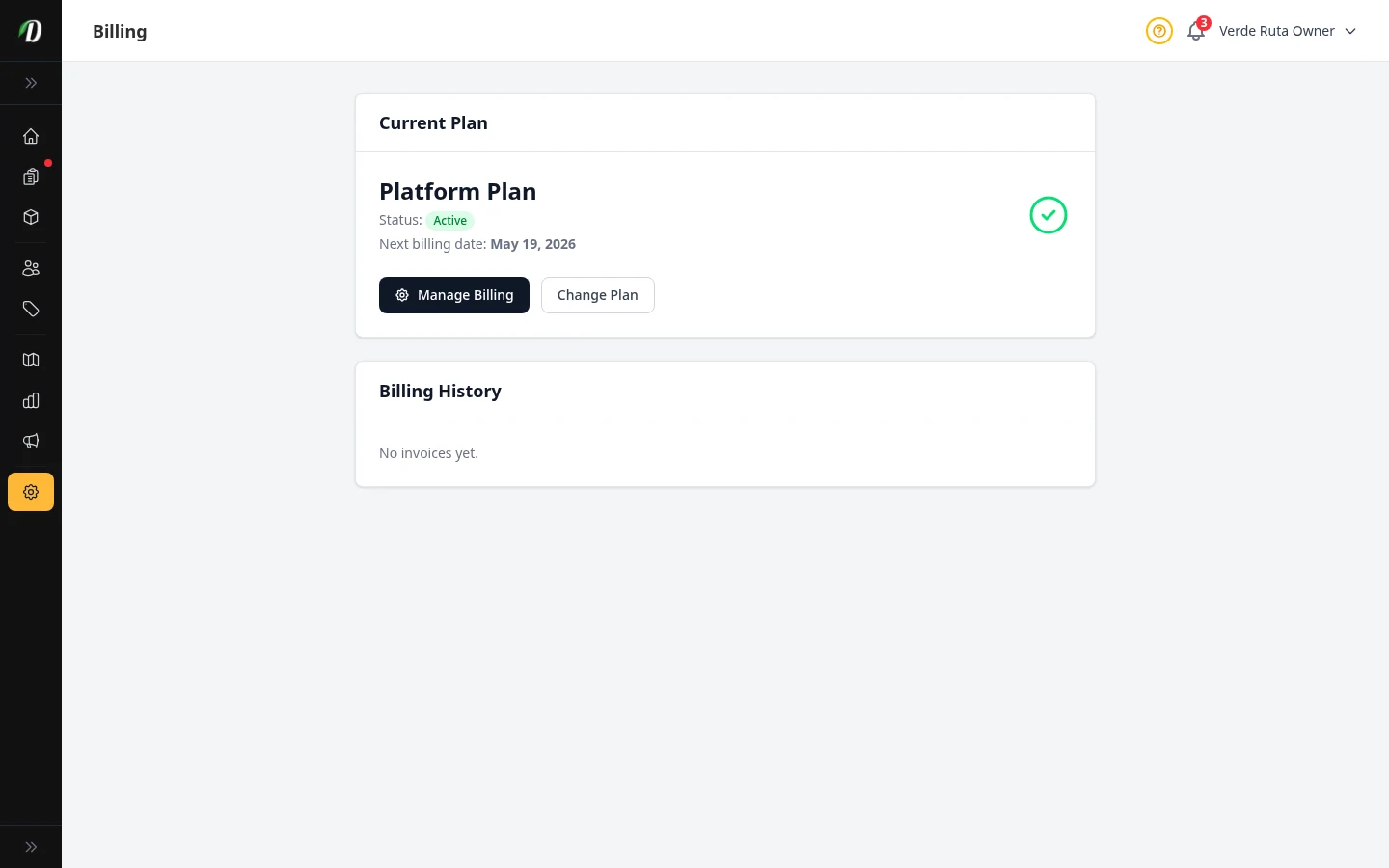
Billing & Subscription
Manage your plan, payments, trial expiry, and billing portal access.
Products & Catalog
View all →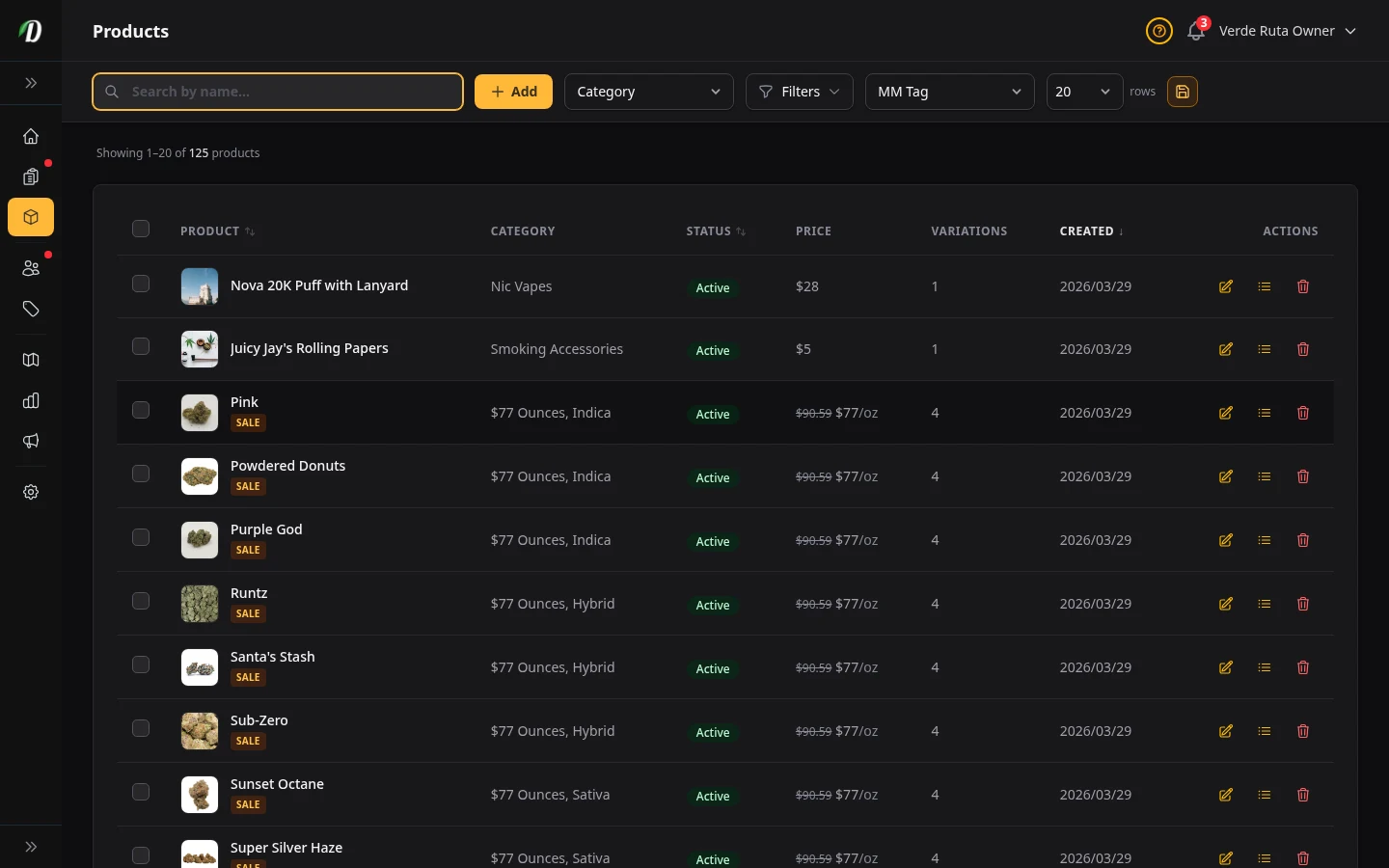
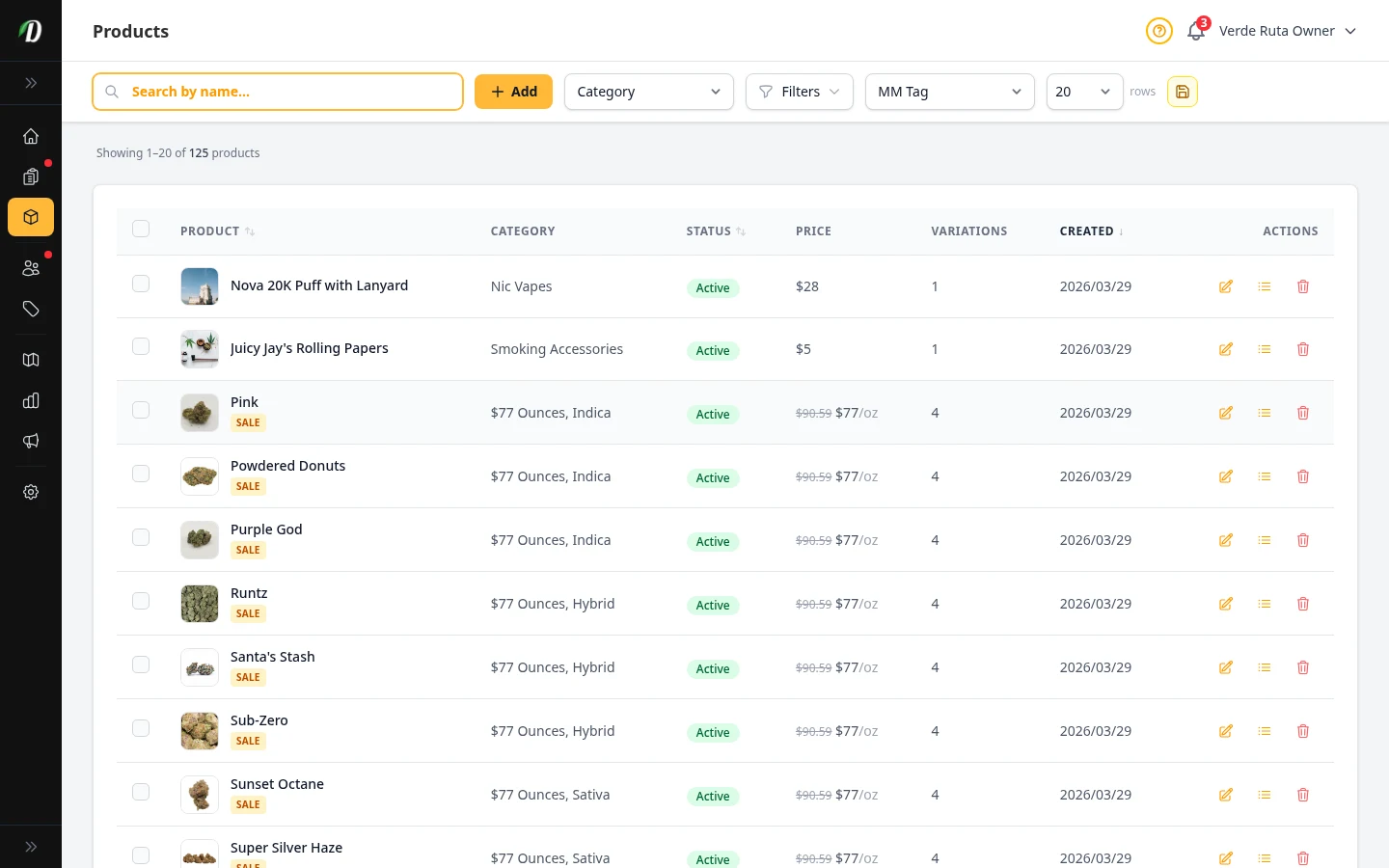
Managing Products
Create, edit, and organize your cannabis product catalog with strain data and weight variations.
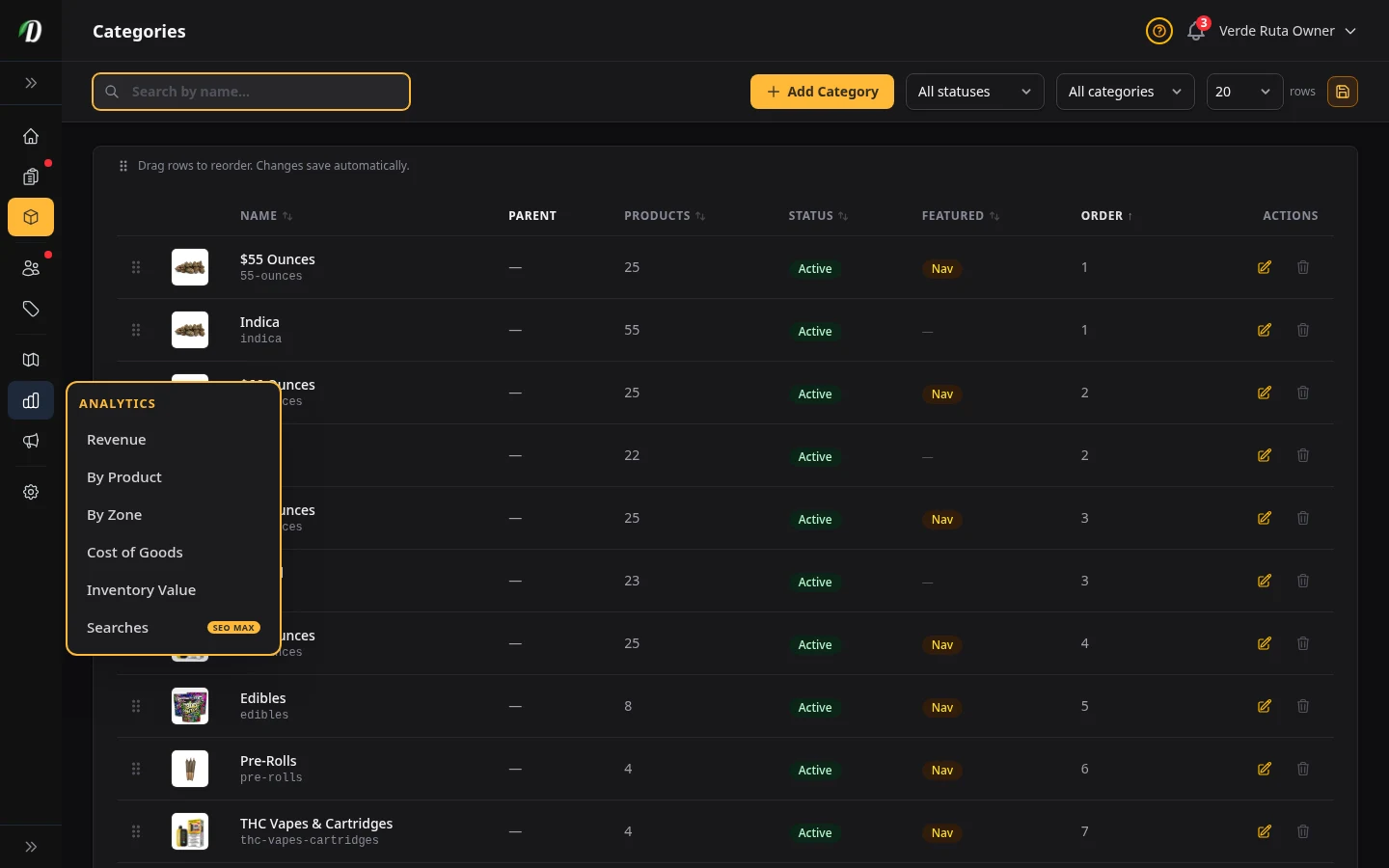
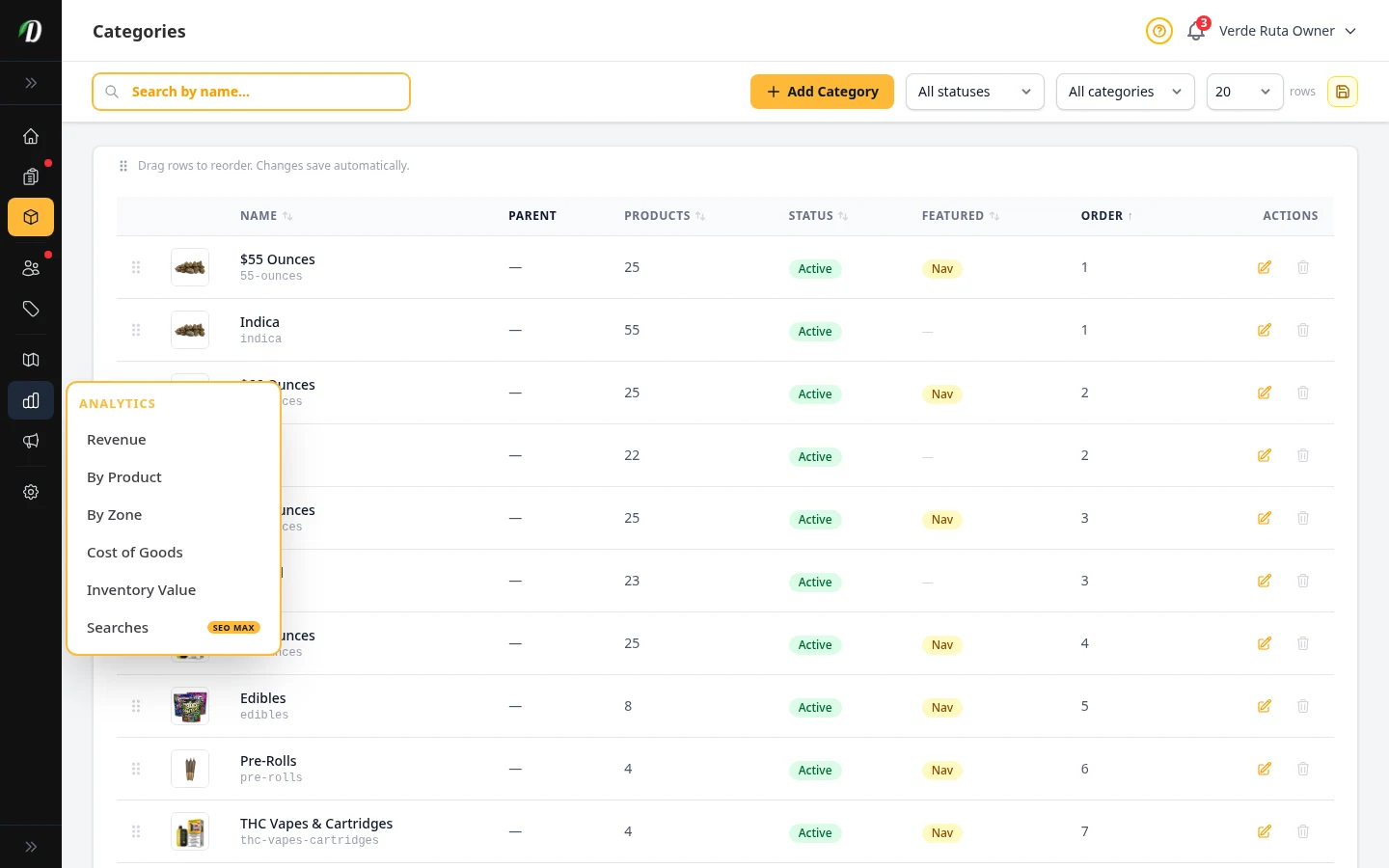
Managing Categories
Organize your products into categories for easy browsing and storefront navigation.
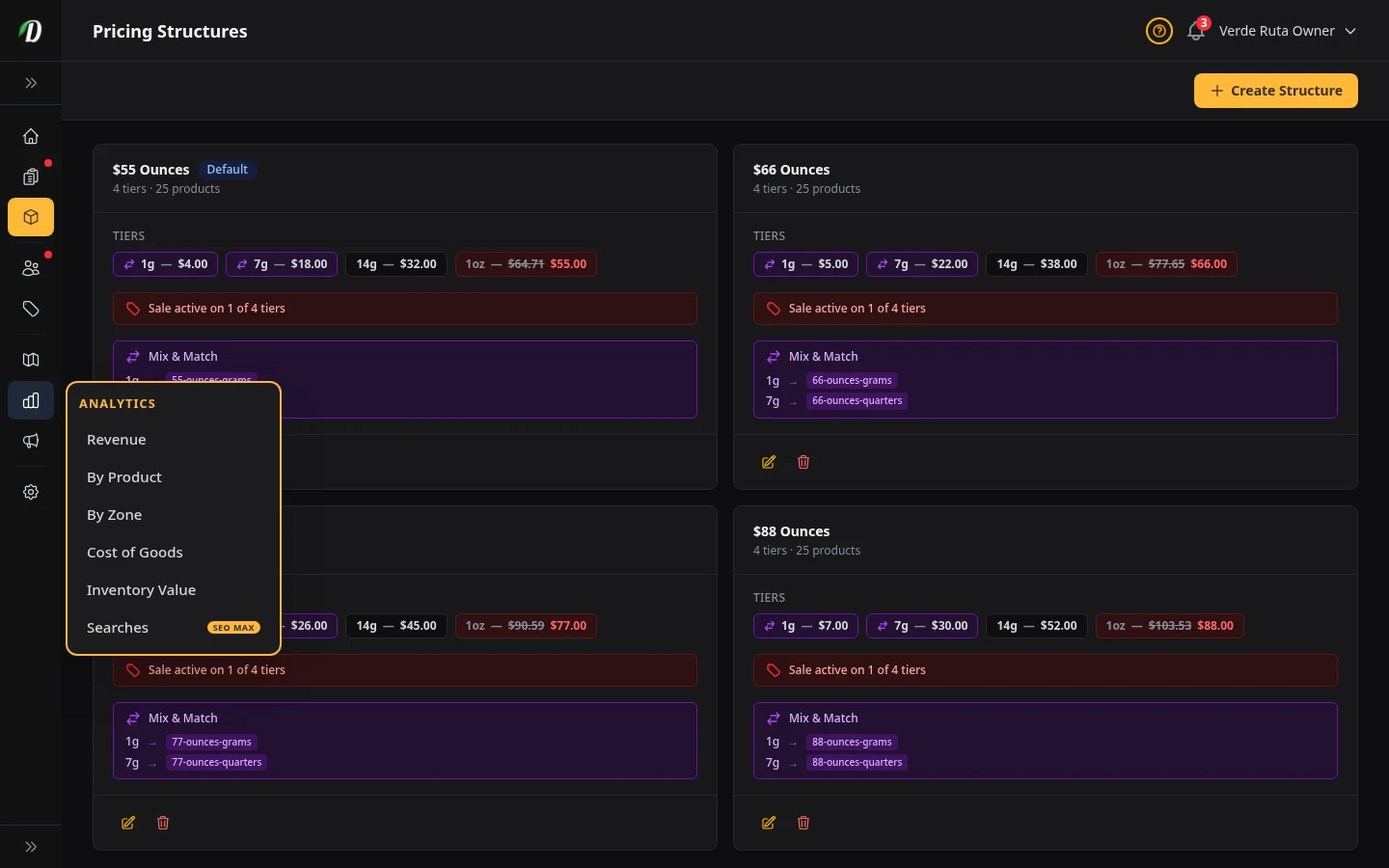
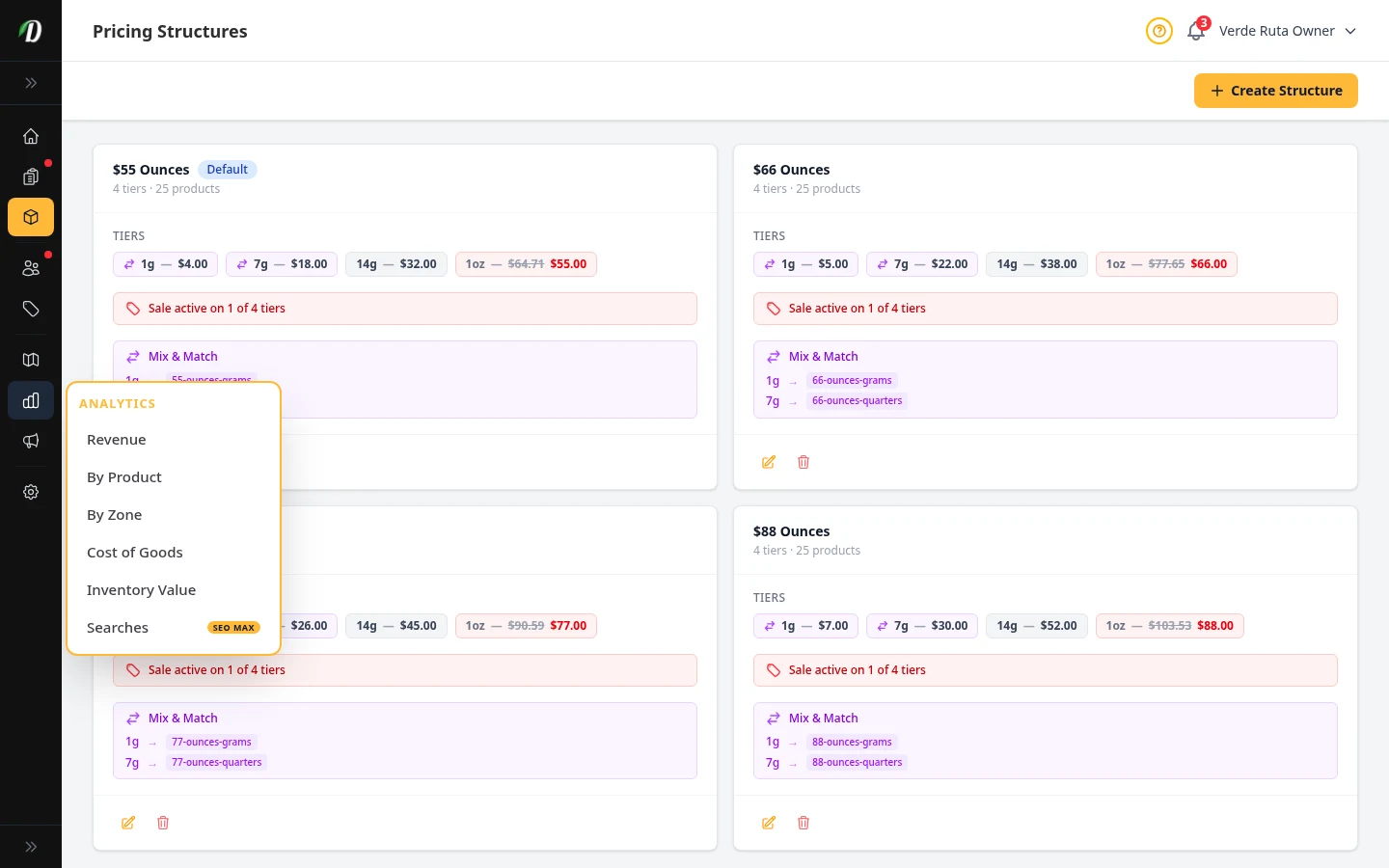
Price Menus
Configure Simple, By Weight, By Unit, Variation × Weight, and Variation × Unit pricing for cannabis products.
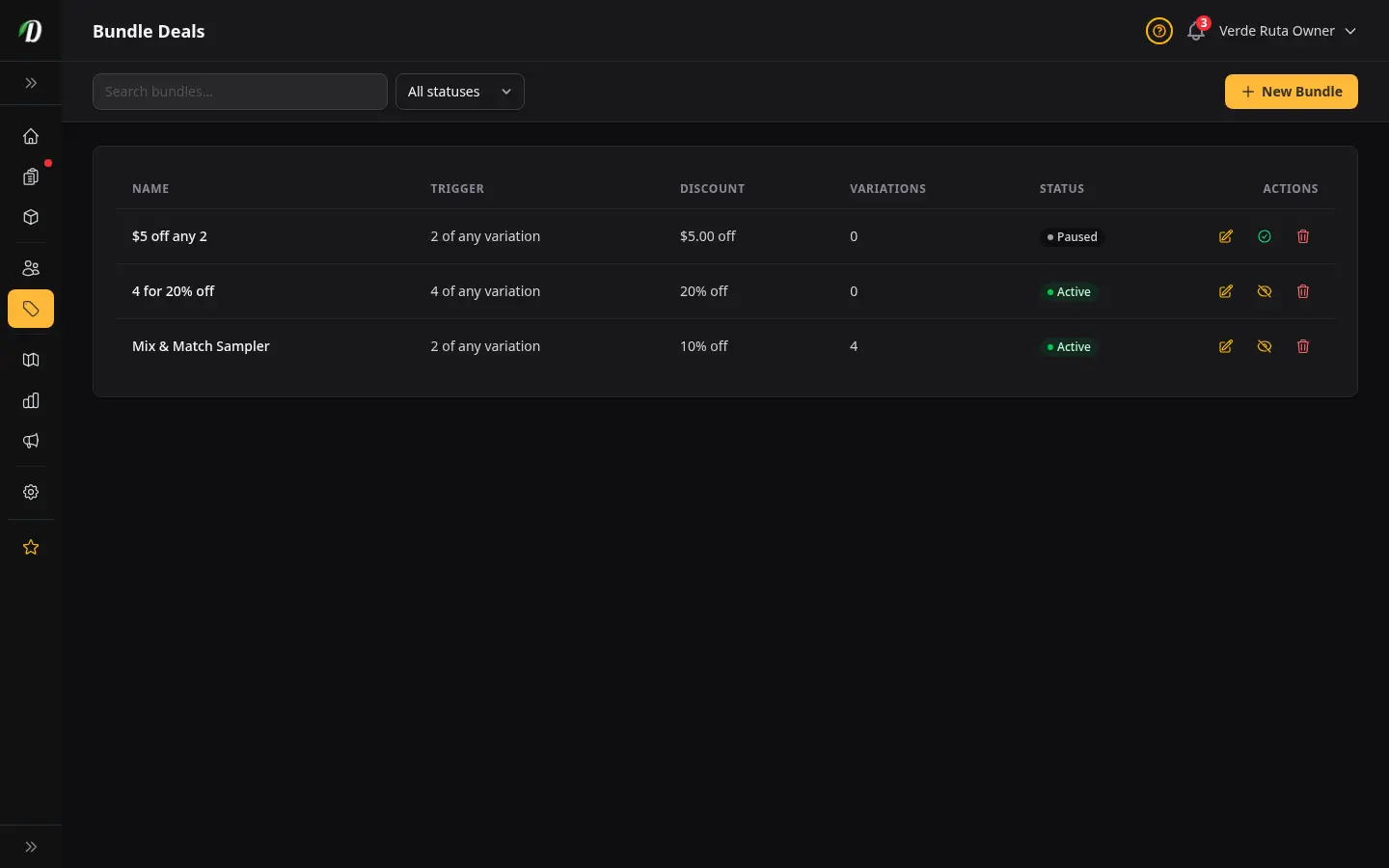
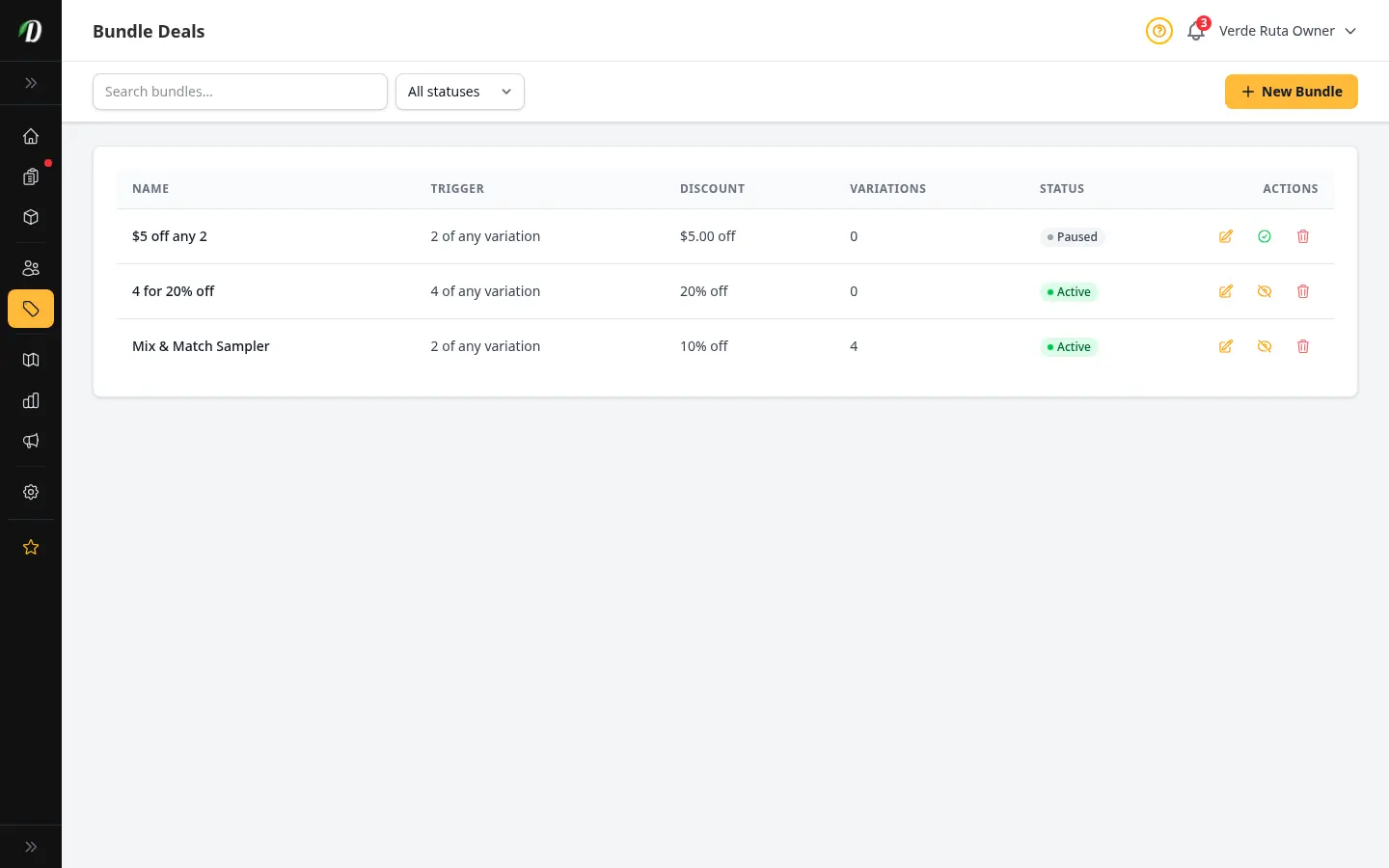
Bundle Deals
Create quantity-based bundle deals that automatically discount the cart when customers buy a set of qualifying variations together.
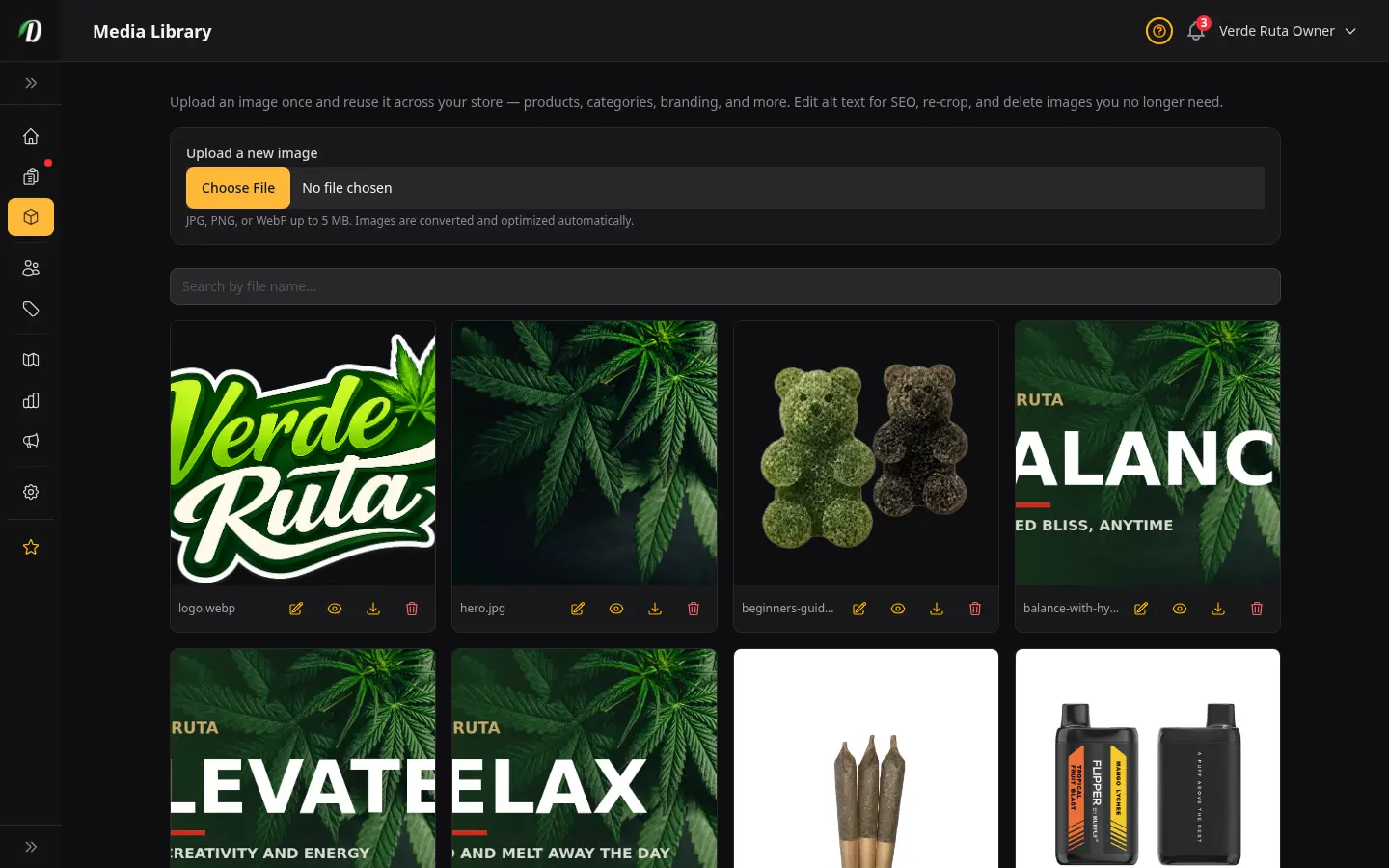
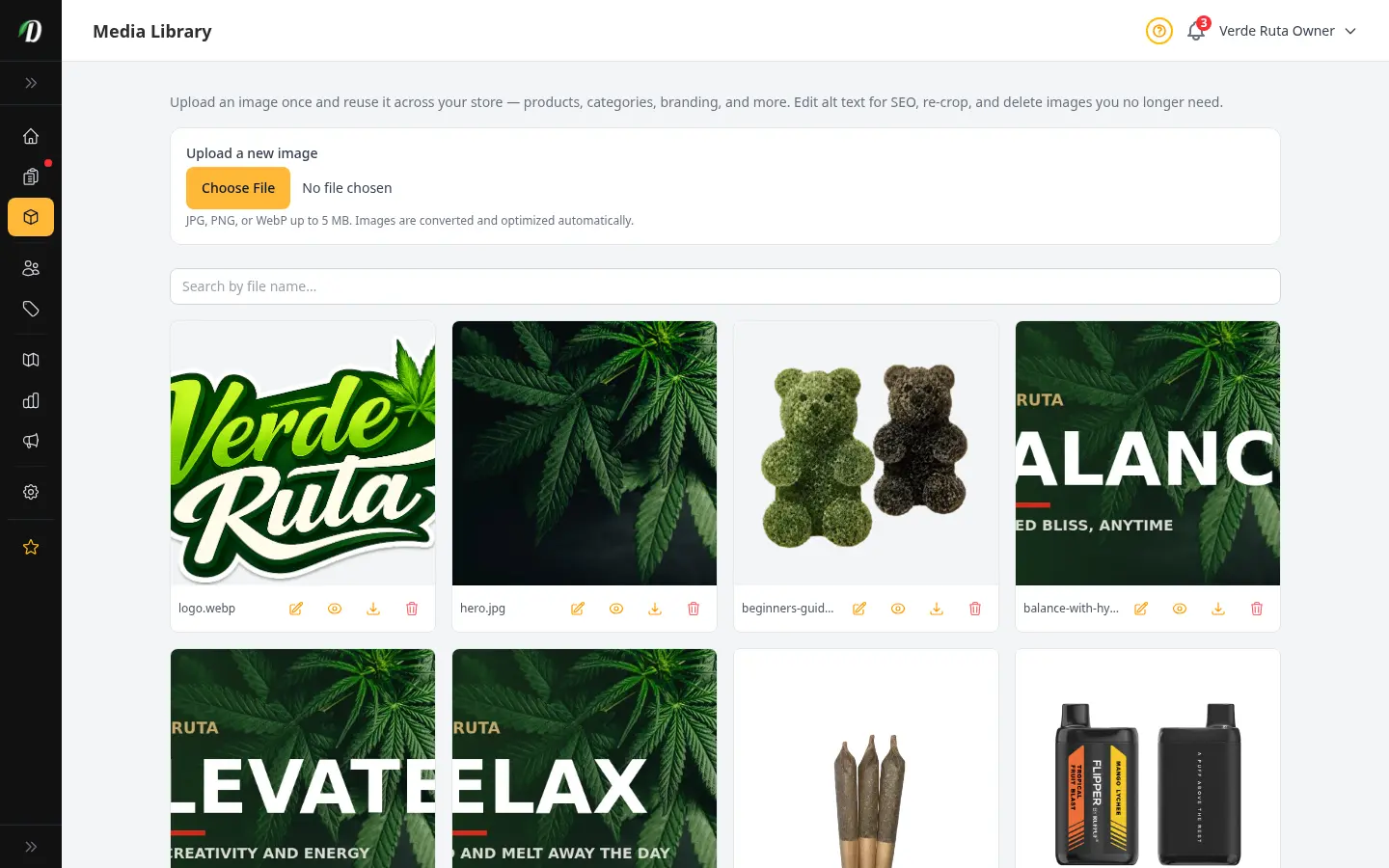
Media Library
Upload an image once and reuse it everywhere, then manage your library: crop, edit alt text for SEO, re-crop, download, and safely delete images.
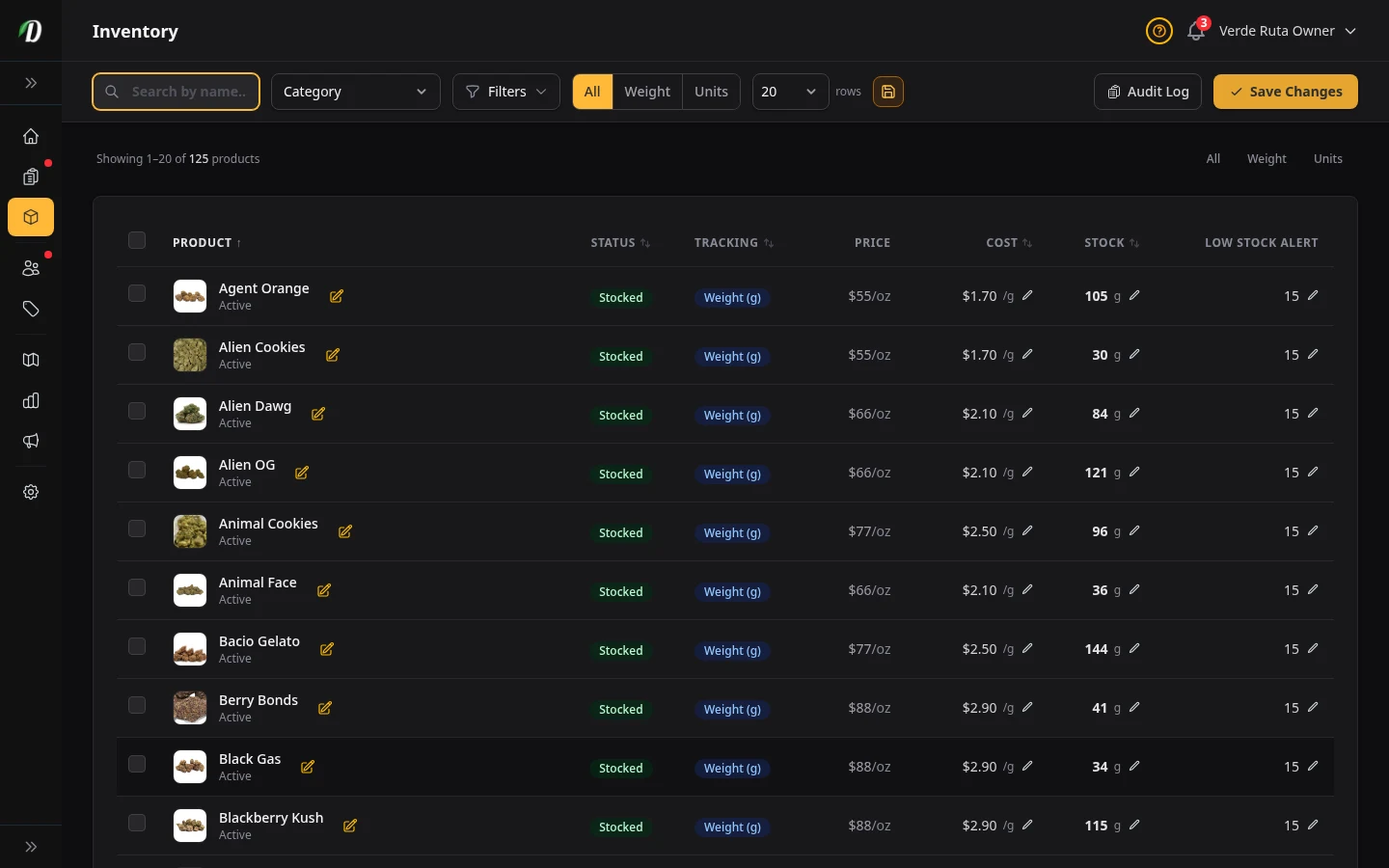
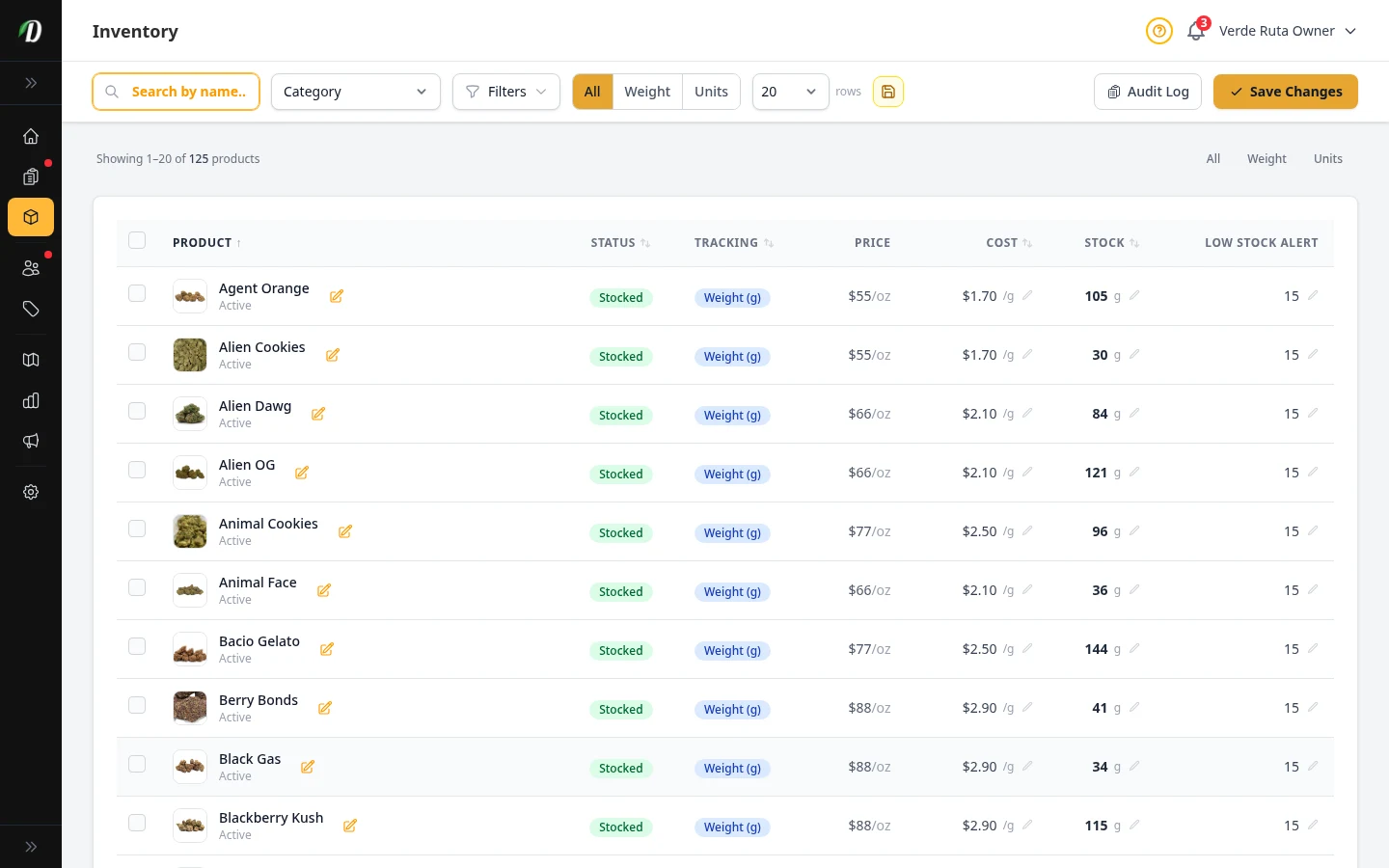
Inventory Management
Track zone-level stock, audit changes, and prevent overselling.
Orders & Customers
View all →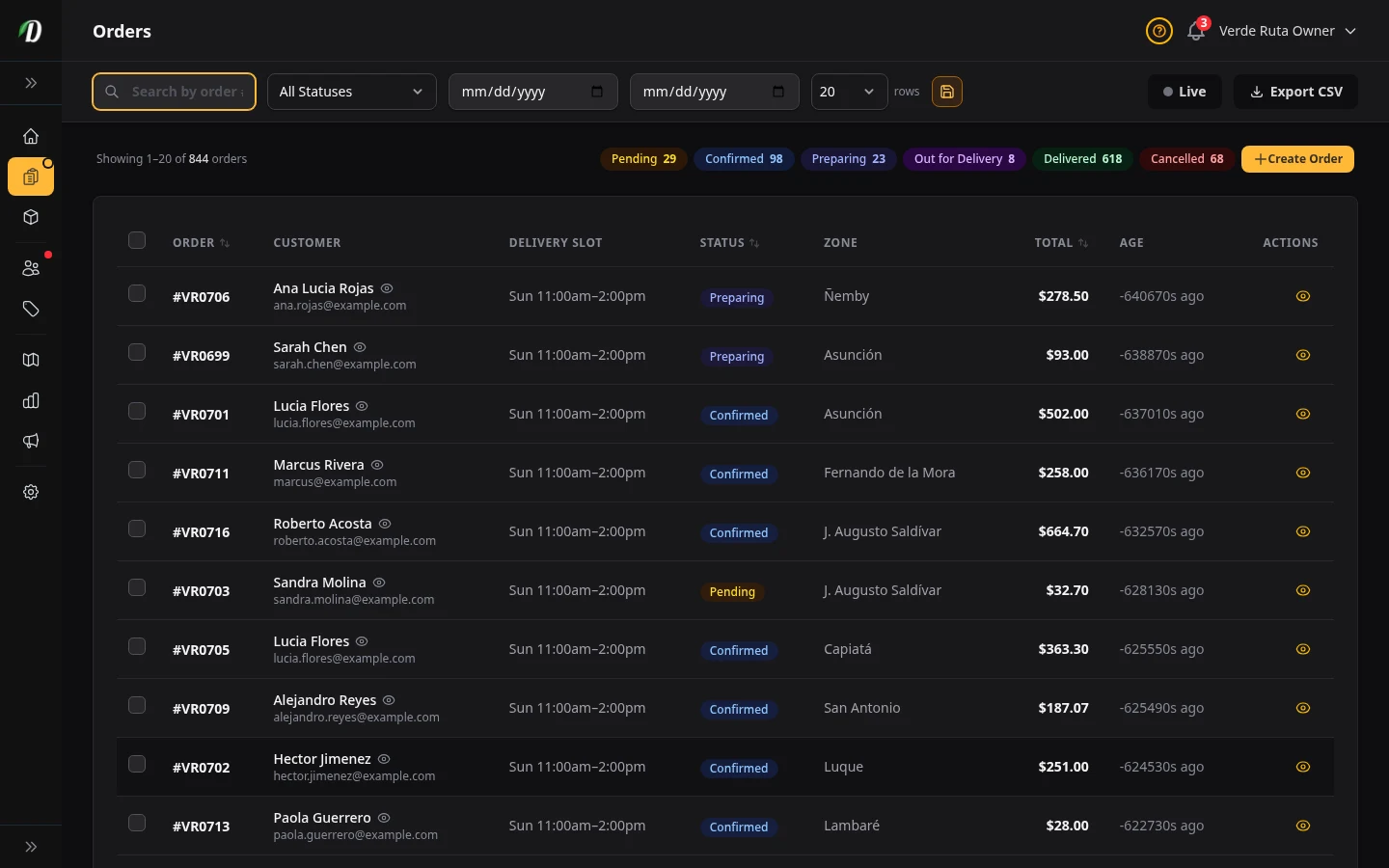
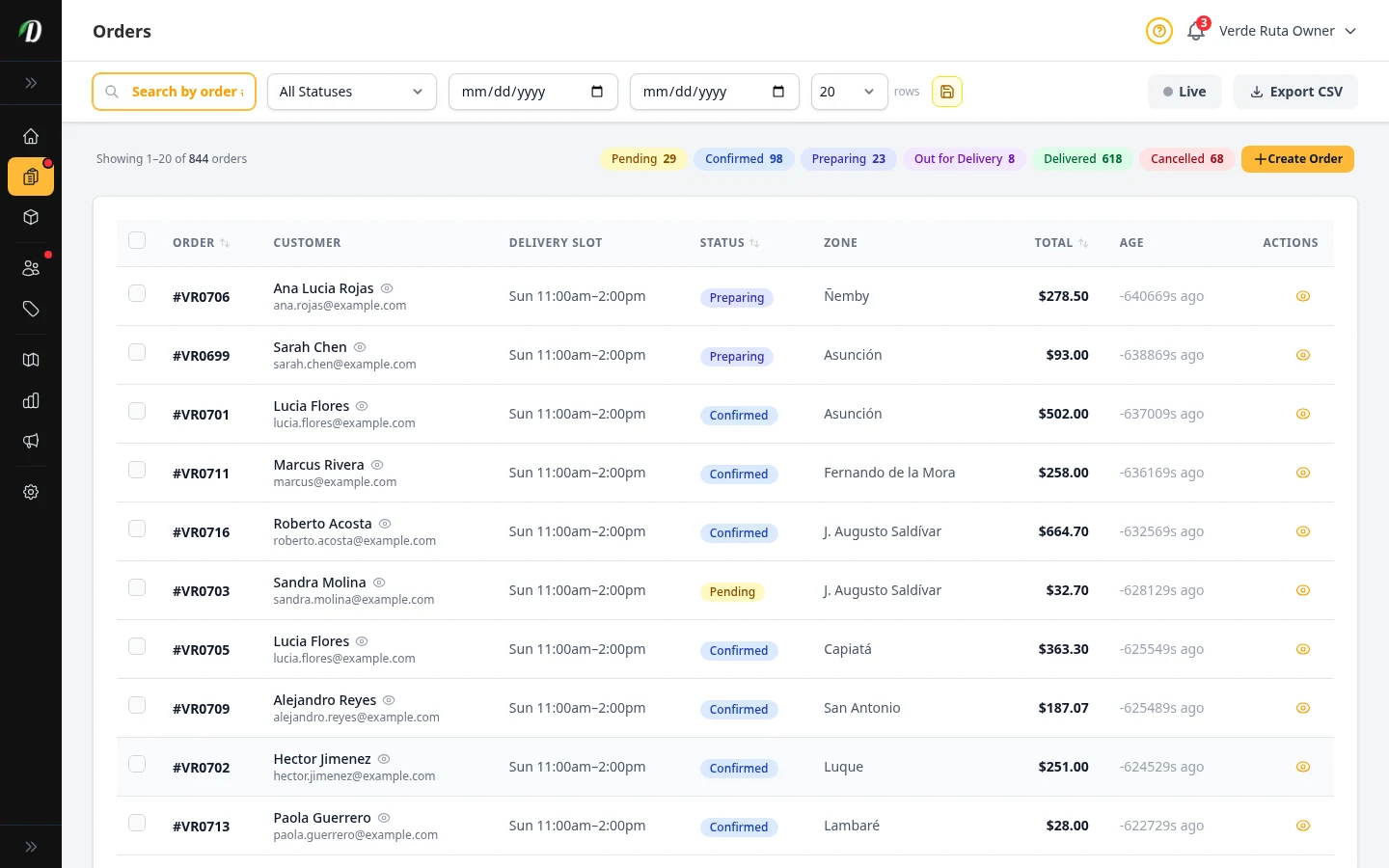
Order Management
View, process, and fulfill customer orders with status tracking and invoices.
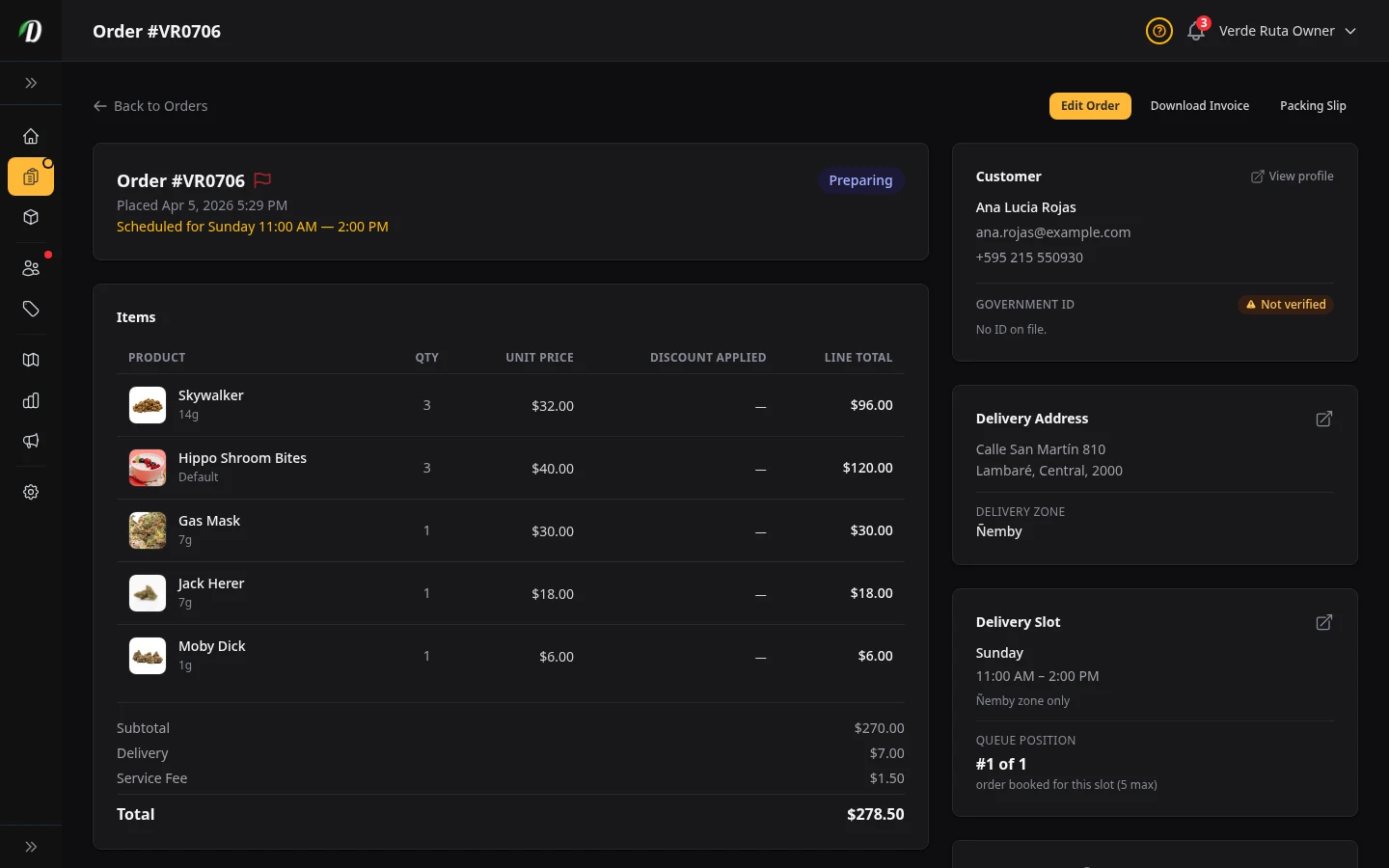
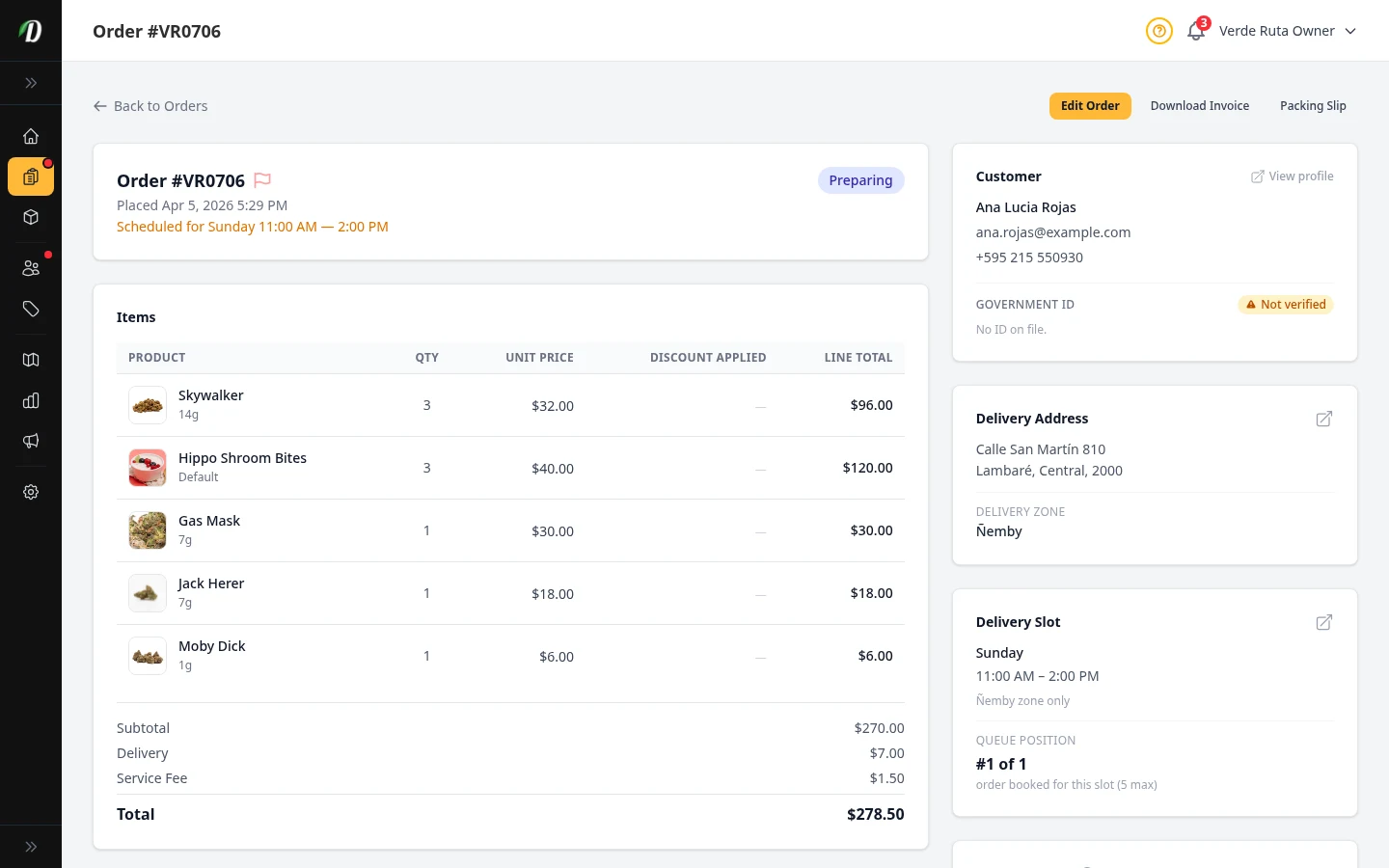
Order Status & Lifecycle
Every order status explained — what each one means, what happens when you change it, and which transitions are allowed.
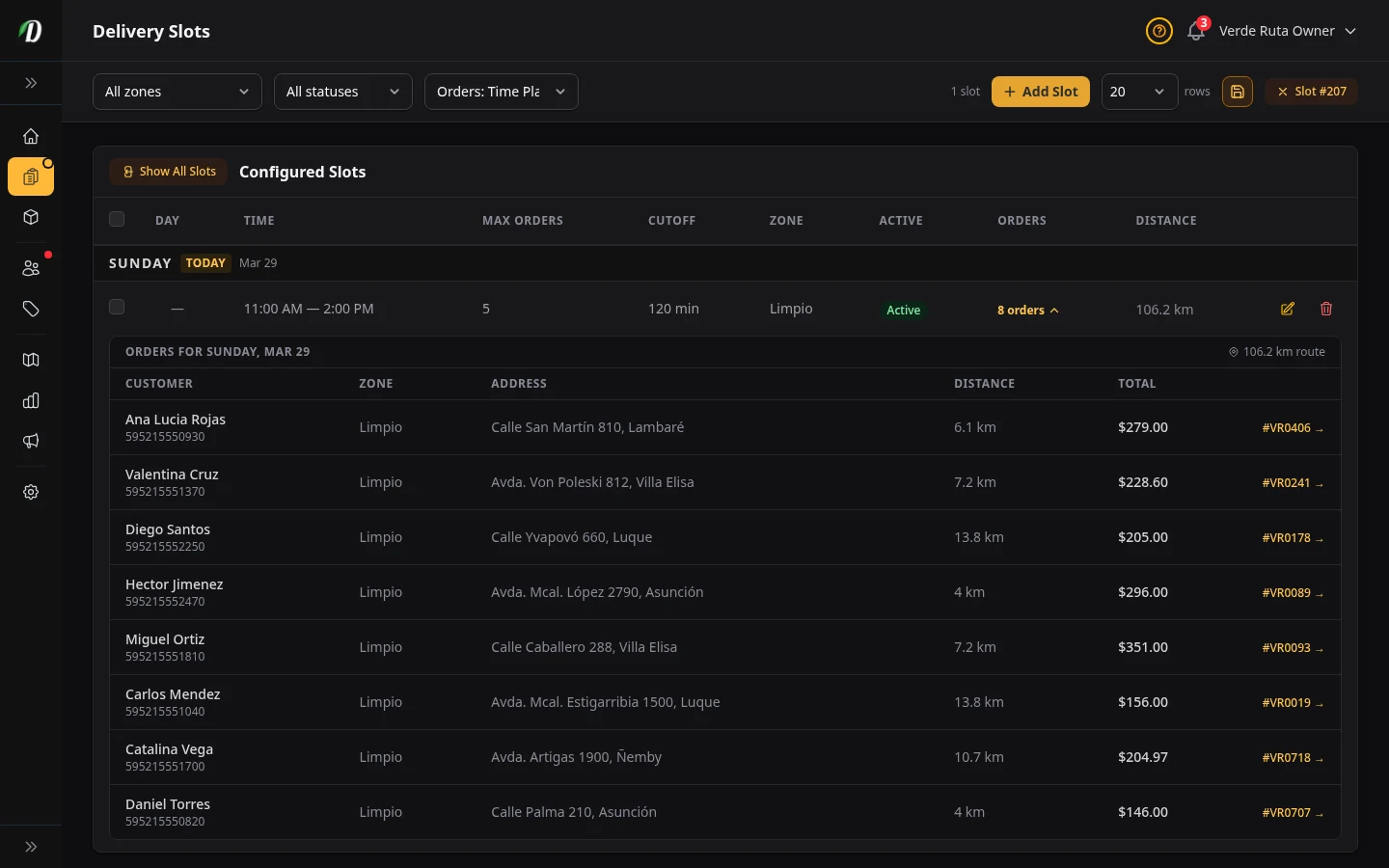
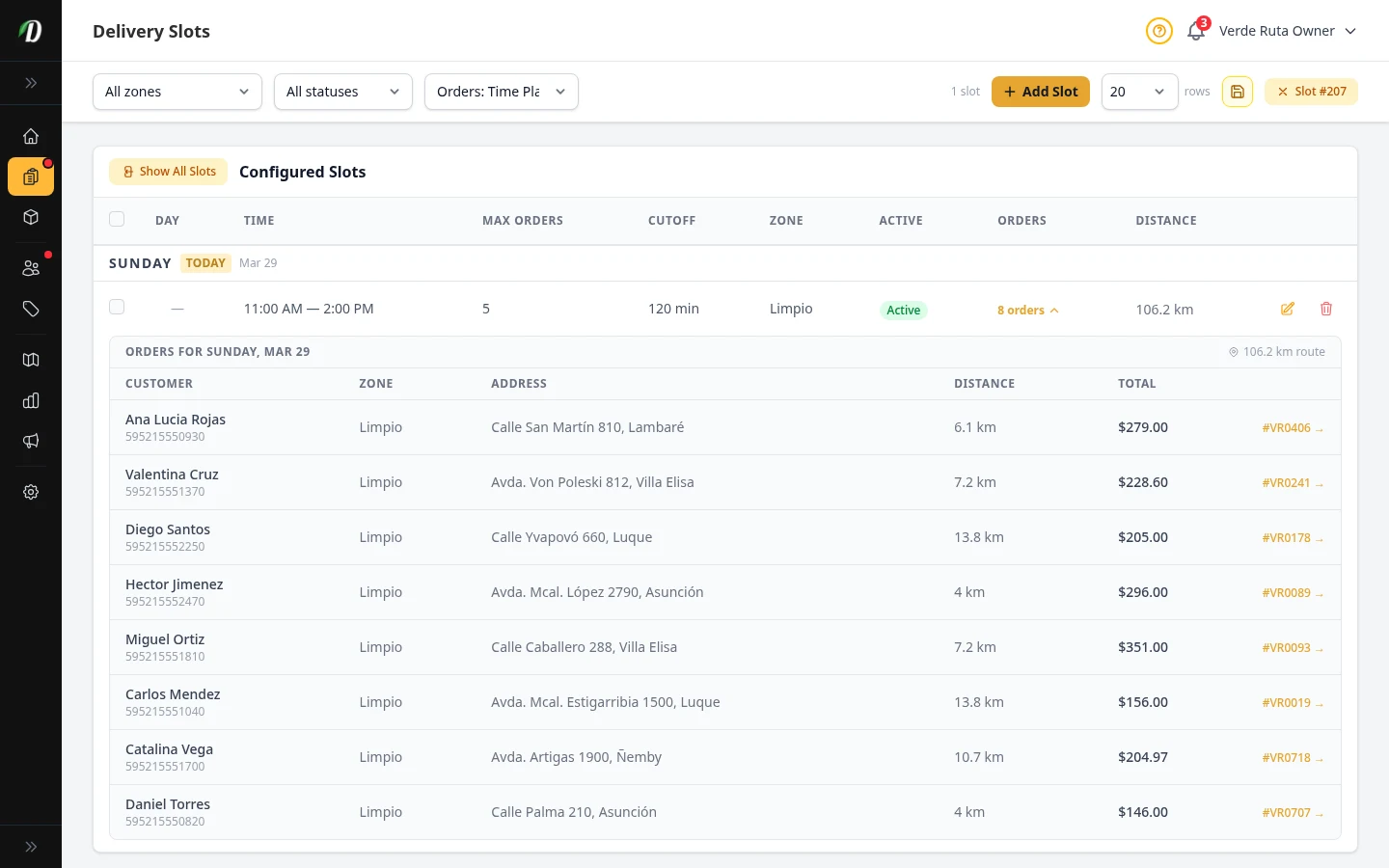
Delivery Slots
Configure available delivery windows by zone with capacity limits.
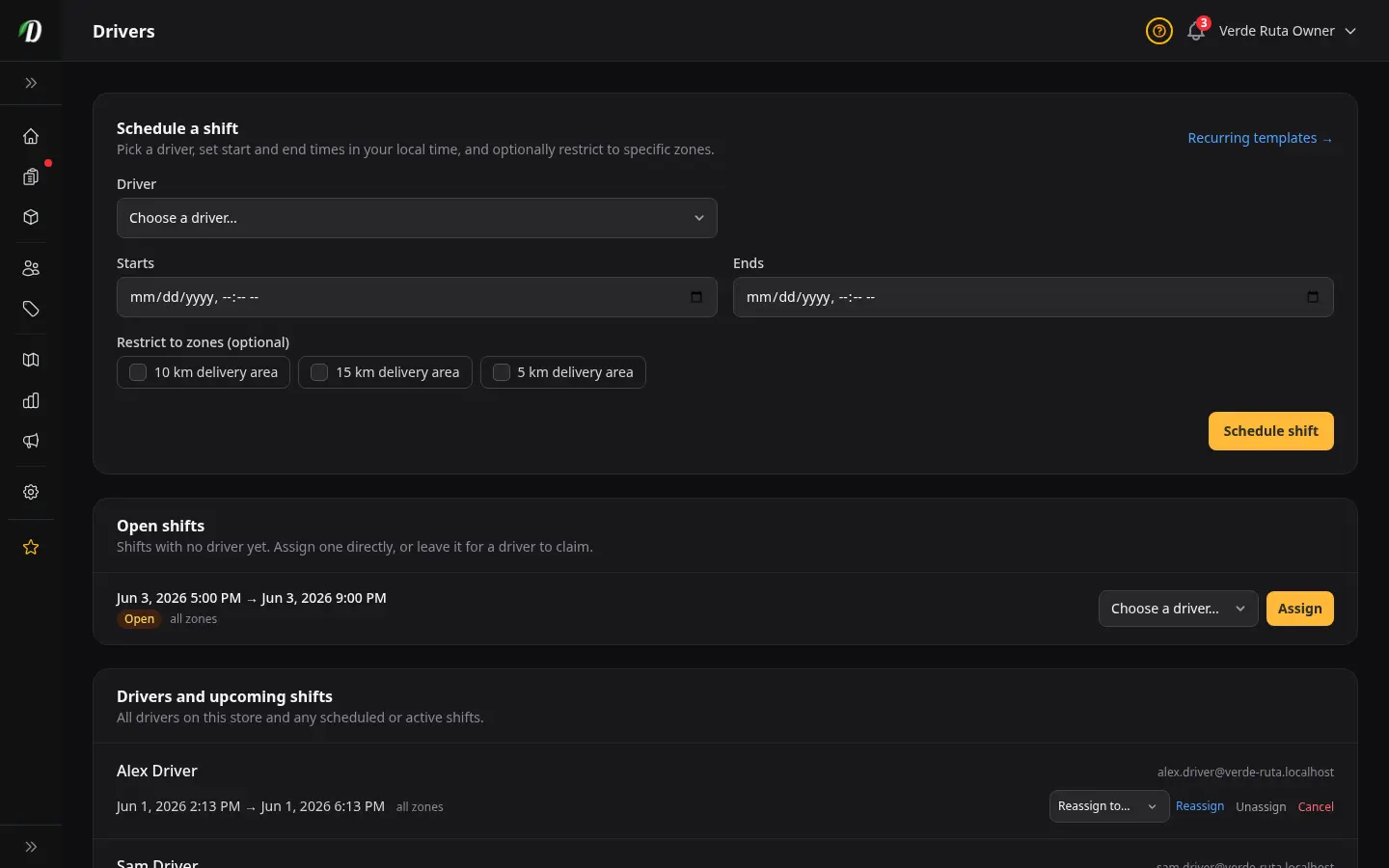
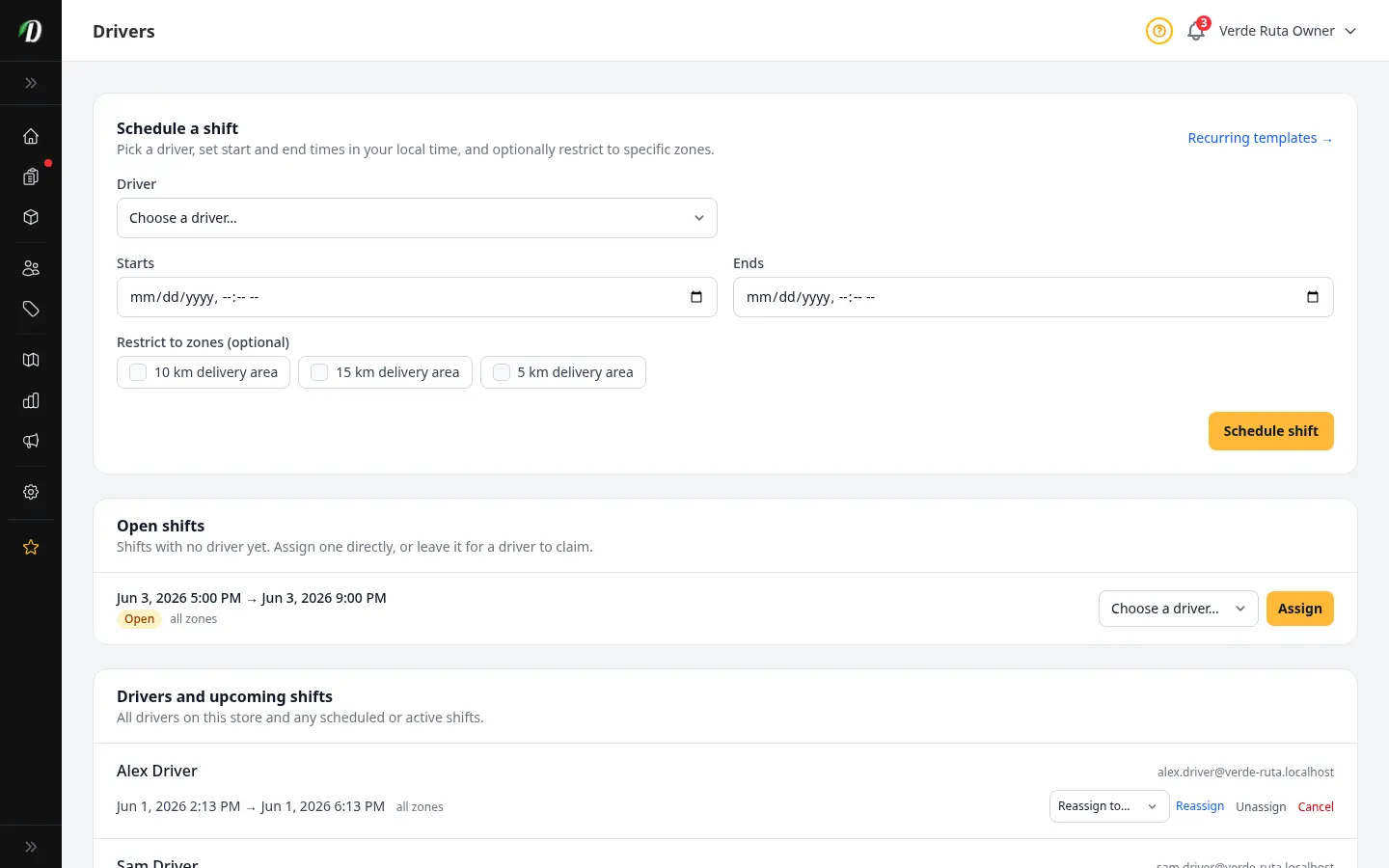
Driver Scheduling
Schedule single-day shifts and set recurring weekly shift templates so the next two weeks build themselves.
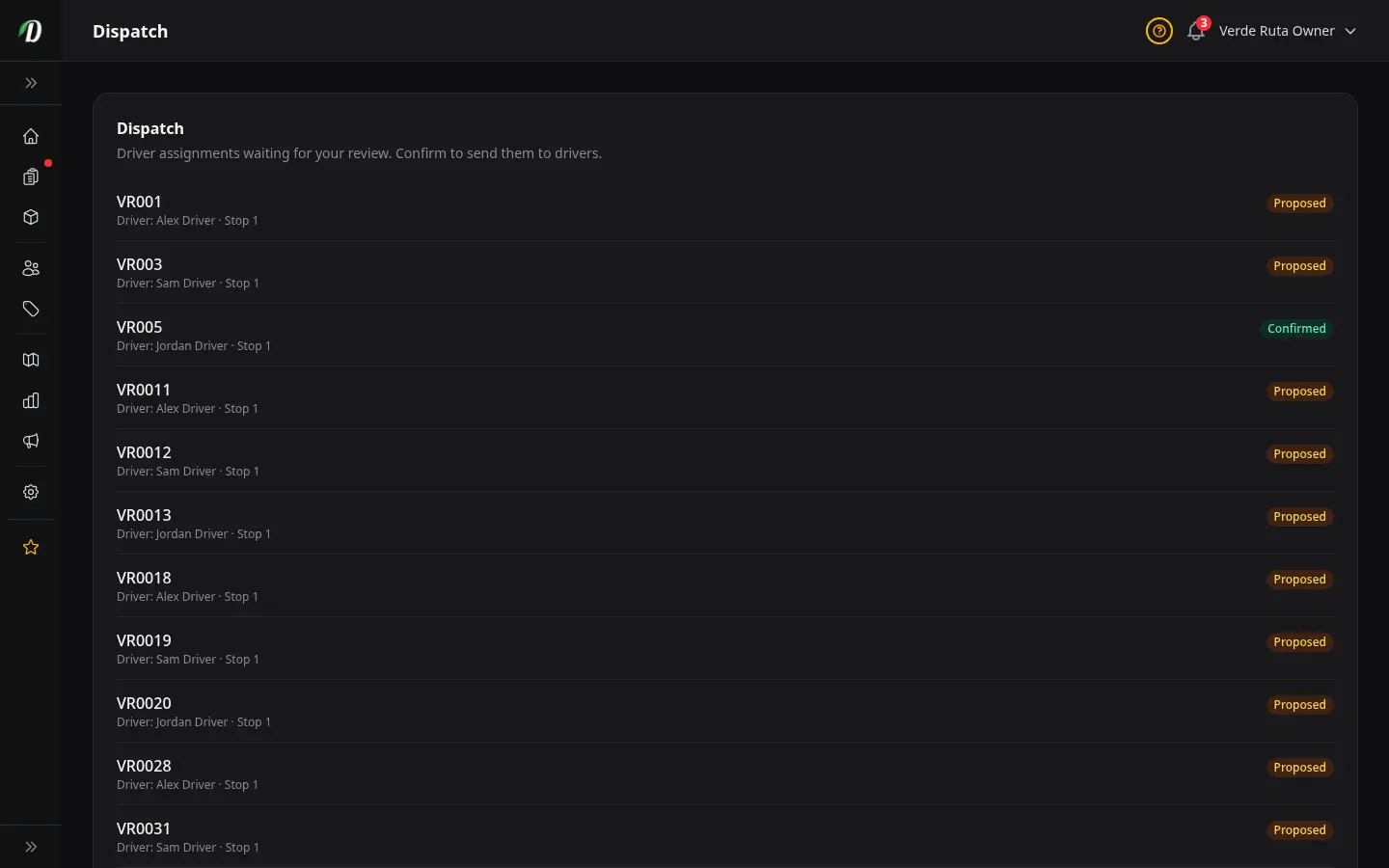
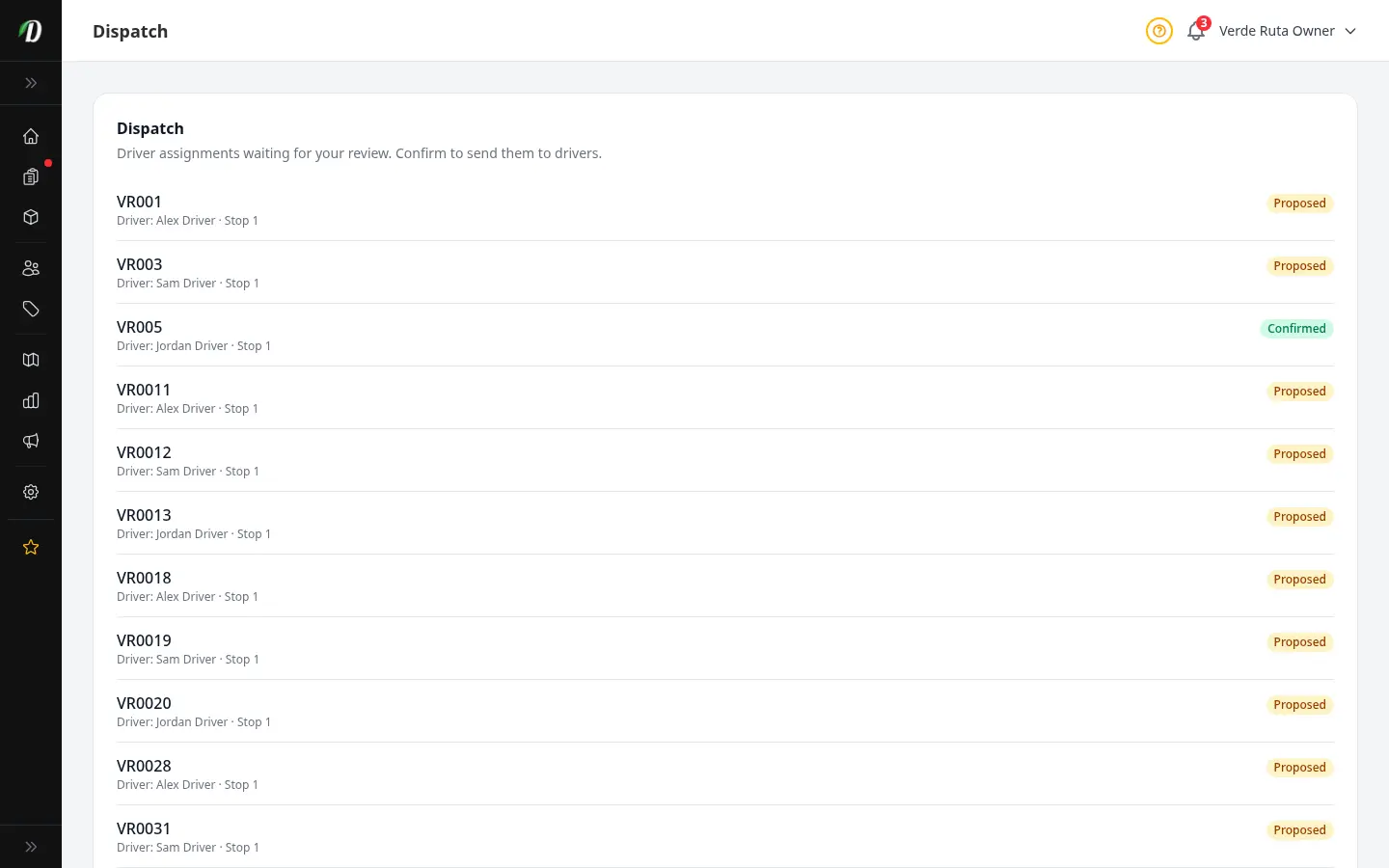
Dispatch & Routes
Approve shift cancellations and swaps, confirm driver assignments, and review every driver's route on a map.
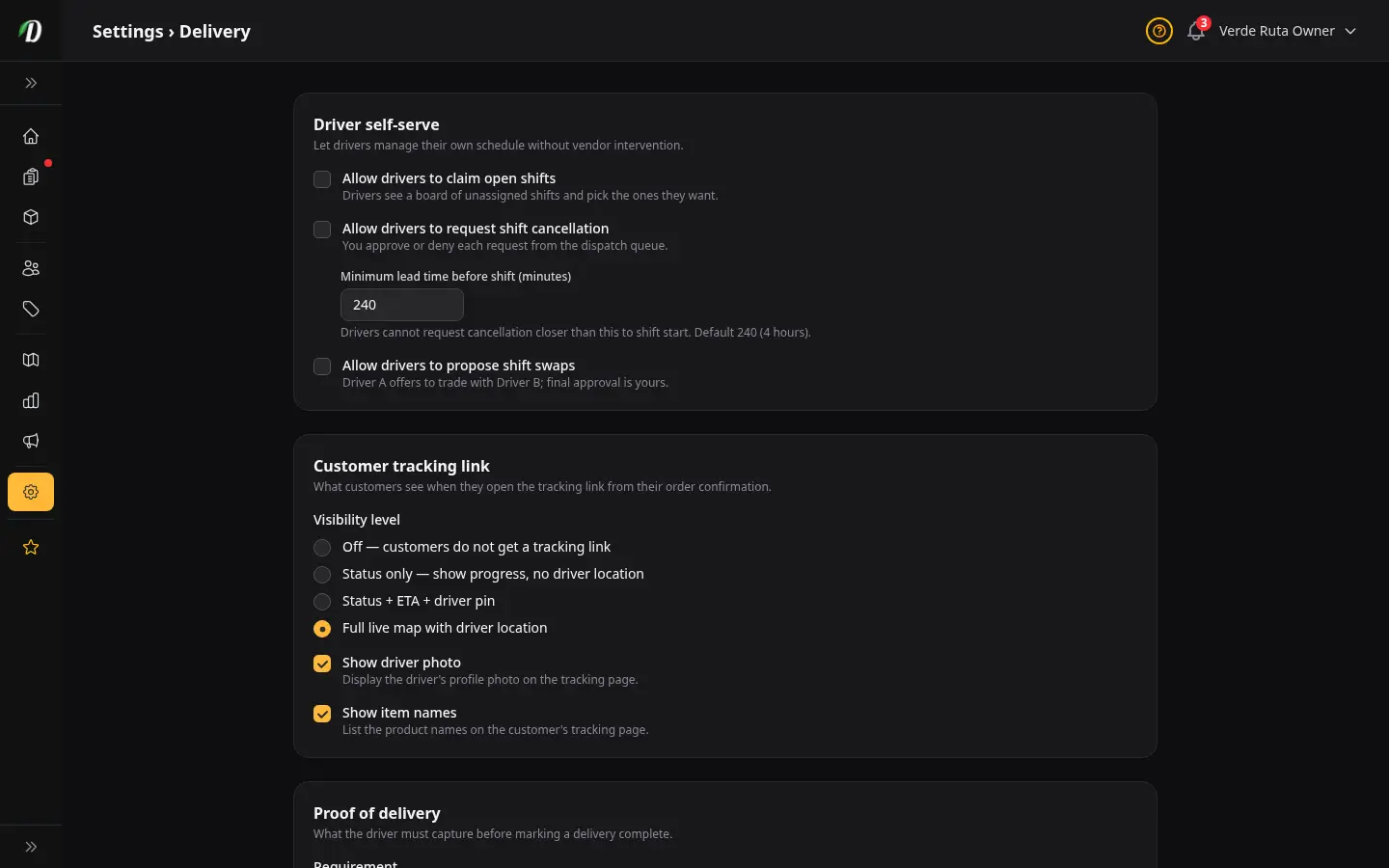
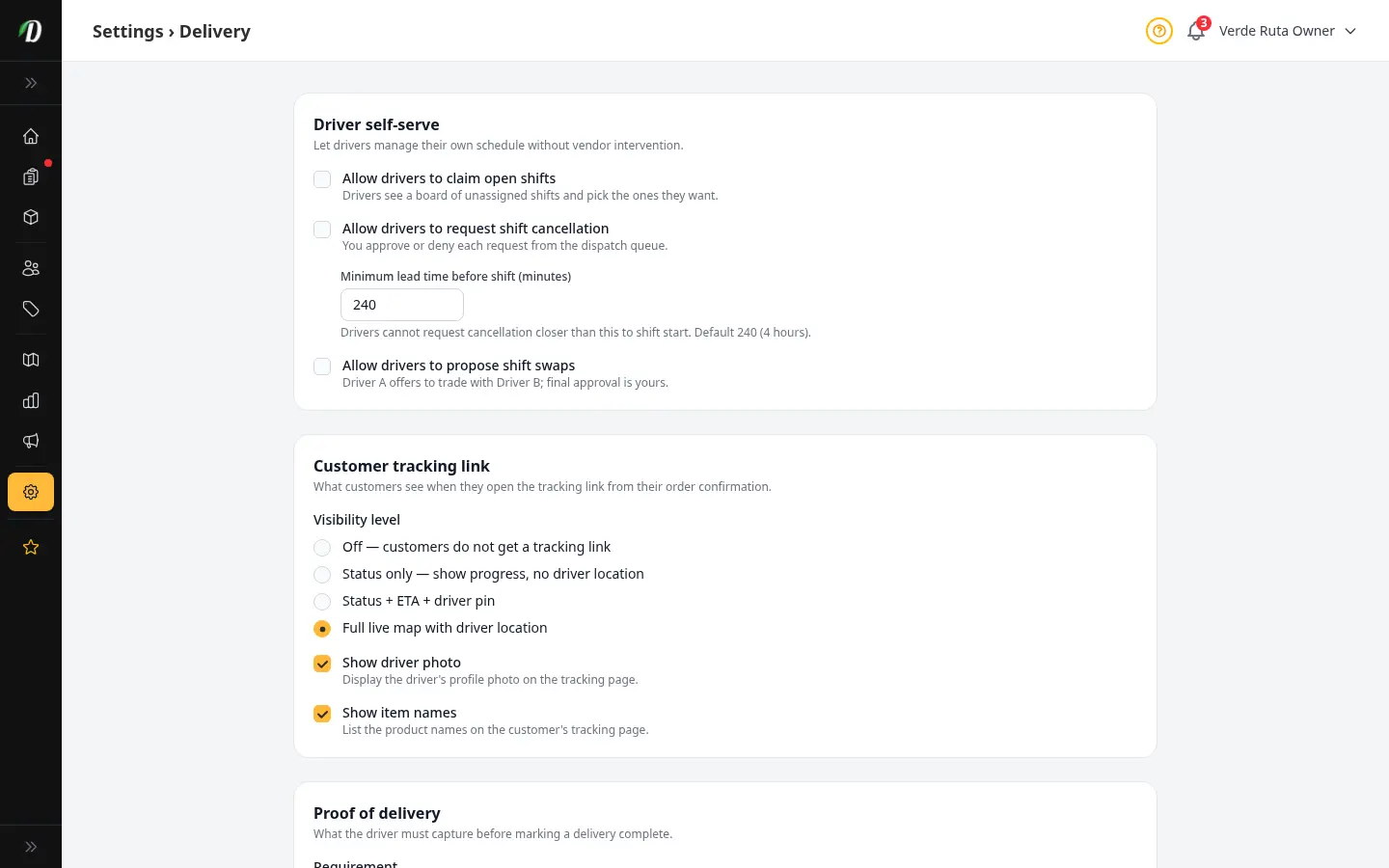
Delivery Settings
Control driver self-serve options, what customers see on the tracking page, proof of delivery, and driver alerts.
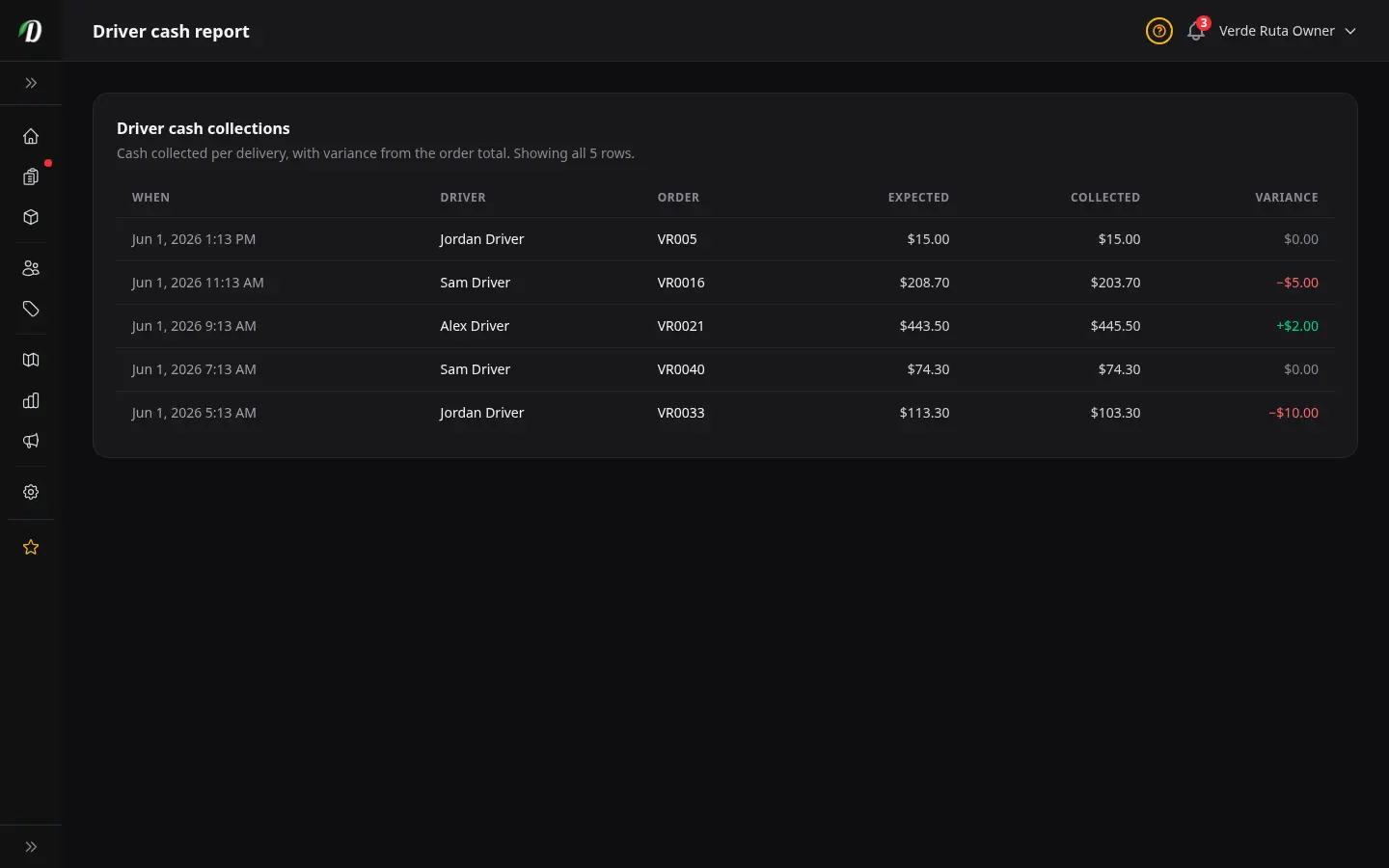
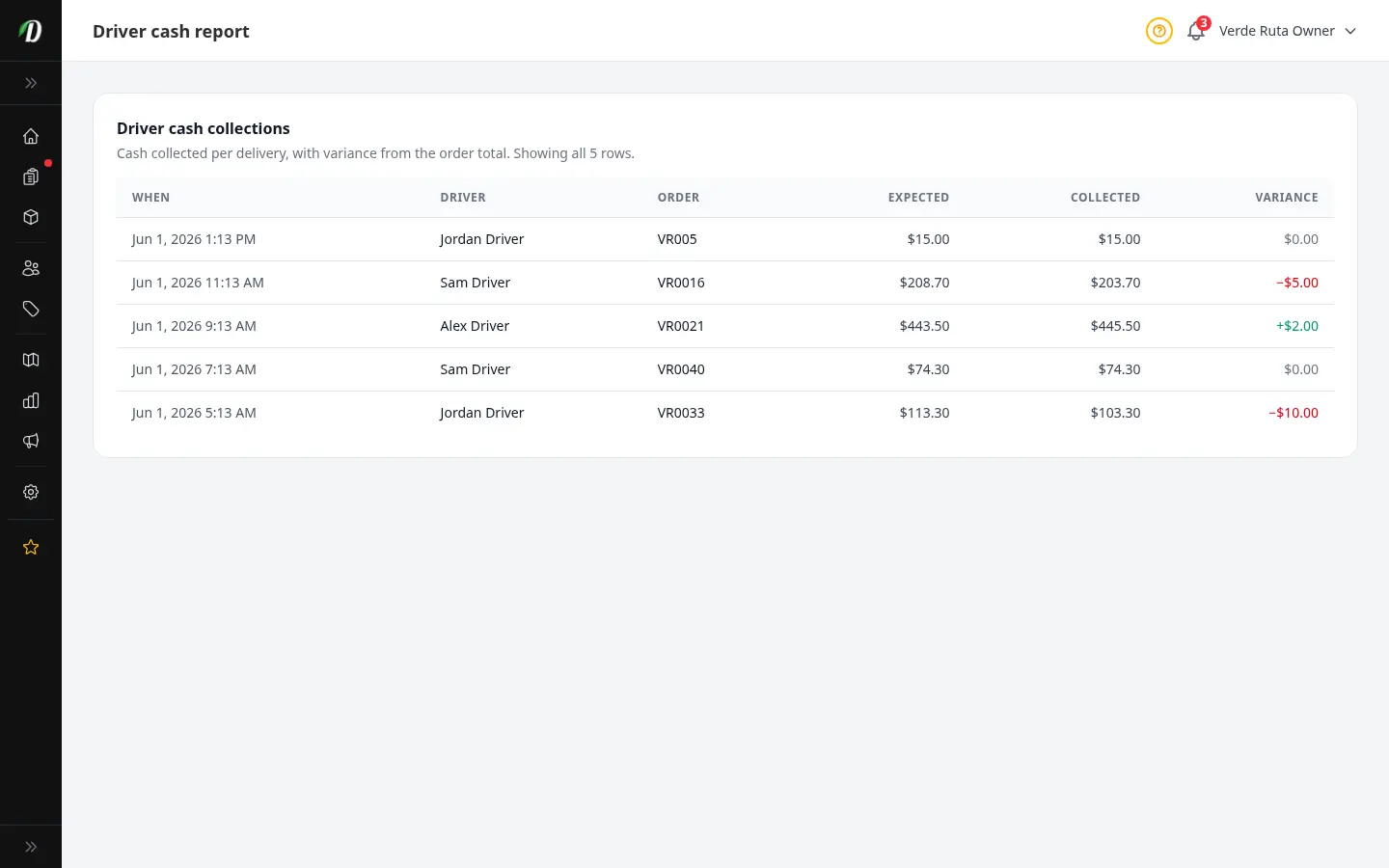
Driver Cash Reconciliation
Reconcile the cash your drivers collect on delivery and spot any shortfall or overage at a glance.
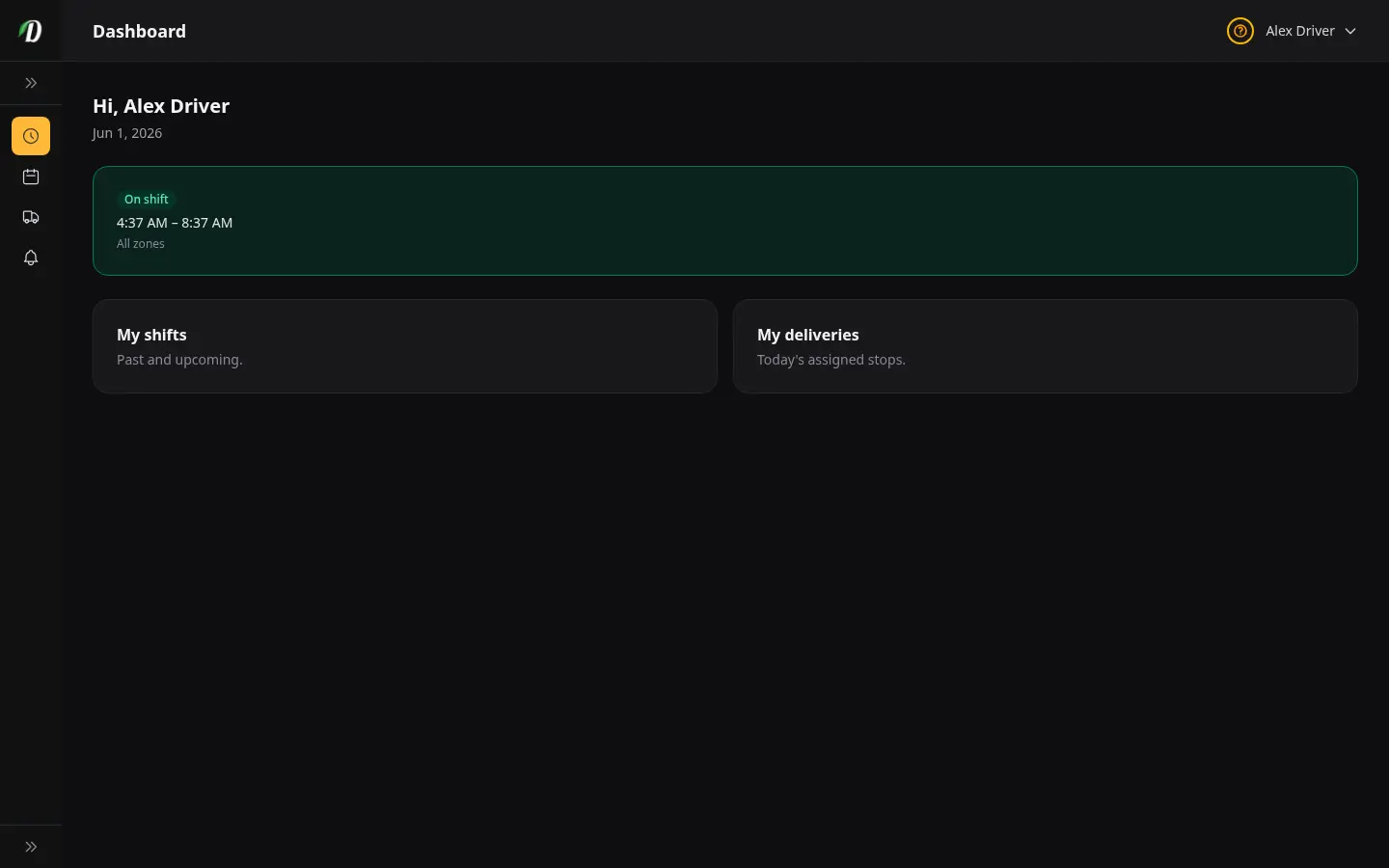
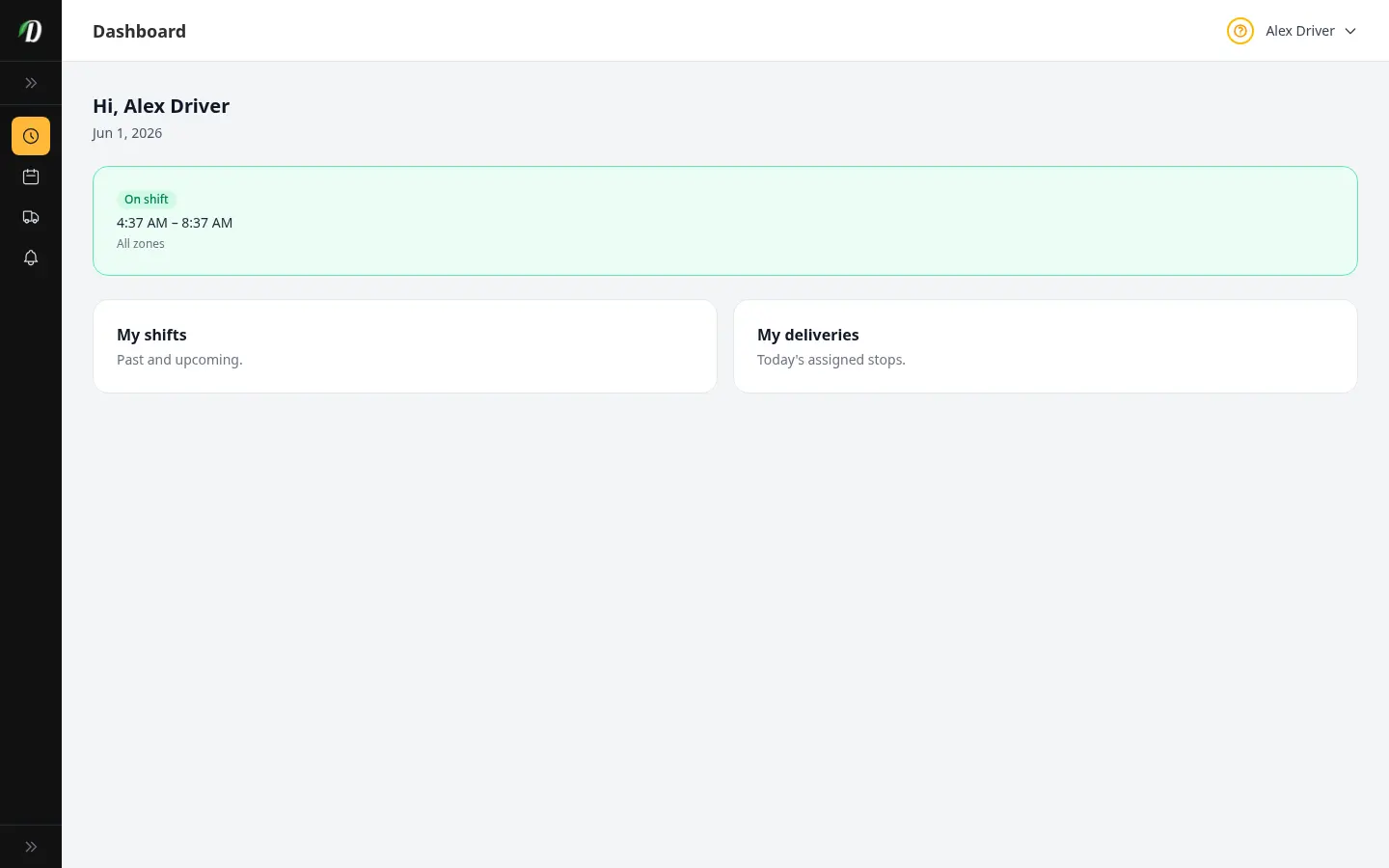
The Driver Portal
What your drivers see — their shifts, open shifts to claim, their delivery stops, and proof of delivery.
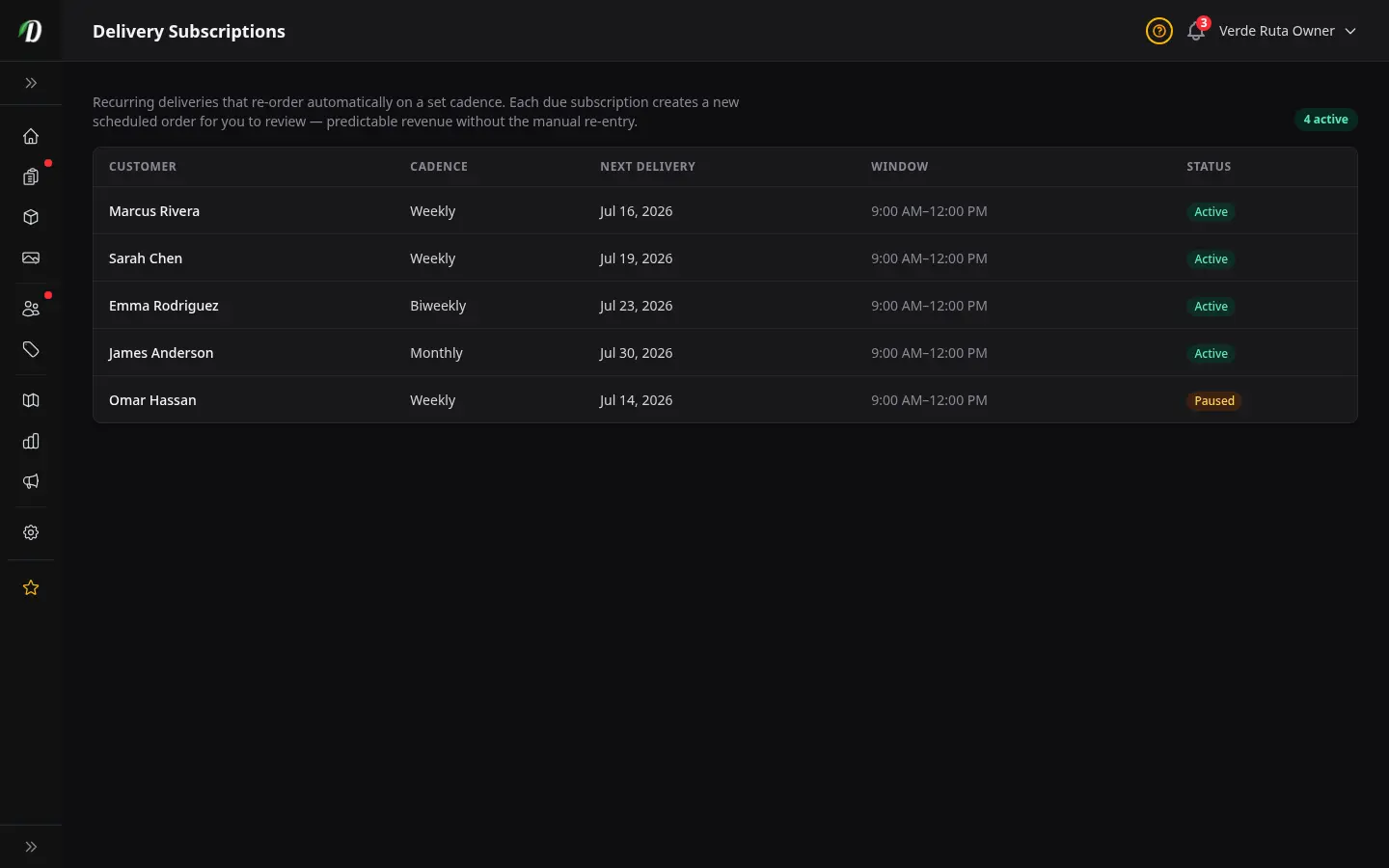
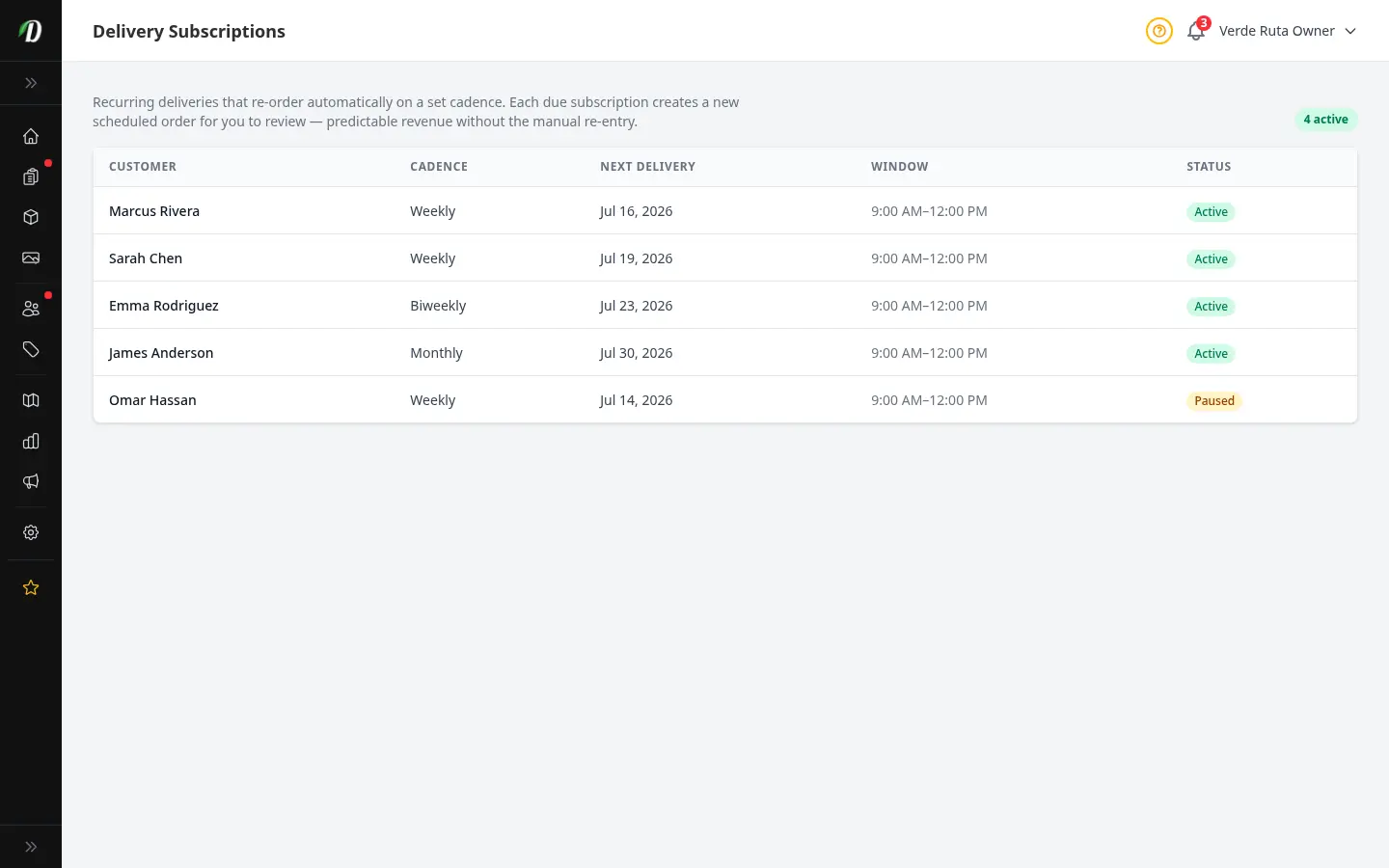
Delivery Subscriptions
Recurring deliveries that re-order on a set cadence — predictable revenue without manual re-entry.
Customer Directory
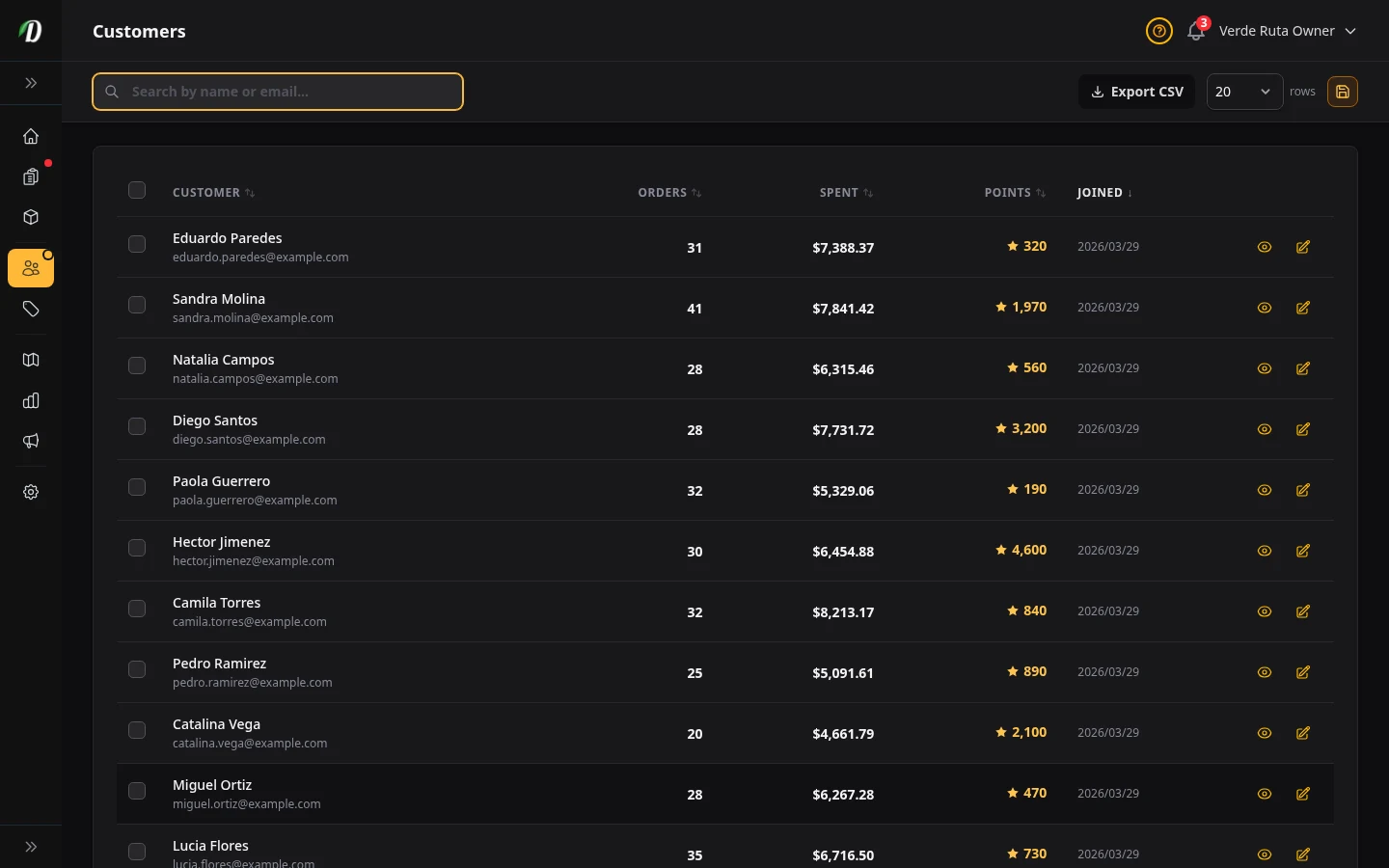
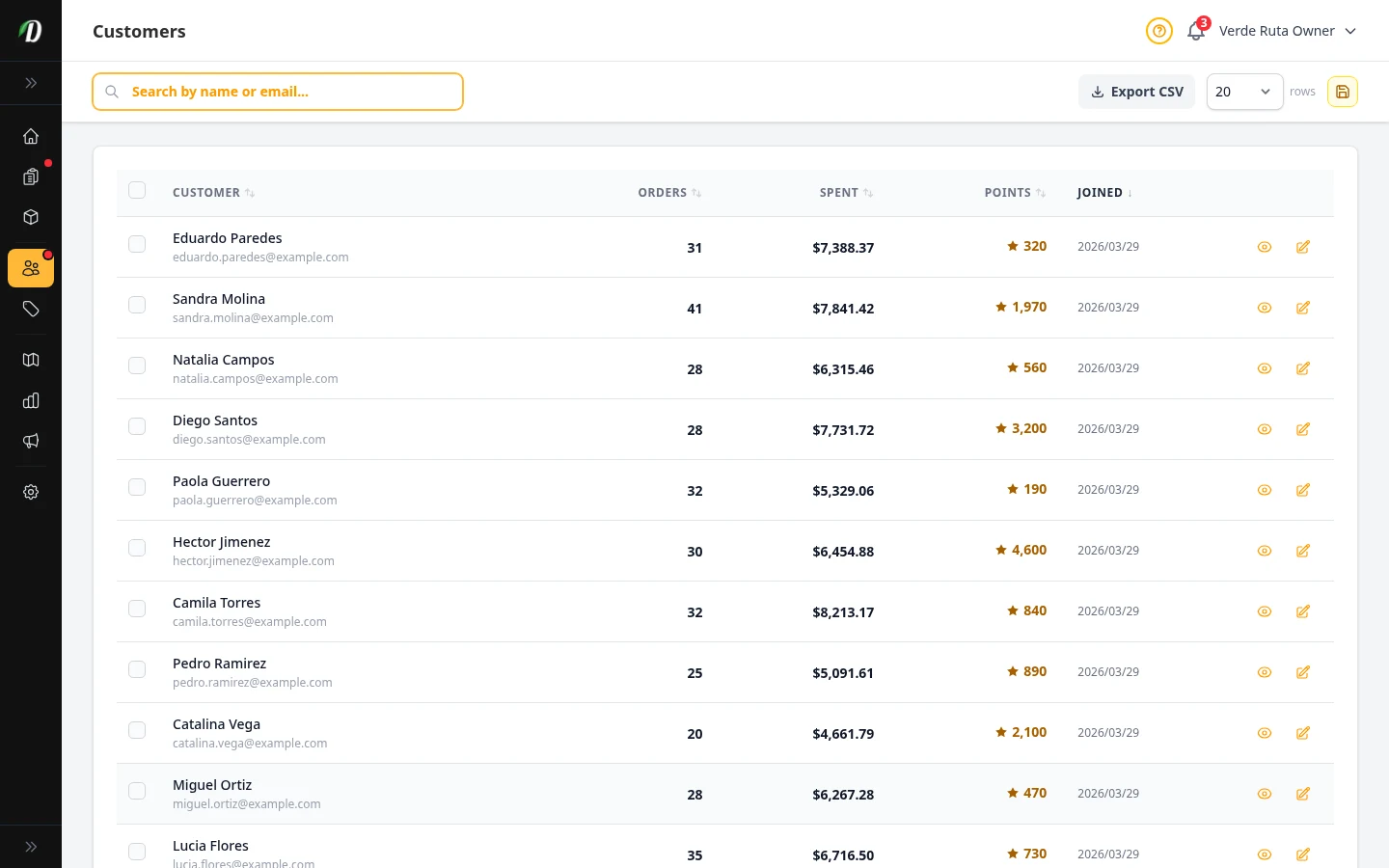
Browse customer profiles, order history, loyalty points, and saved addresses.
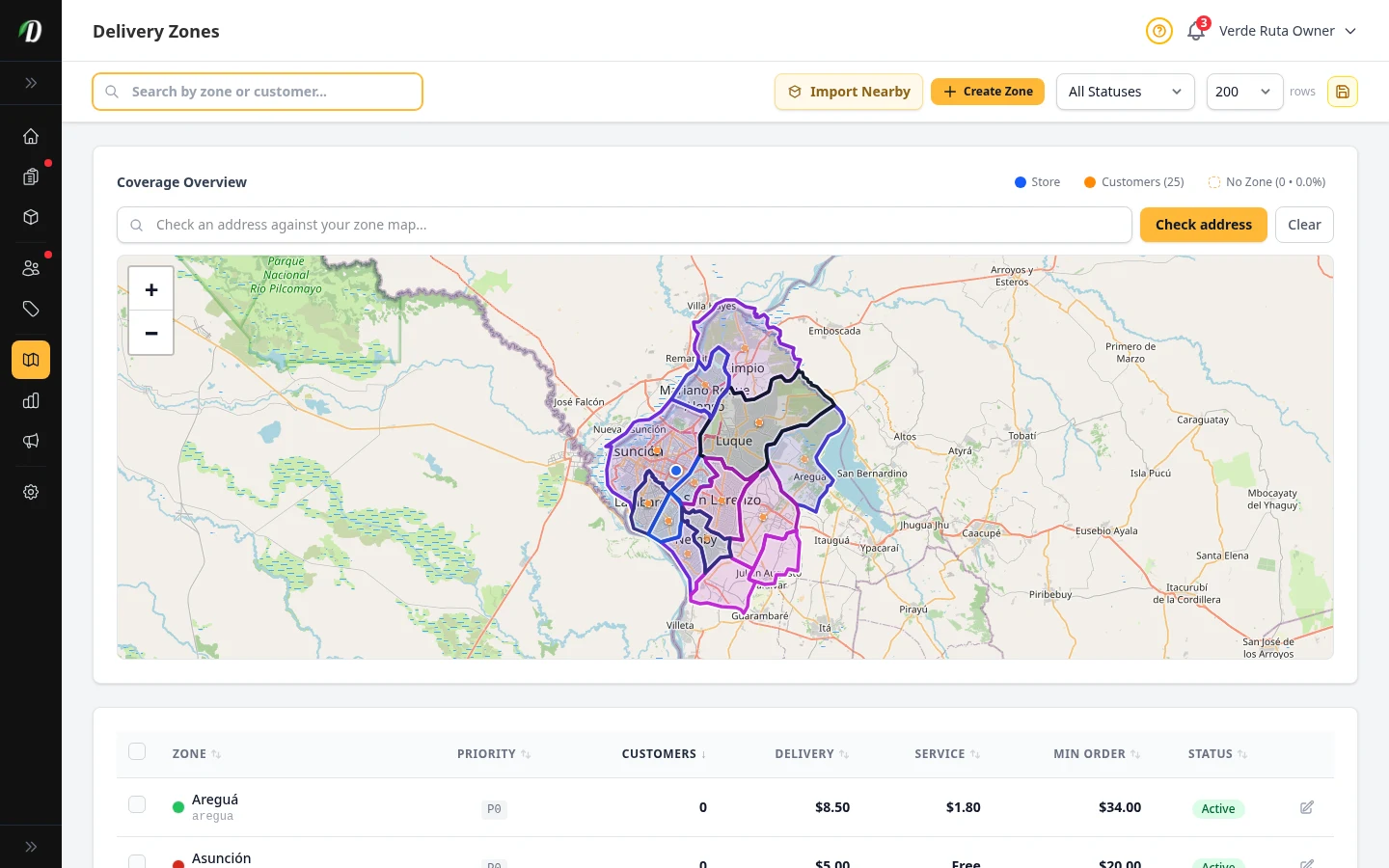
Delivery Zones
View all →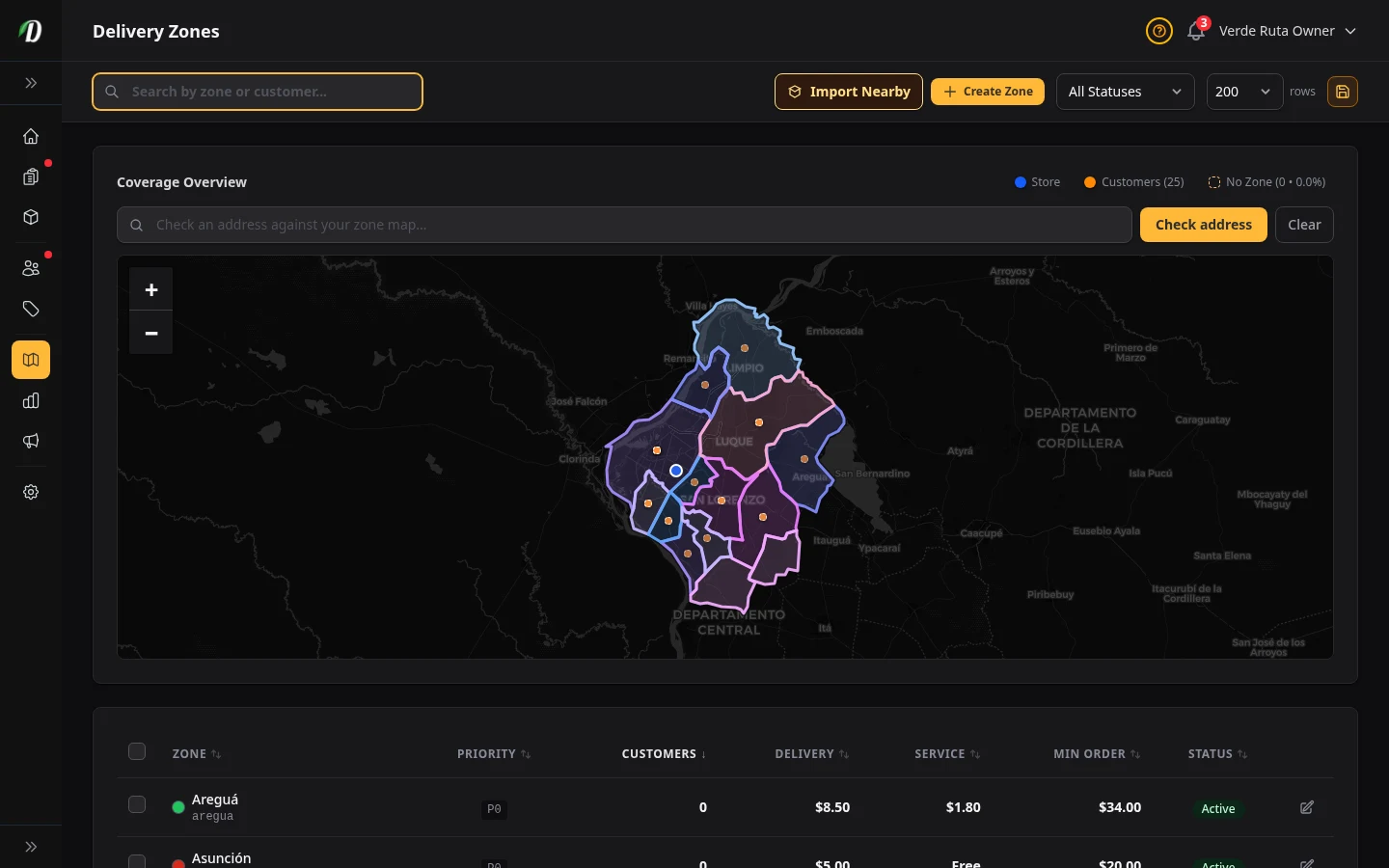
Analytics & Reports
View all →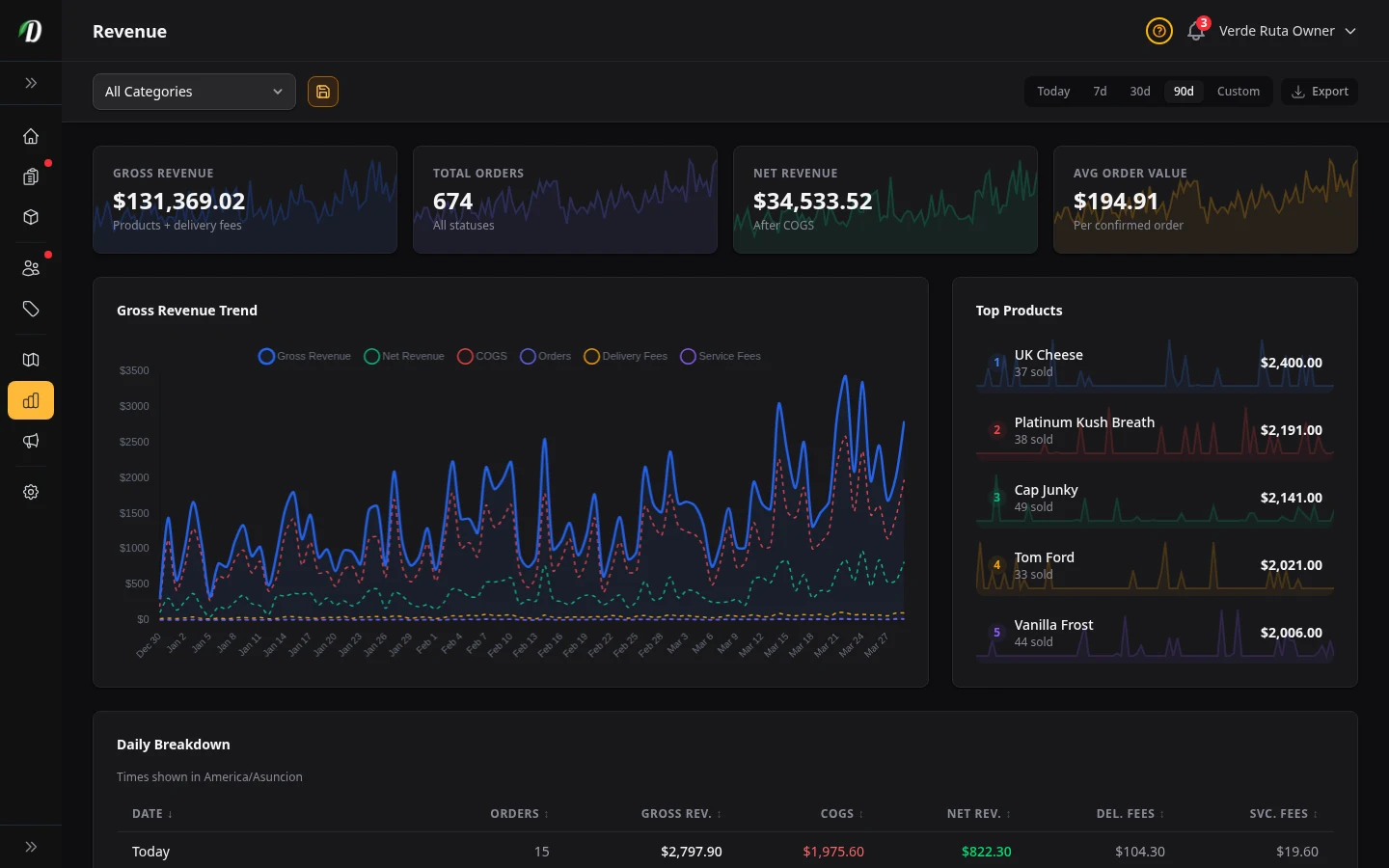
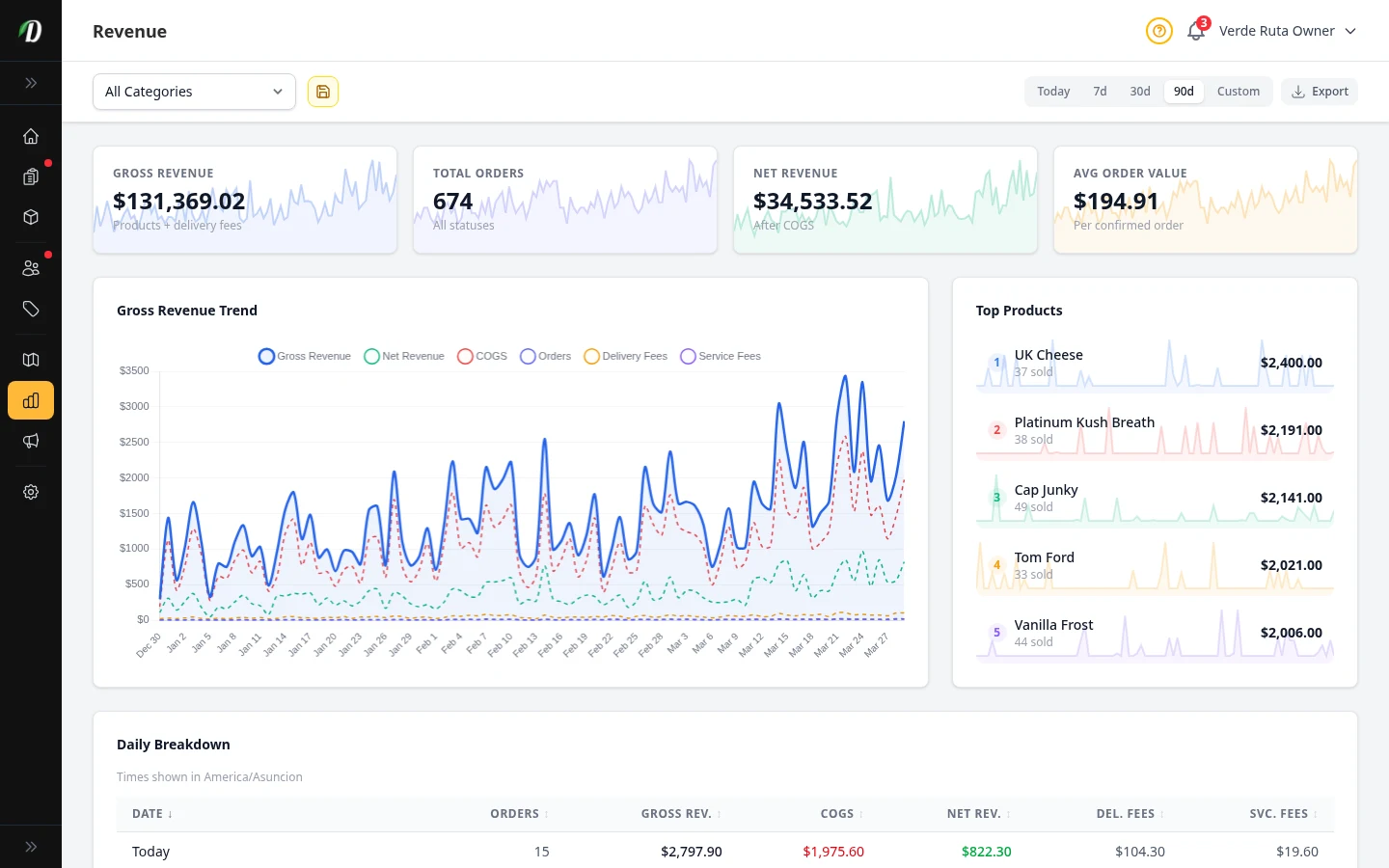
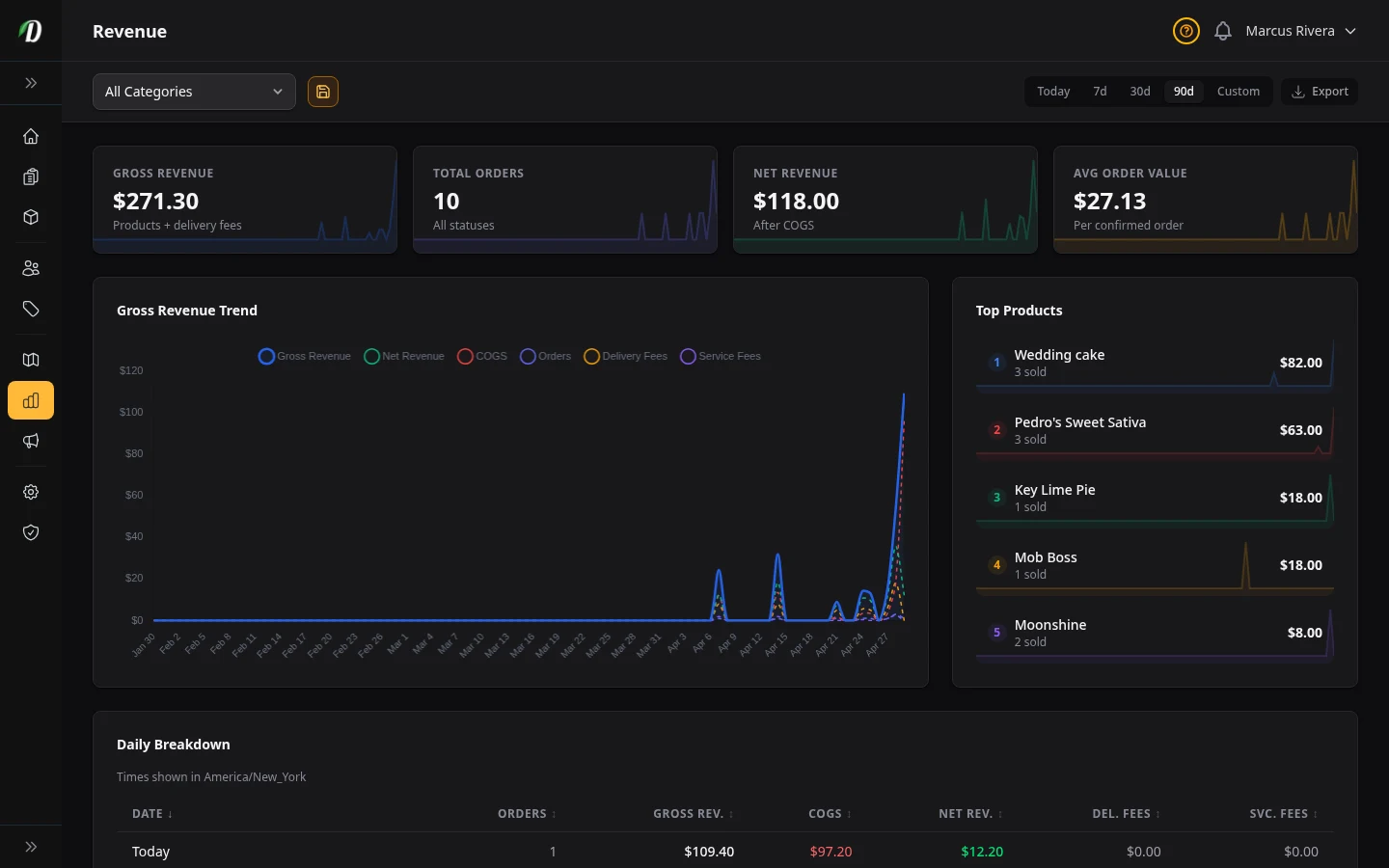
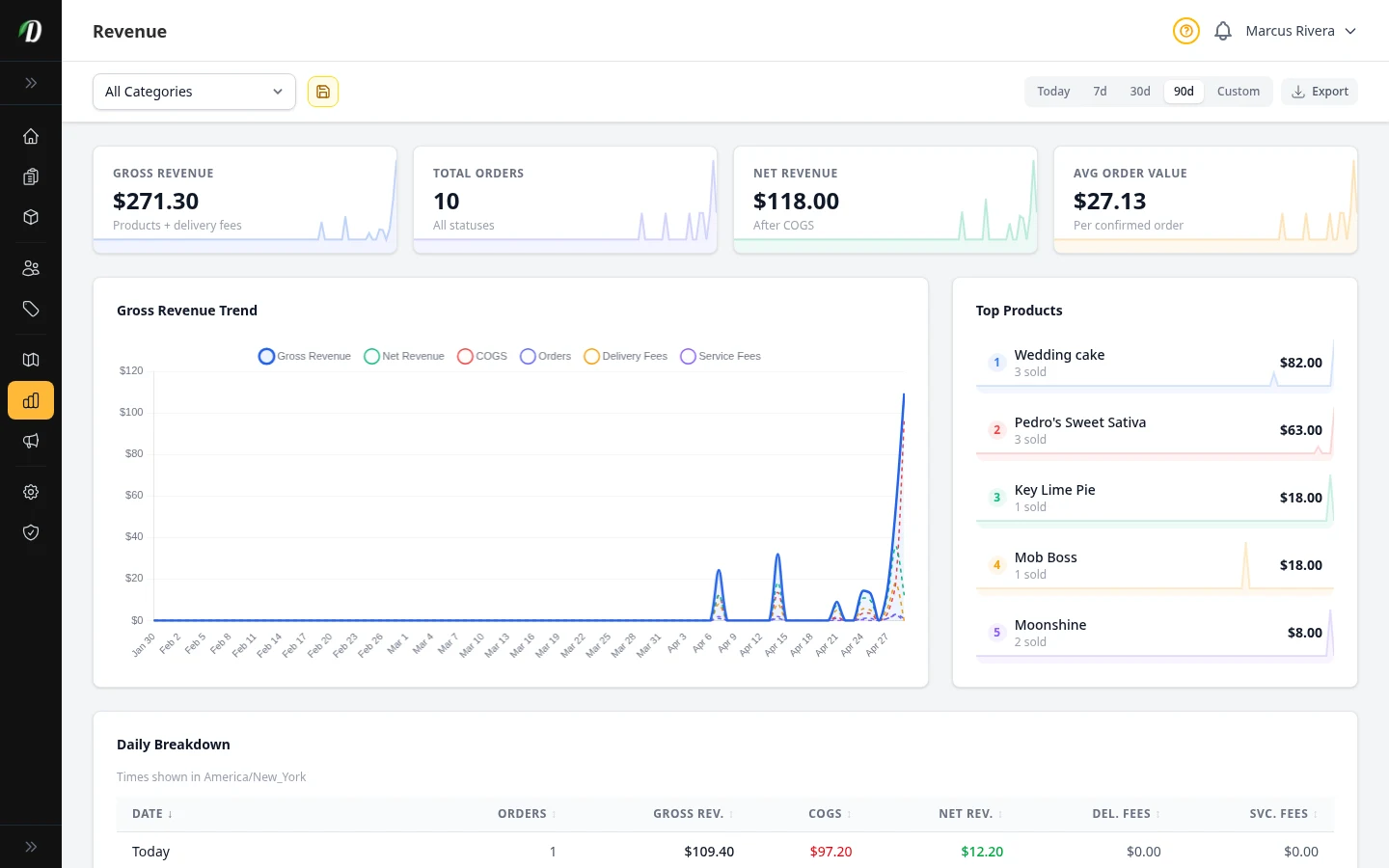
Revenue Overview
Track gross and net revenue, order counts, and average order value with trend charts and daily breakdowns.
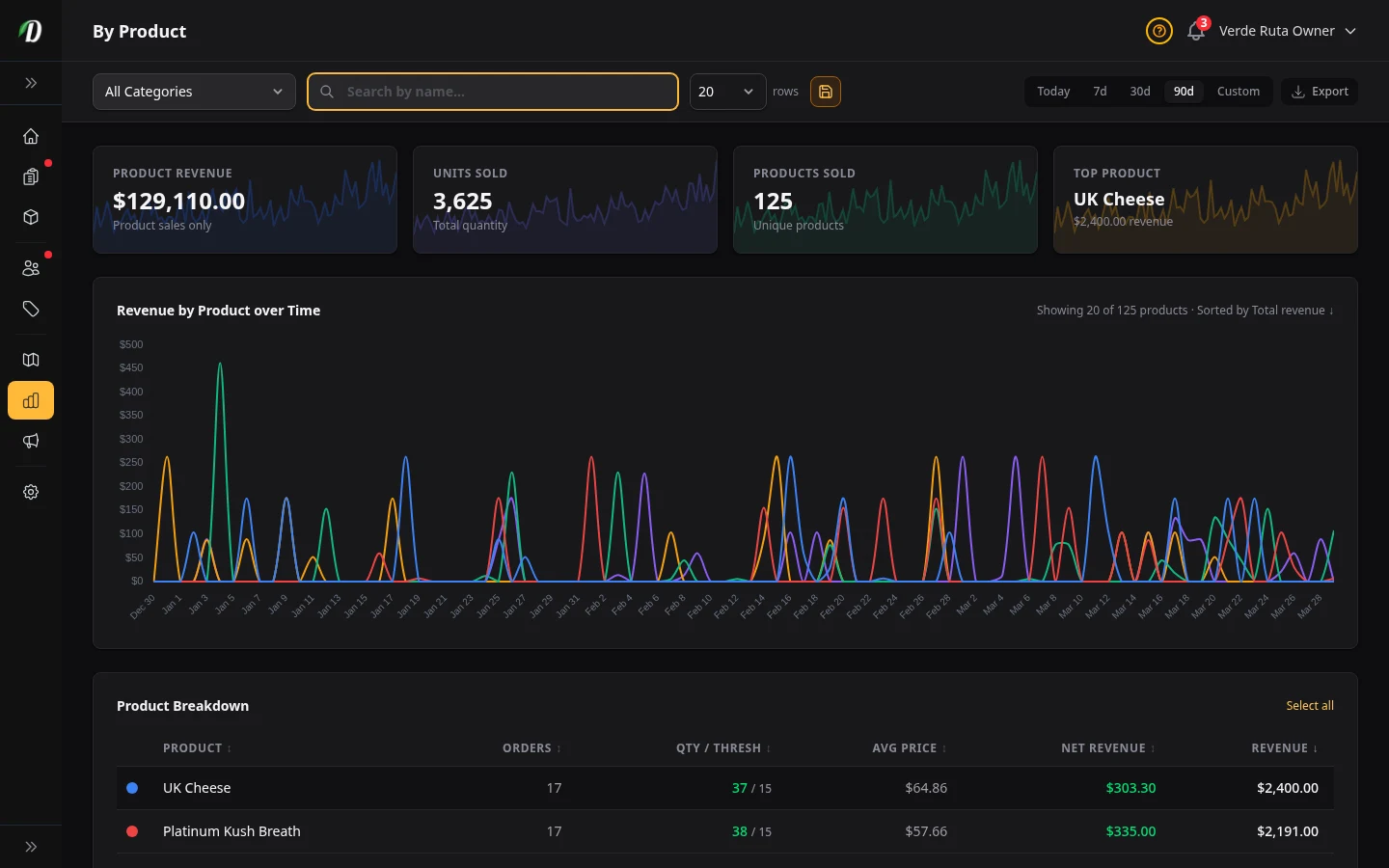
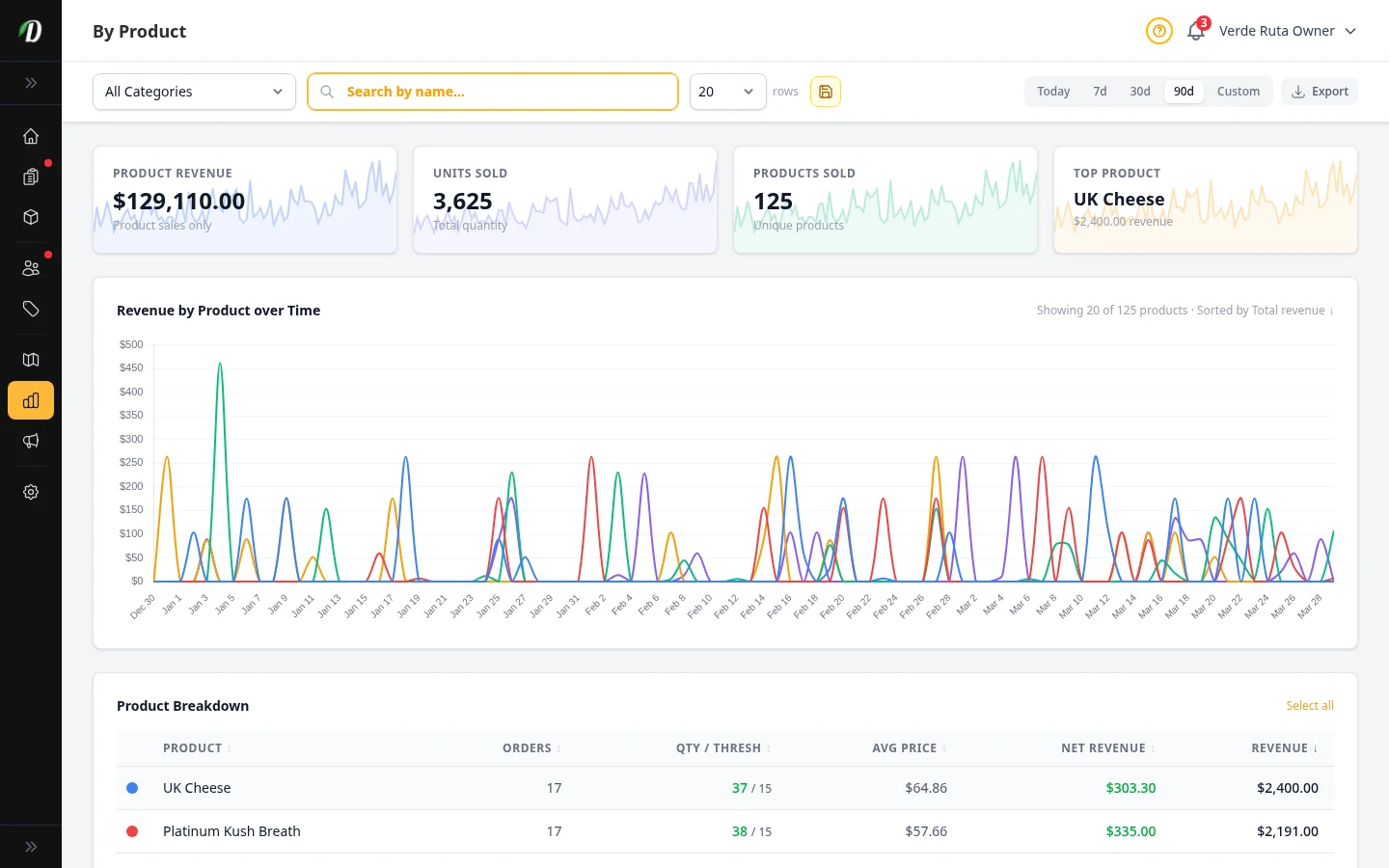
Revenue by Product
Rank products by revenue, track units sold, monitor stock levels, and identify your best sellers.
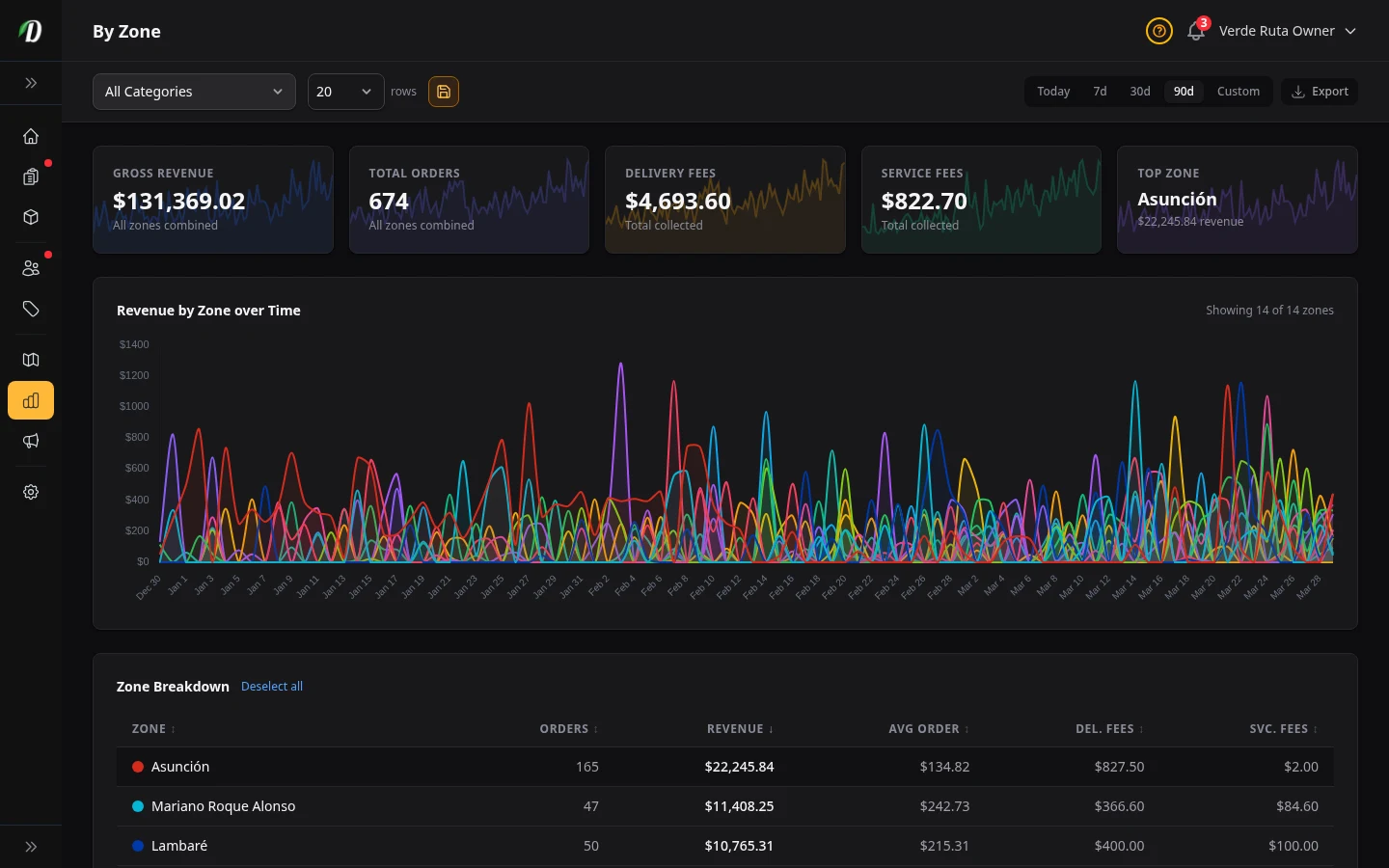
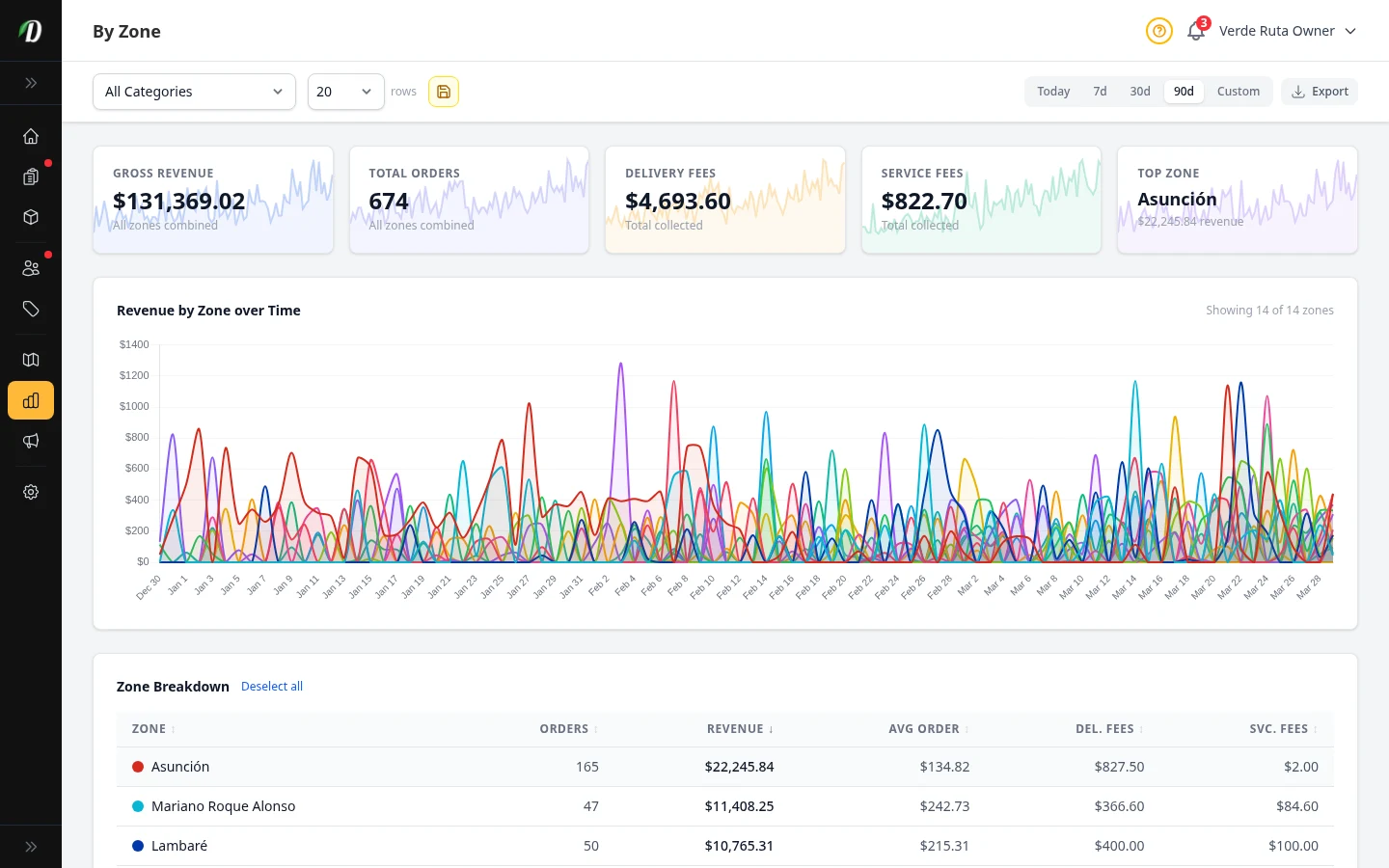
Revenue by Zone
Compare delivery zone performance by revenue, order volume, and delivery fees collected.
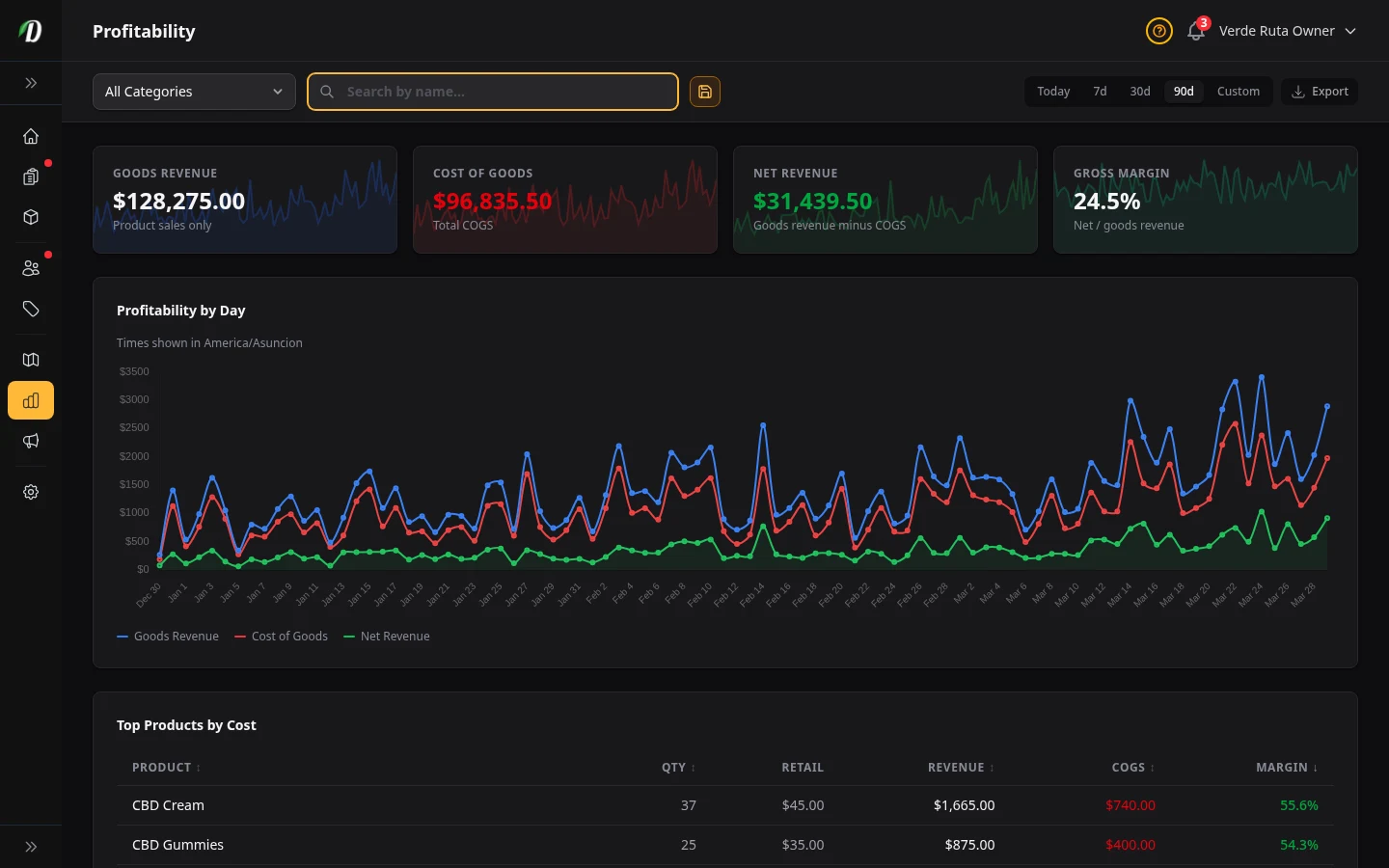
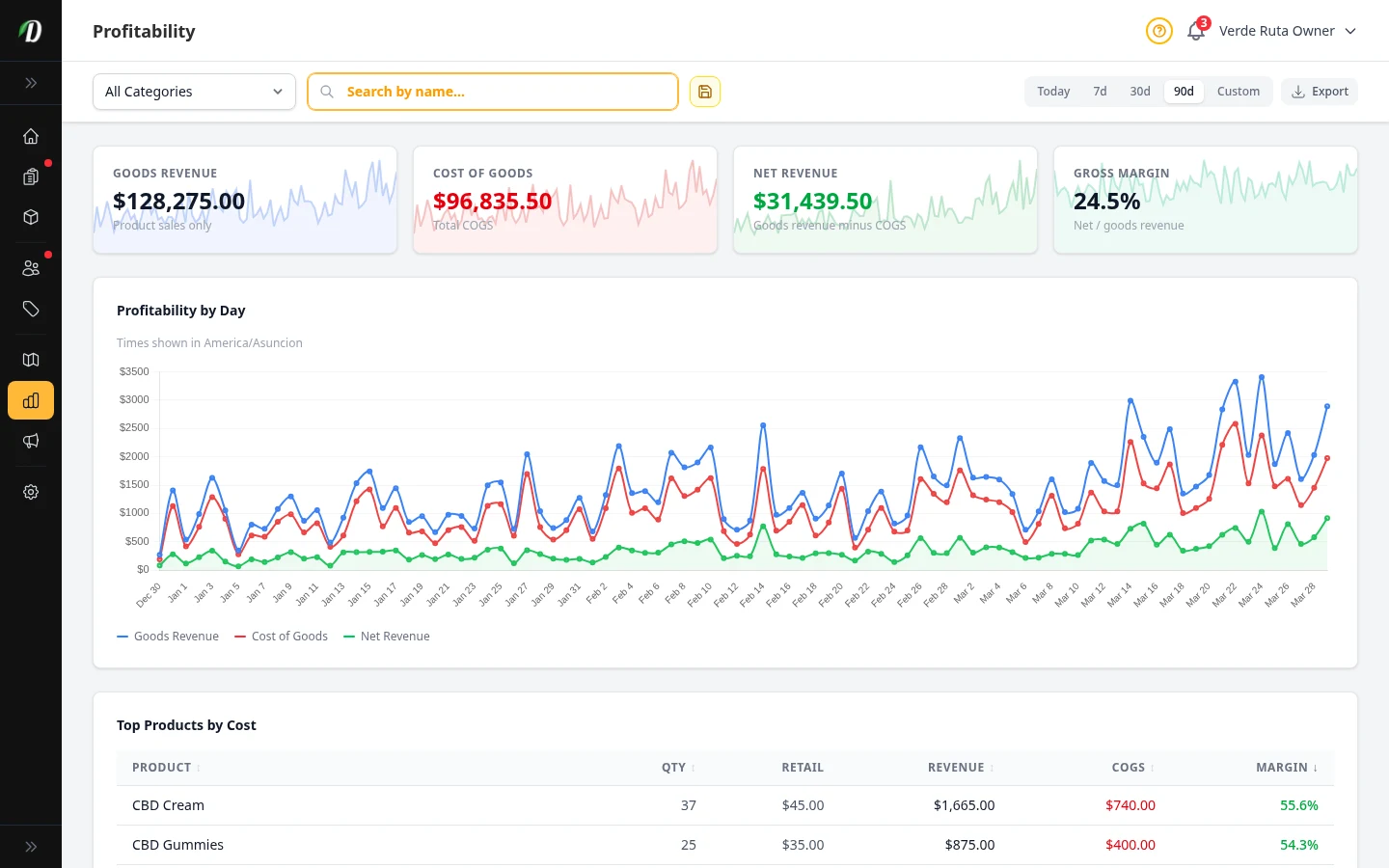
Profitability & COGS
Analyze cost of goods sold, gross margins, and net revenue per product to understand true profit.
Inventory Valuation
See the real-time value of your current stock at cost and retail price with unit conversion and stock distribution.
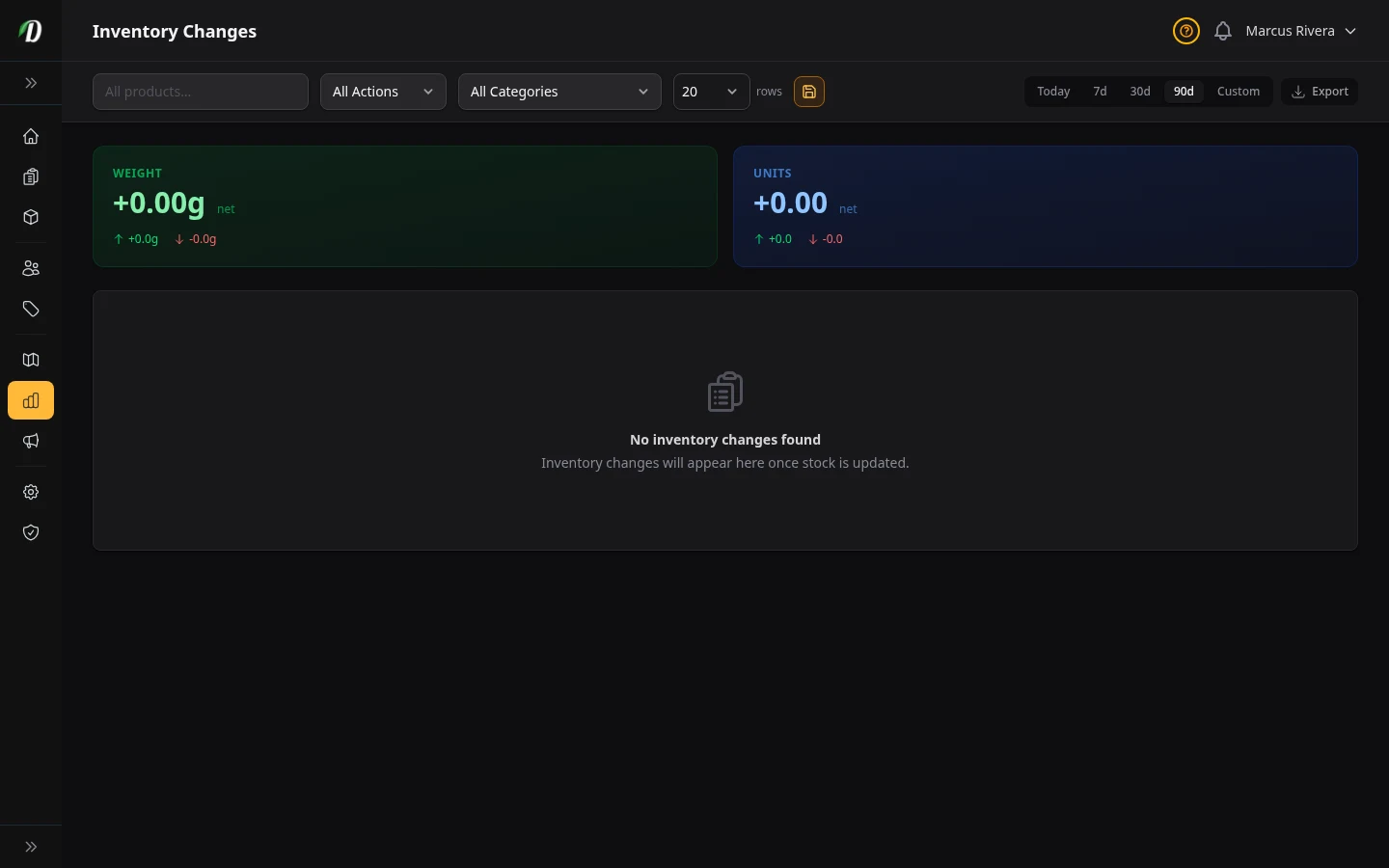
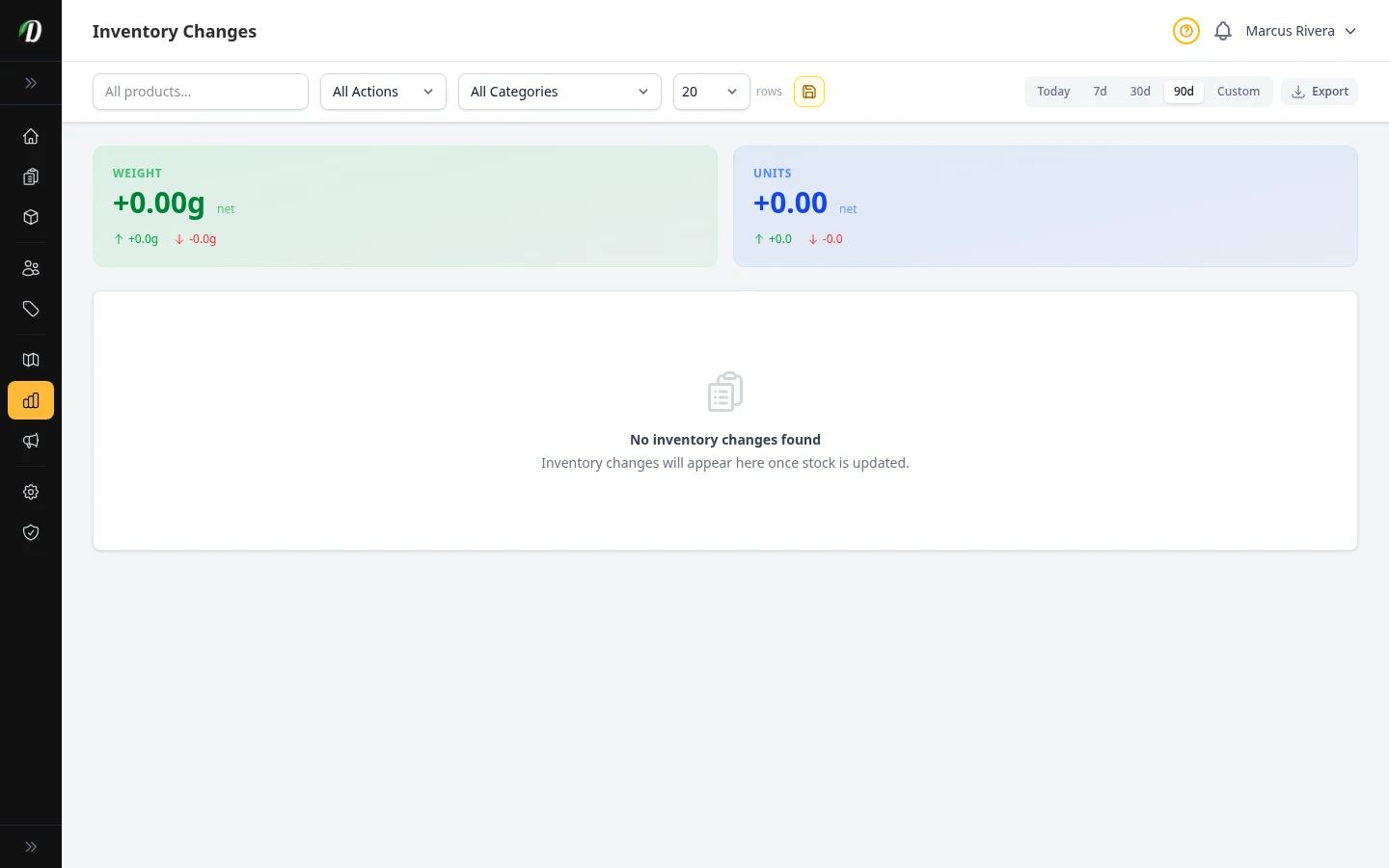
Inventory Changes Report
Audit every stock movement — sales, restocks, manual adjustments, and refunds — with trend charts, stat cards, and full-history filtering.
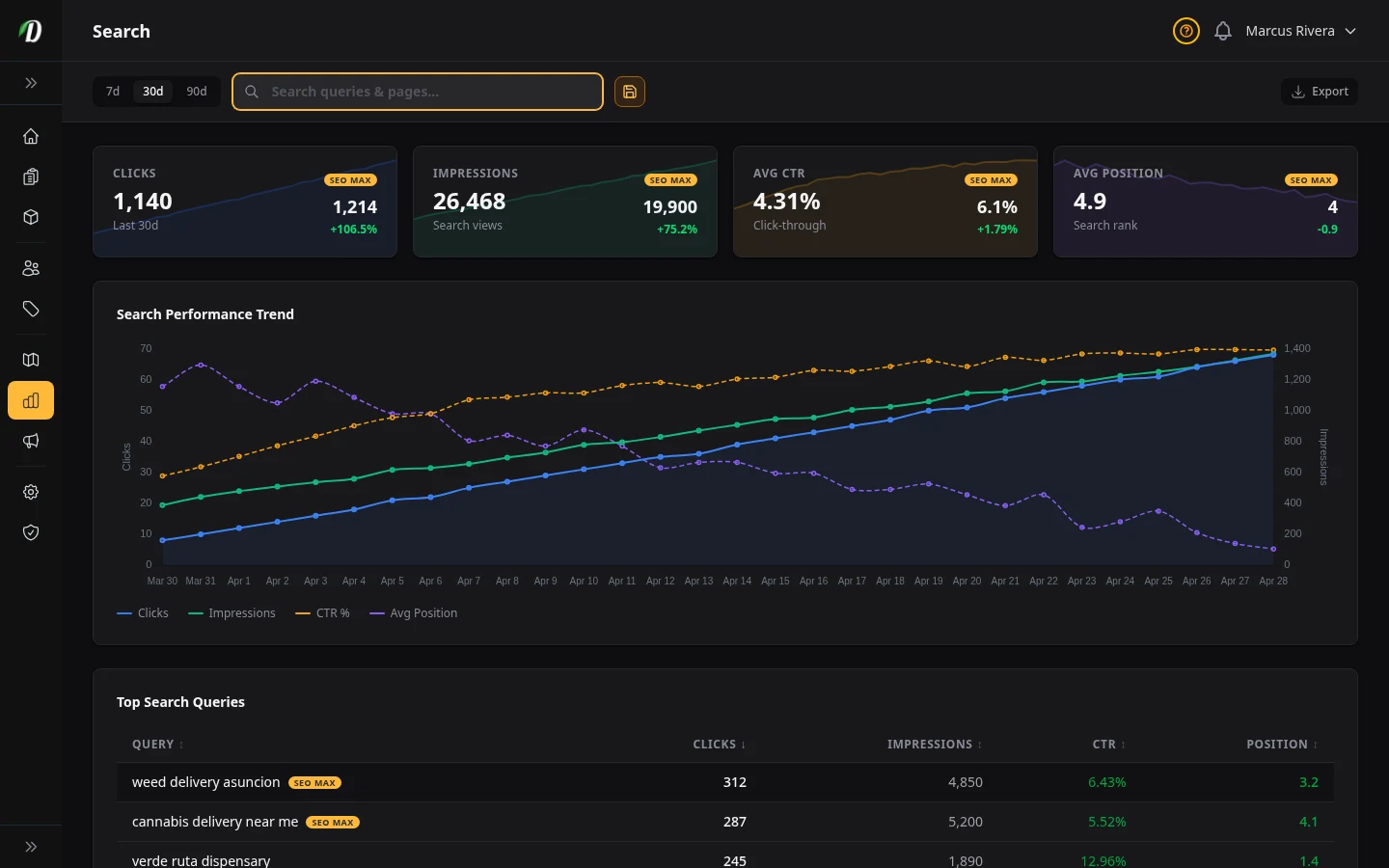
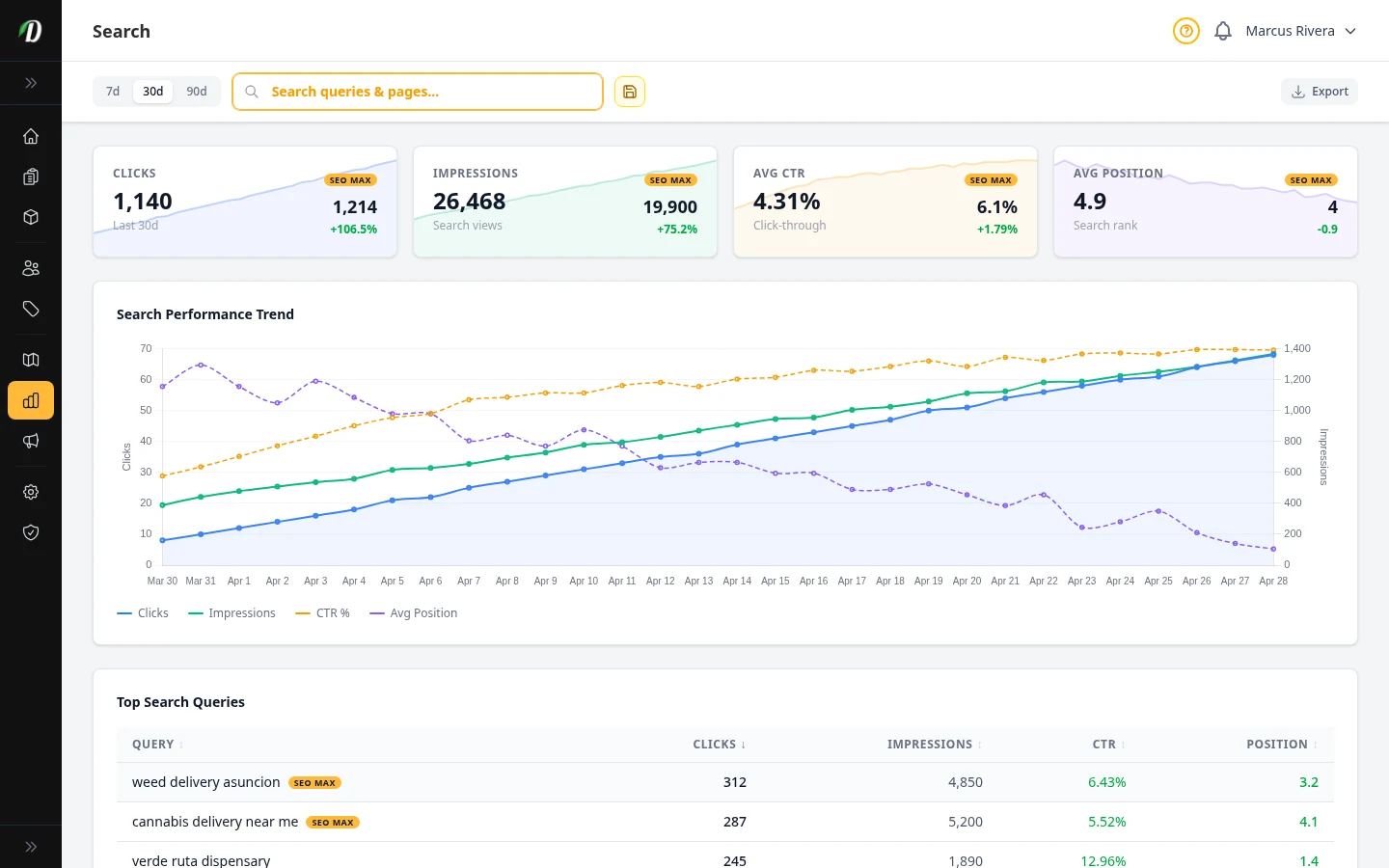
Search
Track search clicks, impressions, click-through rate, and average position with Google Search Console data.
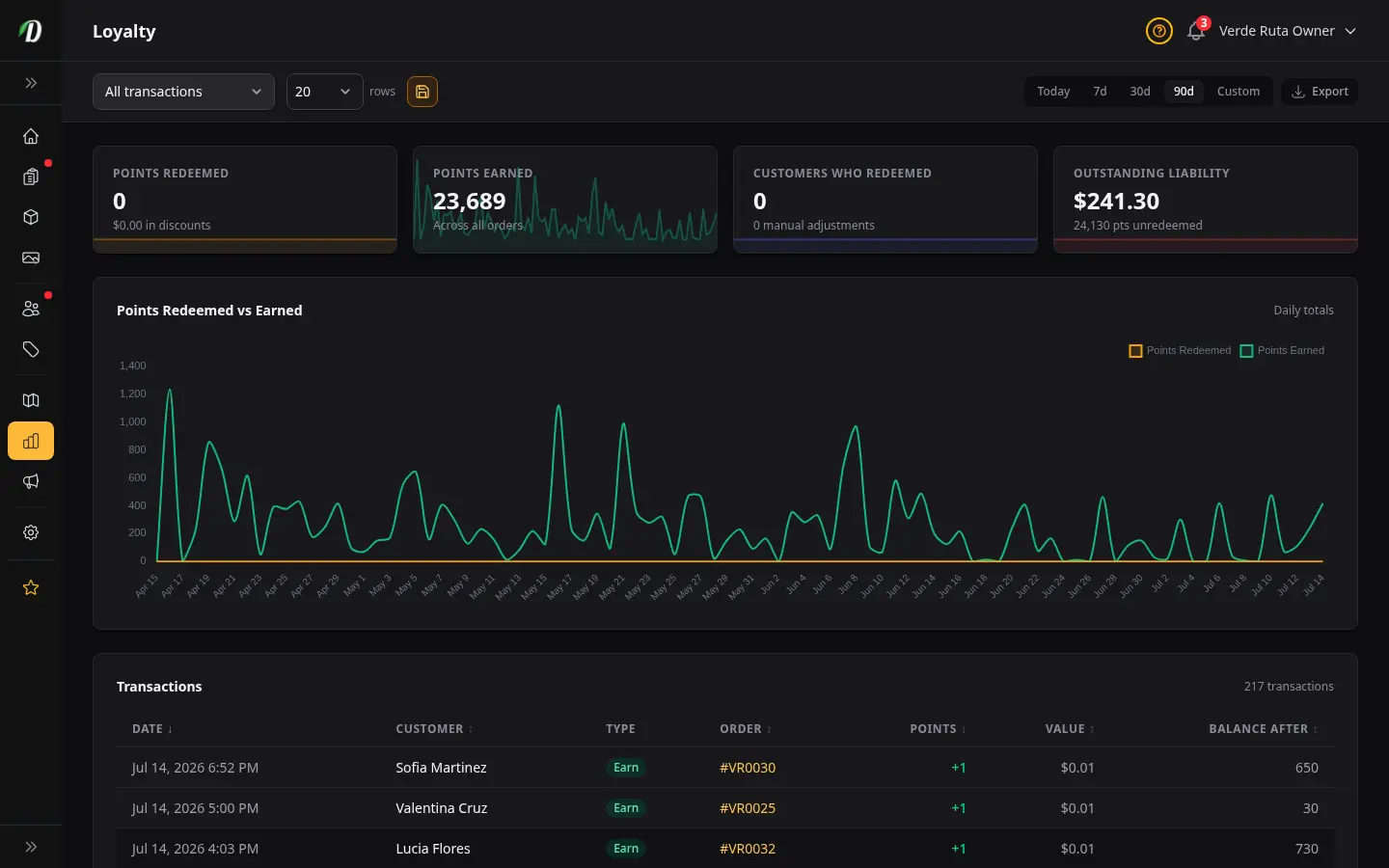
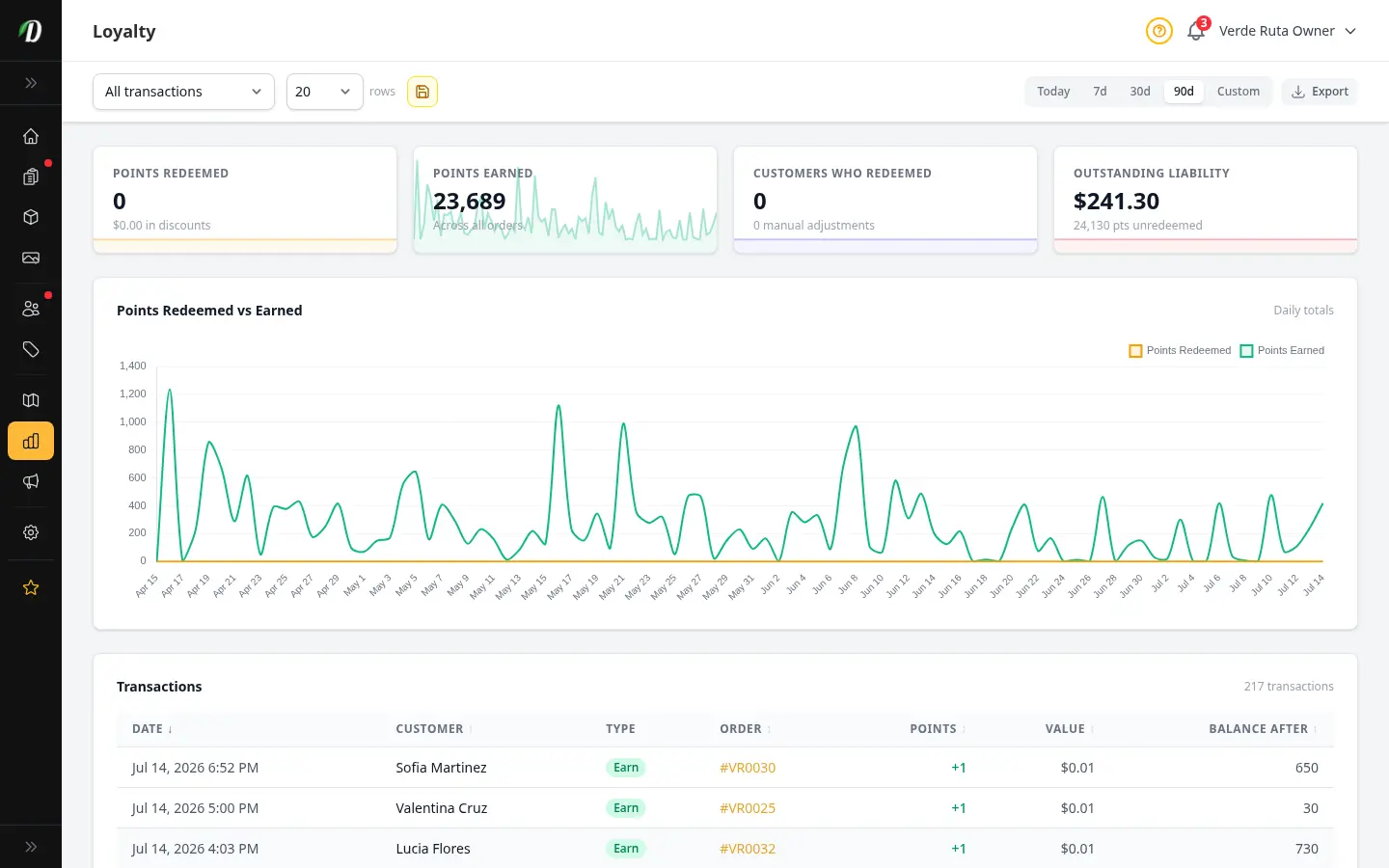
Loyalty Points Report
See points earned and redeemed over time, your outstanding points liability in dollars, who is redeeming, and a full searchable transaction ledger you can export.
Campaign Analytics
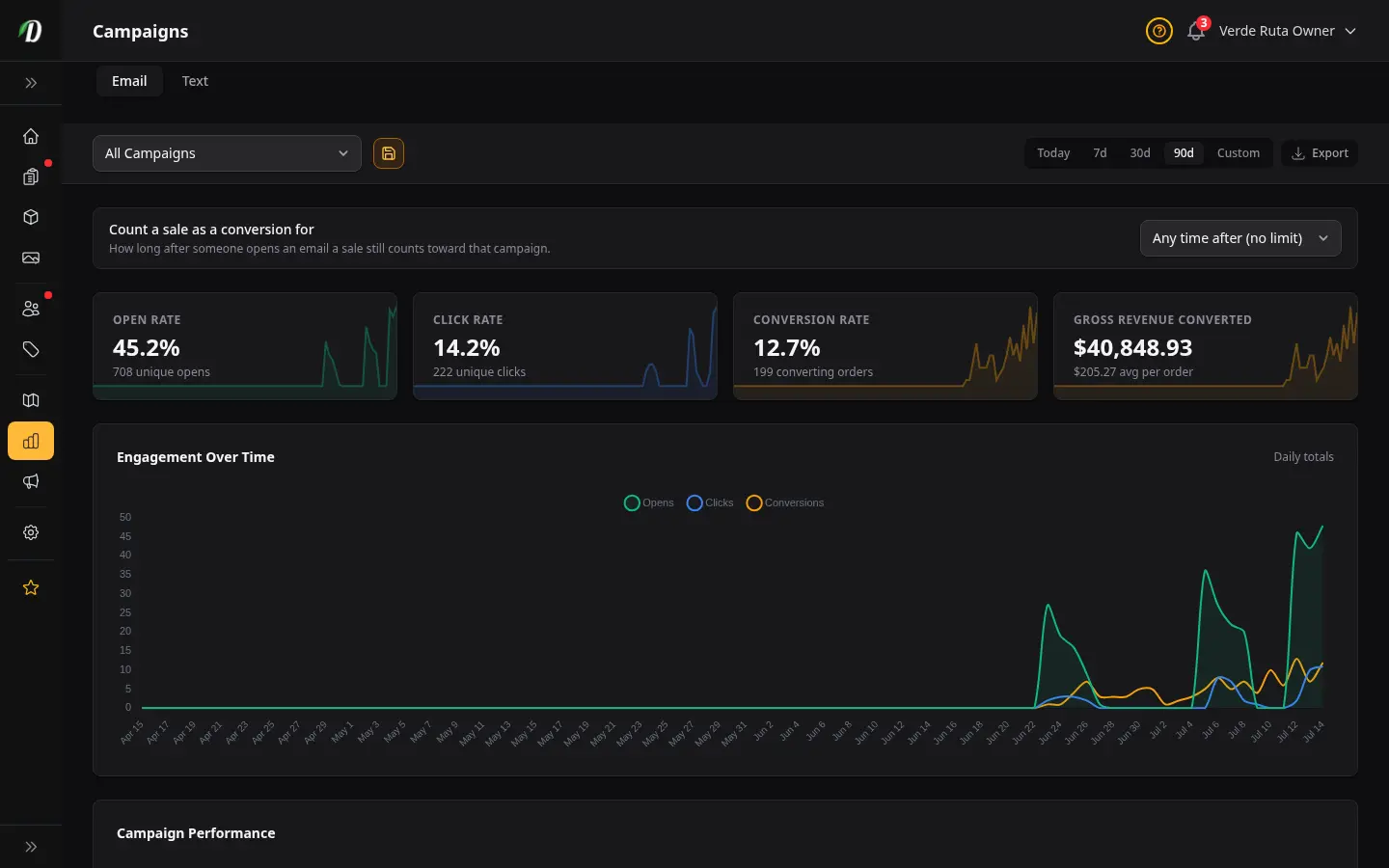
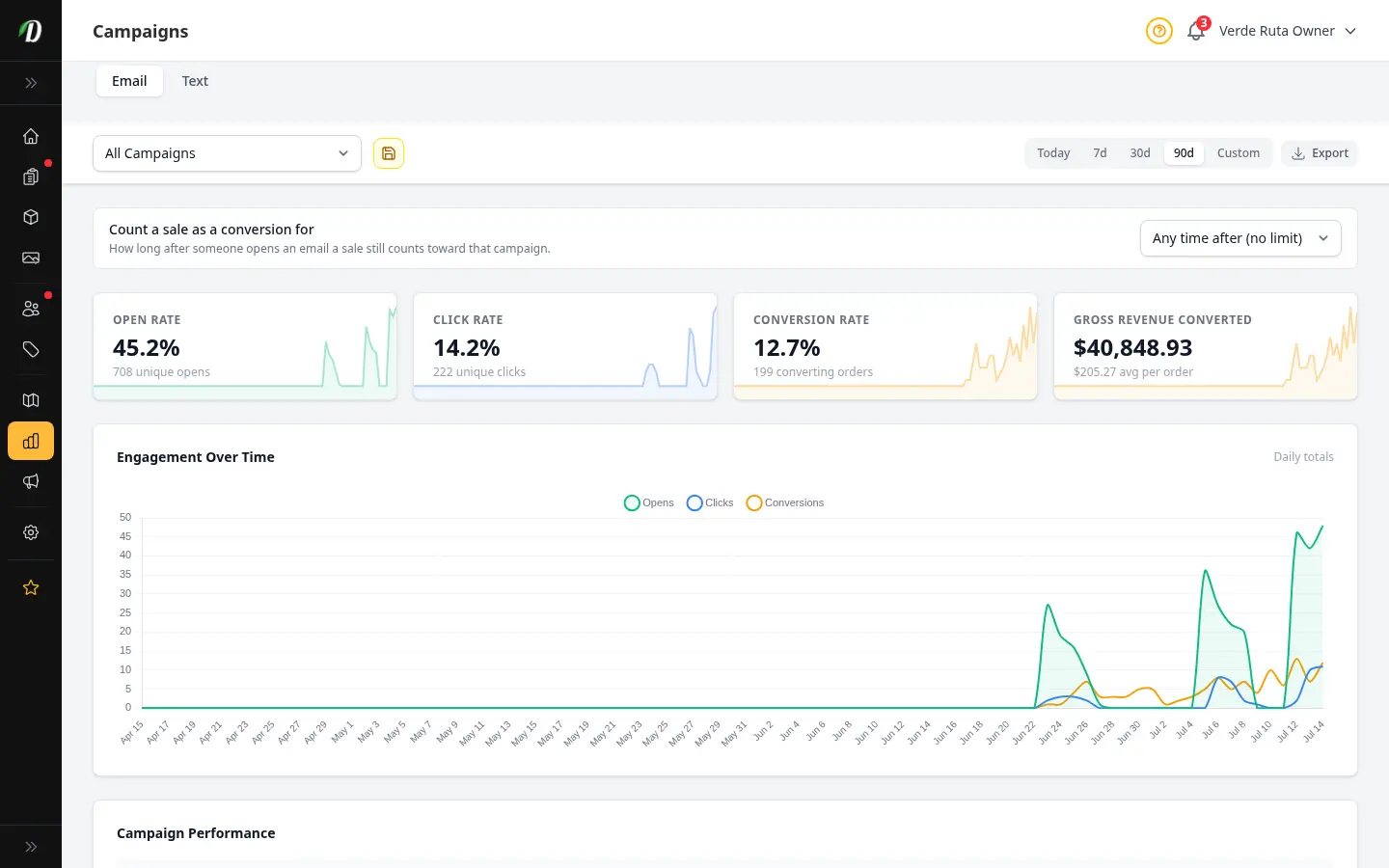
Measure every email campaign — sends, open rate, click rate, unsubscribes, conversions, and revenue — with an engagement chart and a per-campaign drill-down showing recipients, top links, and the 72-hour engagement timeline.
Marketing
View all →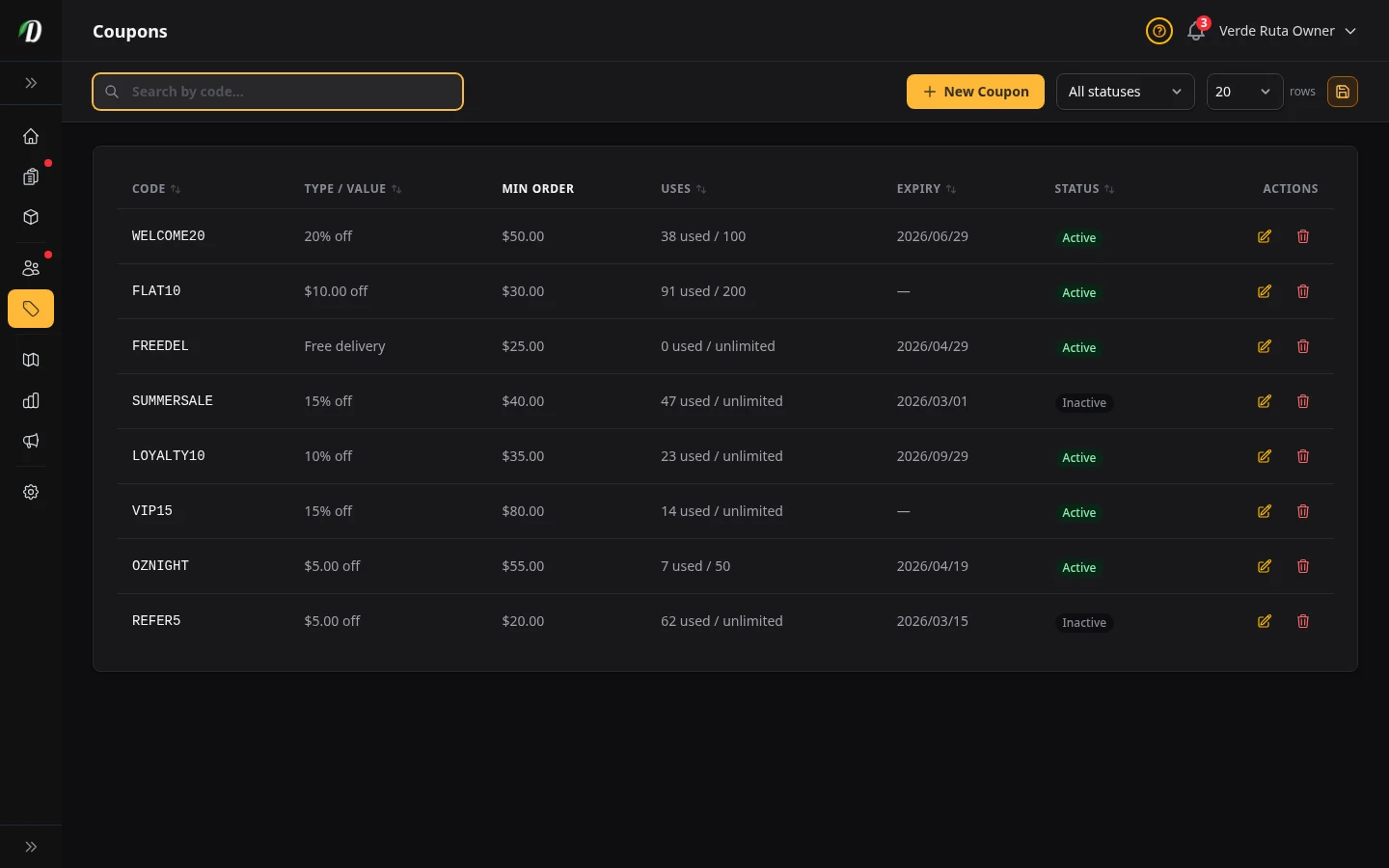
Coupons & Discounts
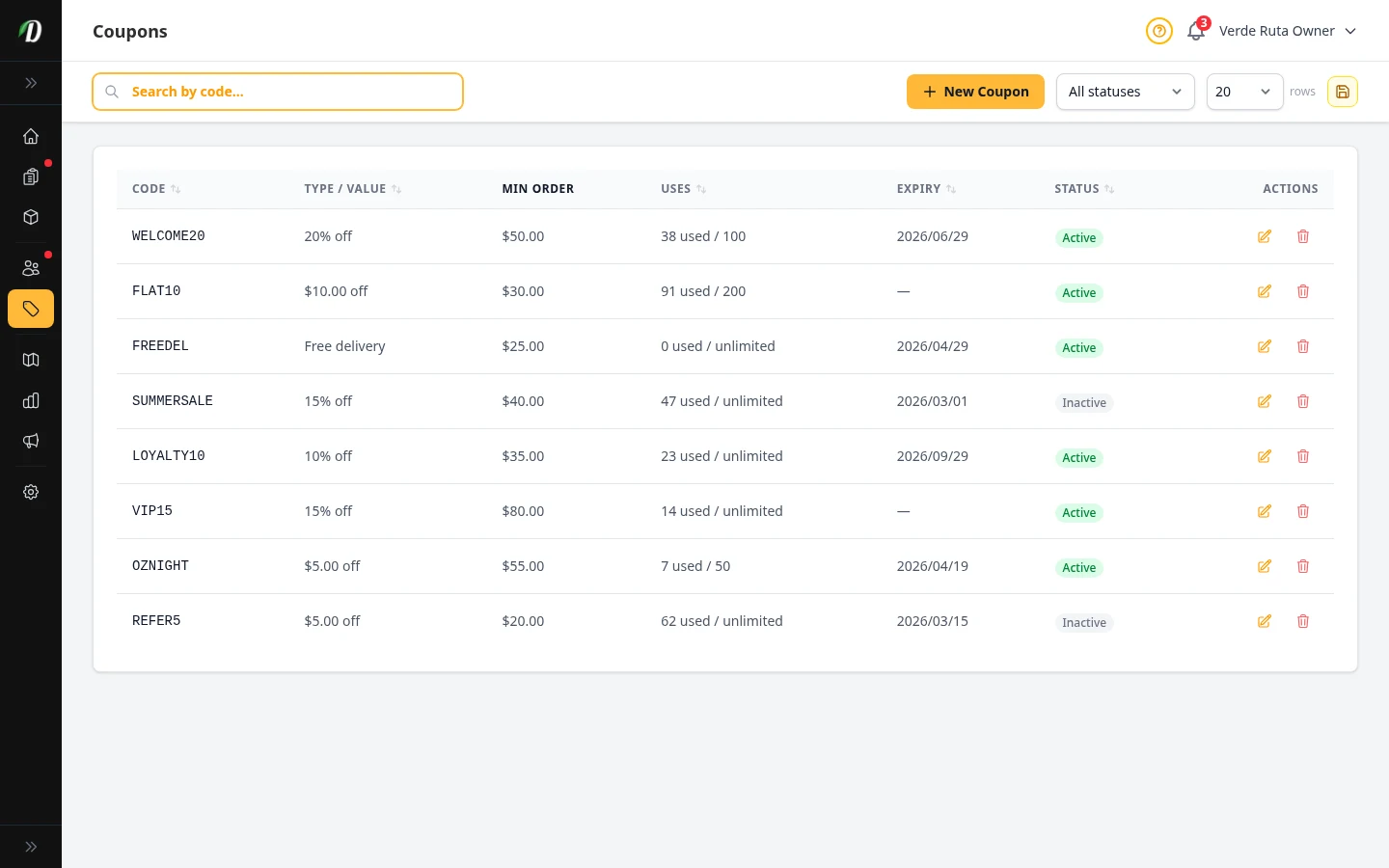
Create percentage or fixed-amount discount codes with usage limits and expiry dates.
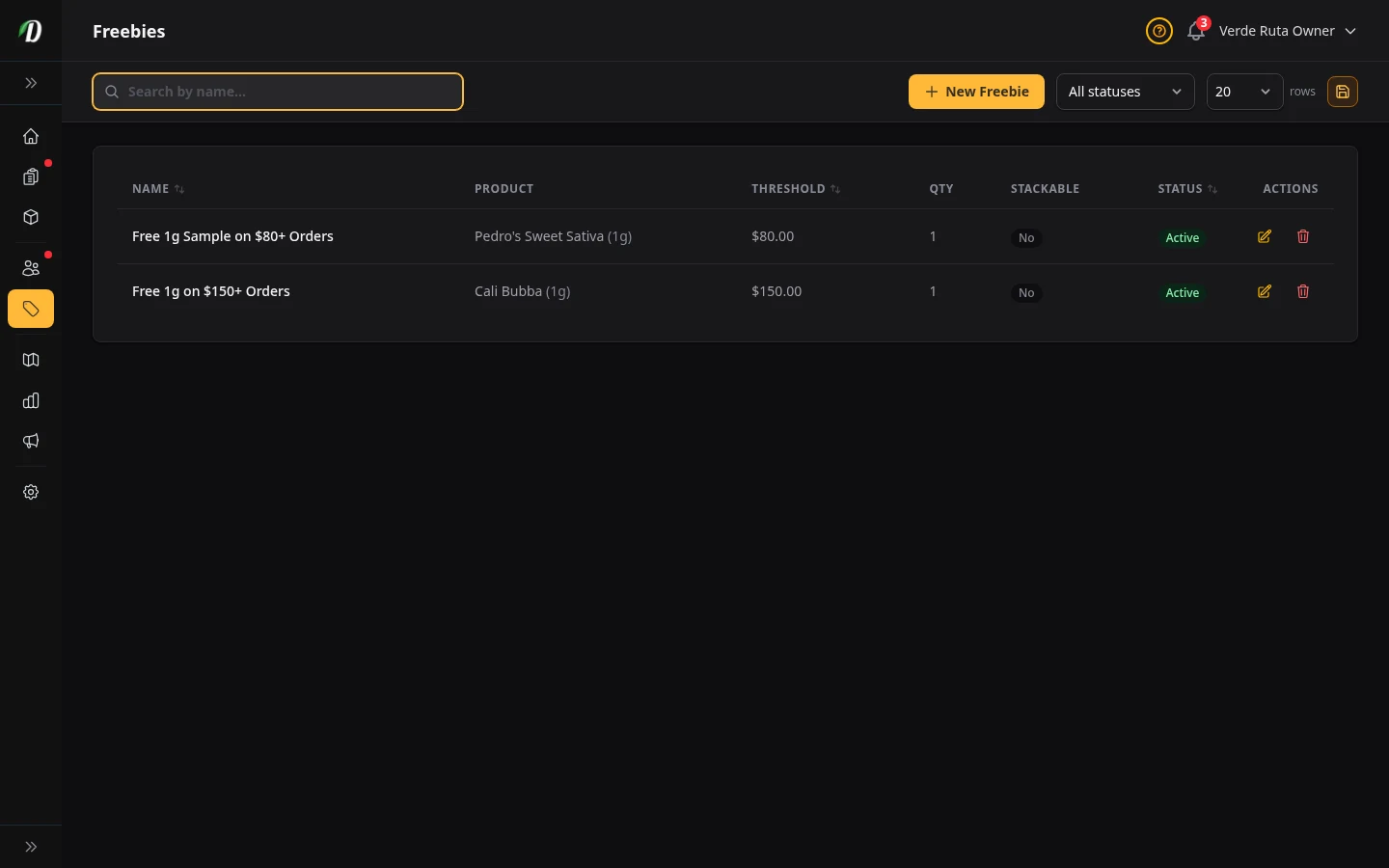
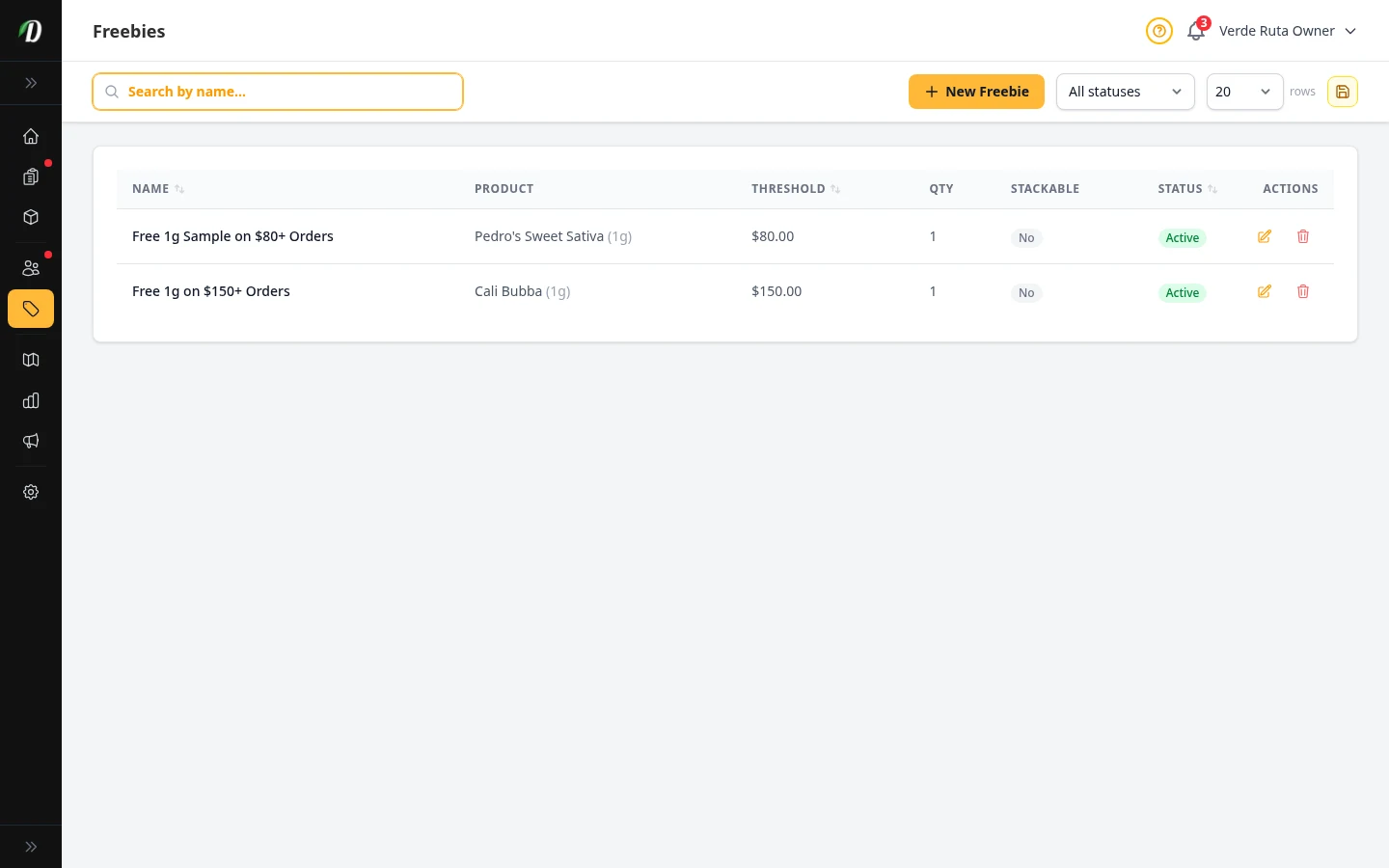
Freebie Rules
Reward customers with automatic free items when they reach spending thresholds.
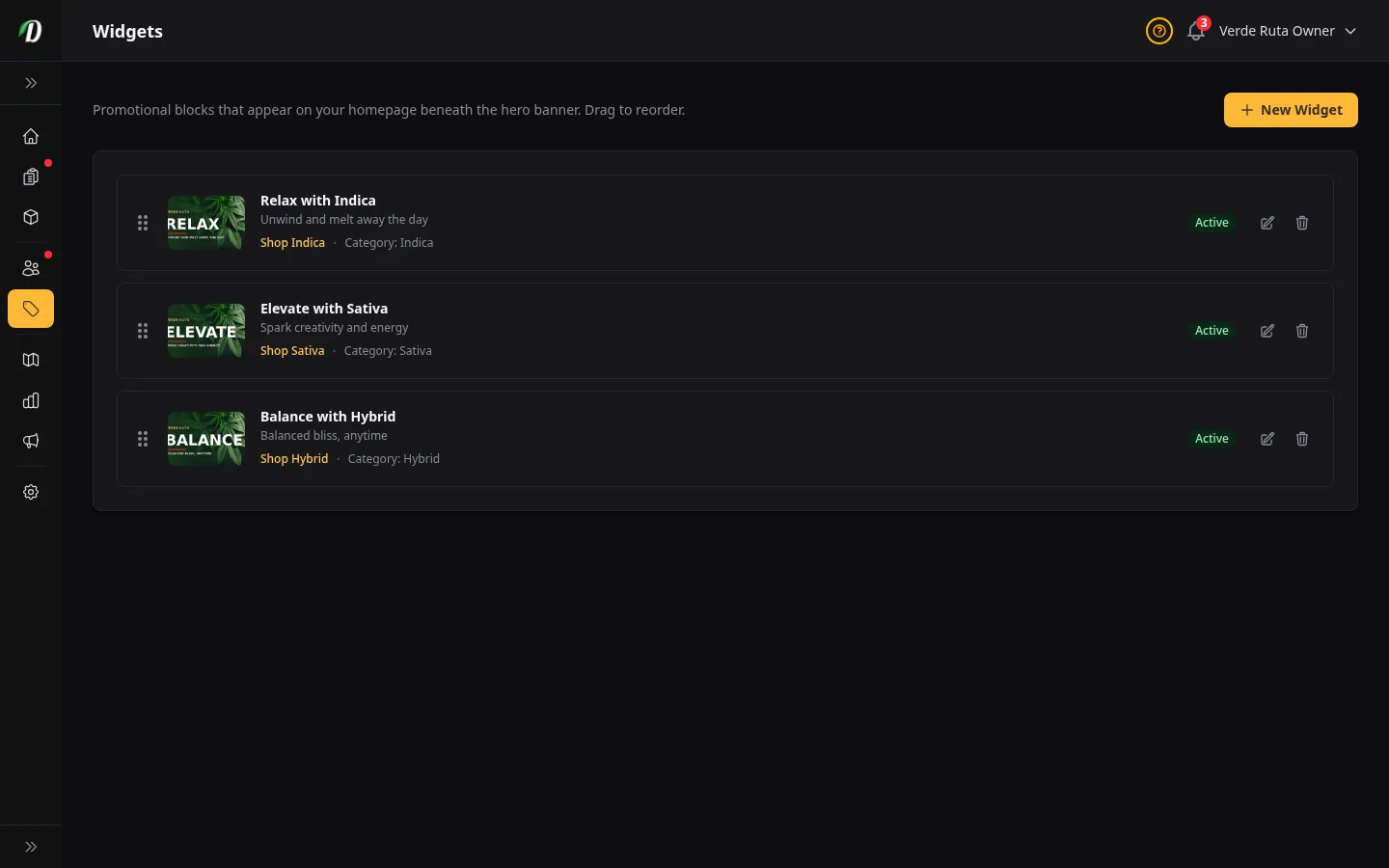
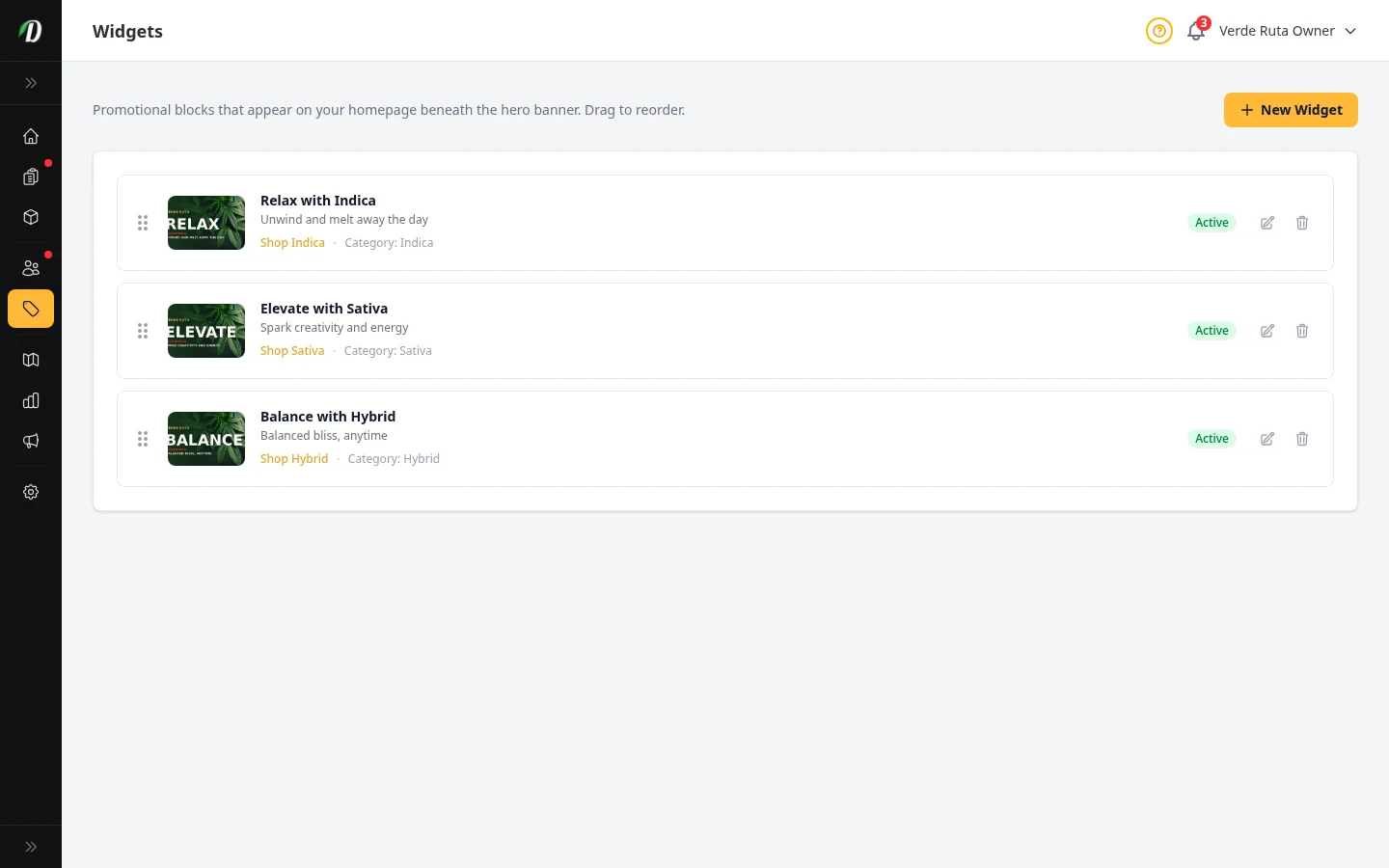
Promotional Widgets
Build homepage promo cards that link shoppers to featured products, categories, and collections.
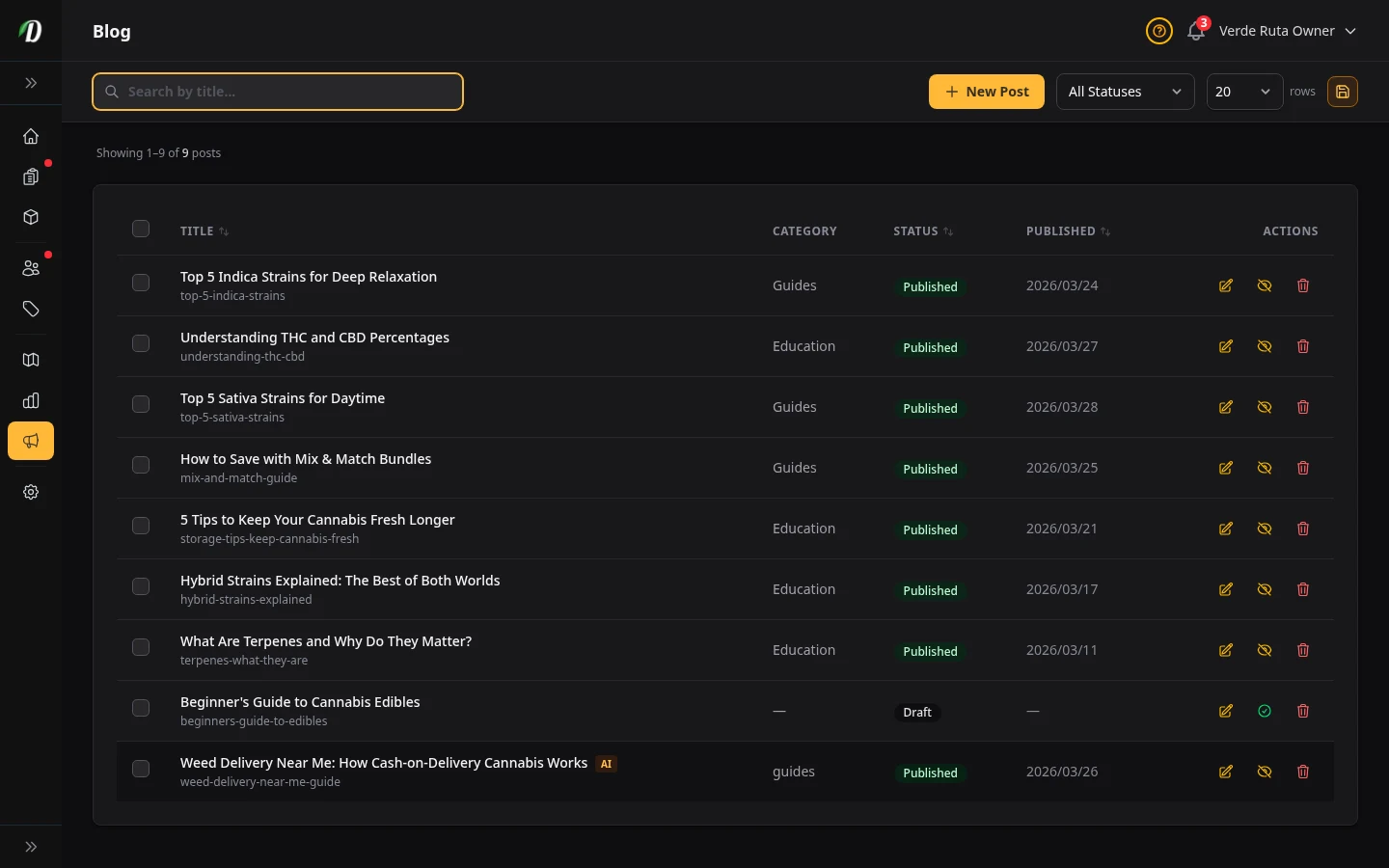
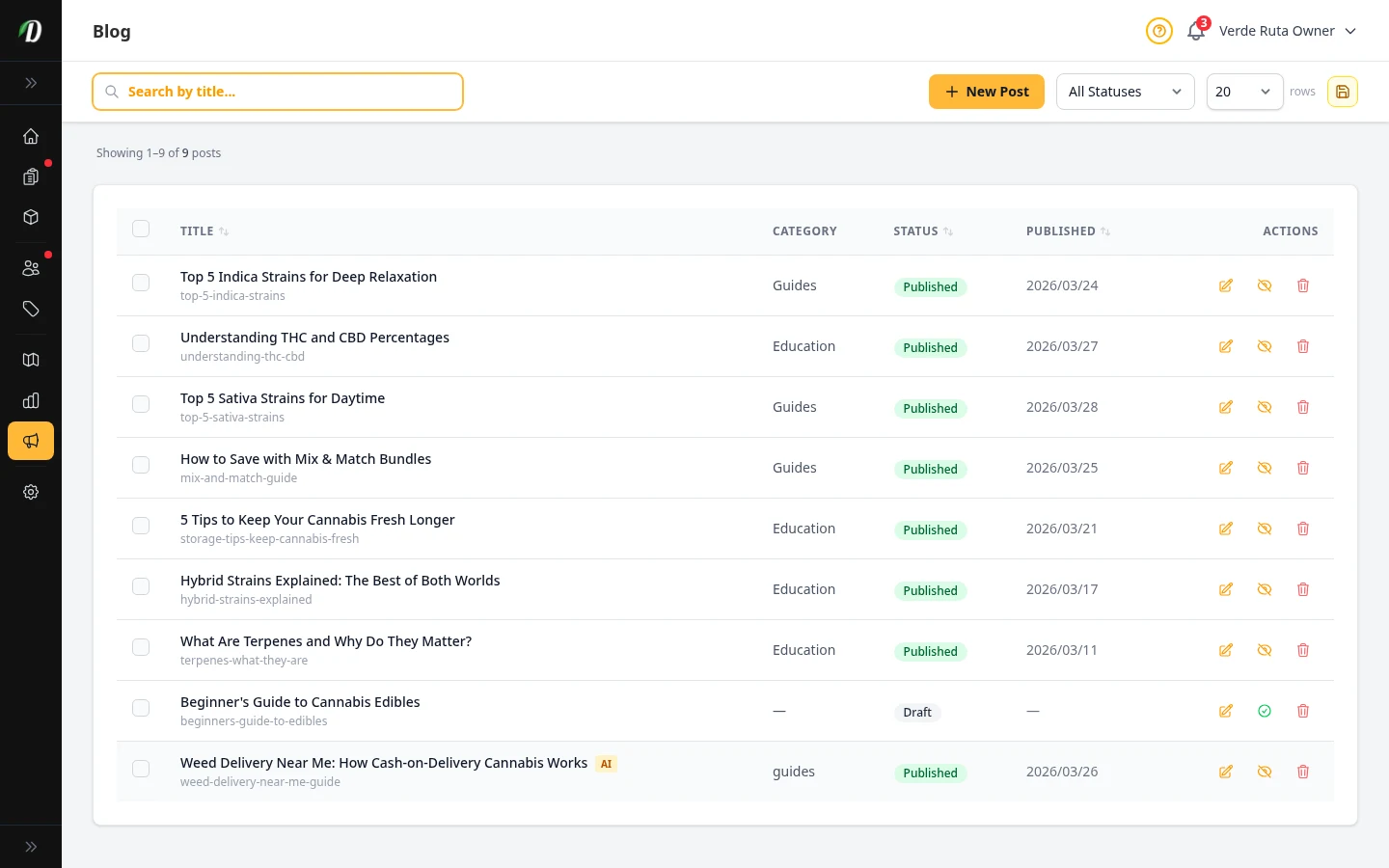
Store Blog
Publish blog posts on your storefront to engage customers and boost SEO.
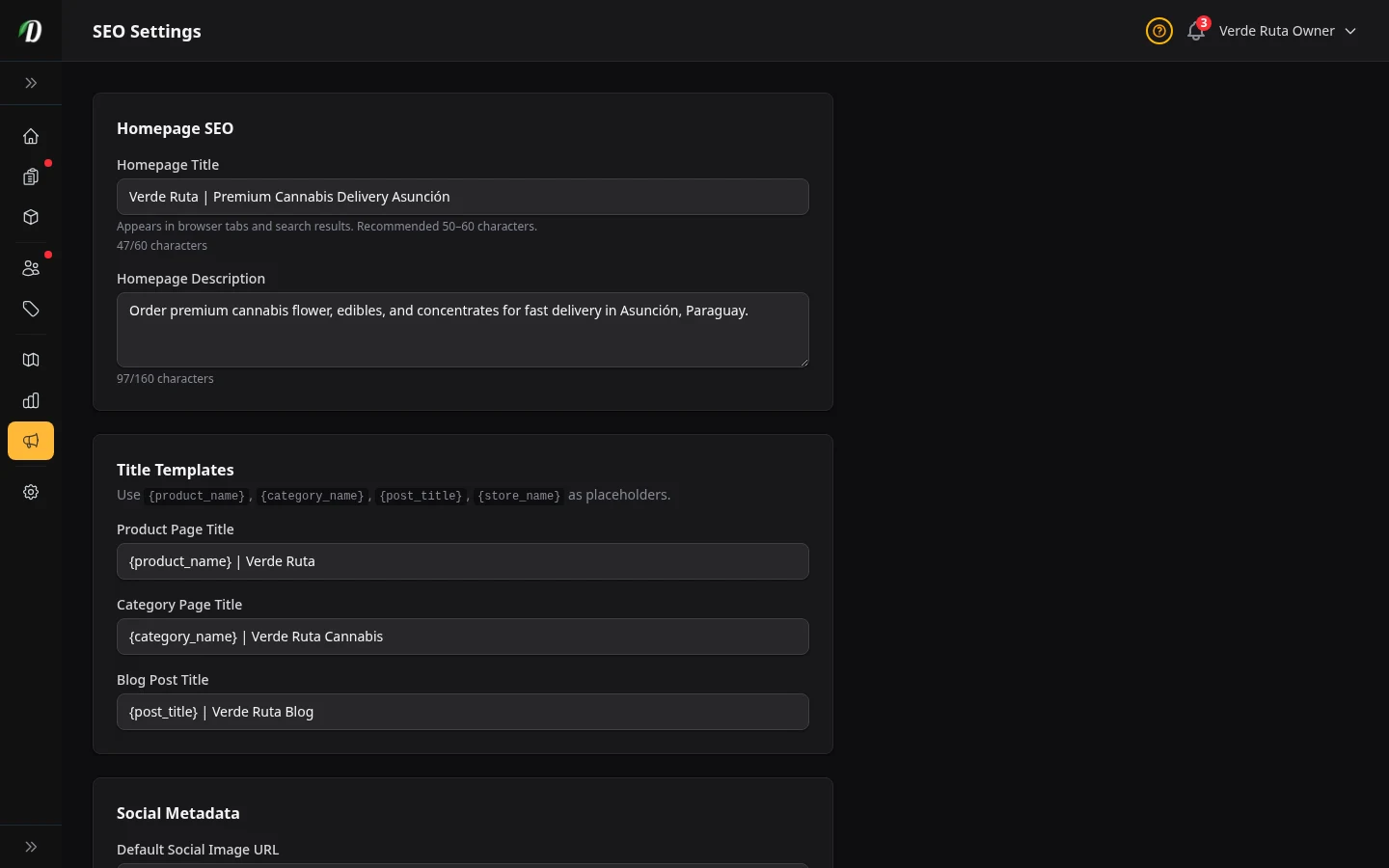
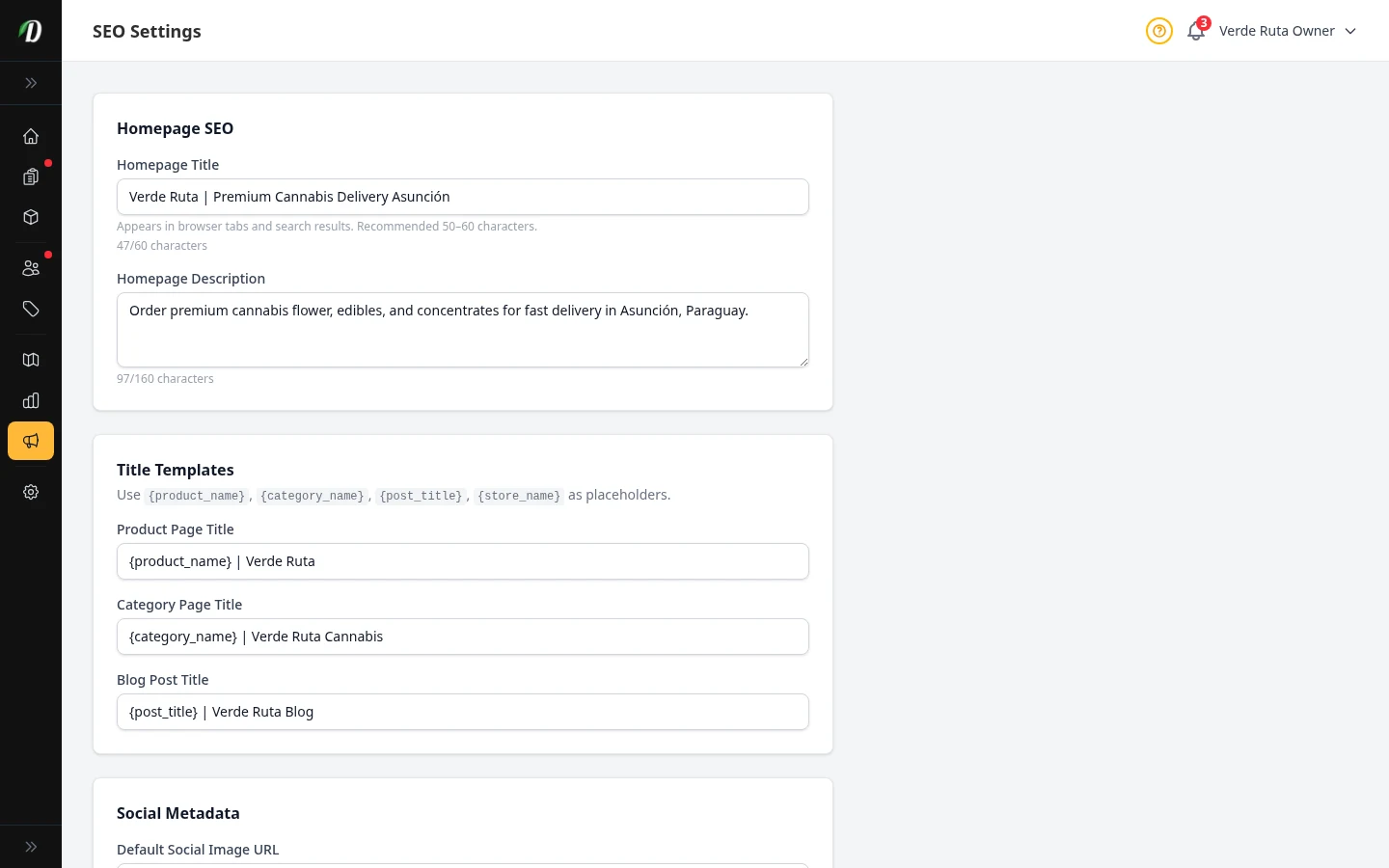
SEO Settings
Set meta titles, descriptions, and Open Graph data for your storefront pages.
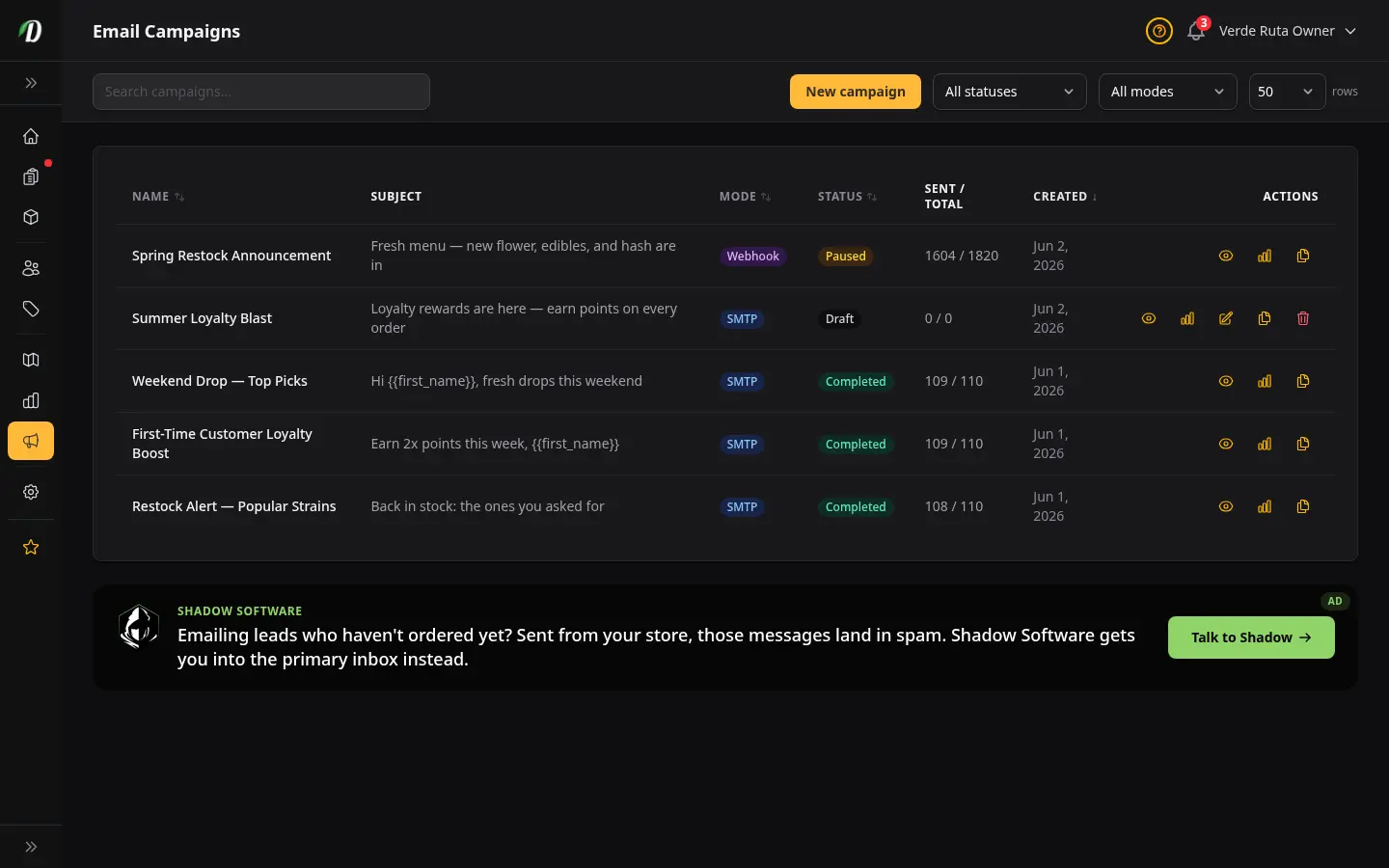
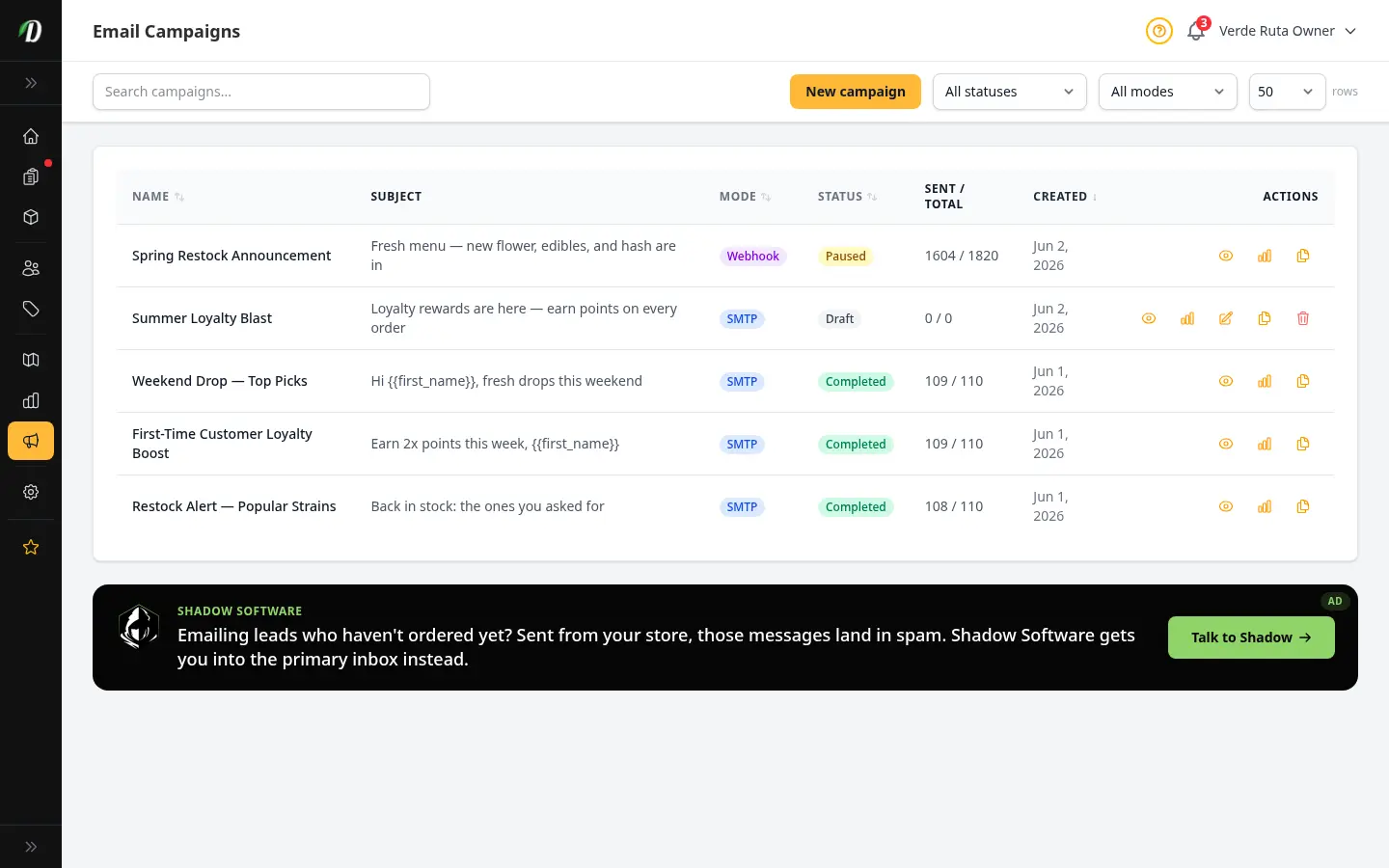
Email Campaigns & Blasts
Send email blasts and campaigns to your customers and leads. Preview live audience counts before sending, track sends, errors, and pauses in real time.
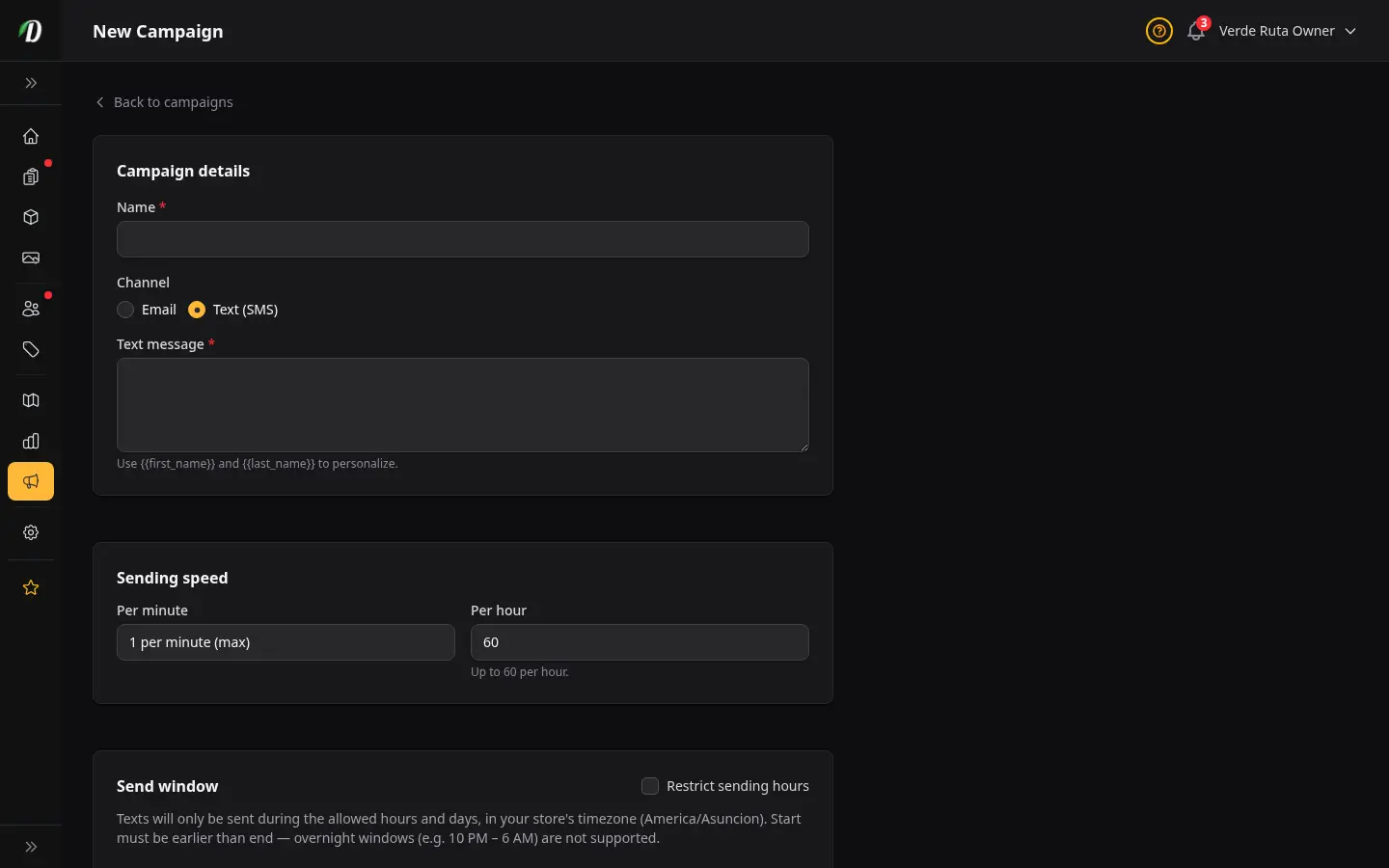
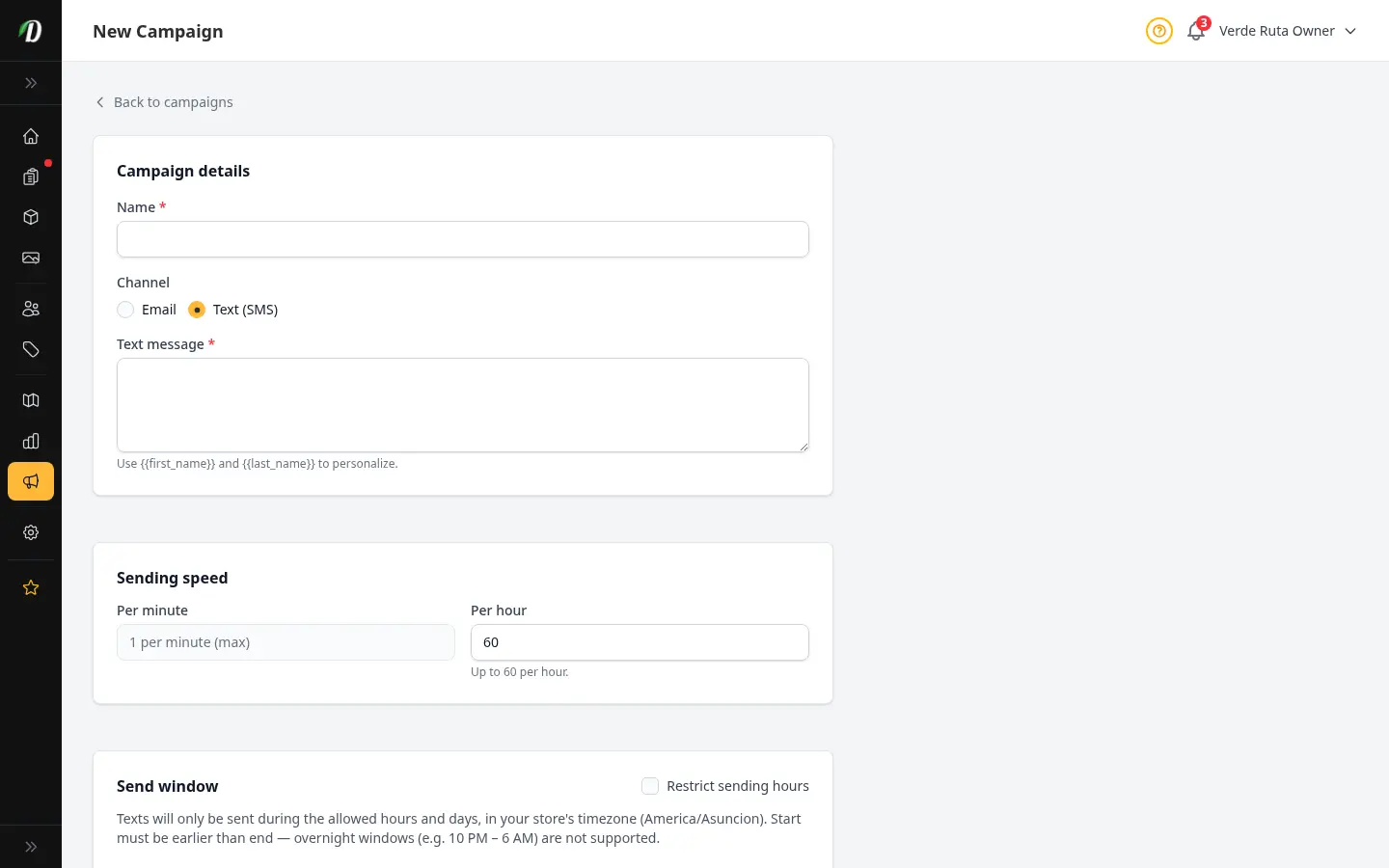
Text (SMS) Campaigns
Send text blasts to opted-in customers using your own Twilio number. Connect Twilio, compose a message, preview your SMS audience, and track delivery in the text log.
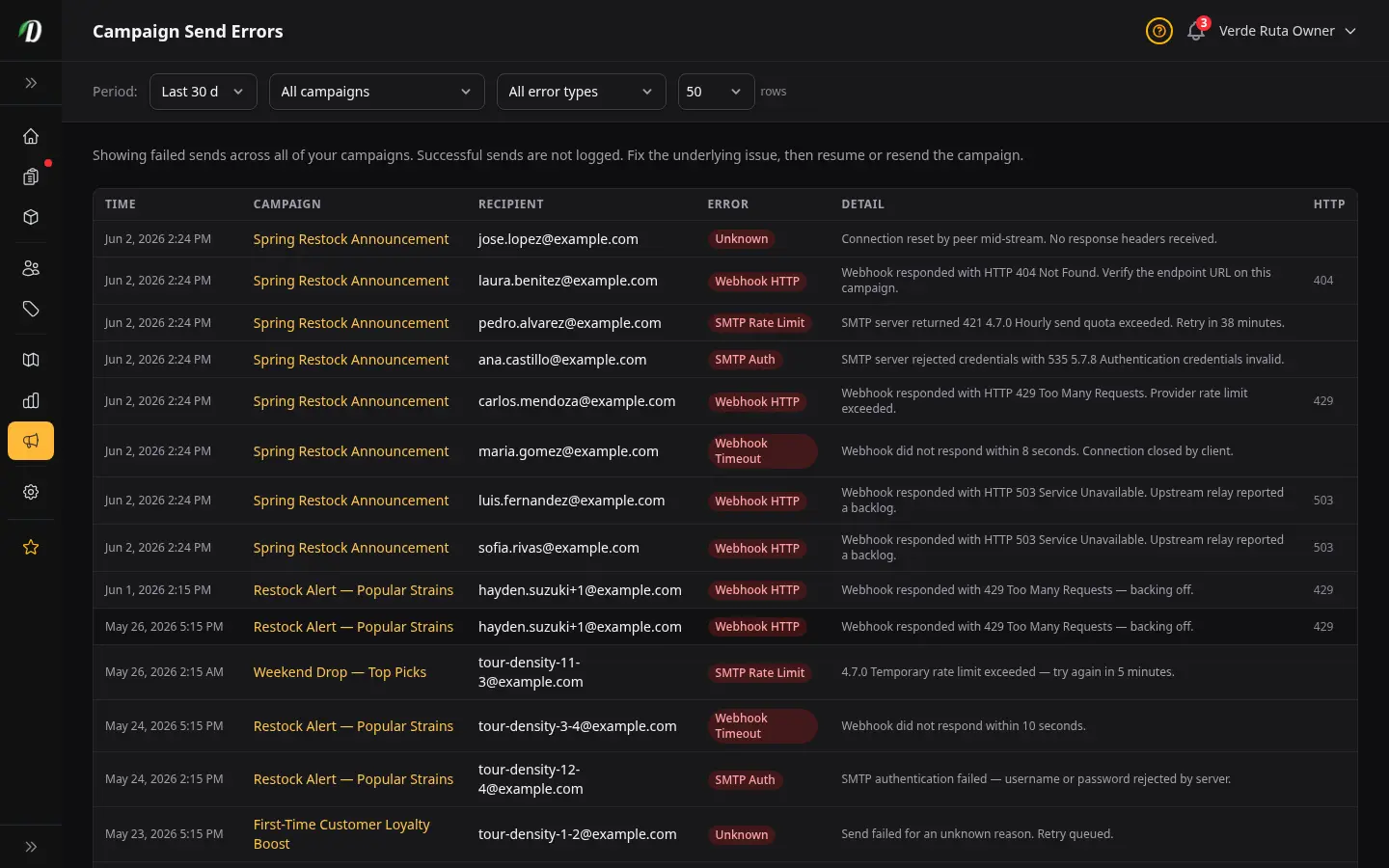
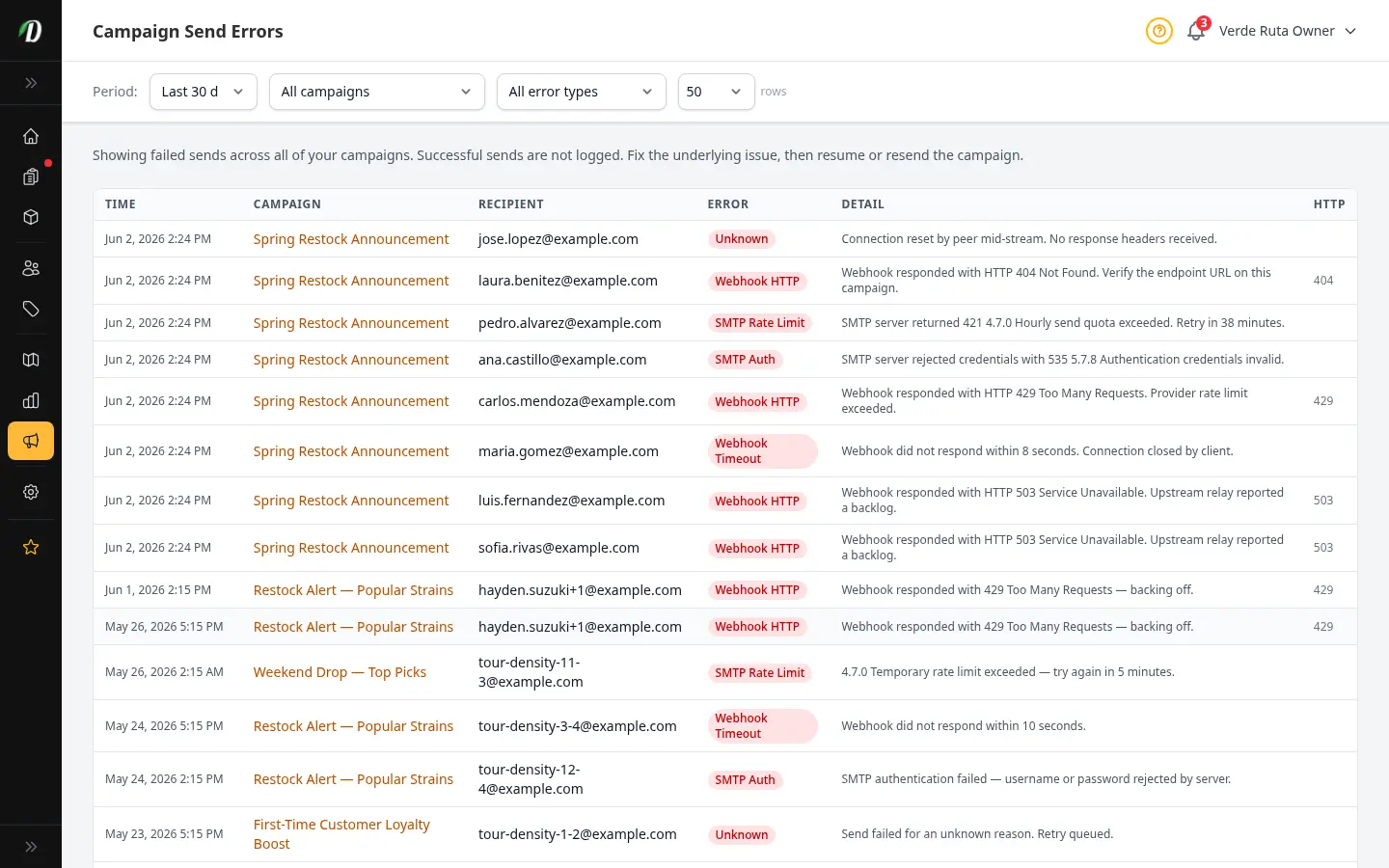
Campaign Send Errors
See every failed send across your email and text campaigns, find the cause, and fix it before resending.
Email & SMS Suppressions
See every address or phone opted out of transactional or campaign messages, understand why each was suppressed, and lift suppressions when a customer asks to re-enable contact.
Communication
View all →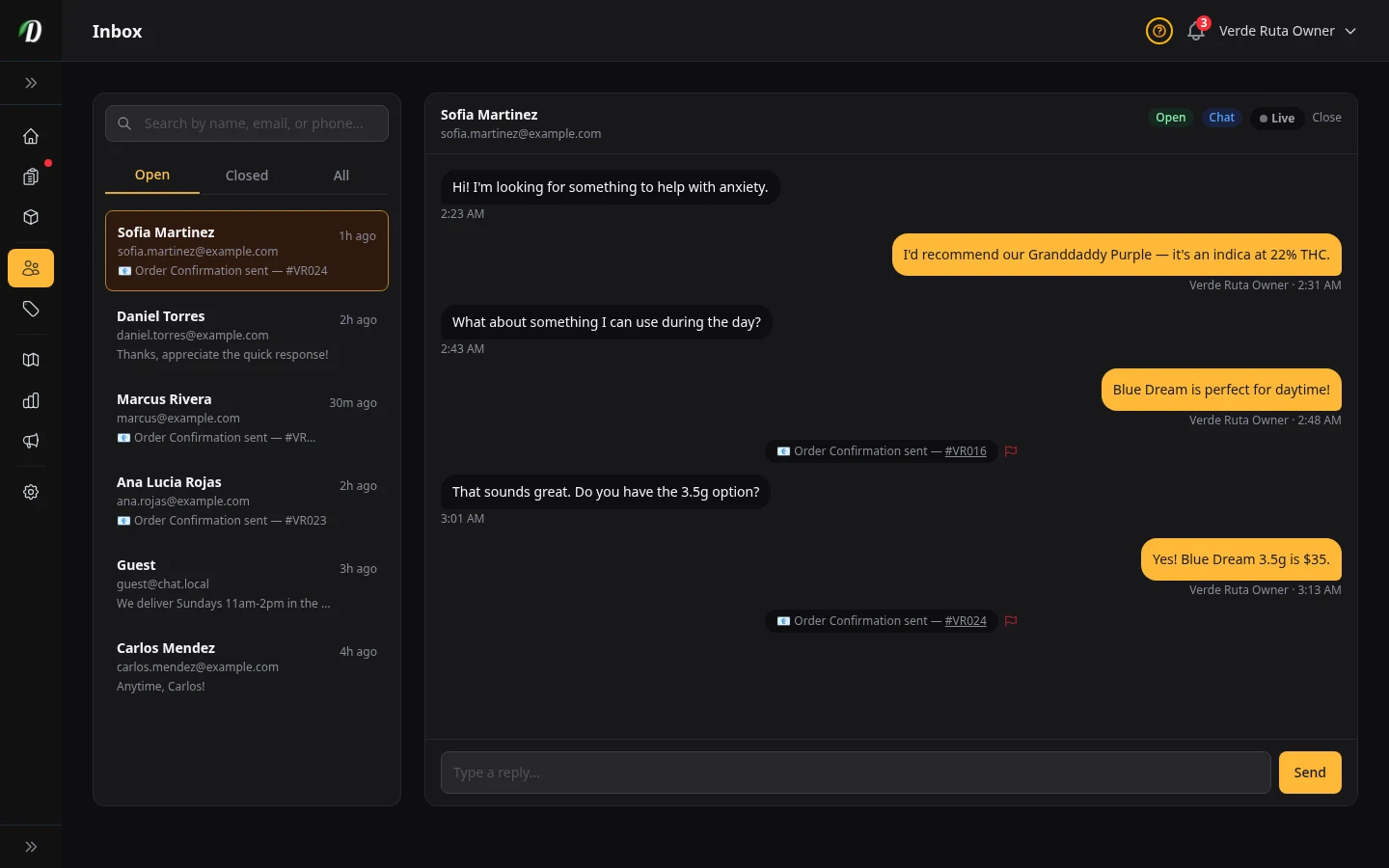
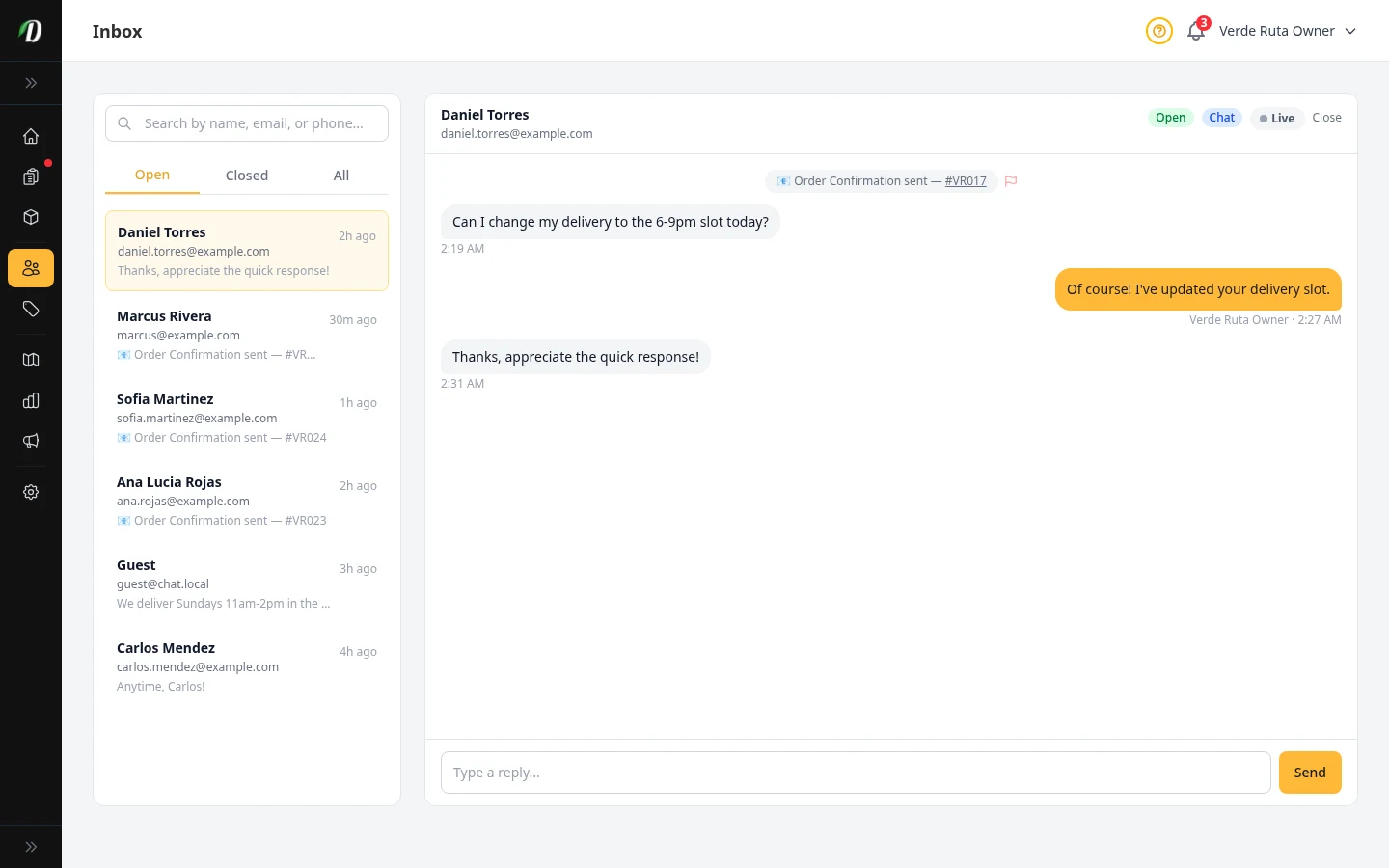
Customer Inbox
Manage live chat conversations and customer support messages.
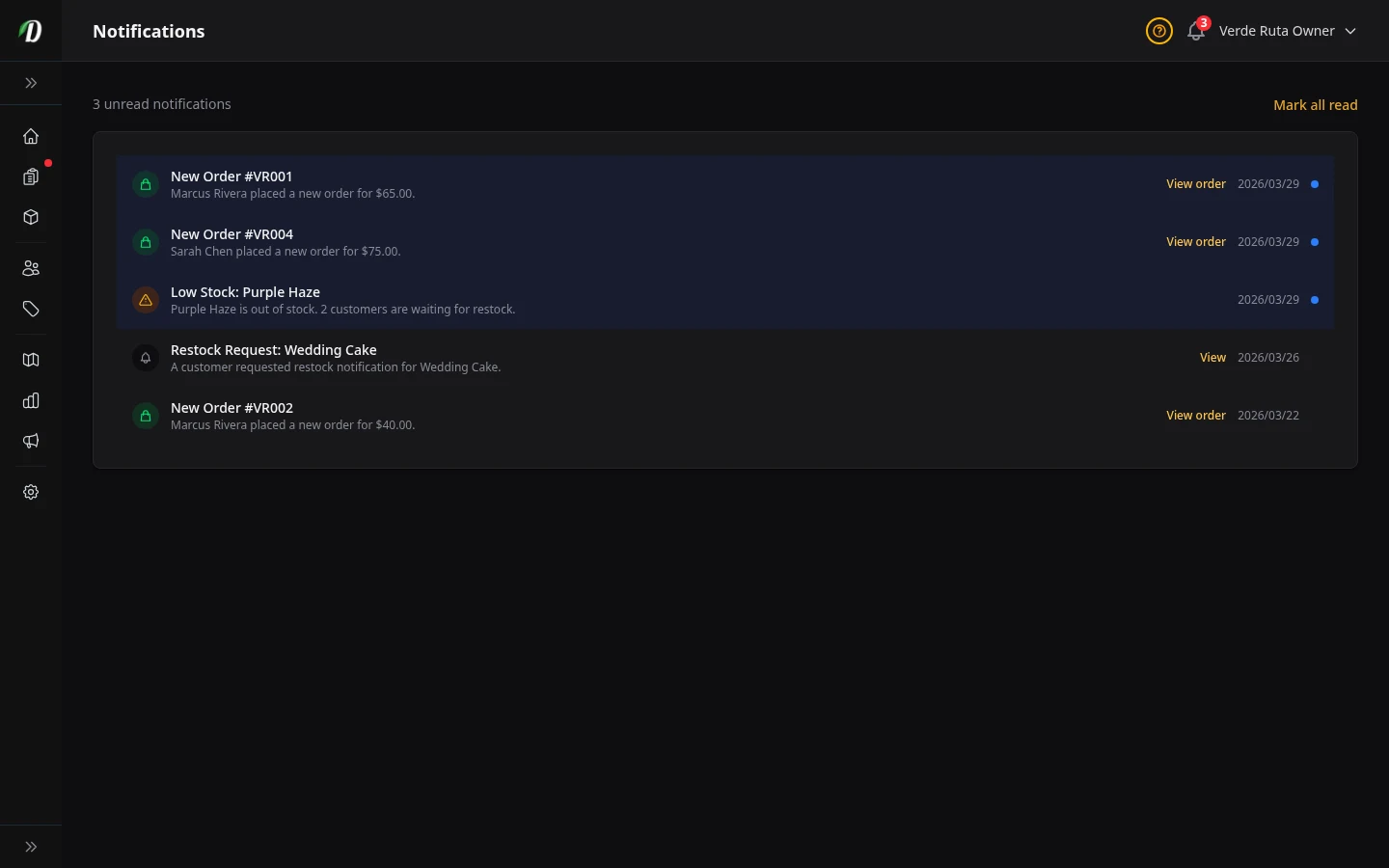
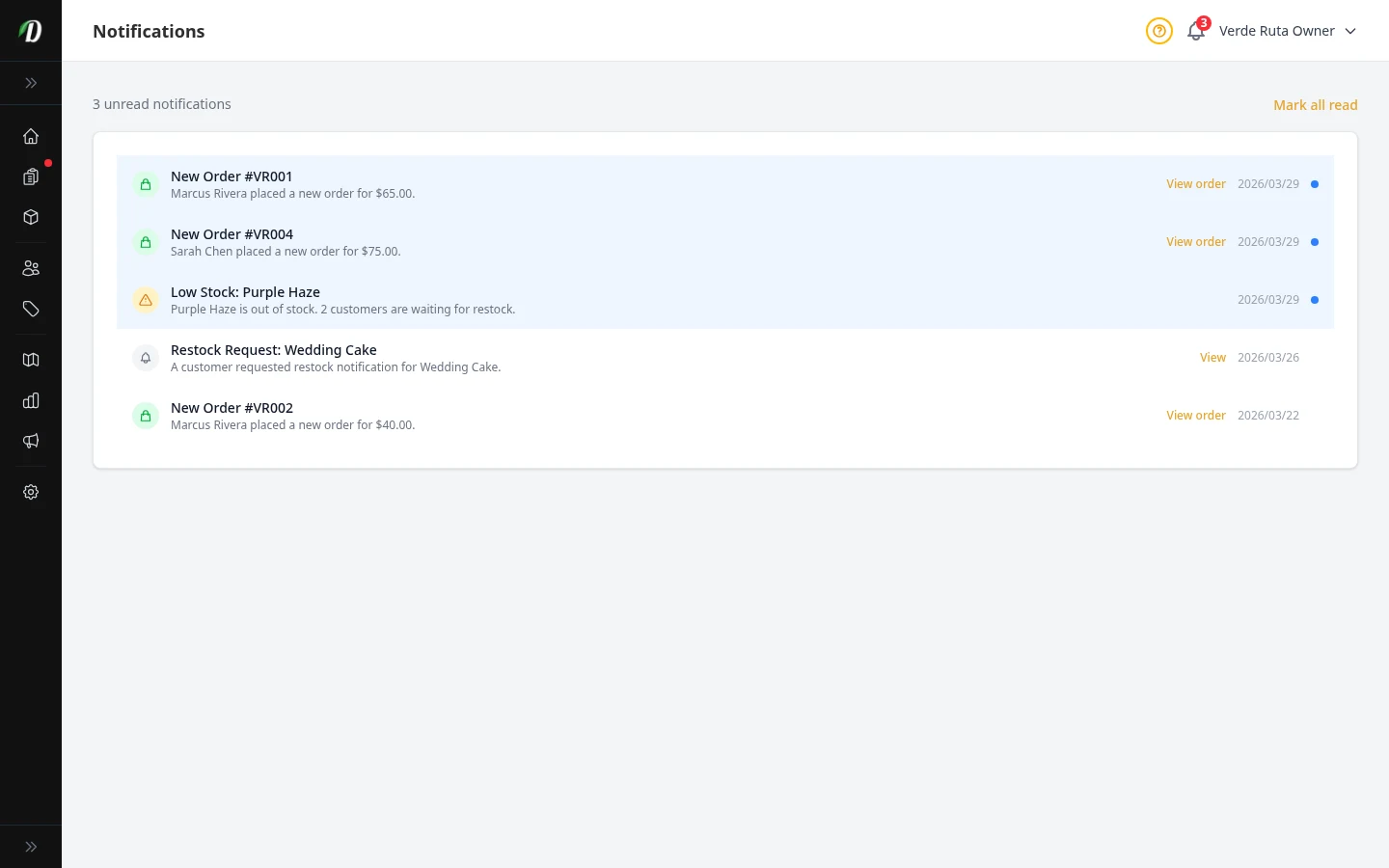
Notifications
View order alerts, stock warnings, and system notifications.
Transactional Text Messages
Send order confirmations, delivery updates, and restock alerts by text. Marketing texts and transactional texts follow separate opt-in rules.
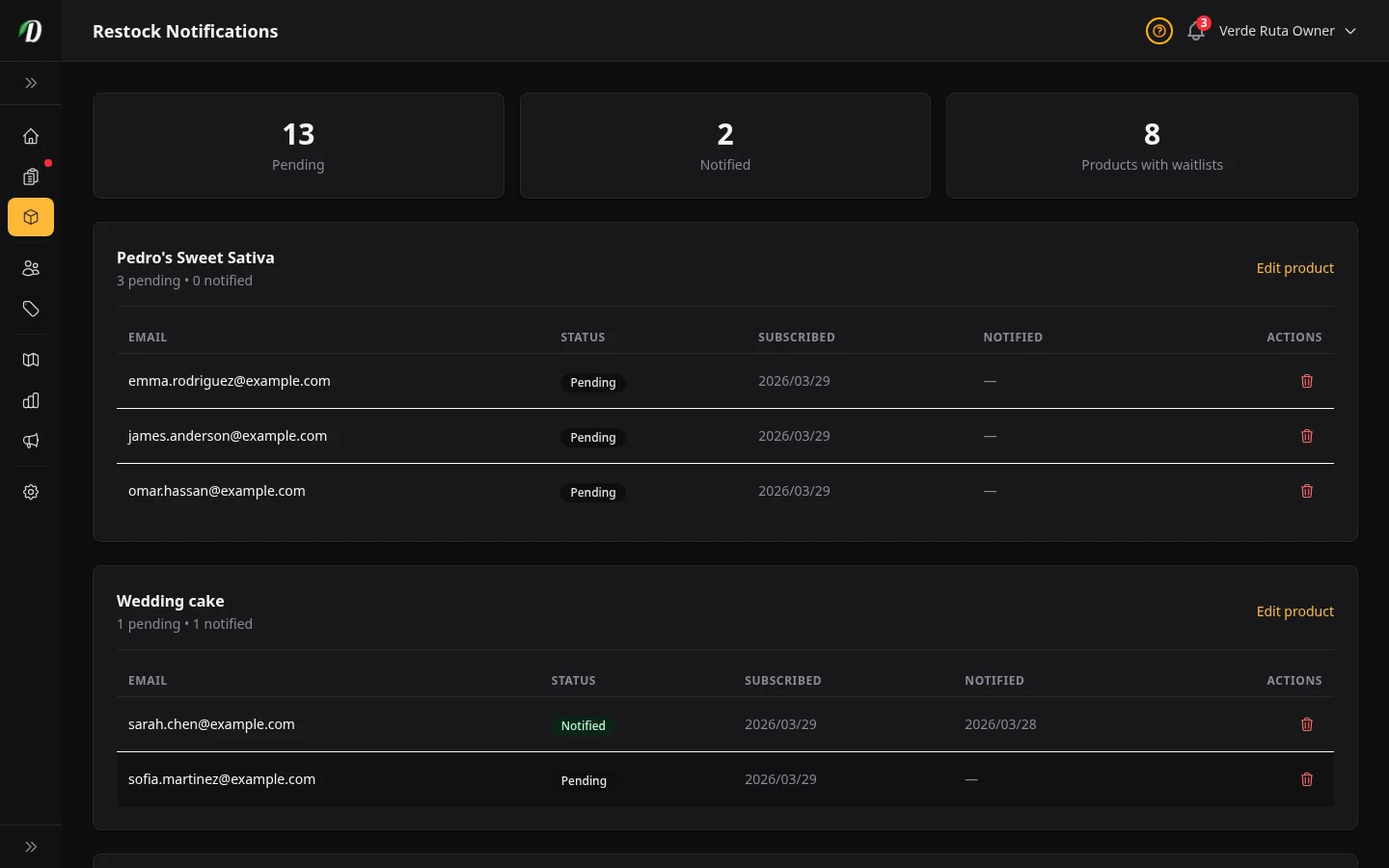
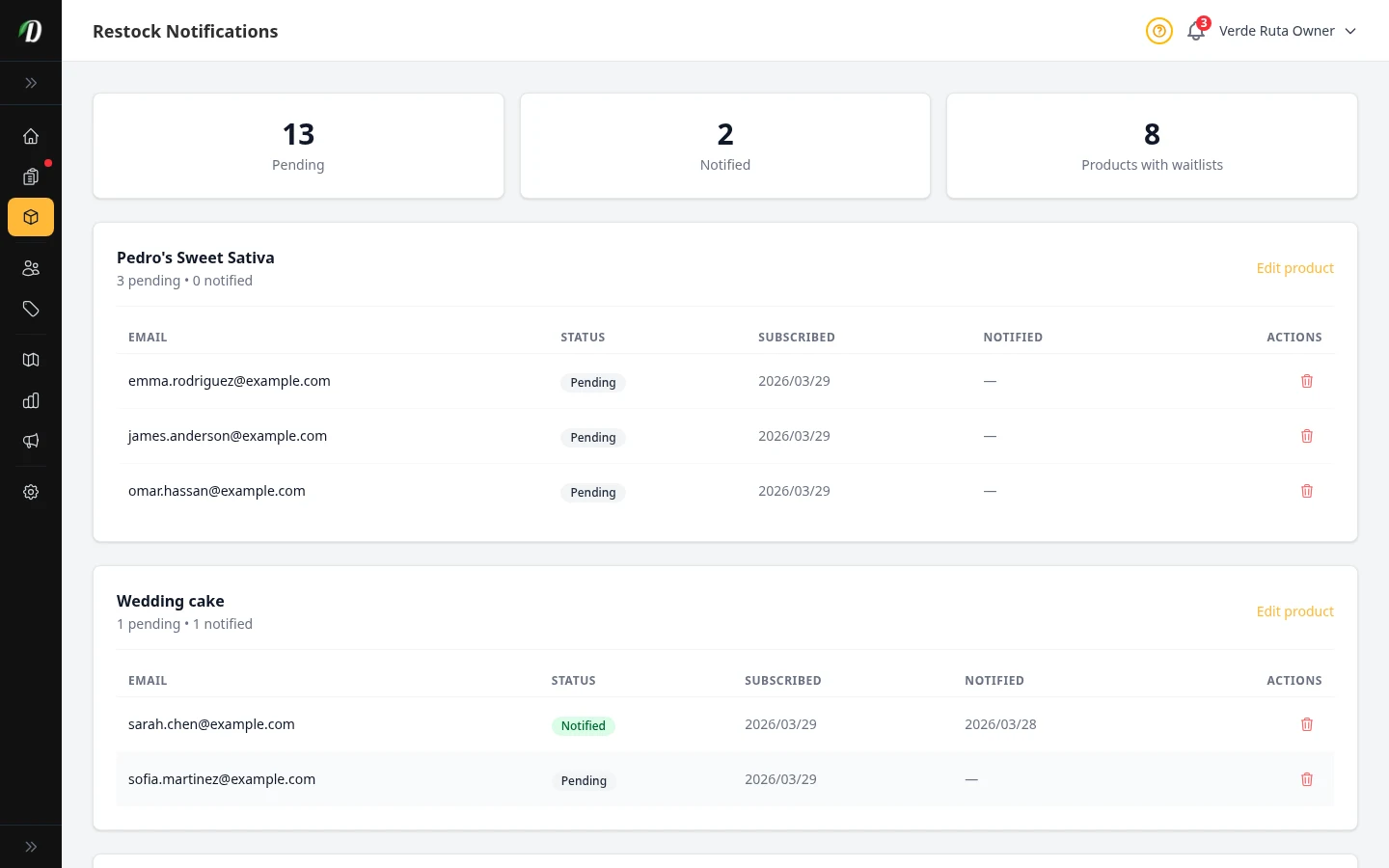
Restock Notifications
See which customers are waiting for out-of-stock products to return.
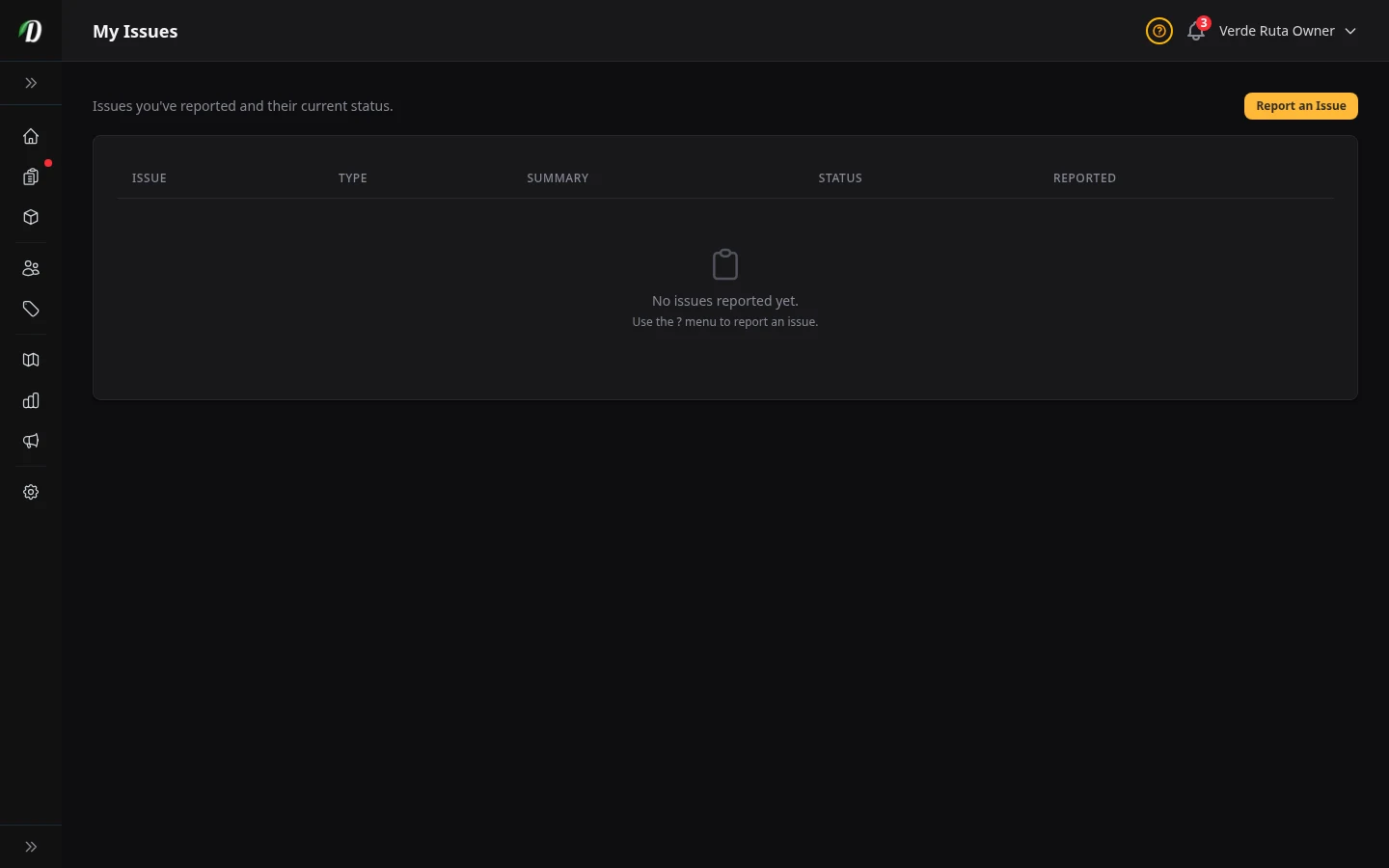
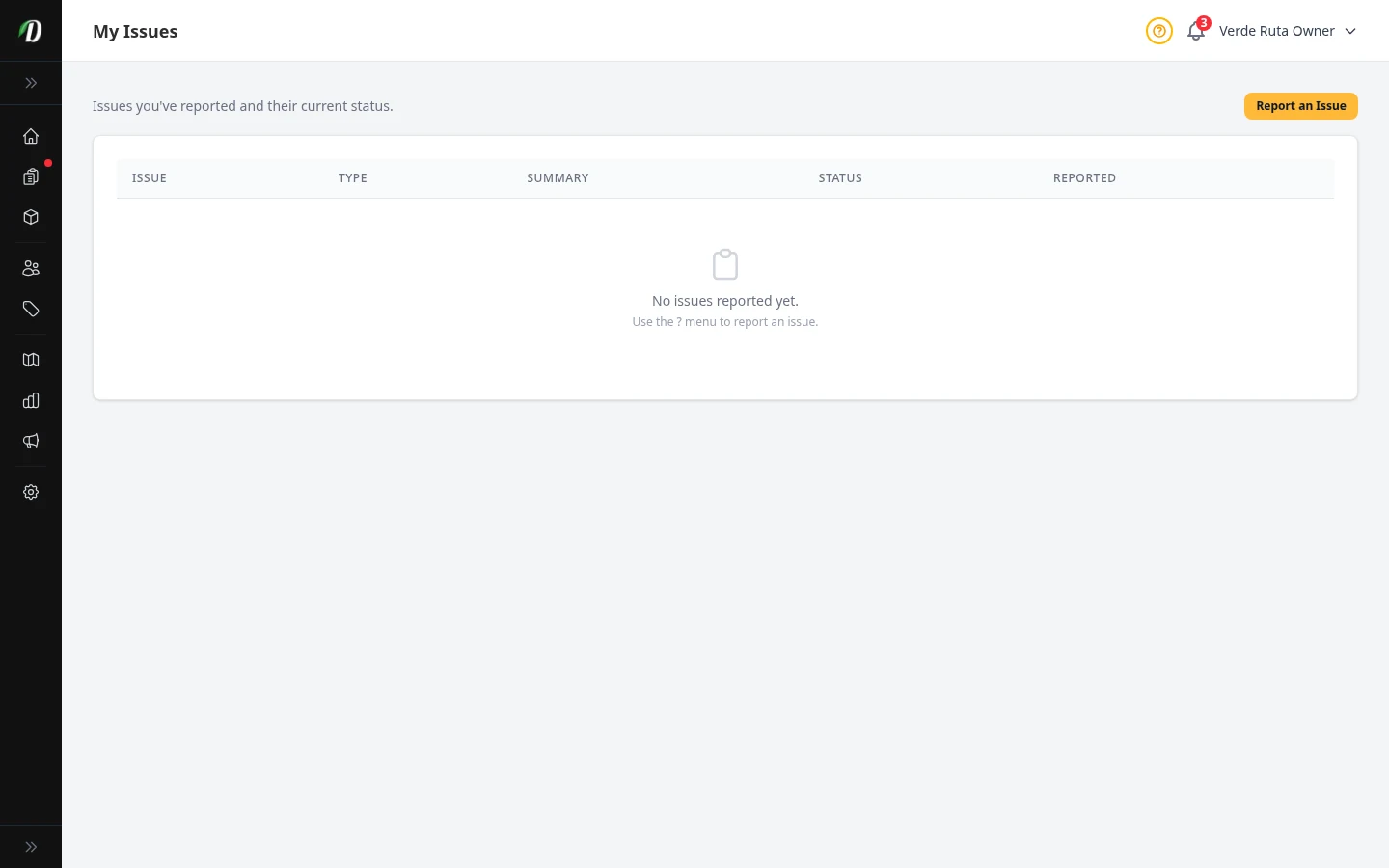
Issue Tracking
Report bugs, request features, and track issue status with GitHub integration.
Settings
View all →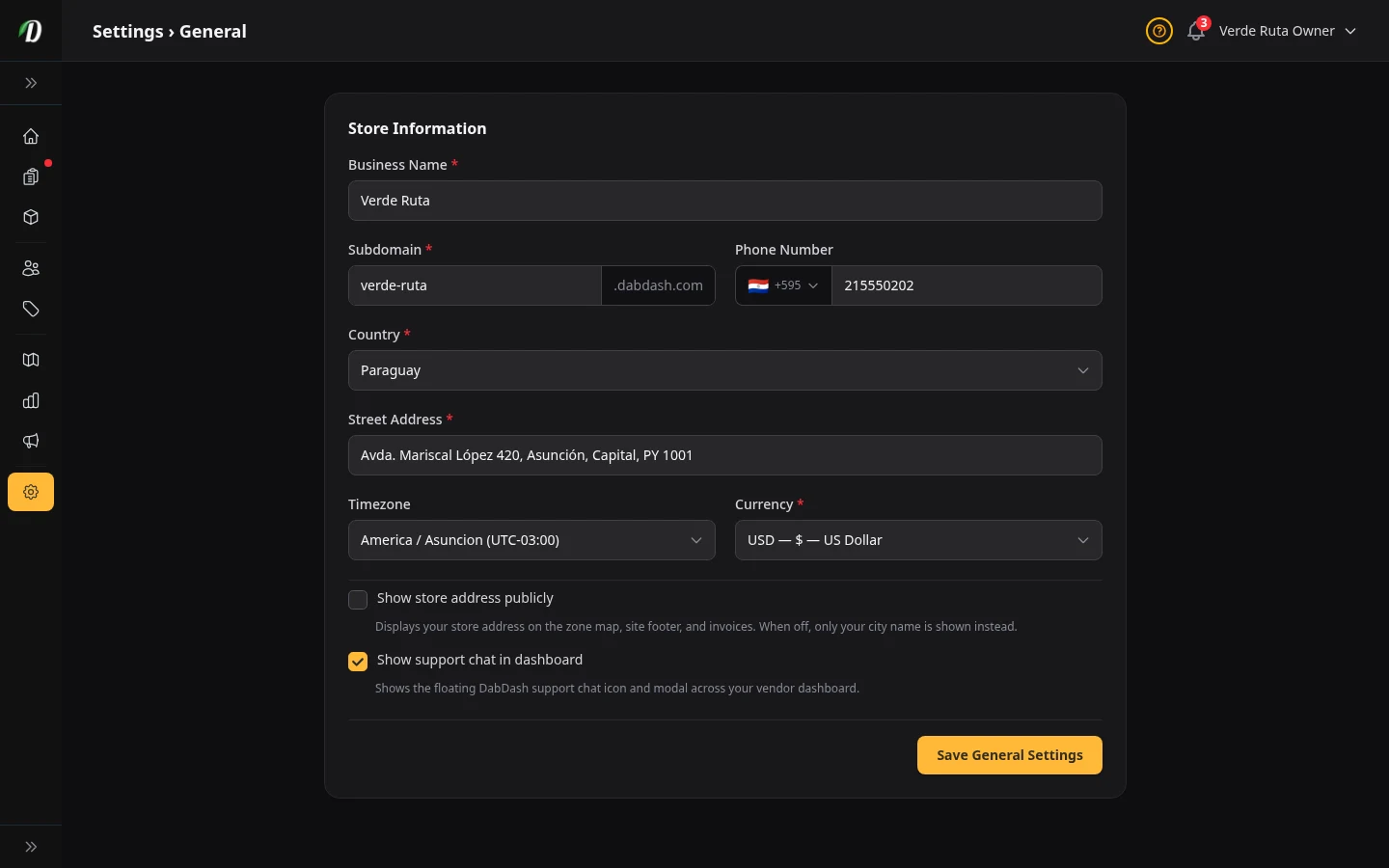
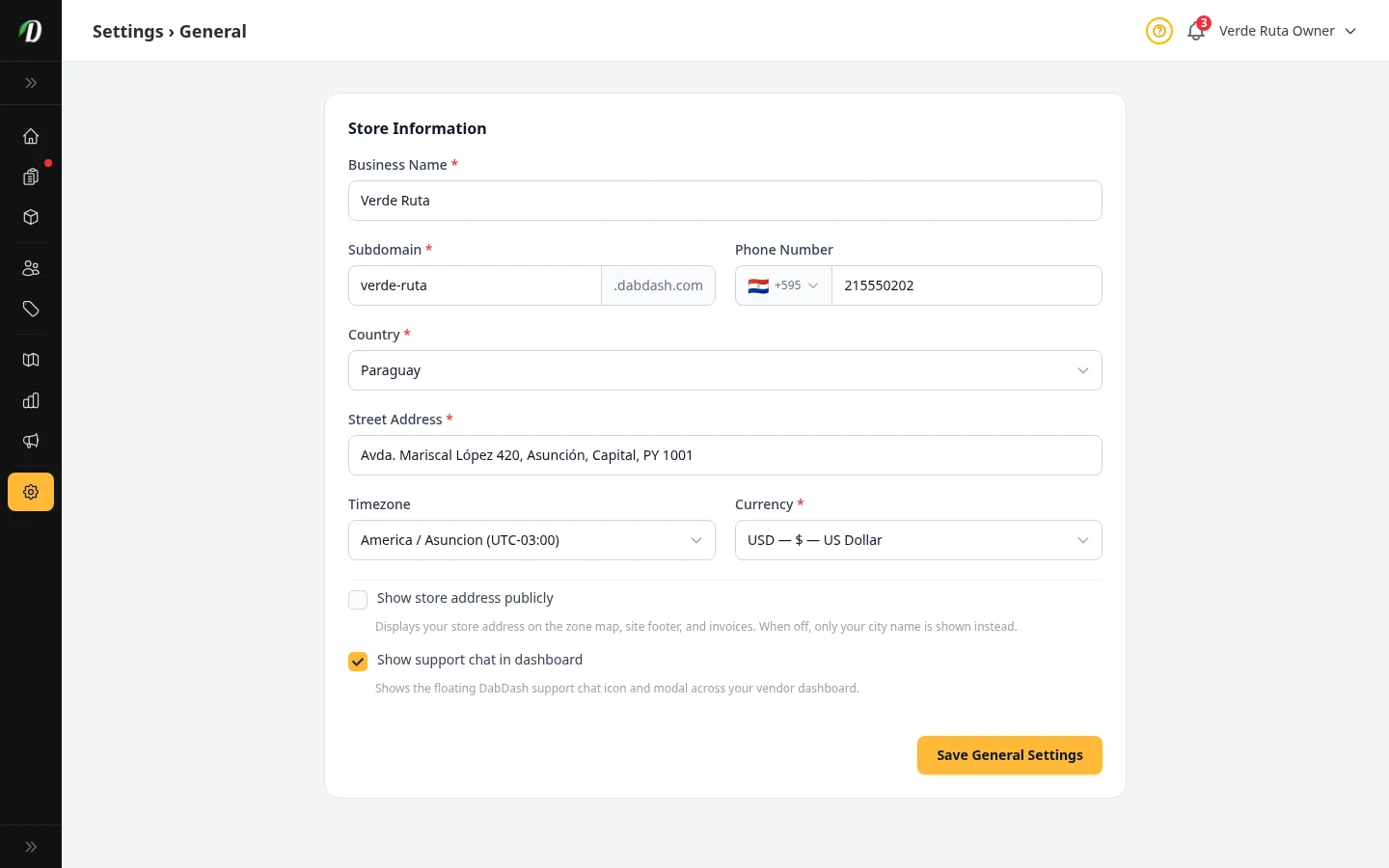
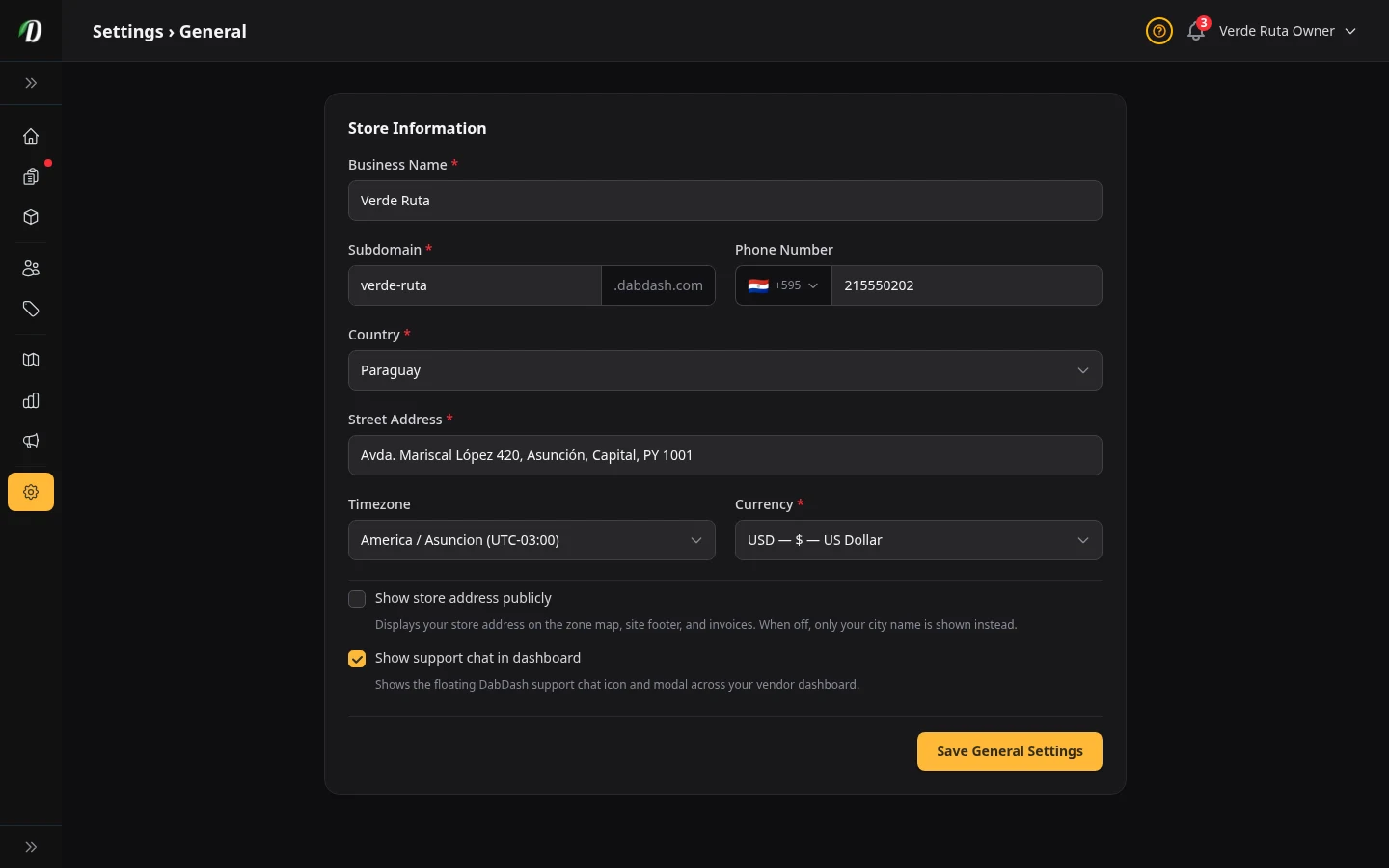
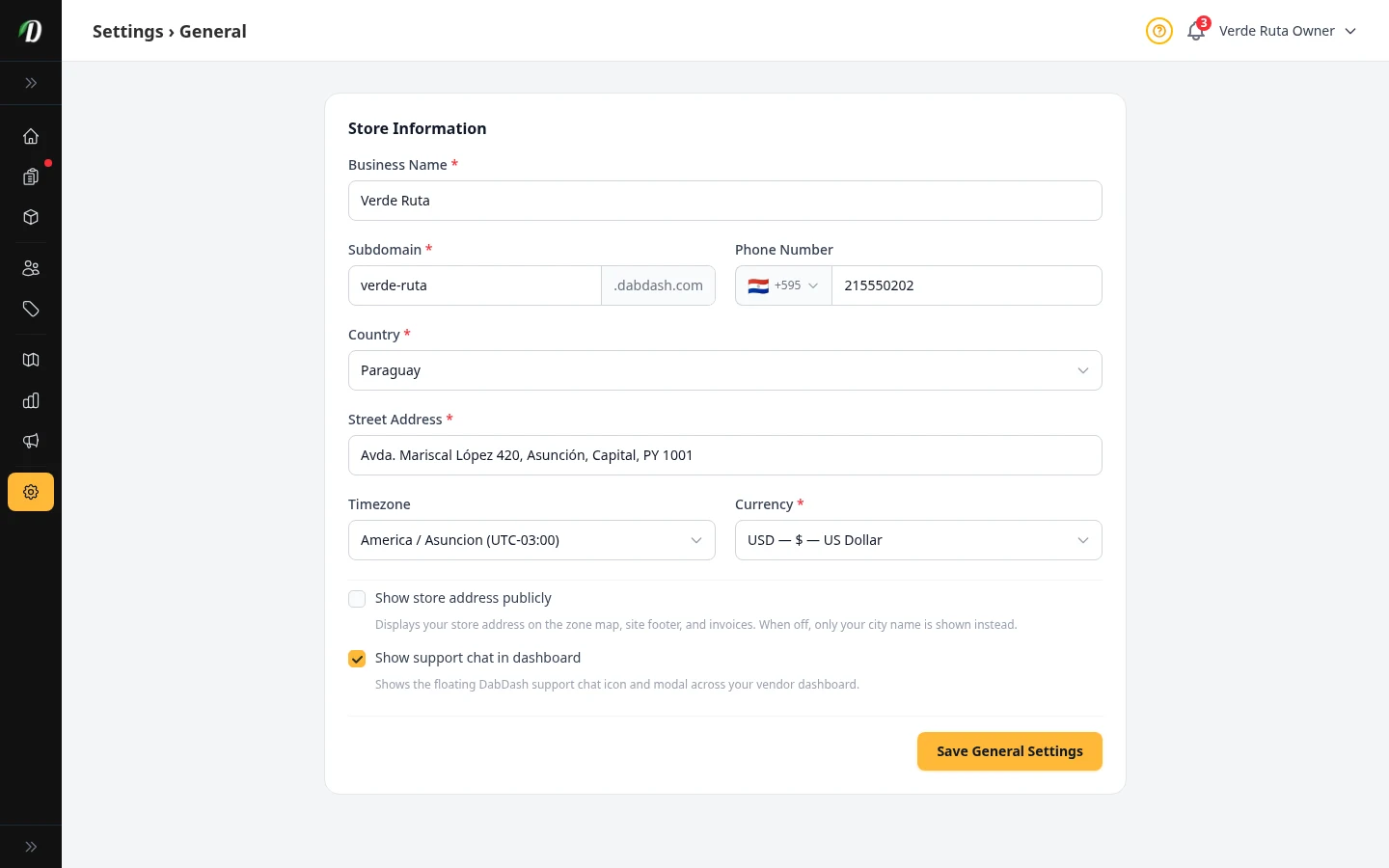
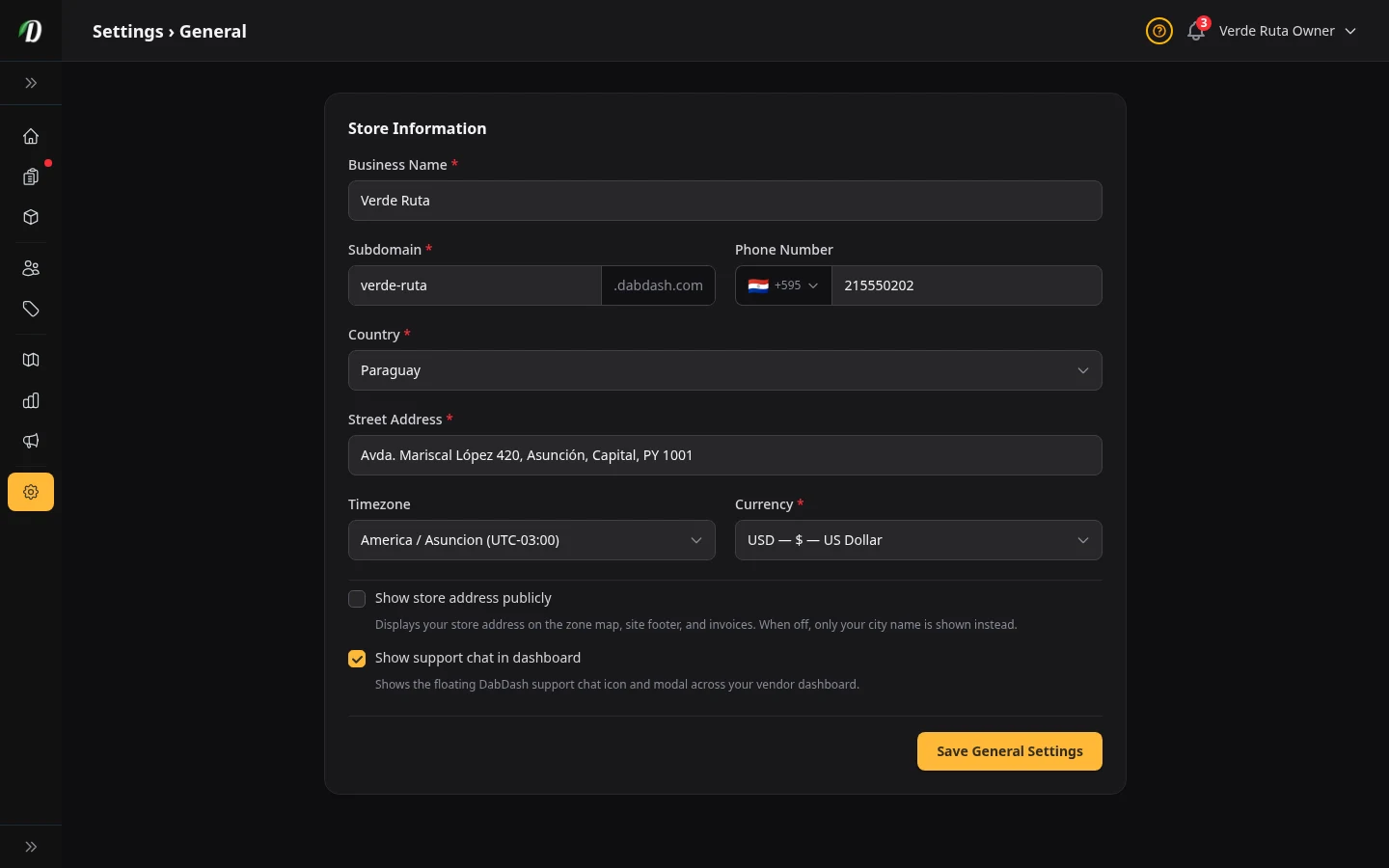
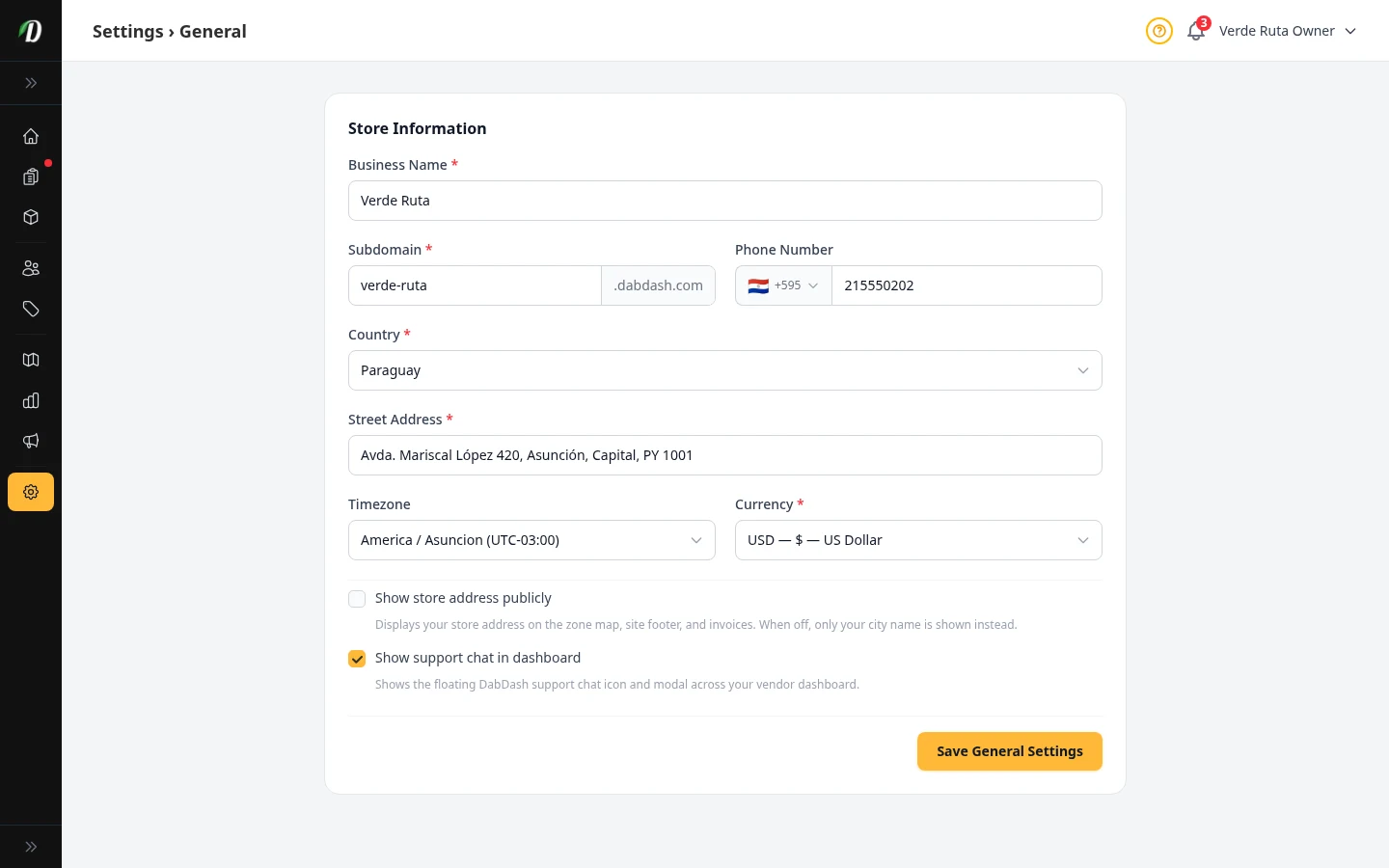
Your Store Info
Set your business name, address, phone number, subdomain, and timezone.
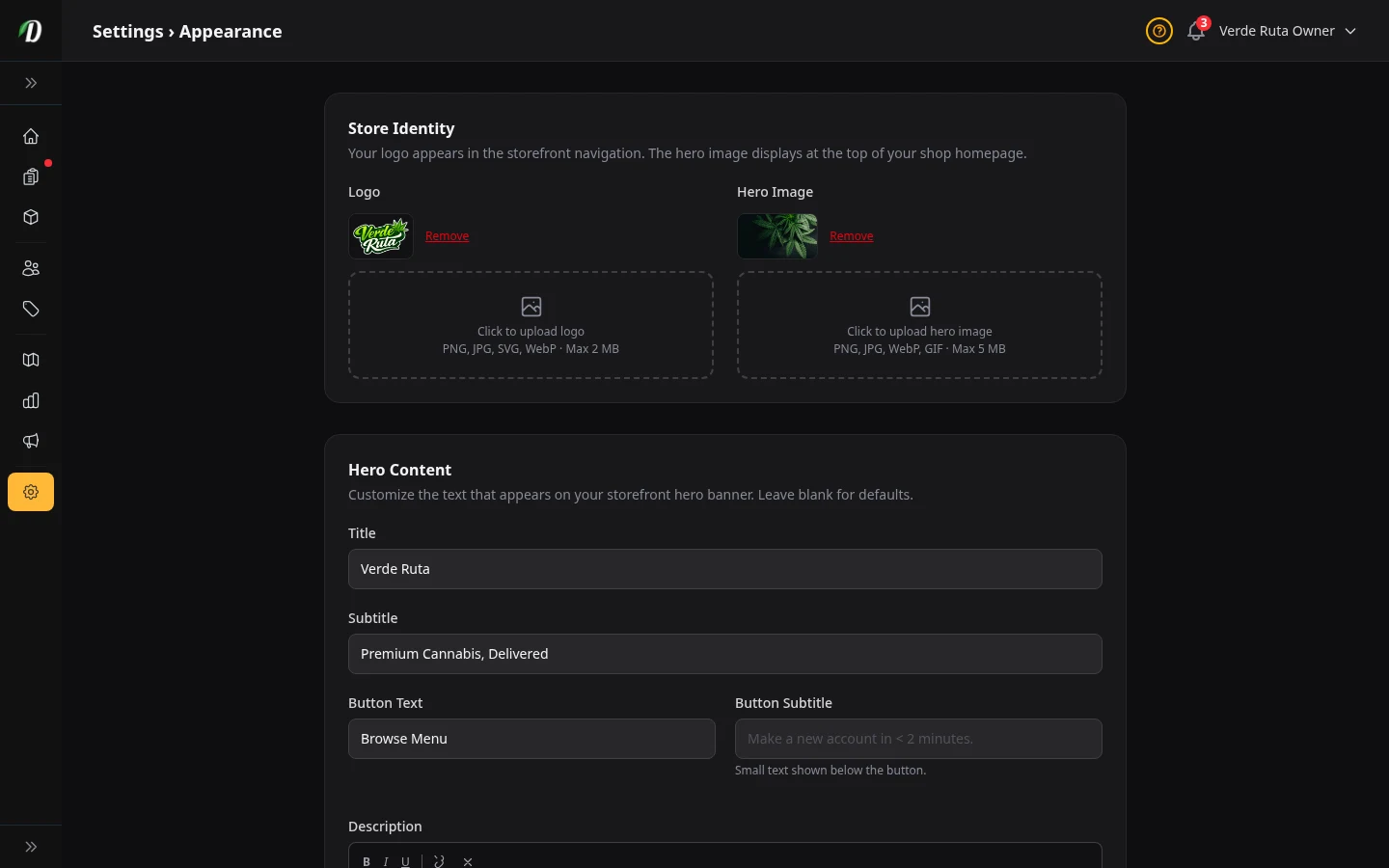
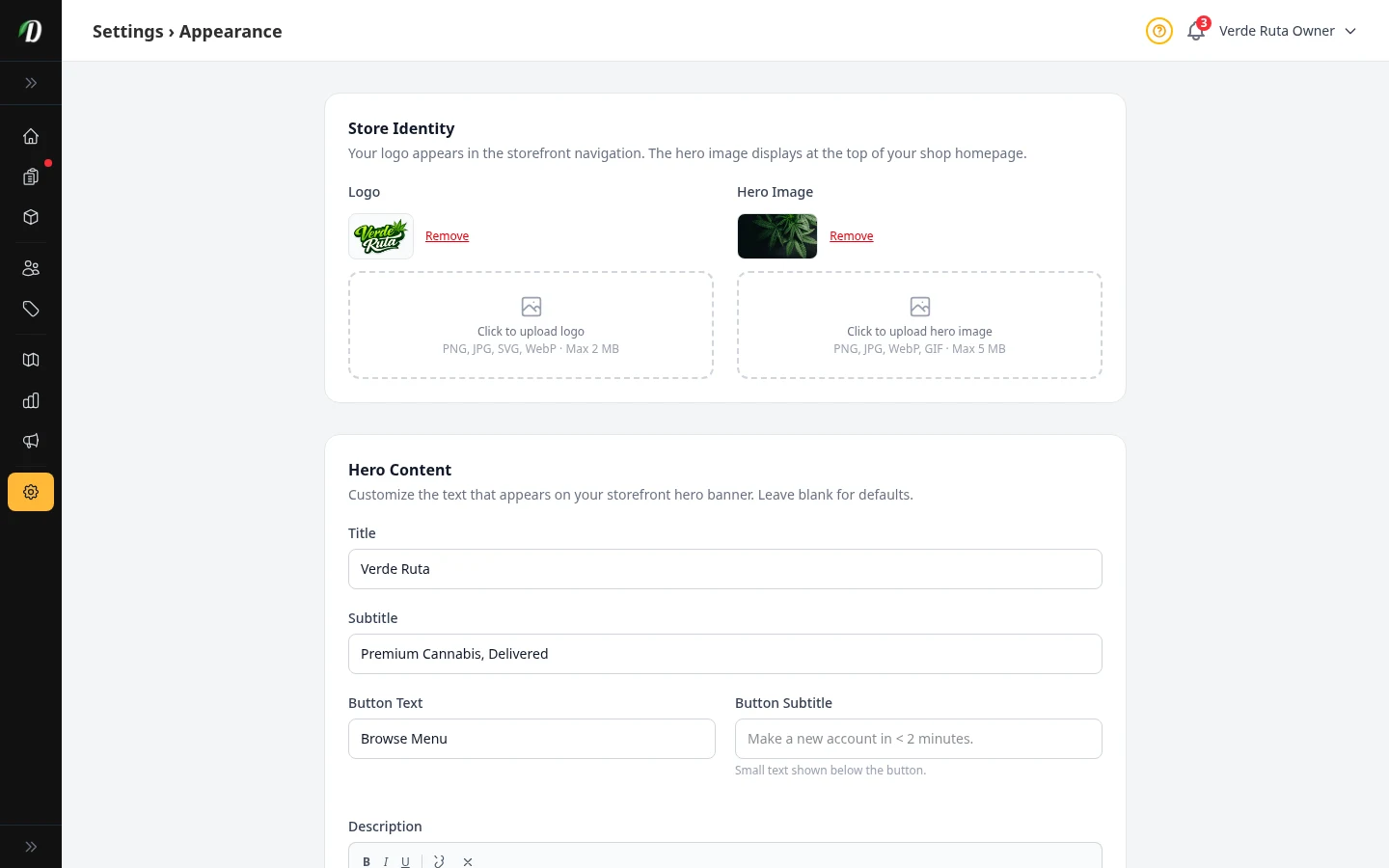
How Your Store Looks
Upload your logo, pick your colors, choose a font, and set your hero banner.
Shop Settings
Run storewide sales, manage loyalty points, configure freebie confirmation, set low-stock thresholds, and choose your order numbering and weight conversion.
Age Check & Legal
Turn on age verification, manage checkout ID photos, add ID face thumbnails to documents, and publish legal links.
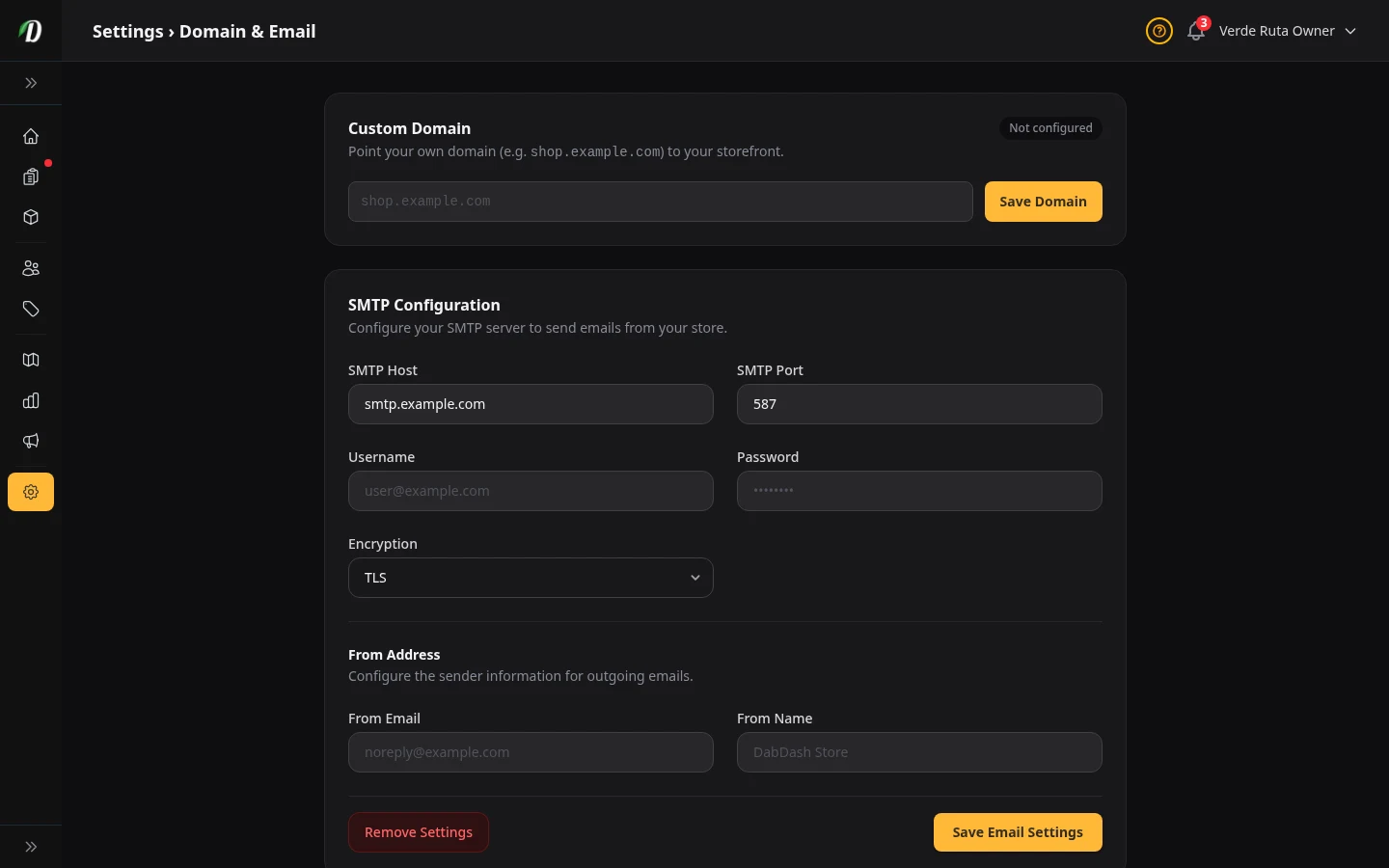
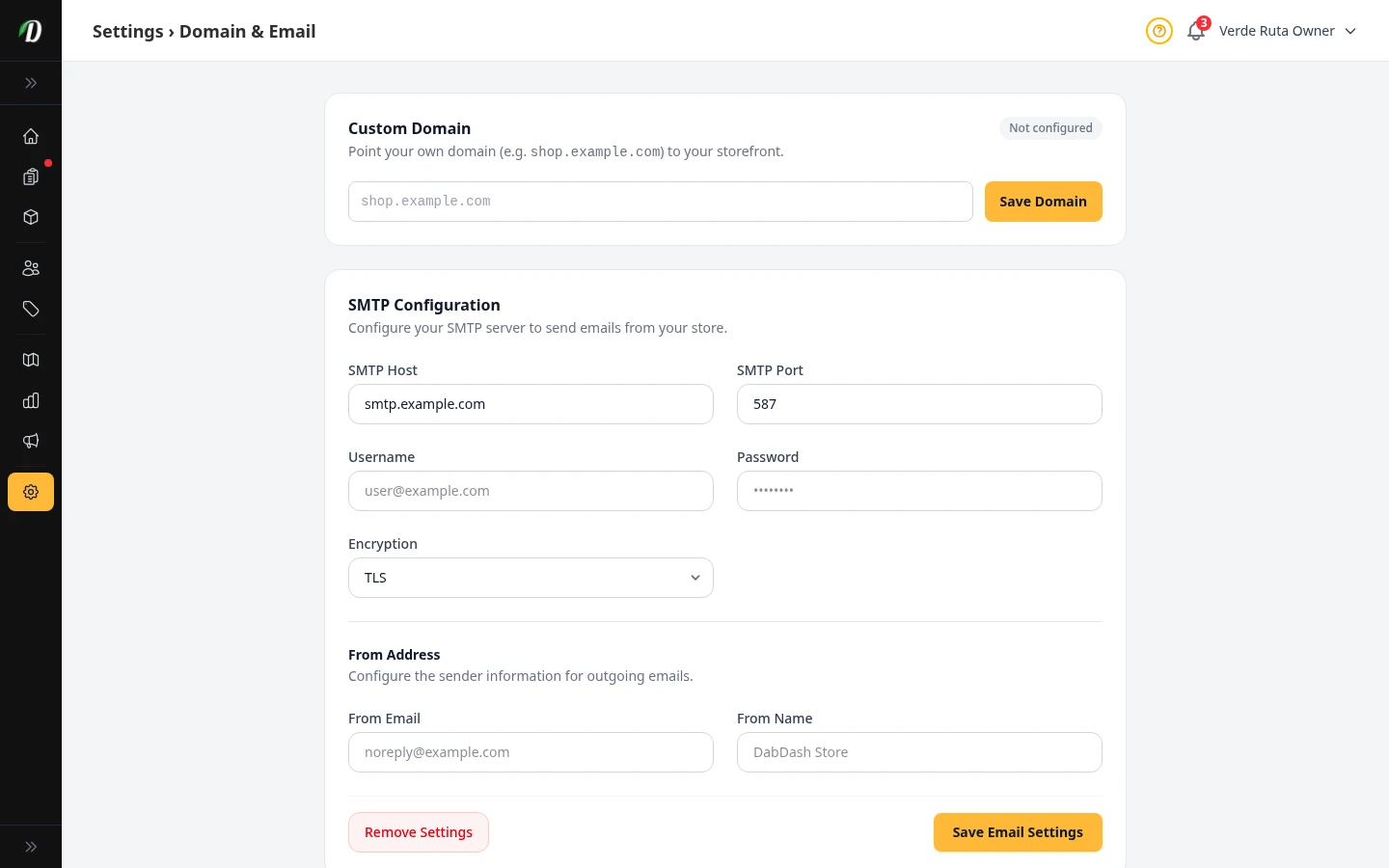
Your Domain & Email
Use your own domain name, set up your email sender, and add a BIMI logo.
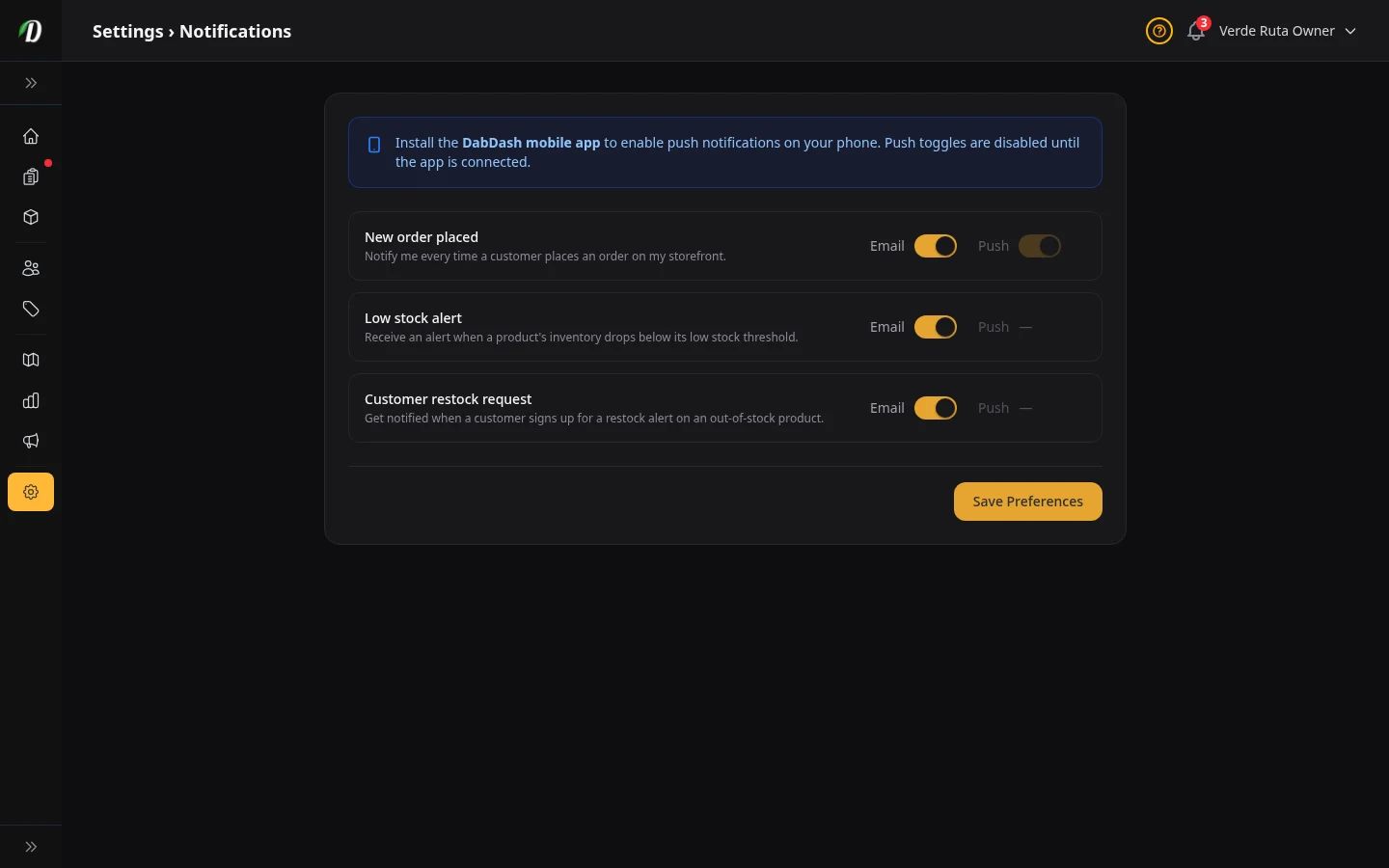
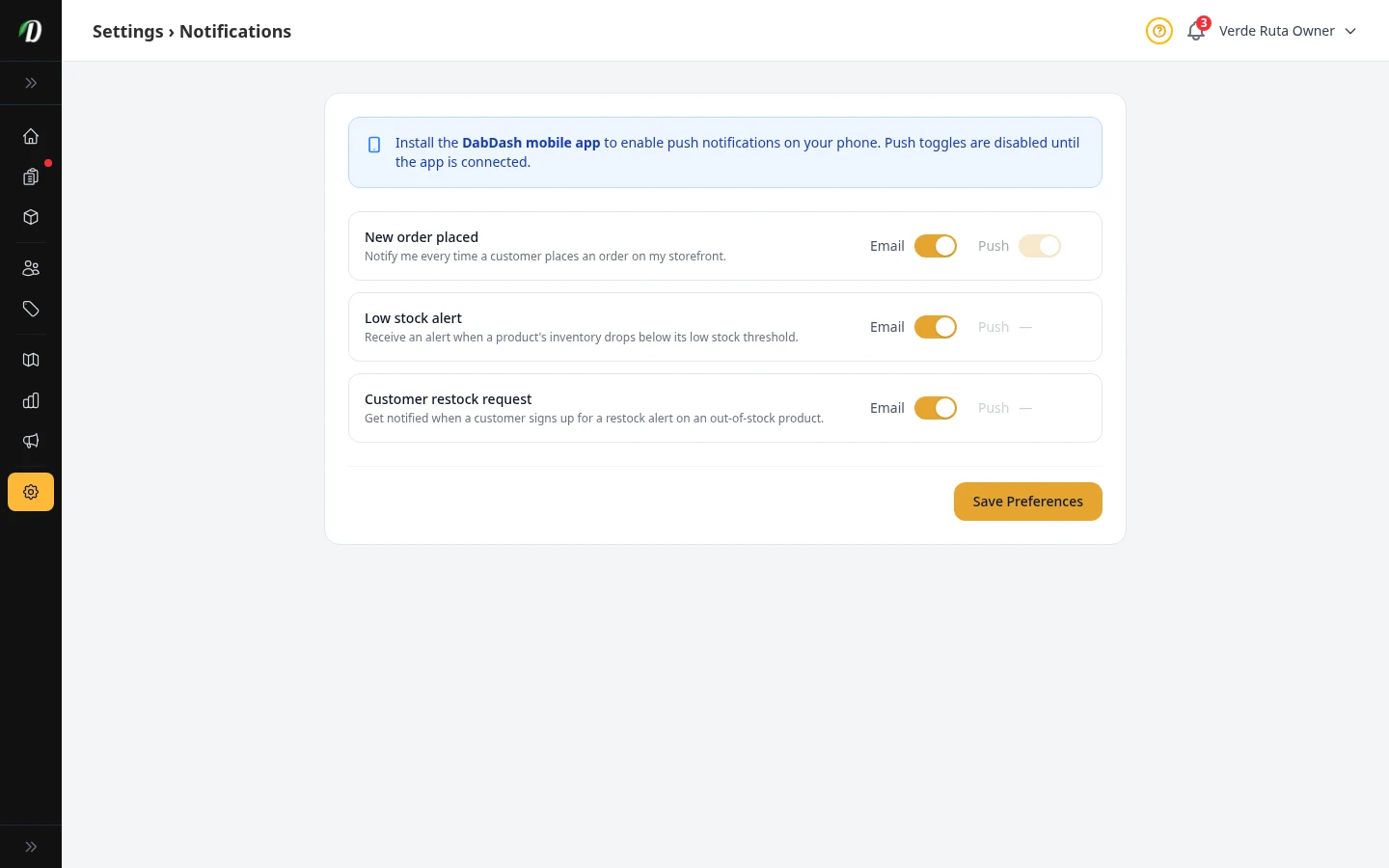
Notification Settings
Choose which alerts you get by email or push — orders, low stock, and restock requests.
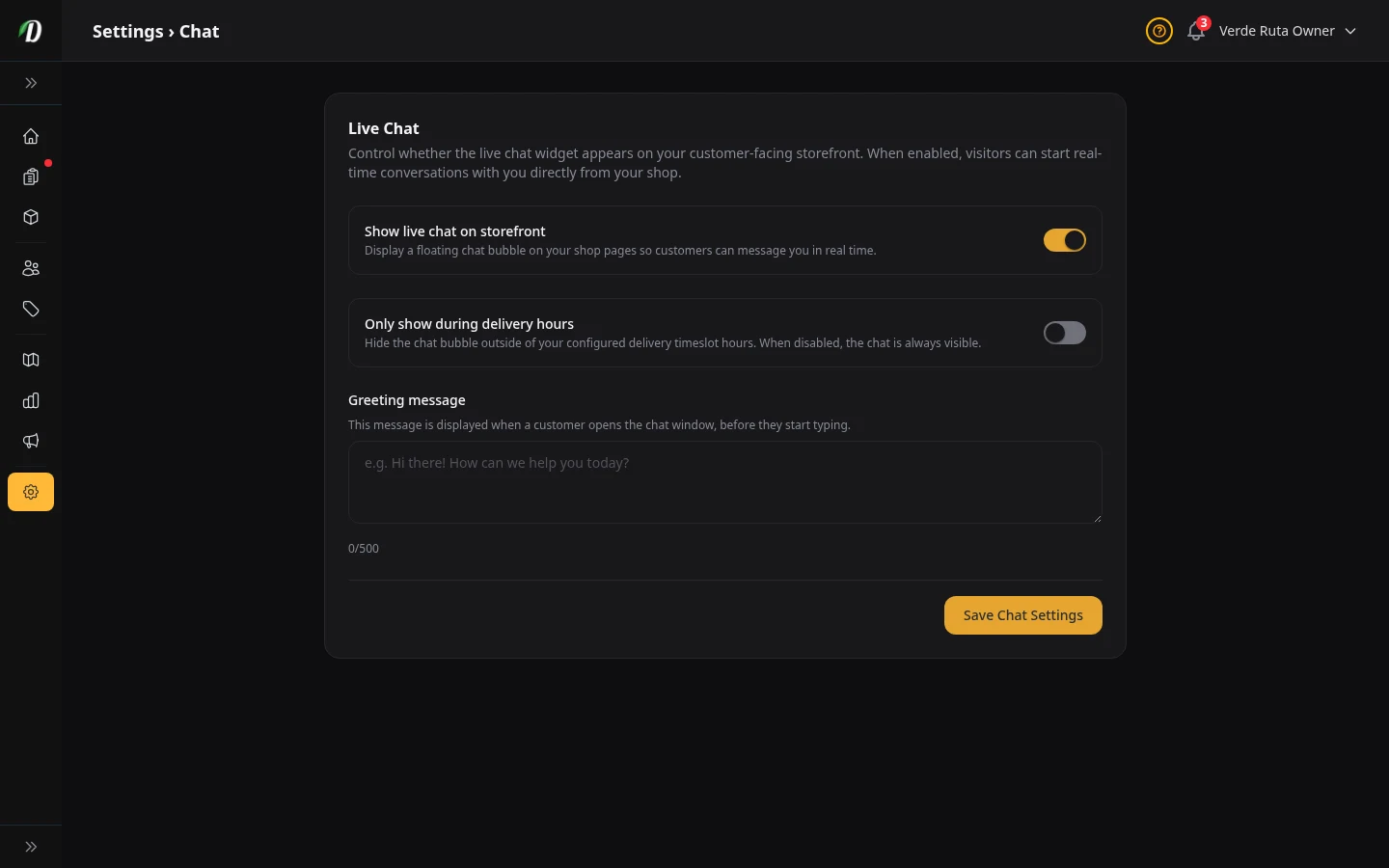
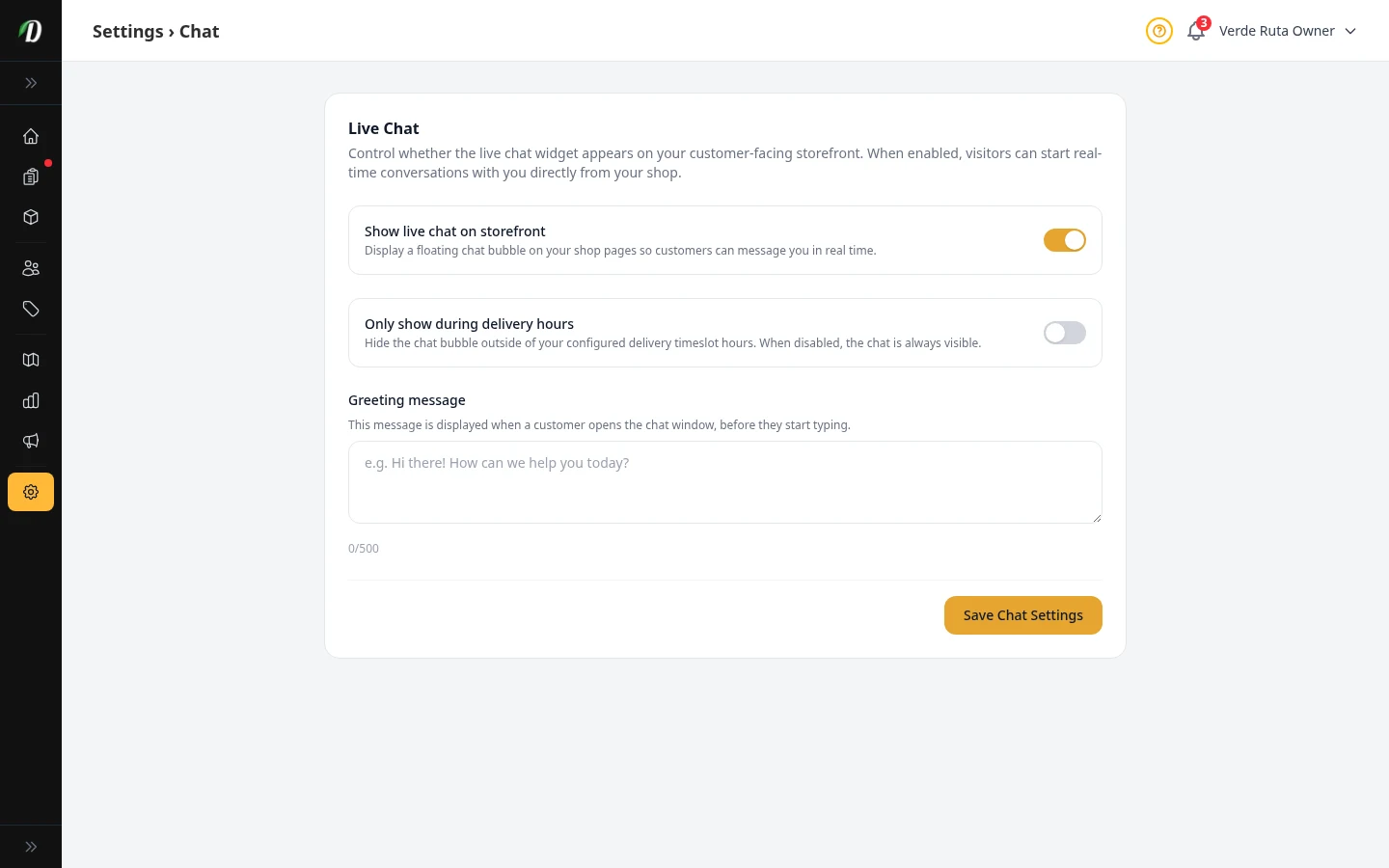
Live Chat
Turn the chat bubble on your store on or off and write a greeting message.
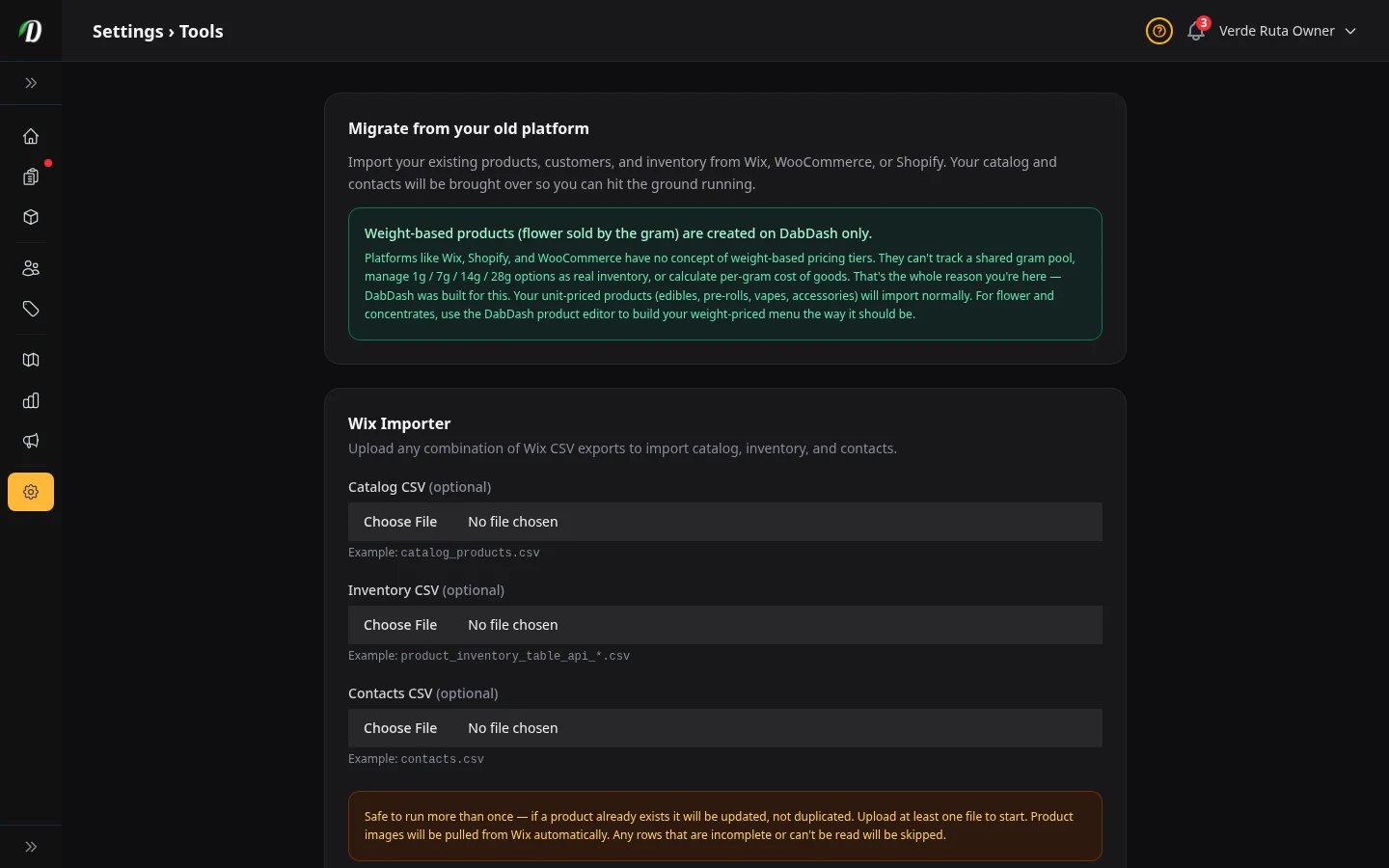
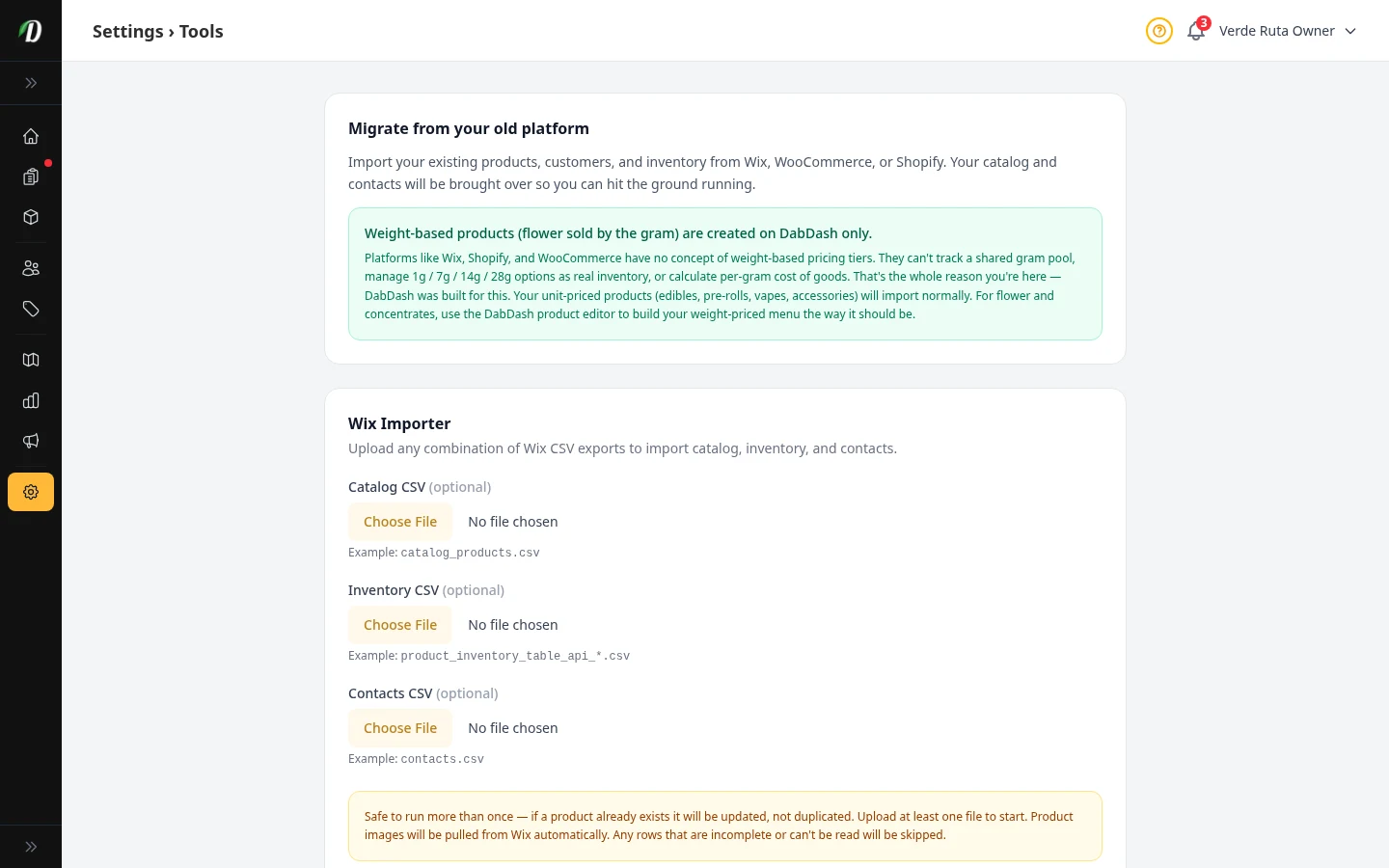
Moving Your Data In
Import your products, stock levels, and customers from Wix using CSV files.
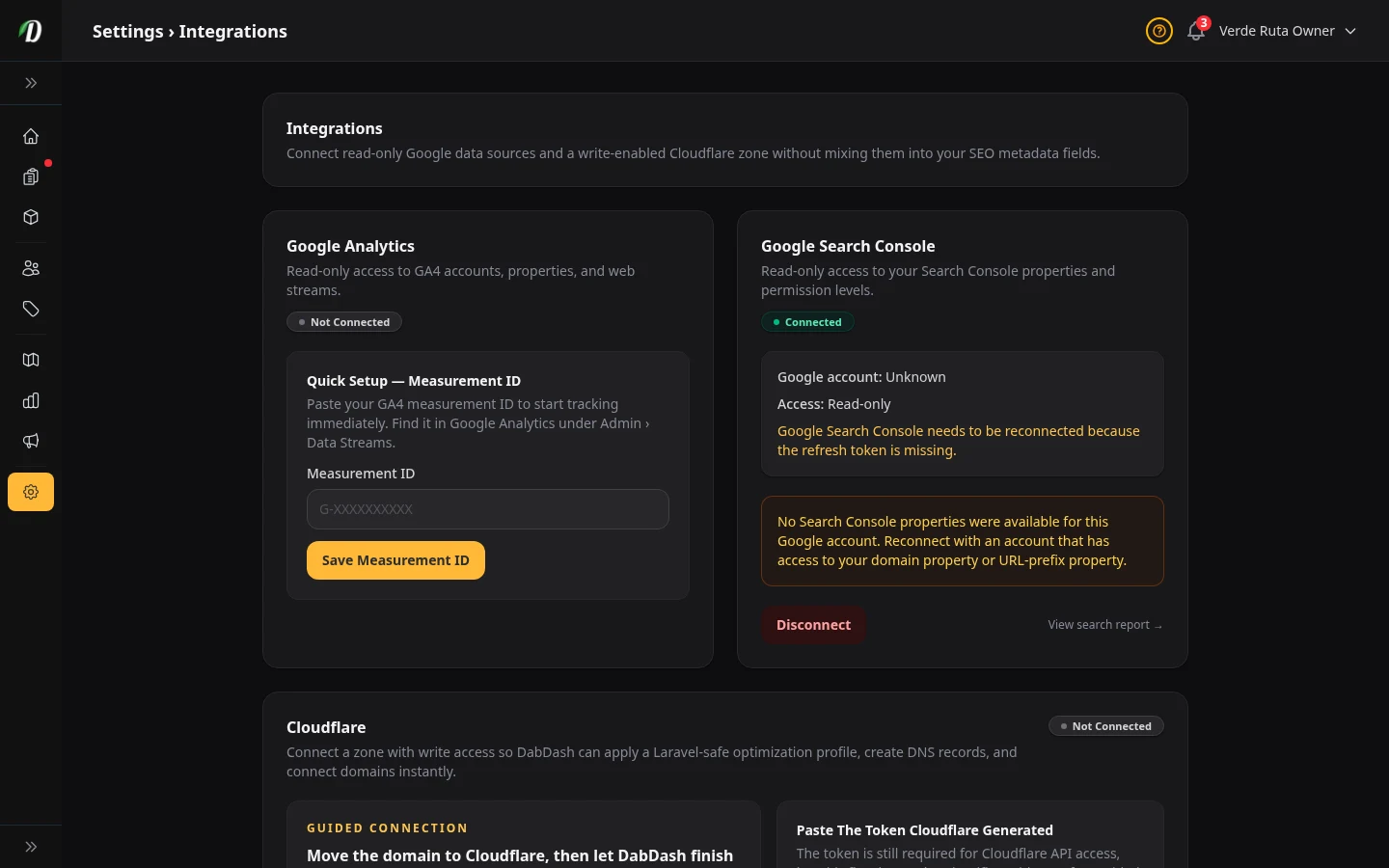
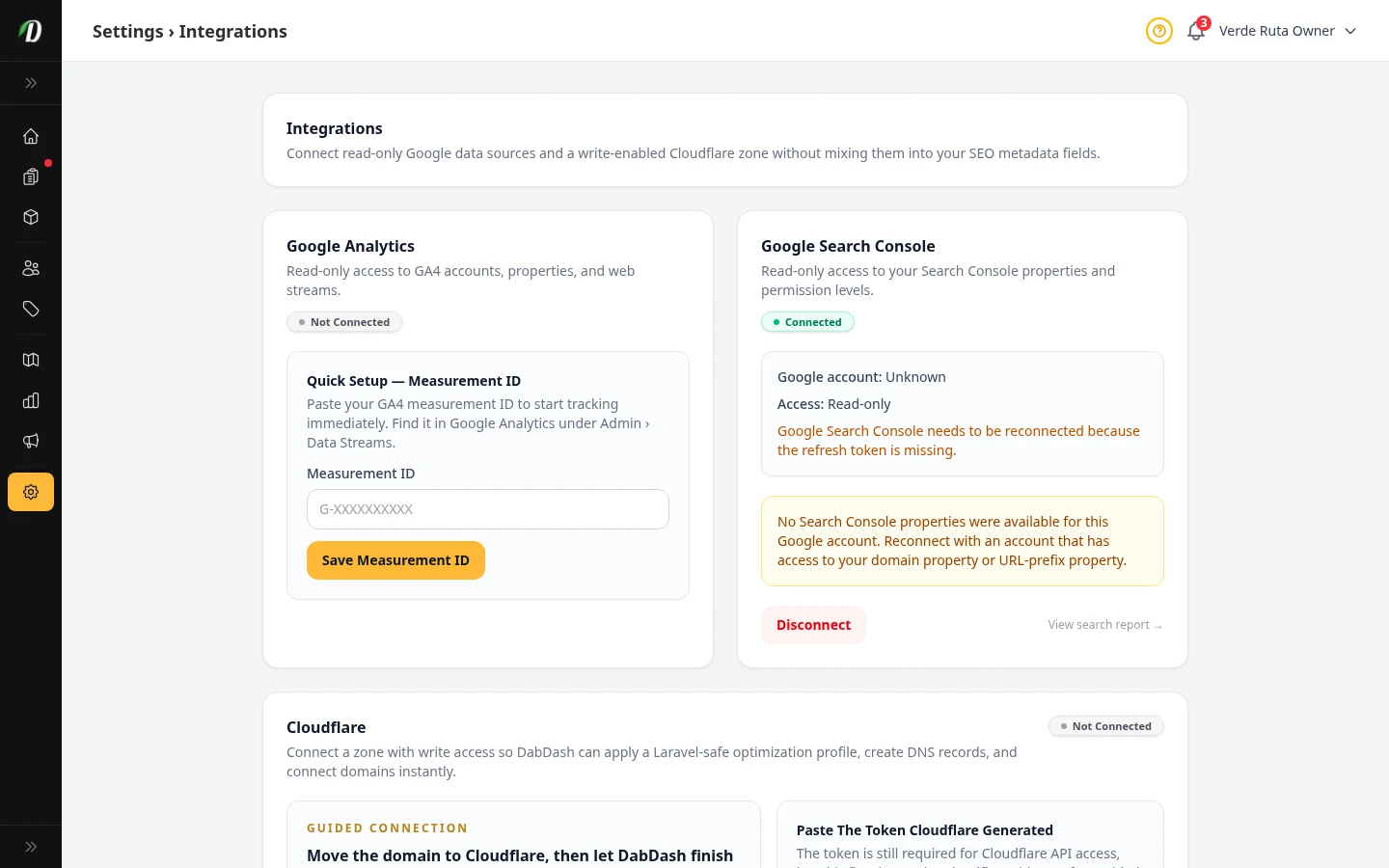
Integrations
Connect Google Analytics, Search Console, and Cloudflare to your store.
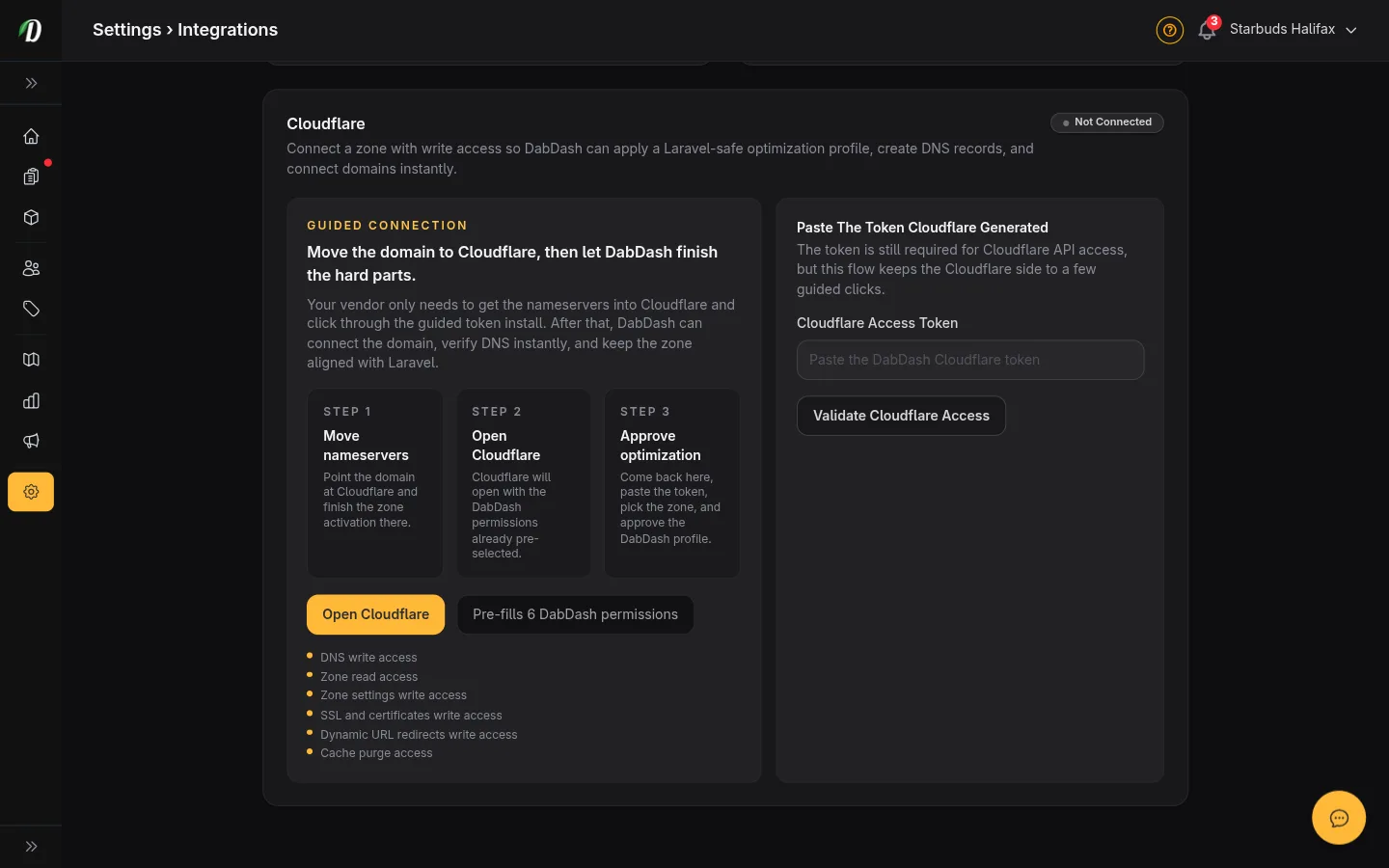
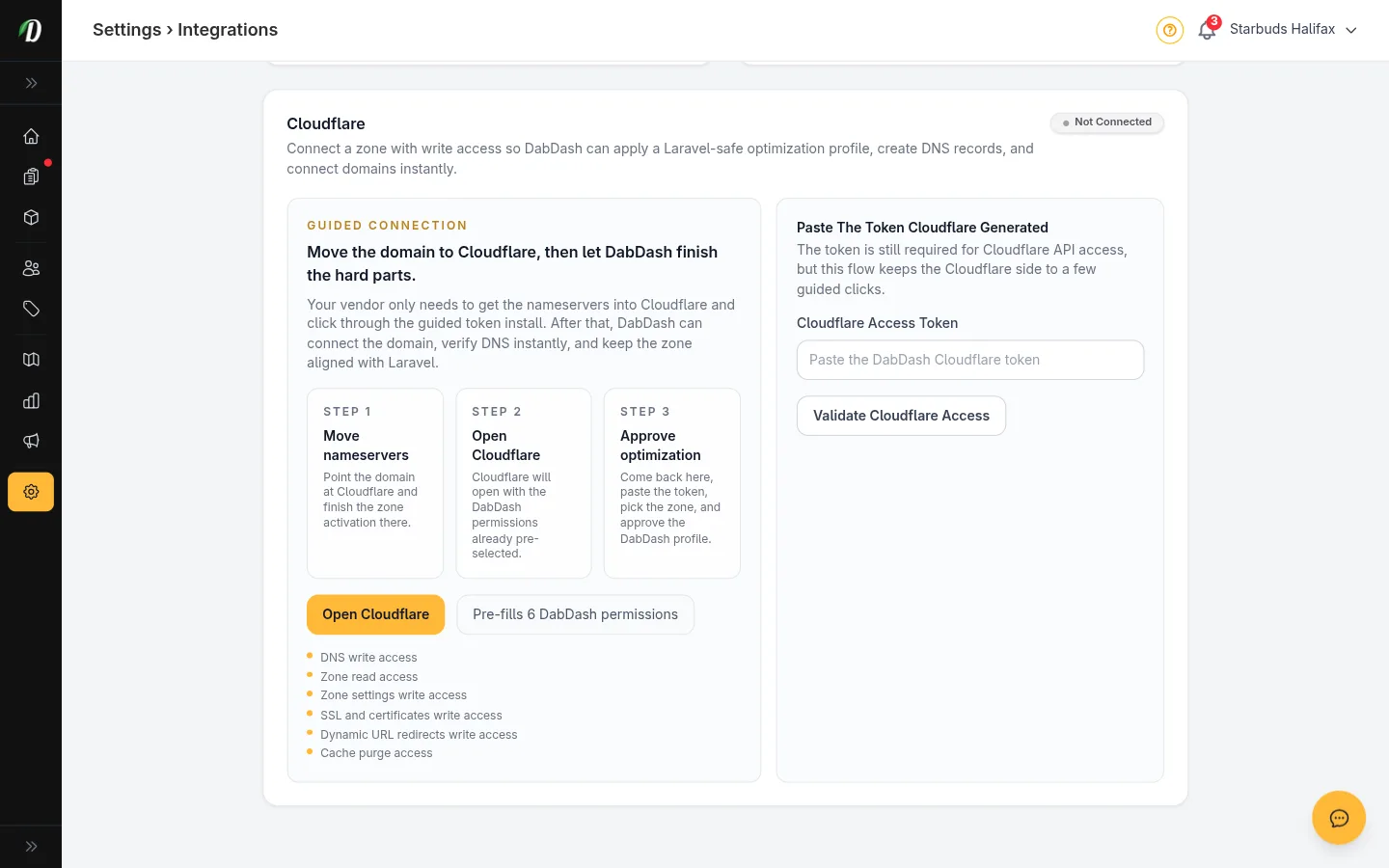
Cloudflare Setup Guide
Step-by-step guide to connecting Cloudflare, applying HTTPS settings, and linking your custom domain.
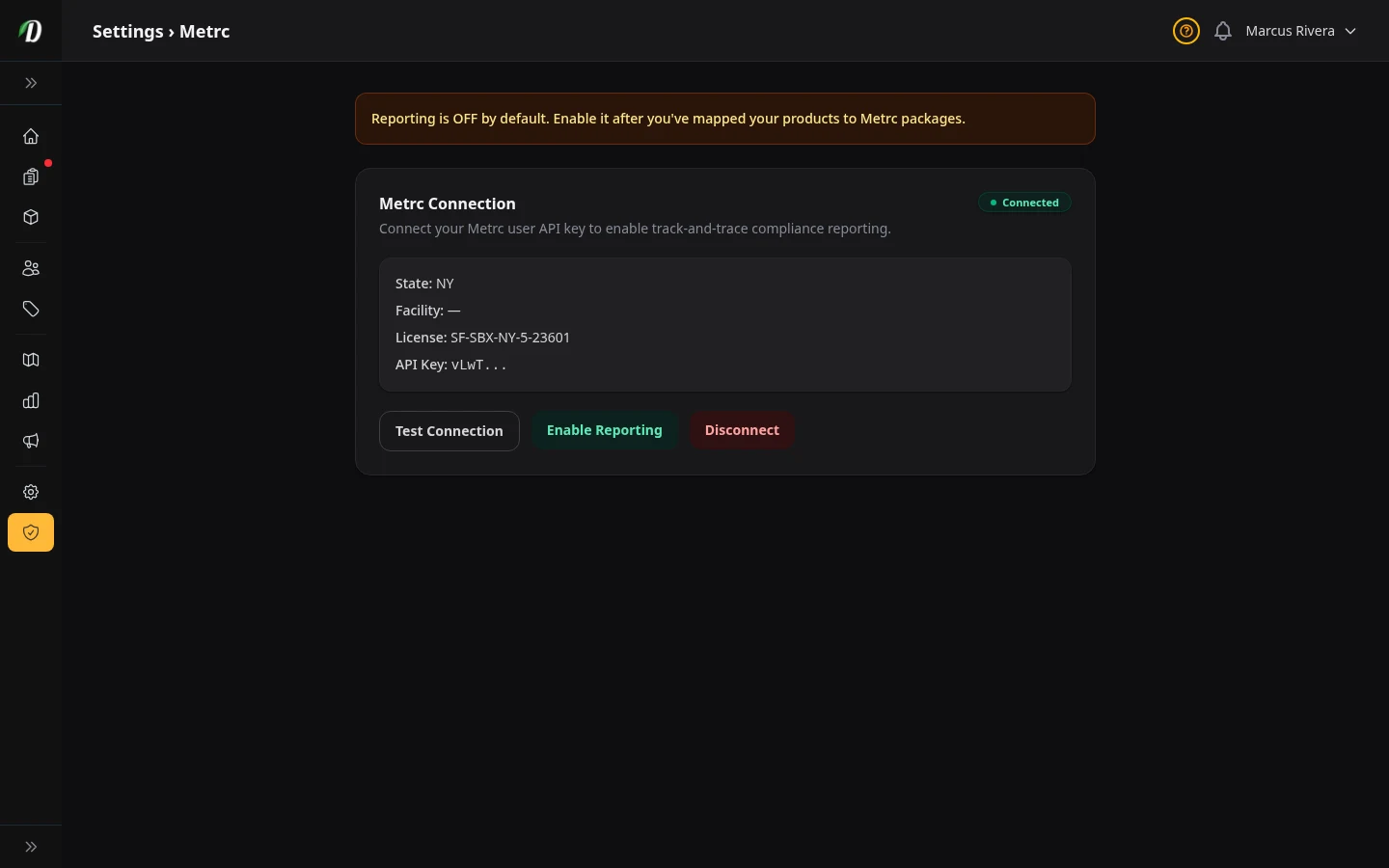
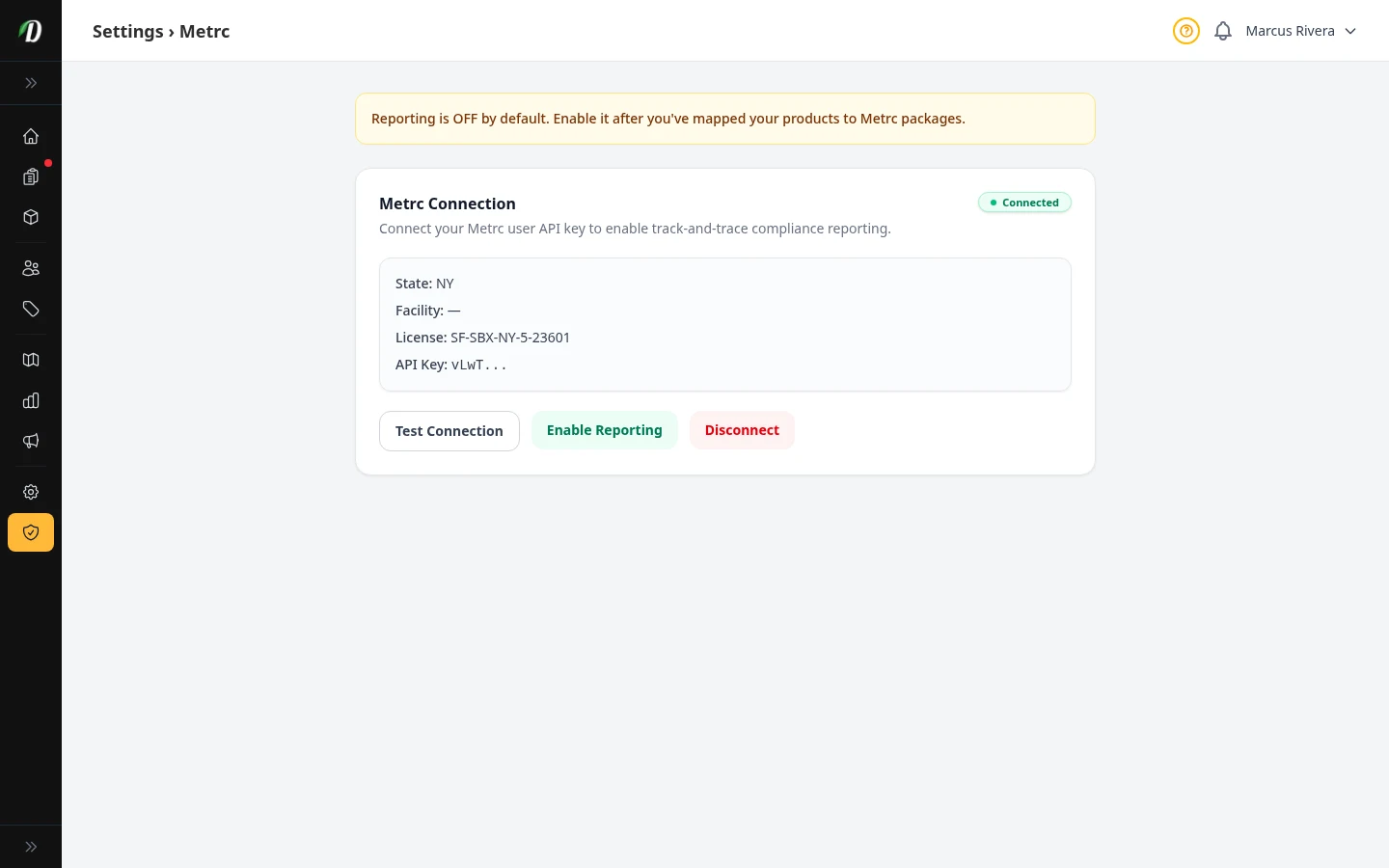
Metrc Integration
Connect your Metrc API key, sync packages, link products to package labels, and turn on automatic compliance reporting. US stores only.
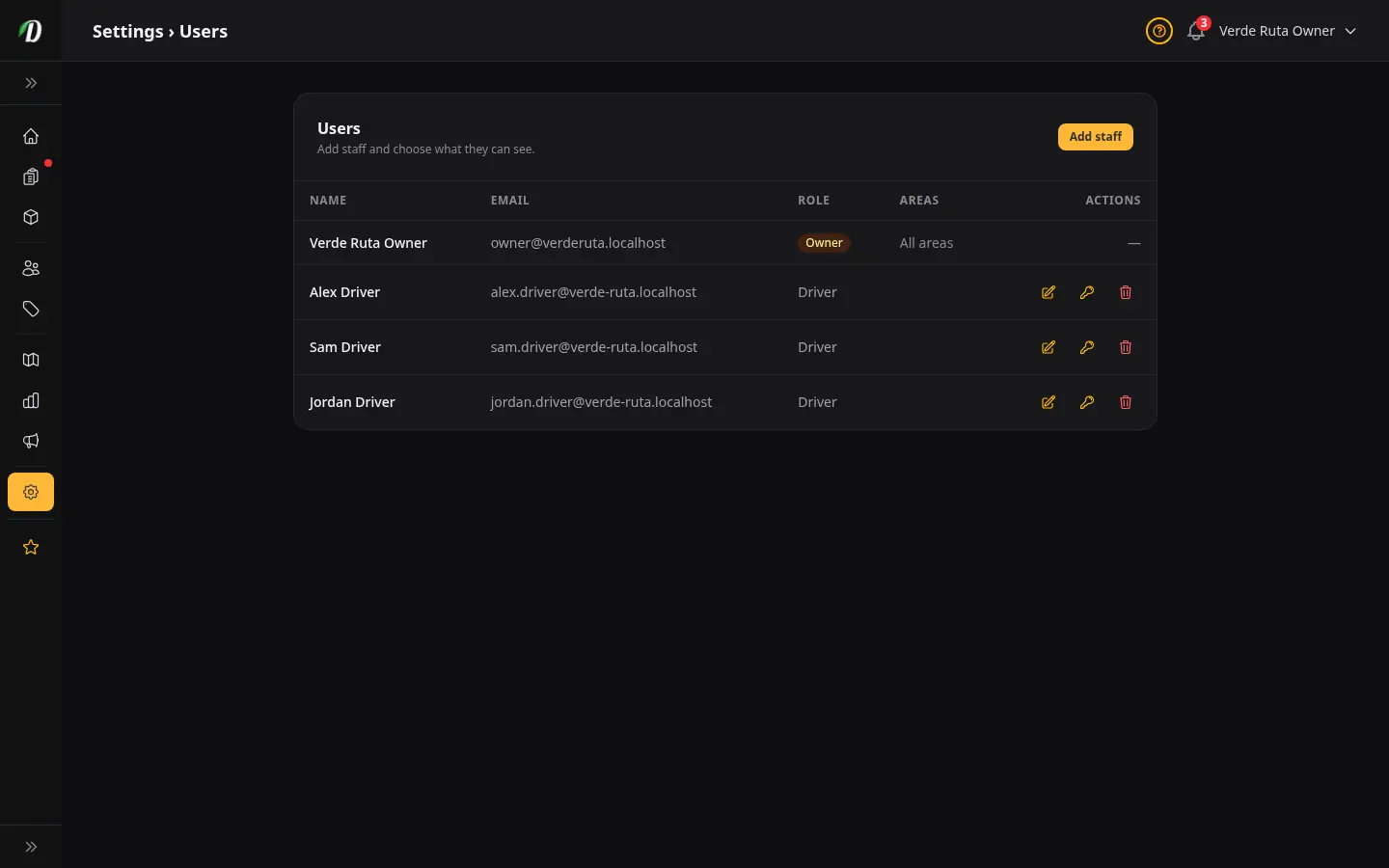
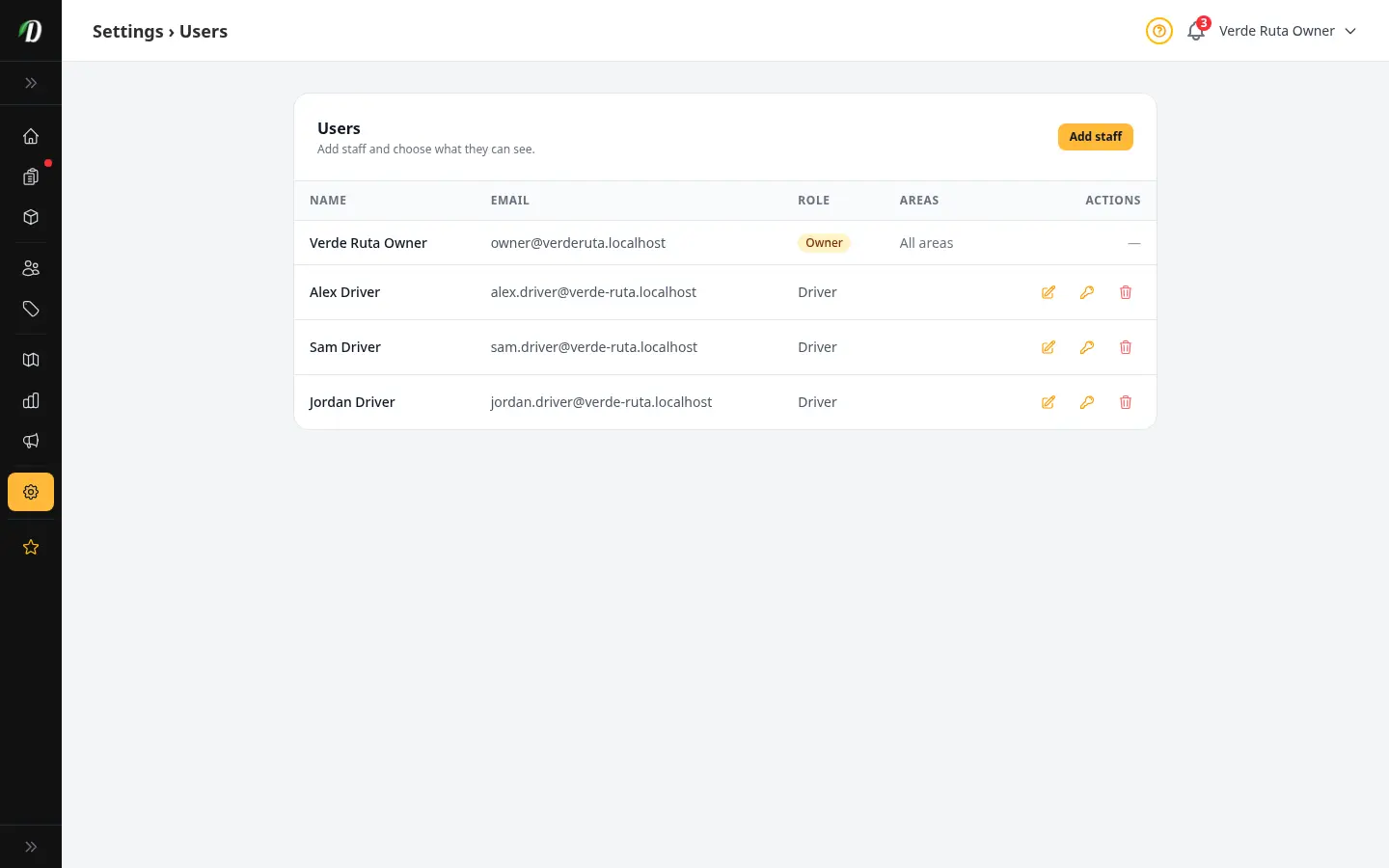
Staff & Permissions
Add staff members, set initial passwords, and control which parts of the dashboard each person can access.
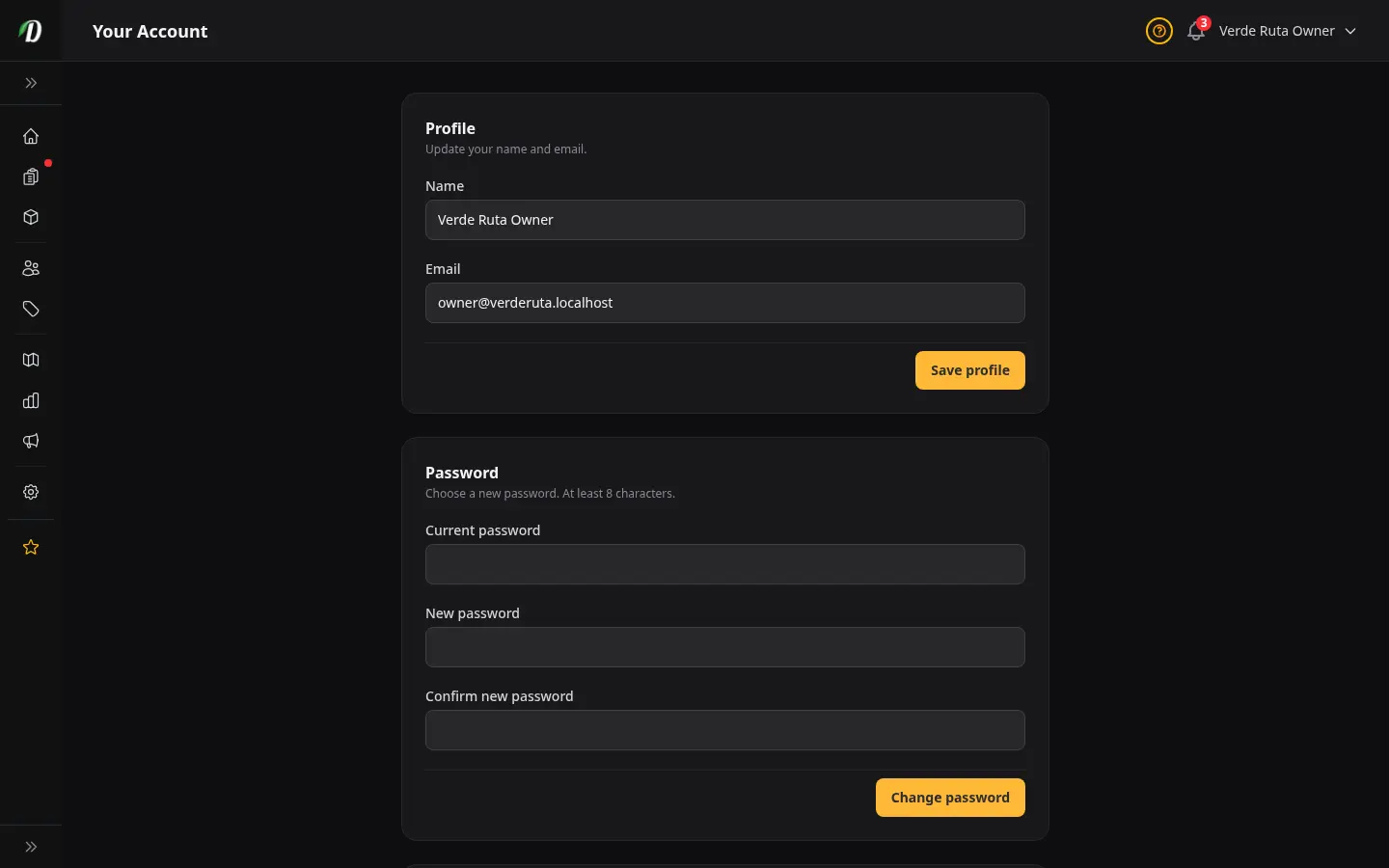
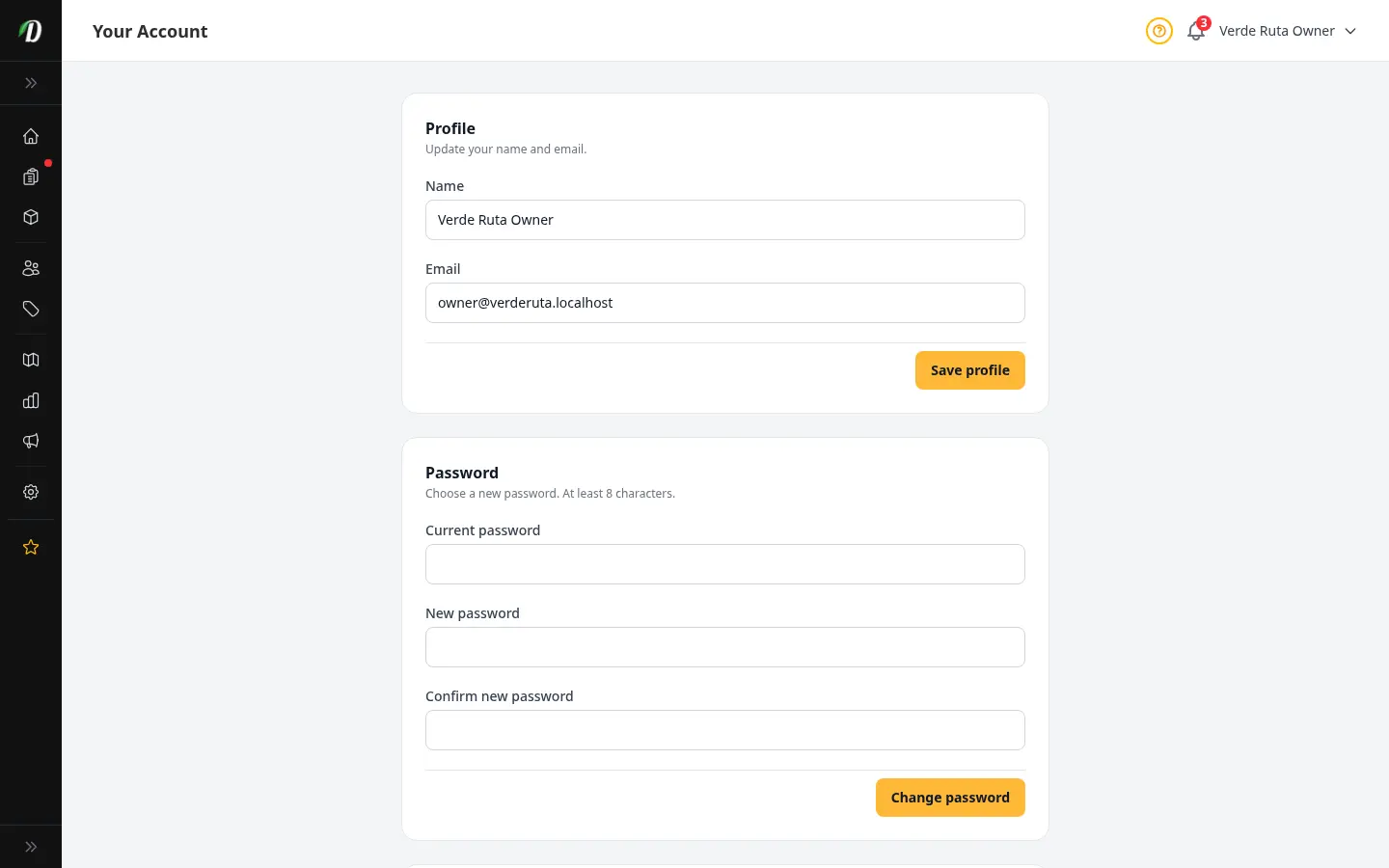
Your Account
Update your display name, change your email address, set a new password, and see your role and dashboard access permissions.
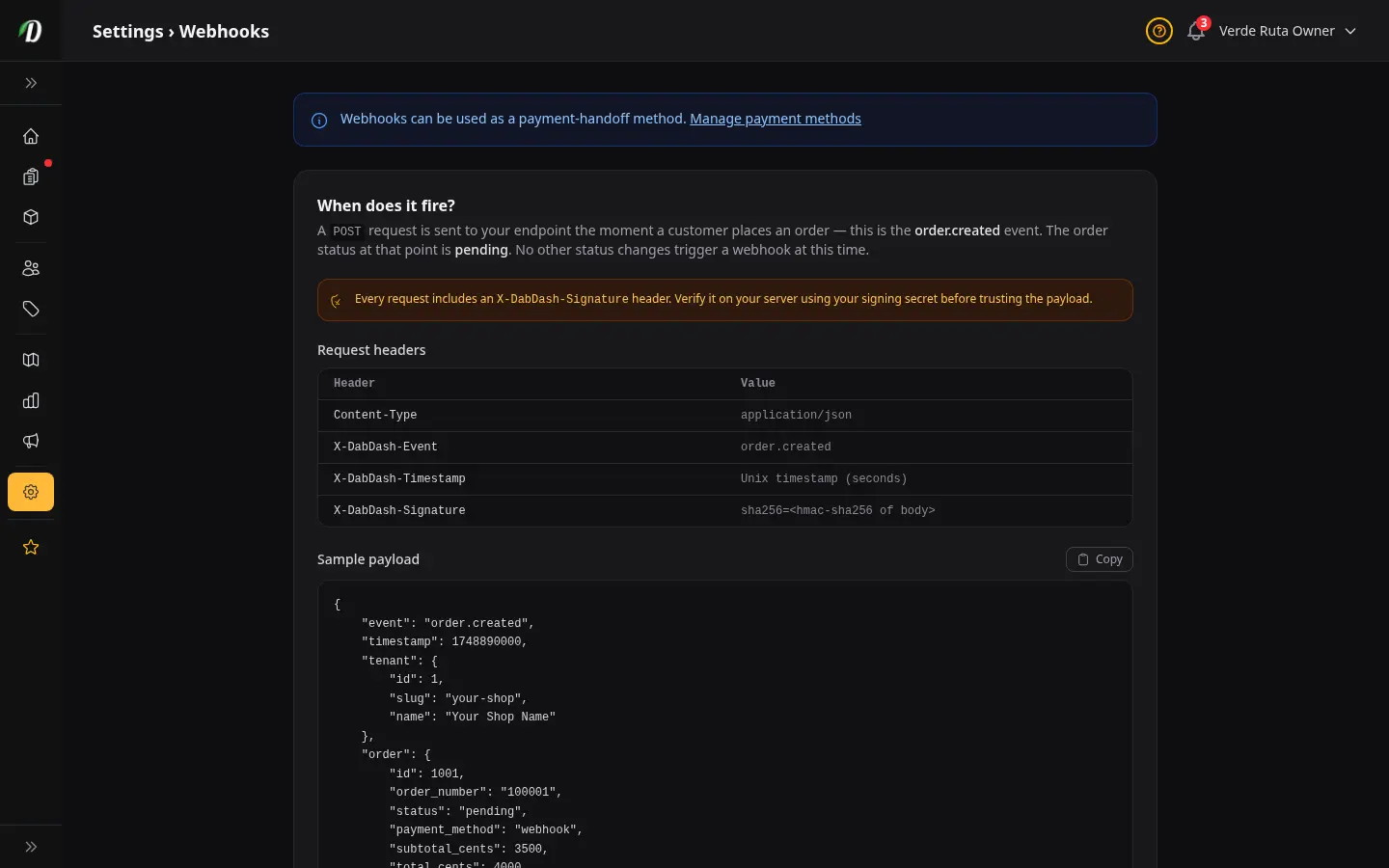
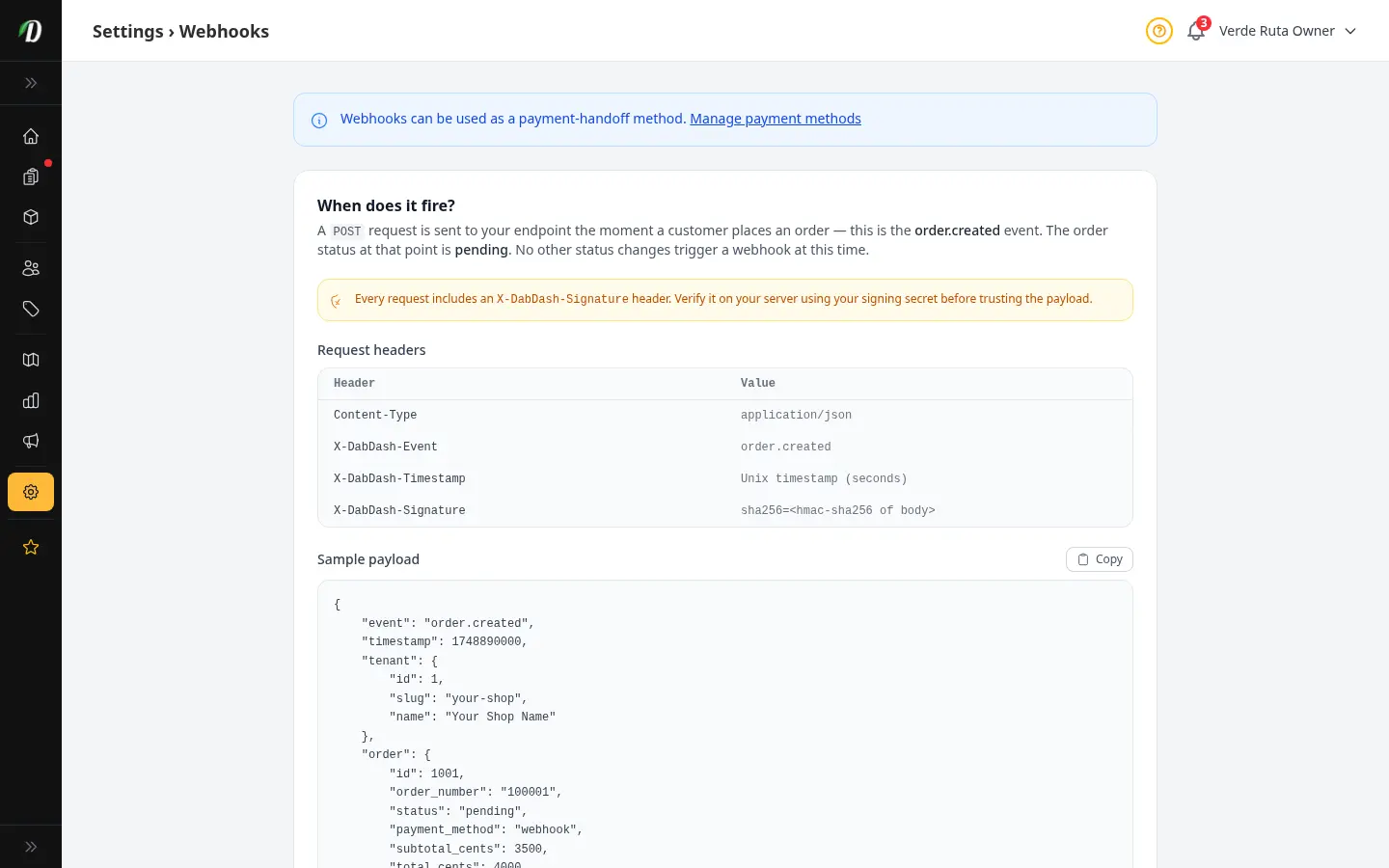
Saved Webhooks
Save named webhook endpoints once and reuse them for orders and email campaigns. Each webhook has its own URL, signing secret, custom headers, and test payload.
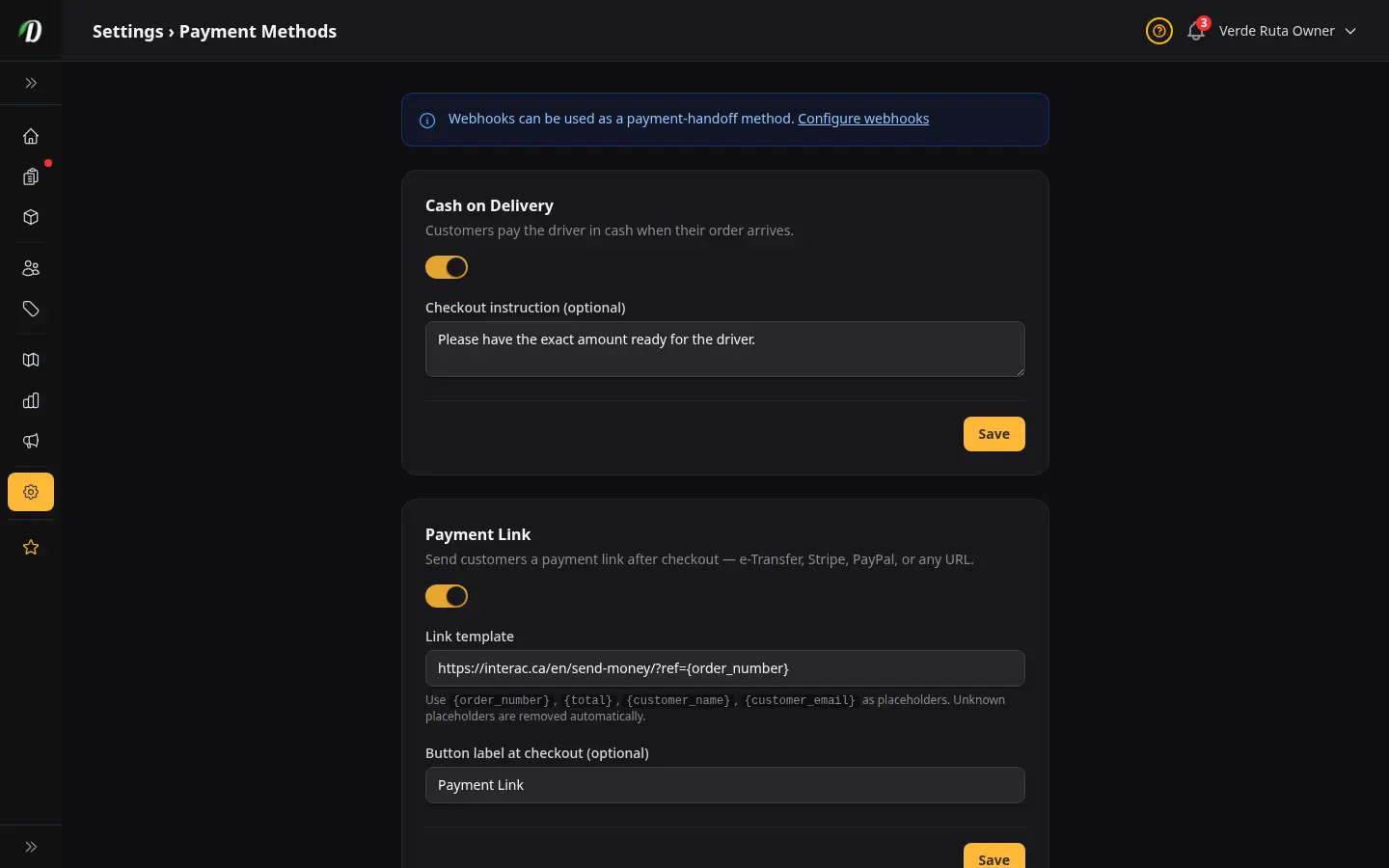
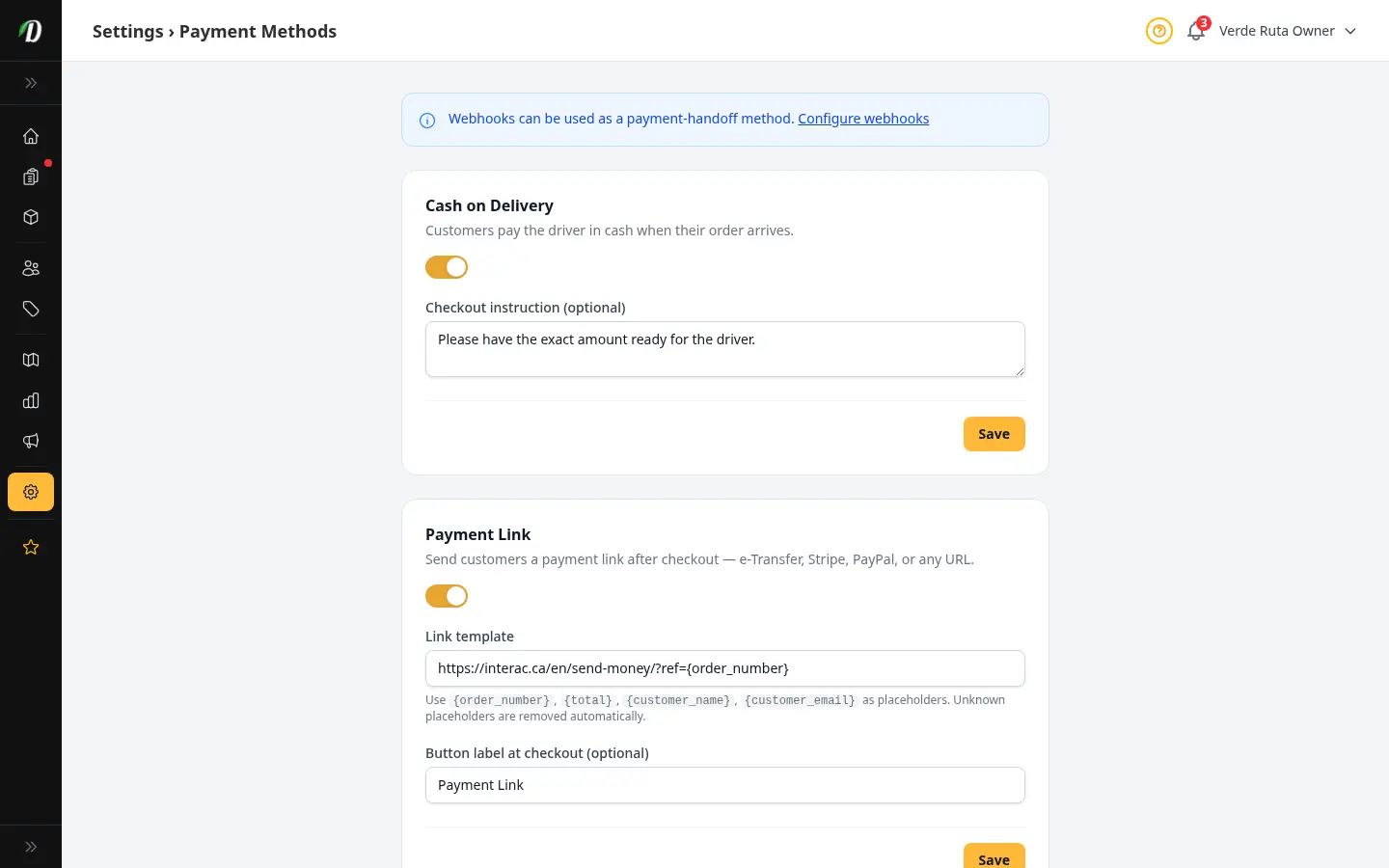
Payment Methods
Enable any combination of Cash on Delivery, Payment Link (templated per-order URL), QR Code, and CRM/Webhook handoff. Customers see only the methods you turn on at checkout.
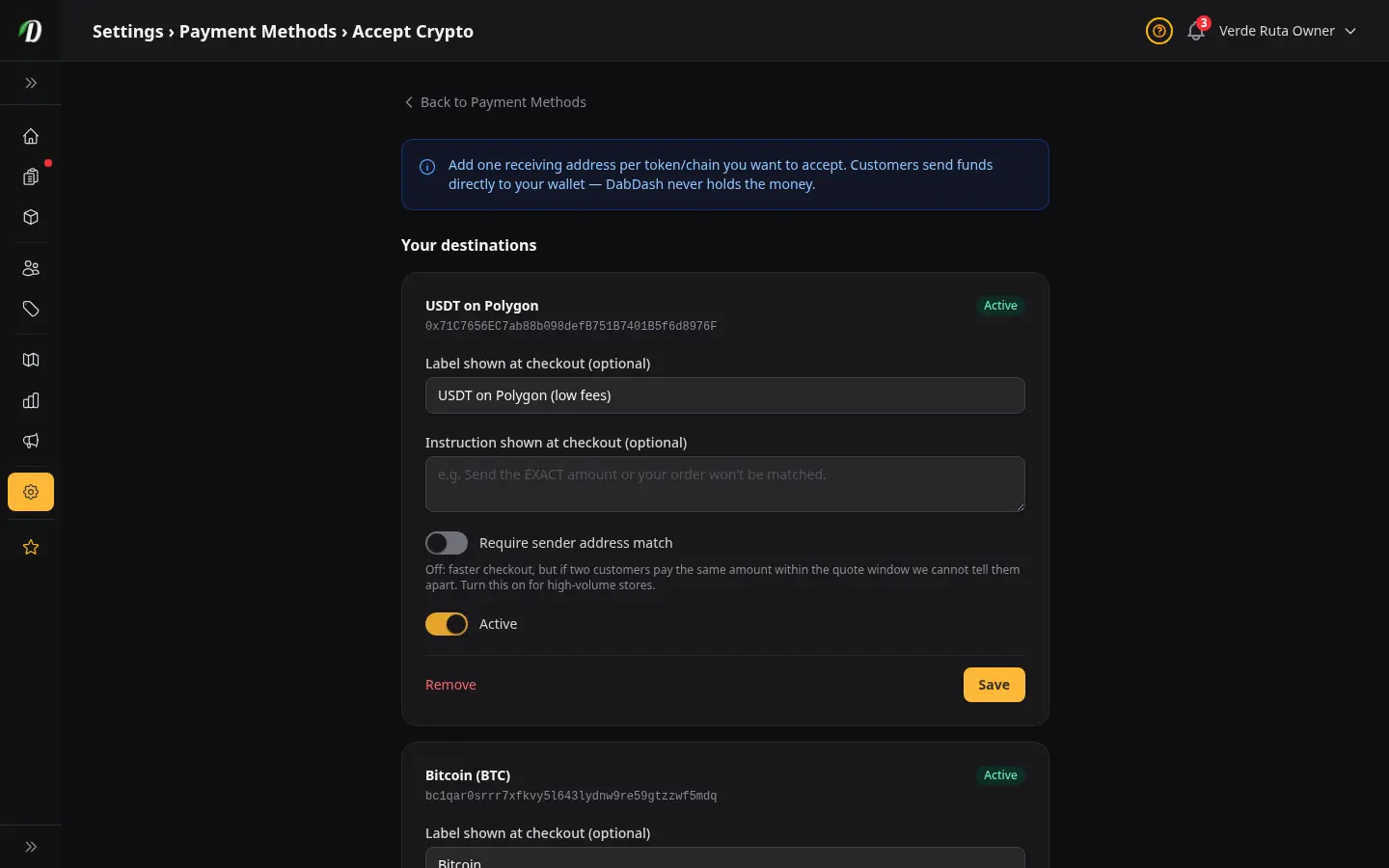
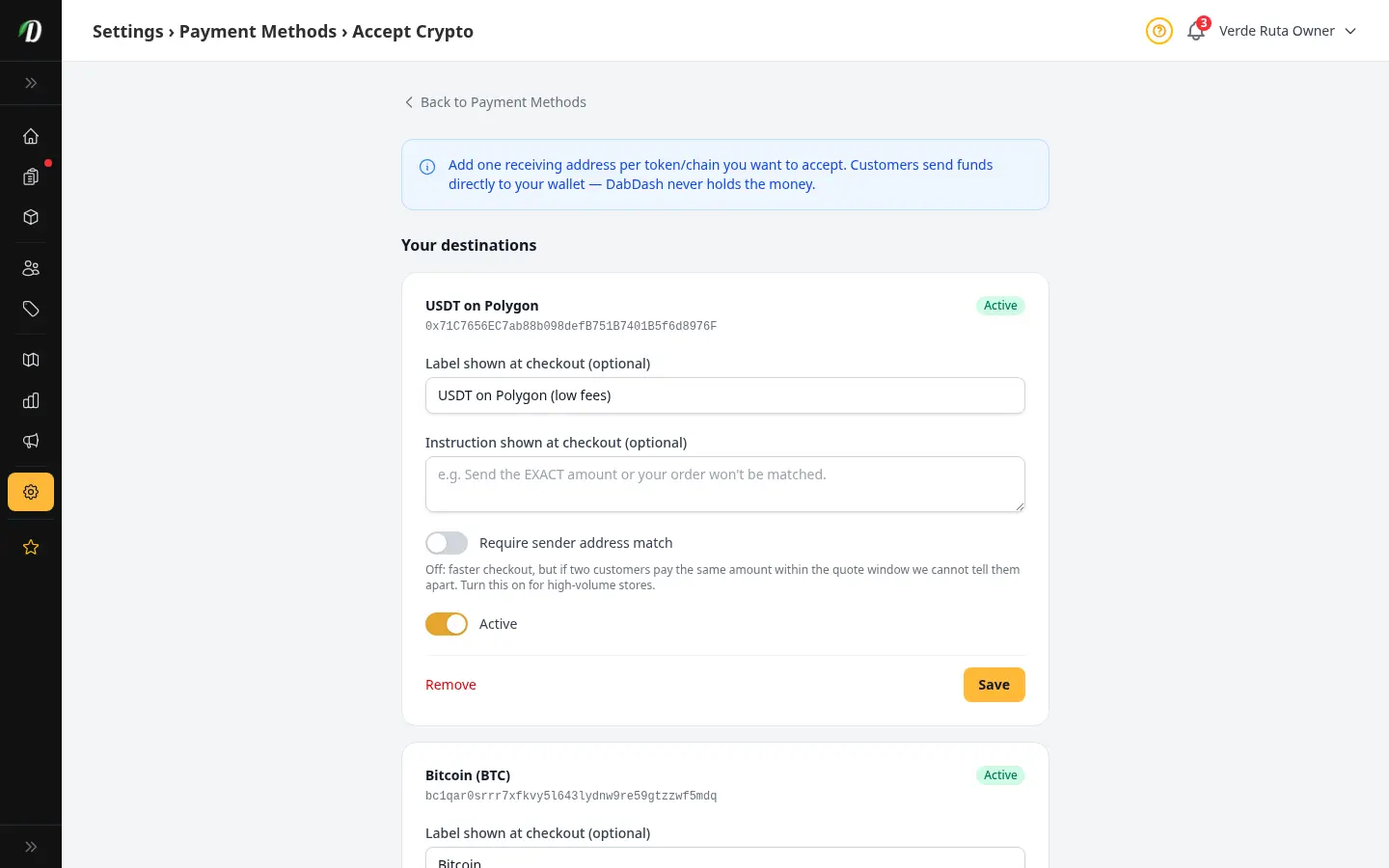
Accept Crypto Payments
Add USDT/USDC on BSC/Polygon/Ethereum, native ETH/BTC/LTC, or USDT on Tron as a payment method. Funds go directly to your wallet — DabDash watches the chain and credits the order once the transfer confirms.
Security
Block repeat fraud at checkout — disposable emails, IPs, domains, full addresses, and phone numbers. Each list works on its own.


AI Assistant
Connect Claude or any AI tool to your store for hands-free inventory checks, order lookups, campaign creation, and more.
Connect Your POS
One place to connect your own point-of-sale system — send new orders out with webhooks, or let an AI assistant look up your store data.
Send New Orders to Your POS
Step-by-step recipe for sending every new order to Indica, Blaze, Dutchie, or your own system the instant it comes in, using a saved webhook.